n8n Talk to Your Google Sheet: 4 Steps and One Check
A visual guide to n8n’s chat-with-your-sheet template: add your OpenAI credential, point it at your sheet, ask questions and check every total by hand.
Slide 1 of 7 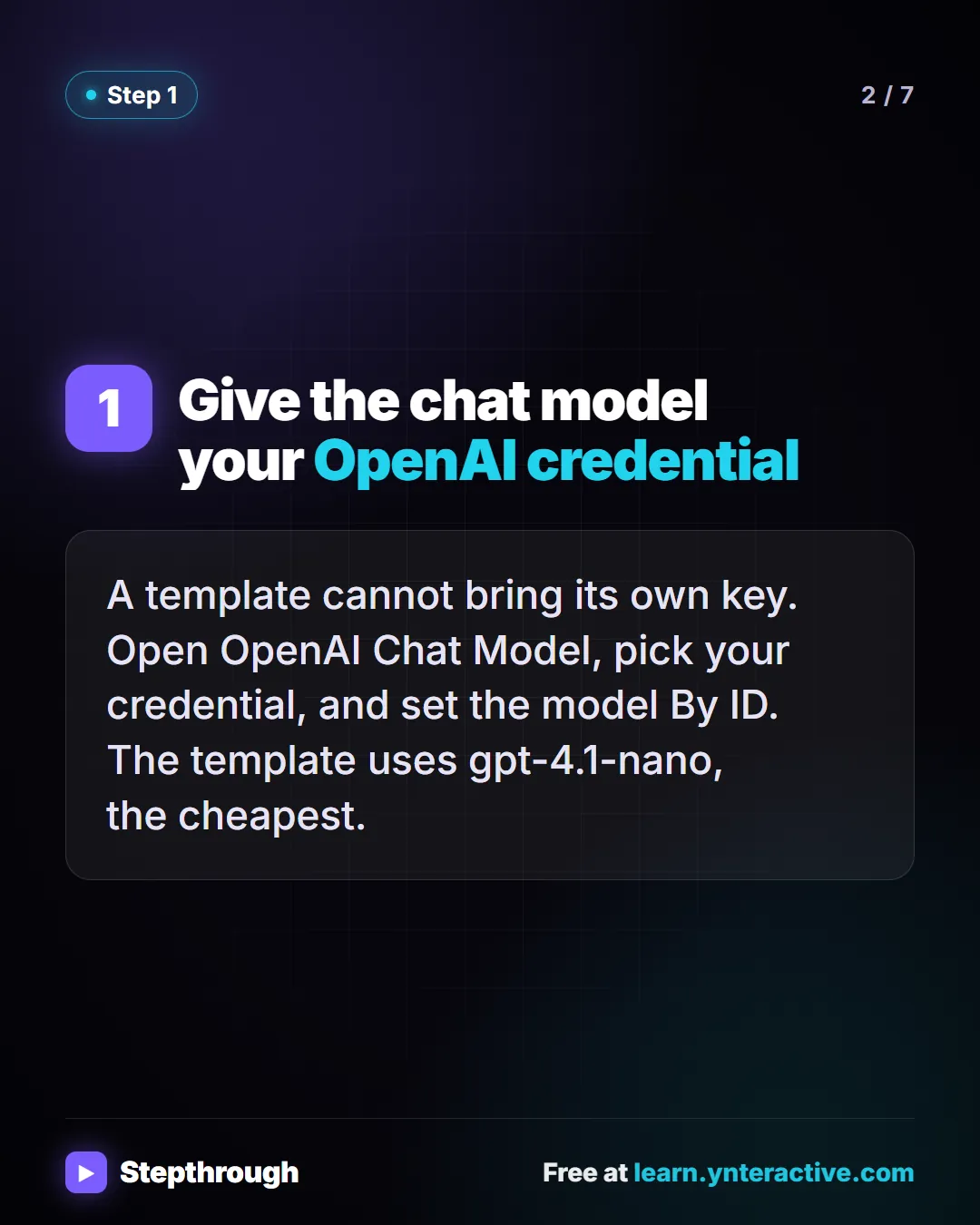
Slide 2 of 7 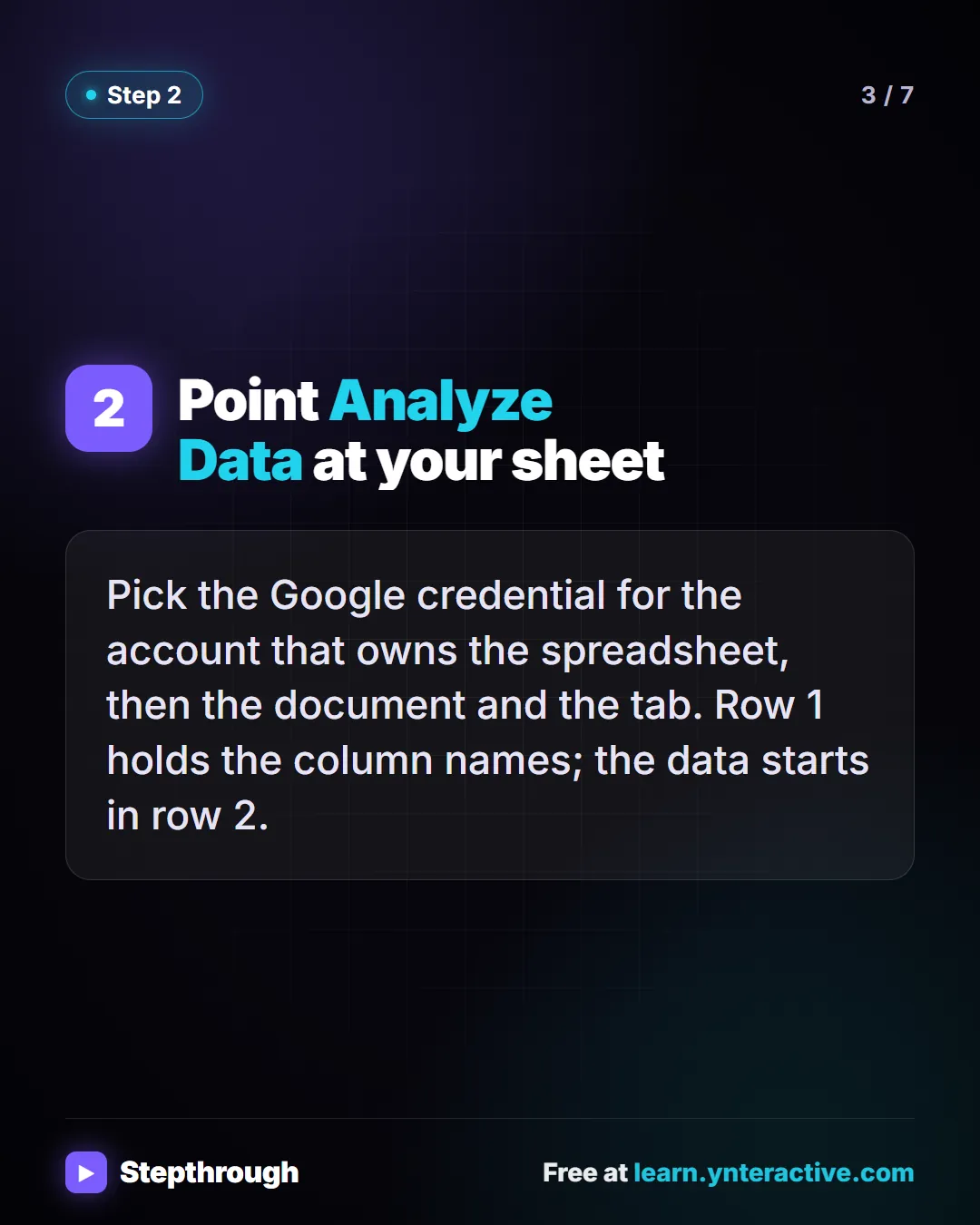
Slide 3 of 7 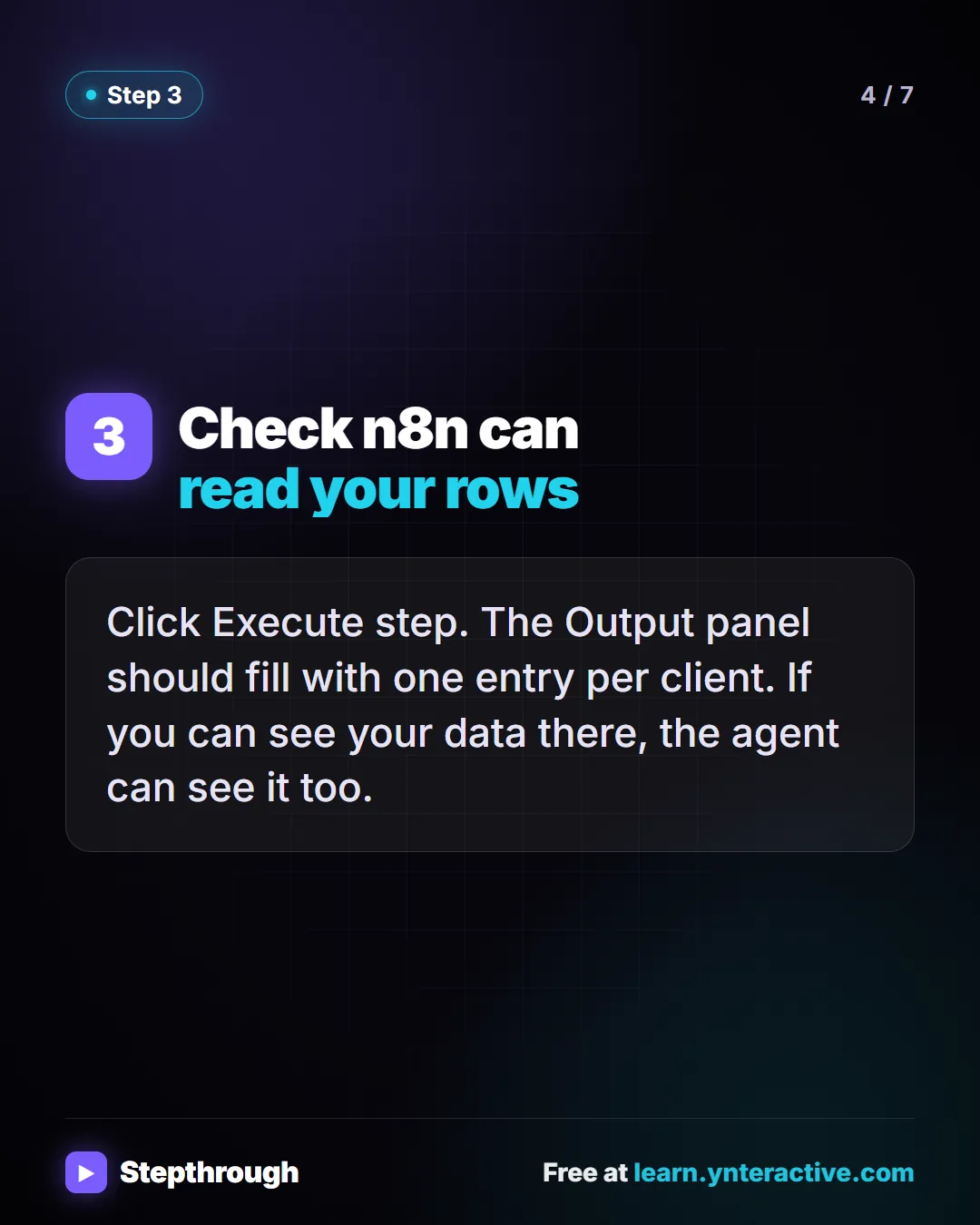
Slide 4 of 7 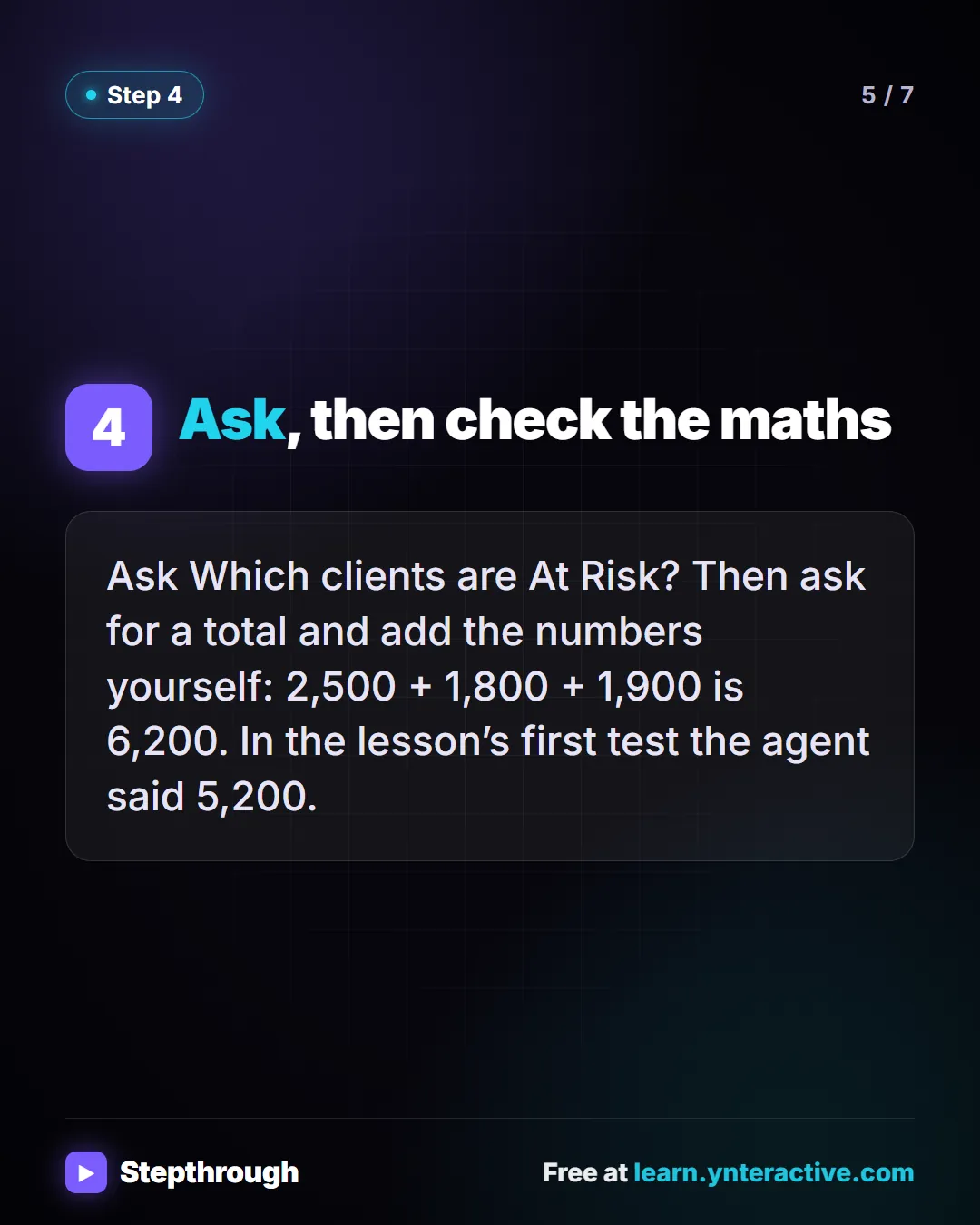
Slide 5 of 7 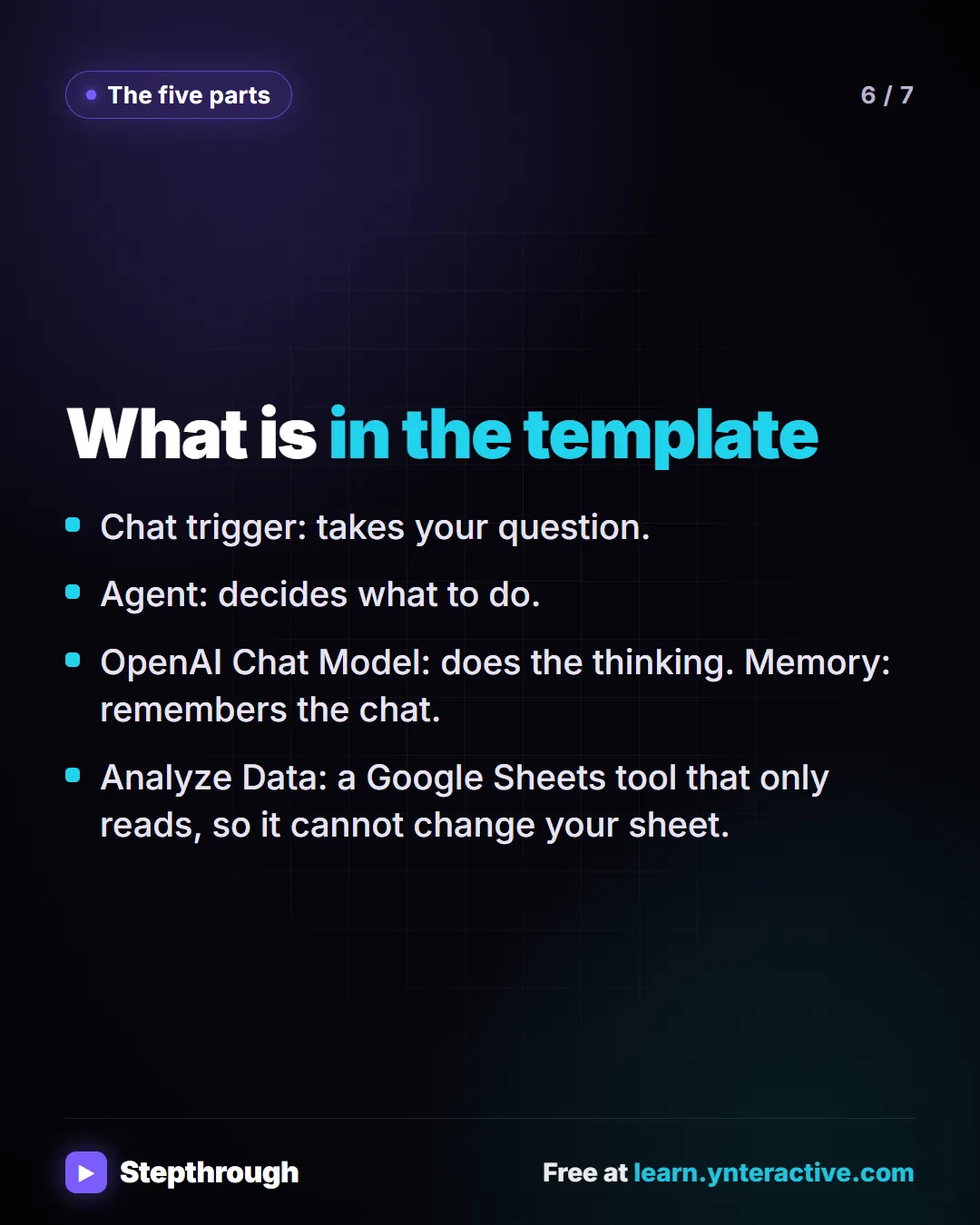
Slide 6 of 7 
Slide 7 of 7
The guide in text
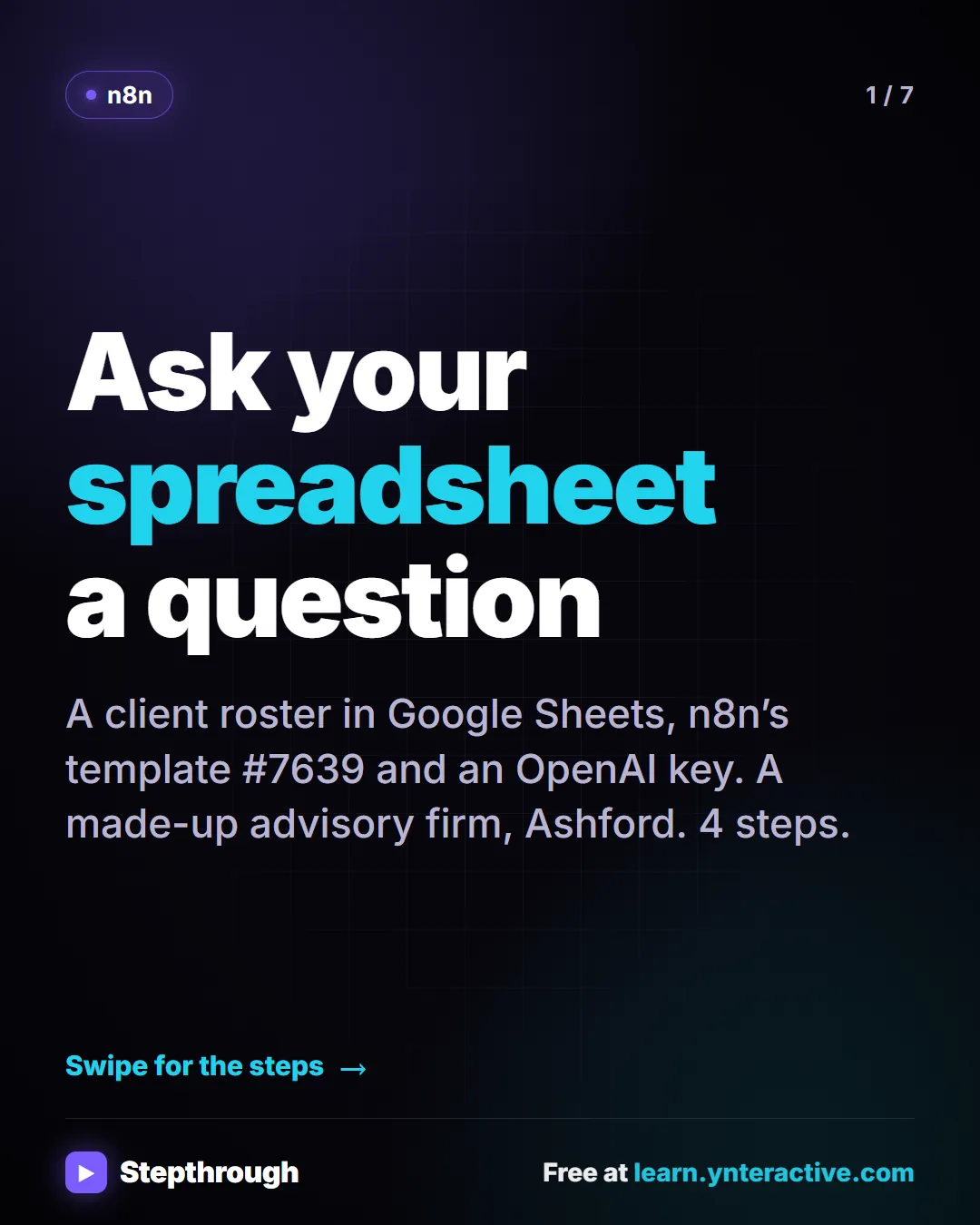
A client roster in Google Sheets, n8n’s template #7639 and an OpenAI key. A made-up advisory firm, Ashford. 4 steps.
Step by step
Give the chat model your OpenAI credential
A template cannot bring its own key. Open OpenAI Chat Model, pick your credential, and set the model By ID. The template uses gpt-4.1-nano, the cheapest.
Point Analyze Data at your sheet
Pick the Google credential for the account that owns the spreadsheet, then the document and the tab. Row 1 holds the column names; the data starts in row 2.
Check n8n can read your rows
Click Execute step. The Output panel should fill with one entry per client. If you can see your data there, the agent can see it too.
Ask, then check the maths
Ask Which clients are At Risk? Then ask for a total and add the numbers yourself: 2,500 + 1,800 + 1,900 is 6,200. In the lesson’s first test the agent said 5,200.
What is in the template
- Chat trigger: takes your question.
- Agent: decides what to do.
- OpenAI Chat Model: does the thinking. Memory: remembers the chat.
- Analyze Data: a Google Sheets tool that only reads, so it cannot change your sheet.
Businesses and people in the examples are made up (Ashford Advisory Group is a made-up business). The steps, screens and wording come from the free lesson and the Stepthrough glossary and prompt library.
Do it yourself, free
n8n: Talk to Your Google Sheets with ChatGPT, from Zero (Free Credits or API Key, Google, Sheet, Chat). Start from nothing: copy n8n template 7639, use n8n's free credits (or your own OpenAI API key), connect Google, make your own sheet, then ask it questions in plain English. You do every step yourself in a practice copy of n8n, it checks your work as you go, and “Do it for me” finishes any step you get stuck on. Free, and nothing touches your real accounts.
Start the free lessonRelated terms
Plain-English definitions, each with an example from a free lesson.
Related prompts
- Sheet question and total checker prompt: Ask an AI agent about a spreadsheet and make it show its rows, so you can add the numbers yourself before you repeat a total to…
From the blog
More visual guides
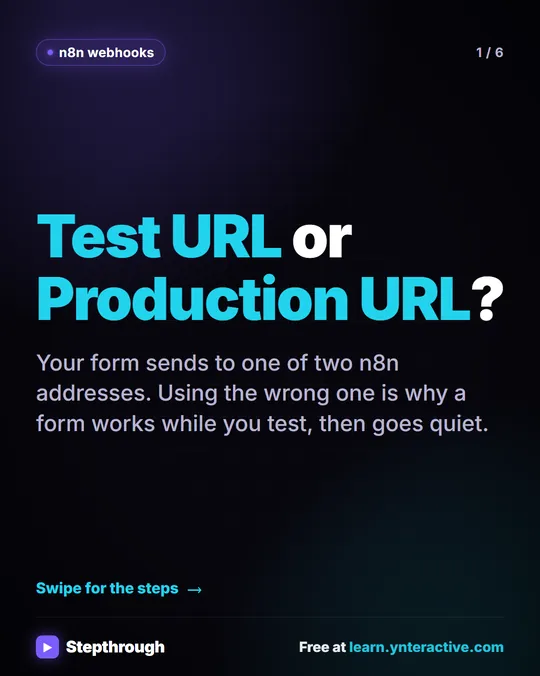 n8n Webhook: Test URL vs Production URL, Explained
A visual guide to the two n8n webhook addresses: the Test URL that listens only while you test, and the Production URL that works once you publish.
Step-by-step guide 6 slides
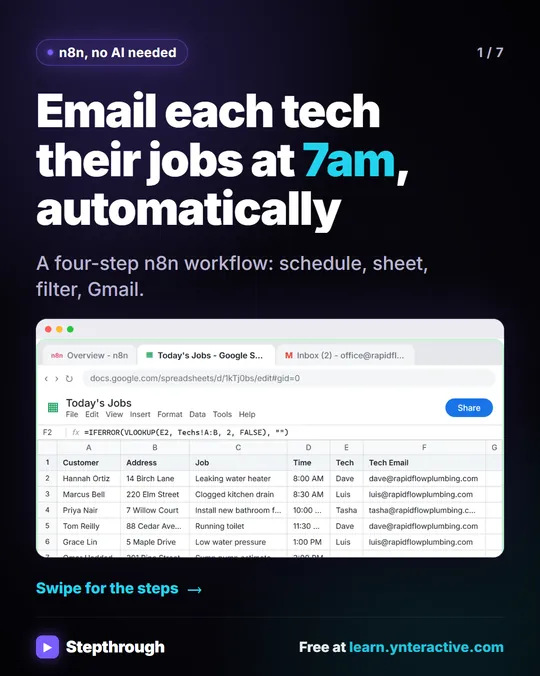 Email each tech their jobs at 7am with n8n
Every morning someone at Rapid Flow Plumbing copies the day's jobs into emails, one tech at a time. Hand it to n8n.
Step-by-step guide 7 slides
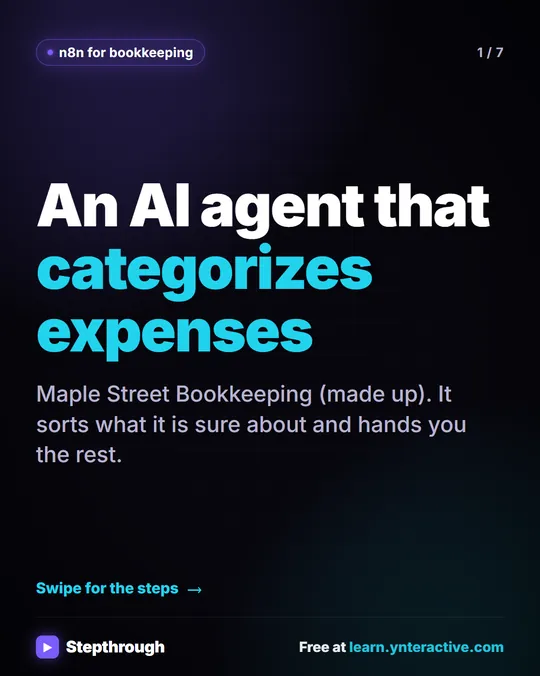 5 Steps to an AI Agent That Categorizes Business Expenses
A visual guide: an n8n agent sorts expenses into a fixed list of categories, flags unclear ones as Needs Review and saves them to Google Sheets.
Step-by-step guide 7 slides