n8n Webhook: Test URL vs Production URL, Explained
A visual guide to the two n8n webhook addresses: the Test URL that listens only while you test, and the Production URL that works once you publish.
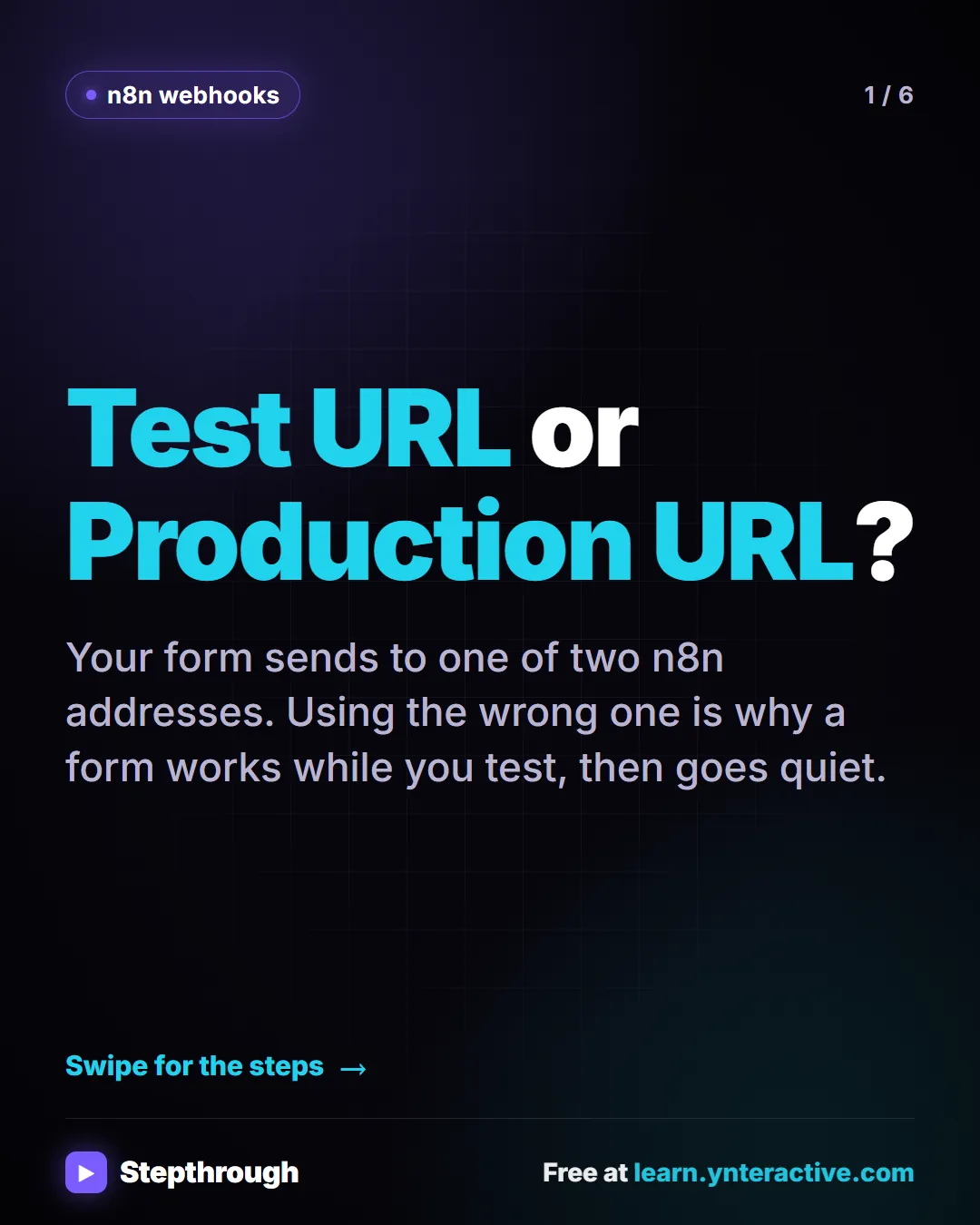
Slide 1 of 6 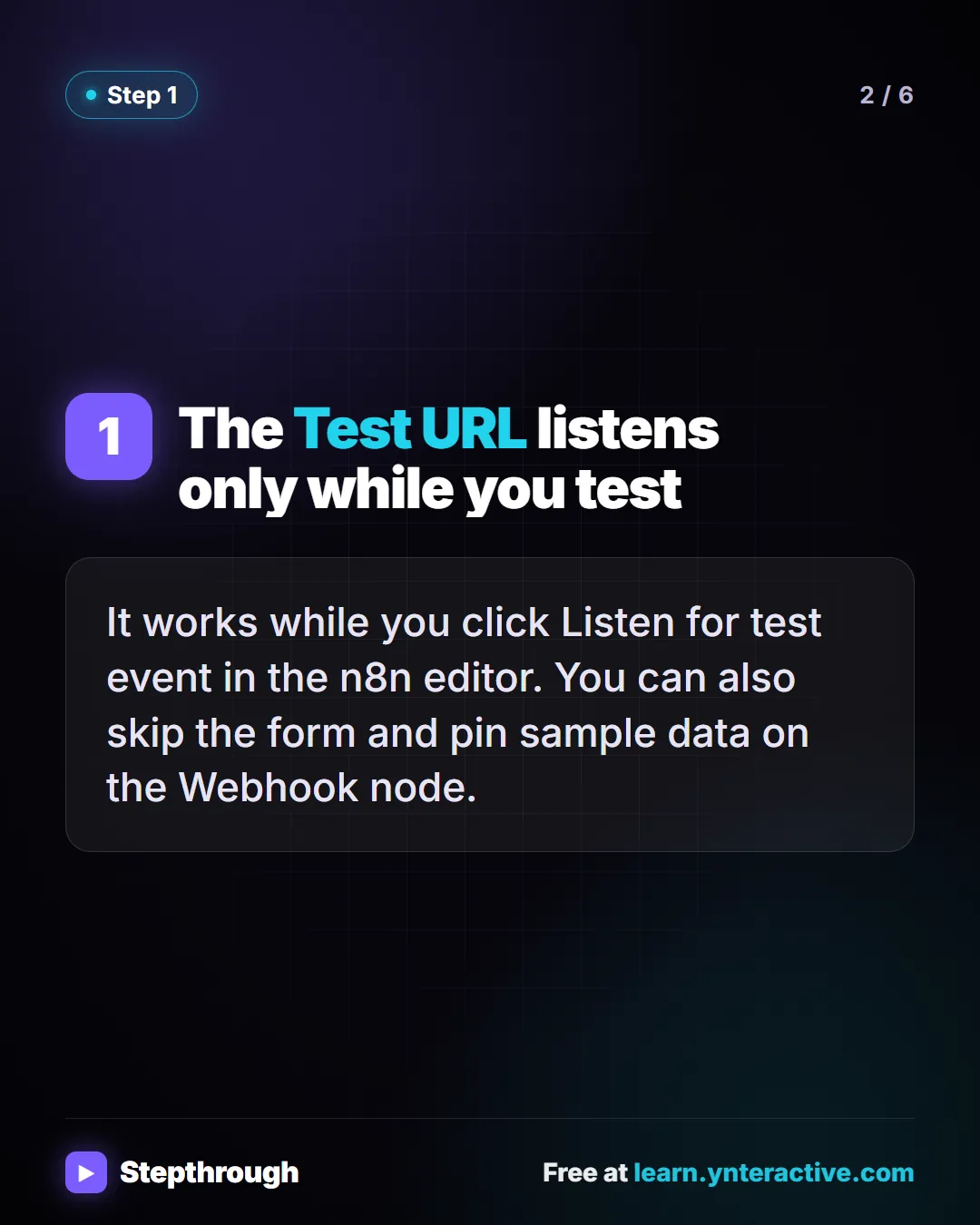
Slide 2 of 6 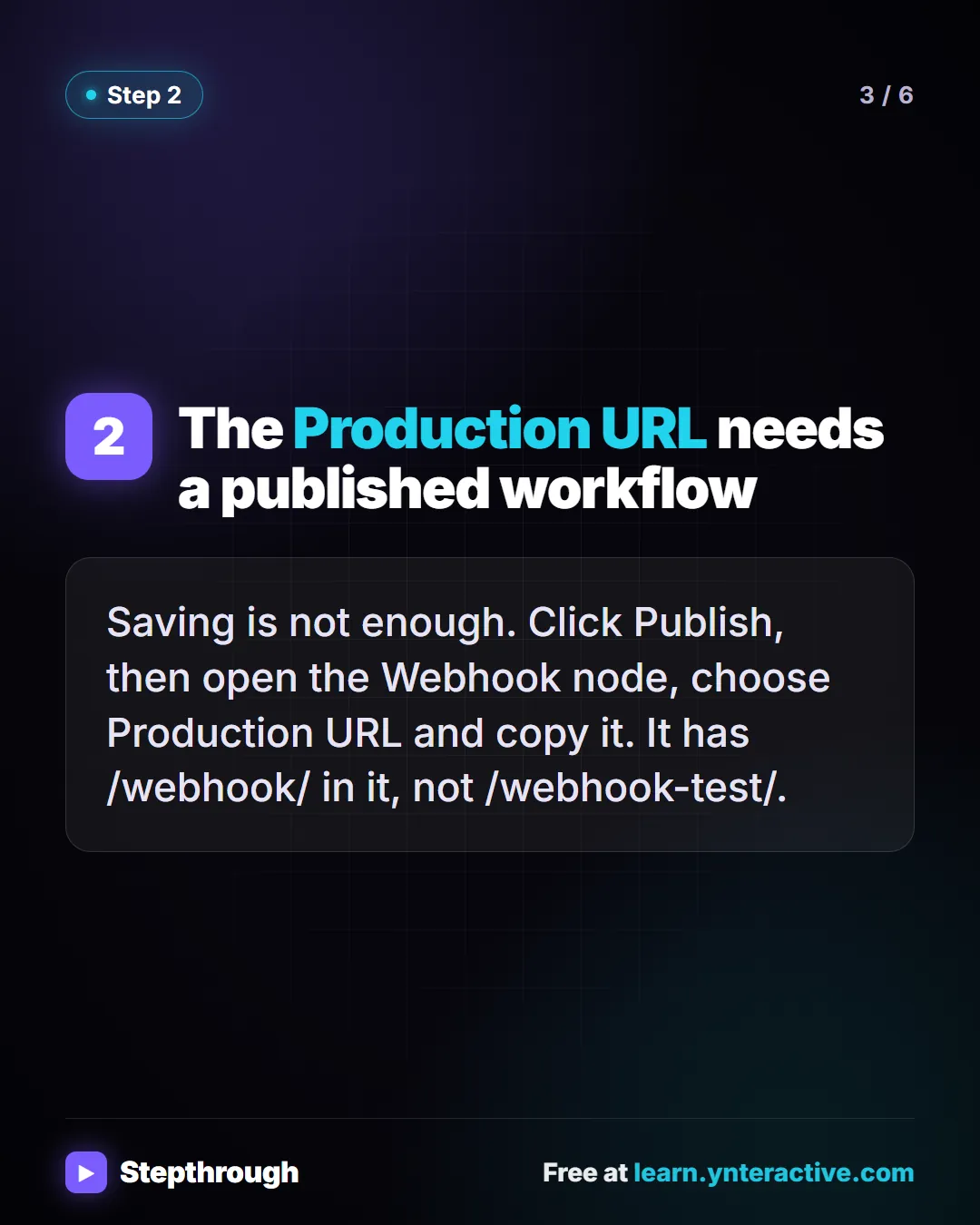
Slide 3 of 6 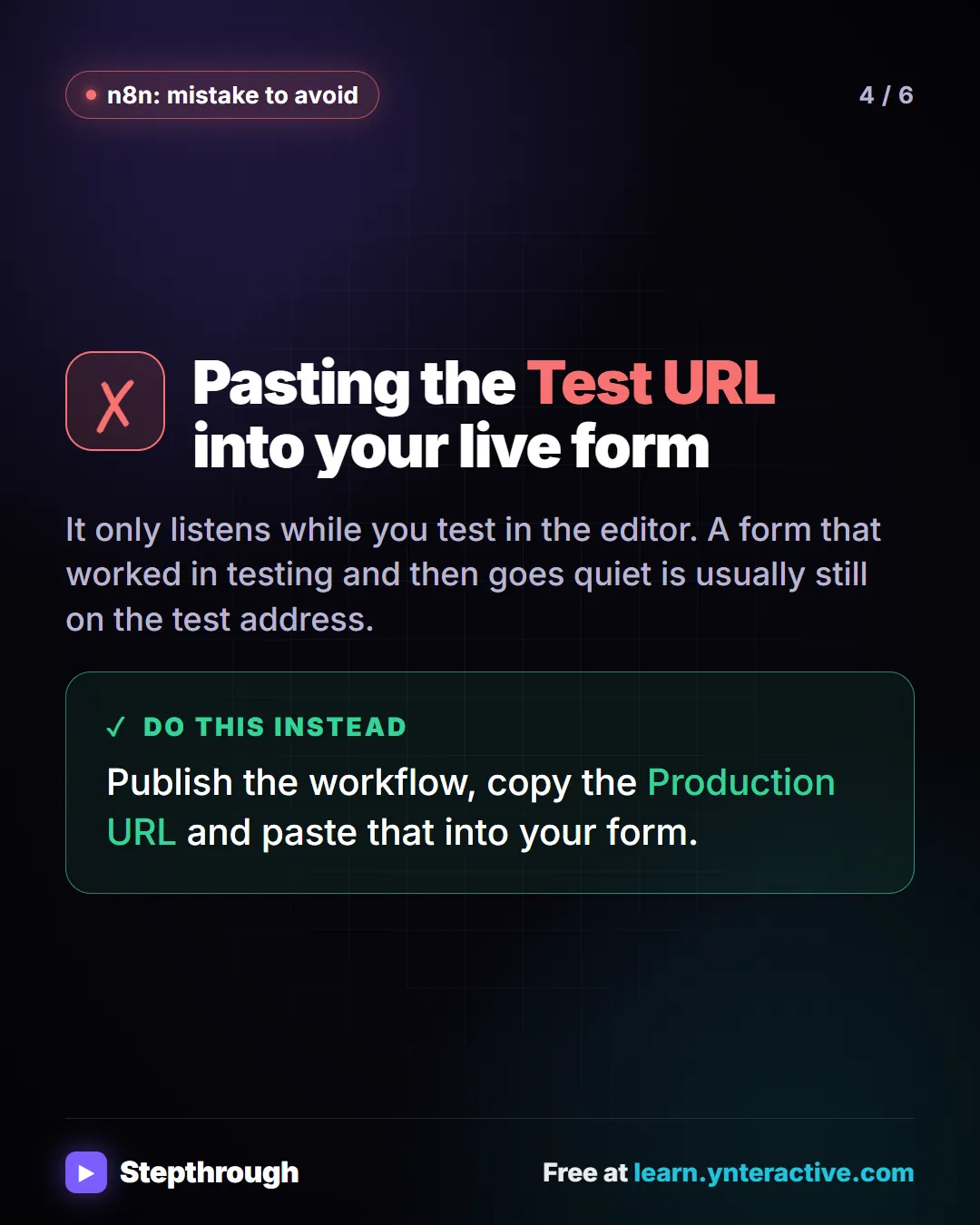
Slide 4 of 6 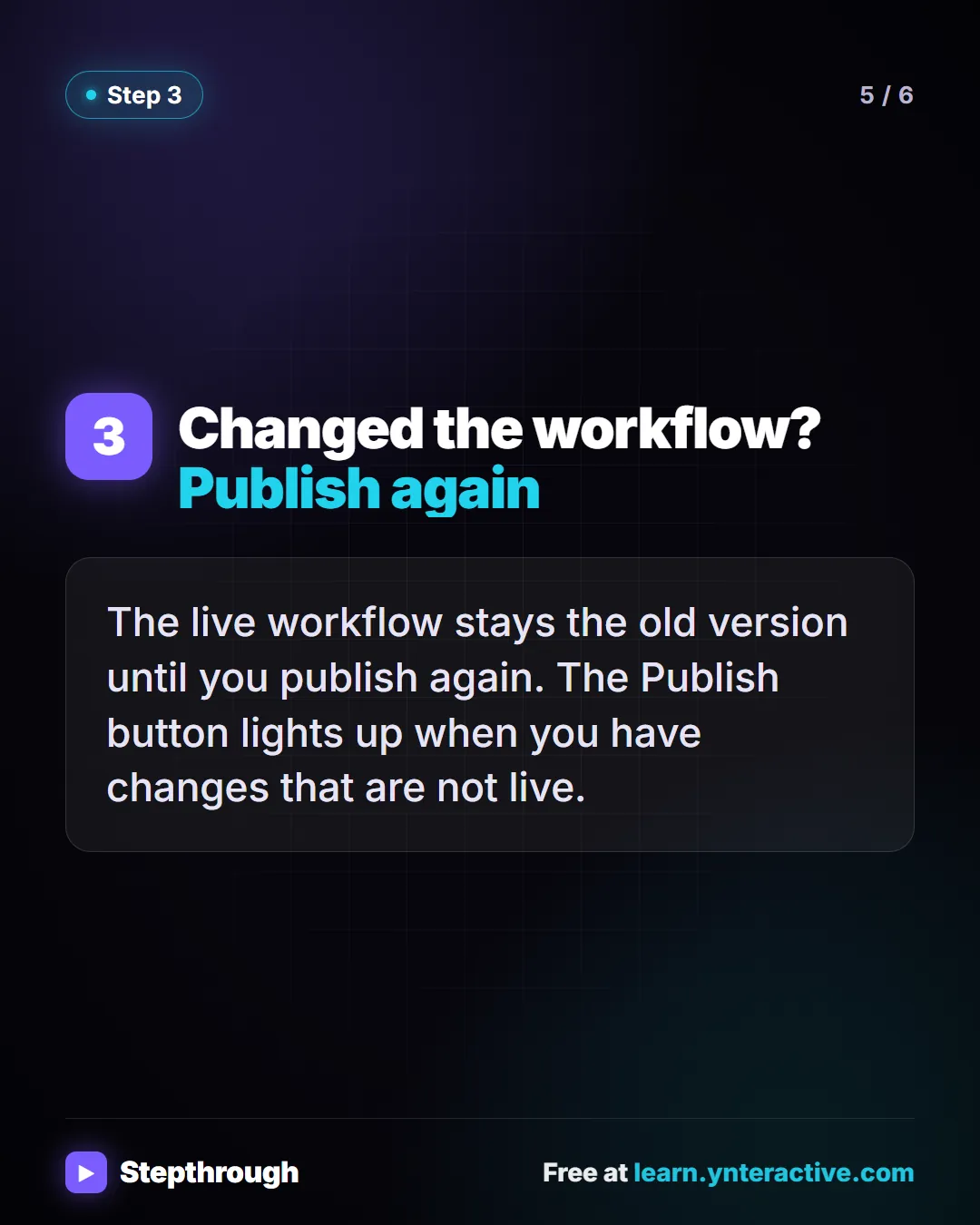
Slide 5 of 6 
Slide 6 of 6
The guide in text
Your form sends to one of two n8n addresses. Using the wrong one is why a form works while you test, then goes quiet.
Step by step
The Test URL listens only while you test
It works while you click Listen for test event in the n8n editor. You can also skip the form and pin sample data on the Webhook node.
The Production URL needs a published workflow
Saving is not enough. Click Publish, then open the Webhook node, choose Production URL and copy it. It has /webhook/ in it, not /webhook-test/.
The mistake
Pasting the Test URL into your live form
It only listens while you test in the editor. A form that worked in testing and then goes quiet is usually still on the test address.
Do this instead
Publish the workflow, copy the Production URL and paste that into your form.
Step by step
Changed the workflow? Publish again
The live workflow stays the old version until you publish again. The Publish button lights up when you have changes that are not live.
Businesses and people in the examples are made up (Maple Street Bookkeeping is a made-up business). The steps, screens and wording come from the free lesson and the Stepthrough glossary and prompt library.
Do it yourself, free
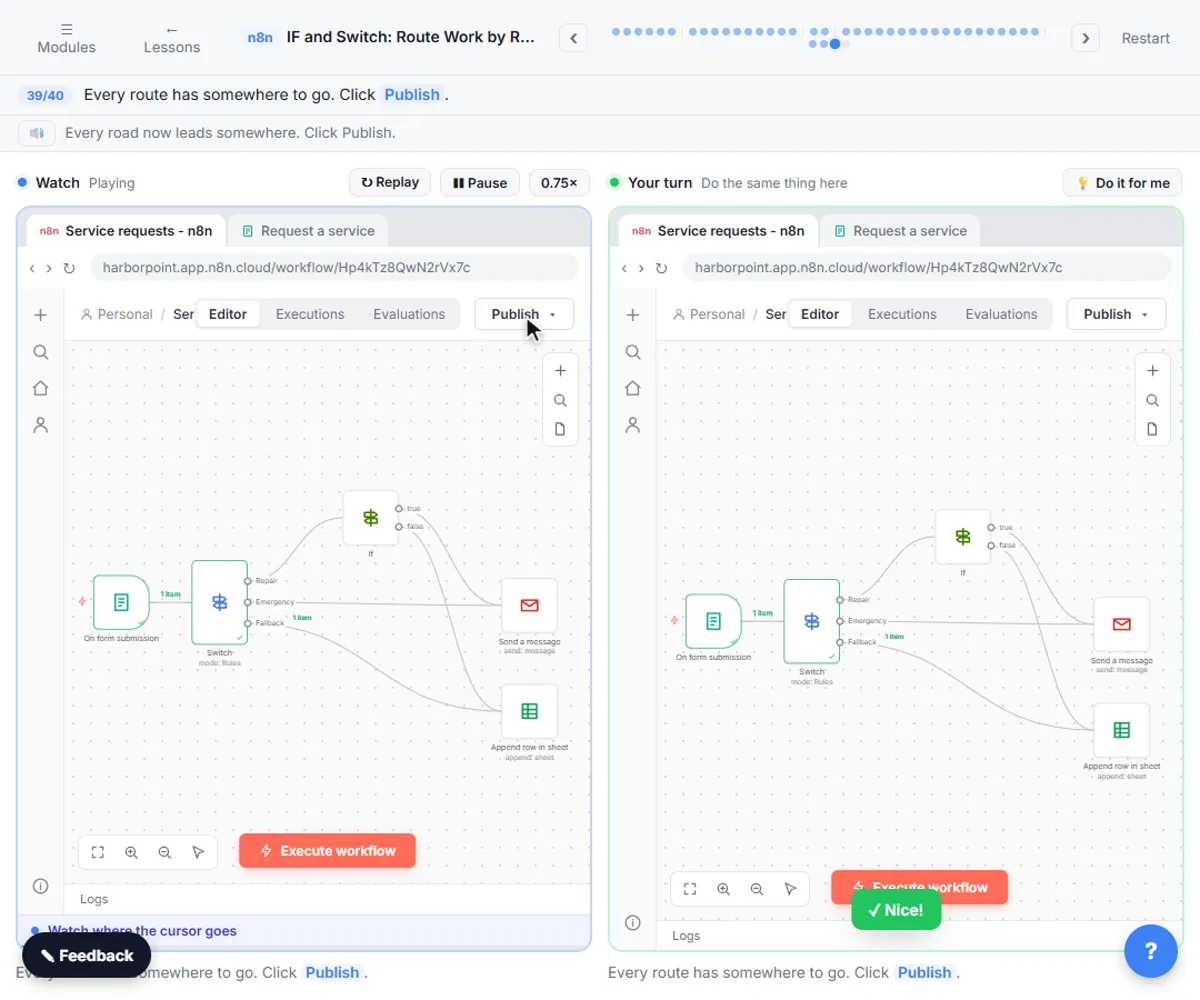
n8n: Execute Step, Execute Workflow and Publish. Learn the buttons in today's n8n editor: run one node with Execute step, pin test data, run everything with Execute workflow, then Publish and copy the Production URL. You do every step yourself in a practice copy of n8n, it checks your work as you go, and “Do it for me” finishes any step you get stuck on. Free, and nothing touches your real accounts.
Start the free lessonRelated terms
Plain-English definitions, each with an example from a free lesson.
From the blog
More visual guides
 n8n Execute Step vs Execute Workflow vs Publish
A visual guide to the three n8n buttons: run one node with Execute step, pin test data, run everything with Execute workflow, then Publish for real.
Step-by-step guide 7 slides
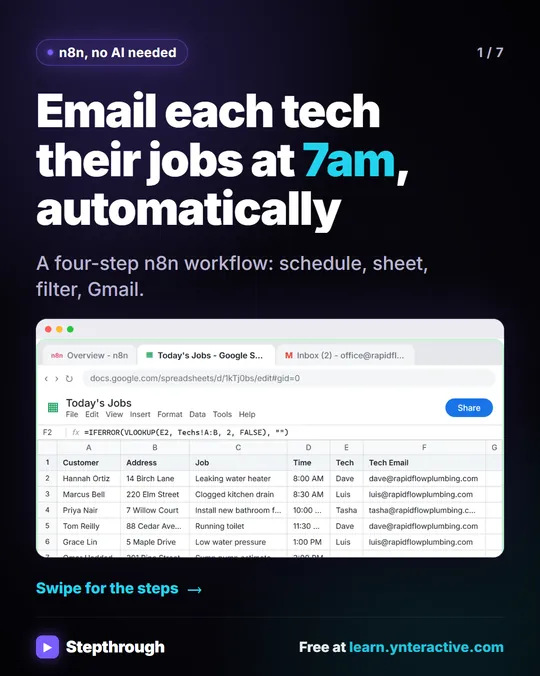 Email each tech their jobs at 7am with n8n
Every morning someone at Rapid Flow Plumbing copies the day's jobs into emails, one tech at a time. Hand it to n8n.
Step-by-step guide 7 slides
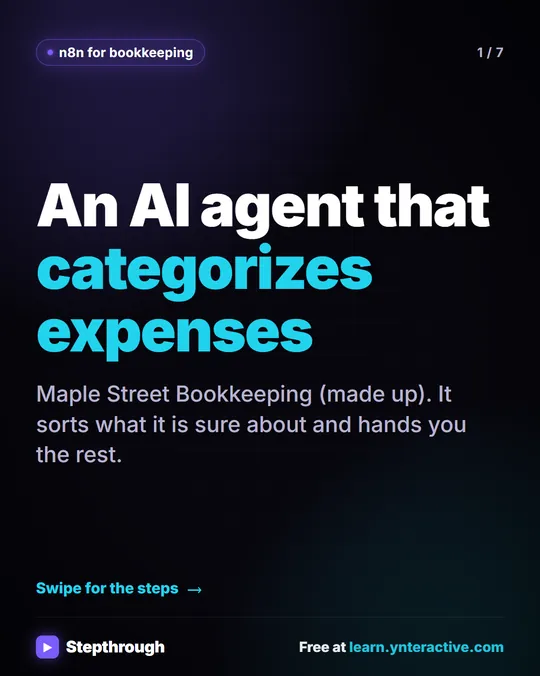 5 Steps to an AI Agent That Categorizes Business Expenses
A visual guide: an n8n agent sorts expenses into a fixed list of categories, flags unclear ones as Needs Review and saves them to Google Sheets.
Step-by-step guide 7 slides