This guide puts the three together in the order you would do them.
Should a rule, an agent or a person decide?
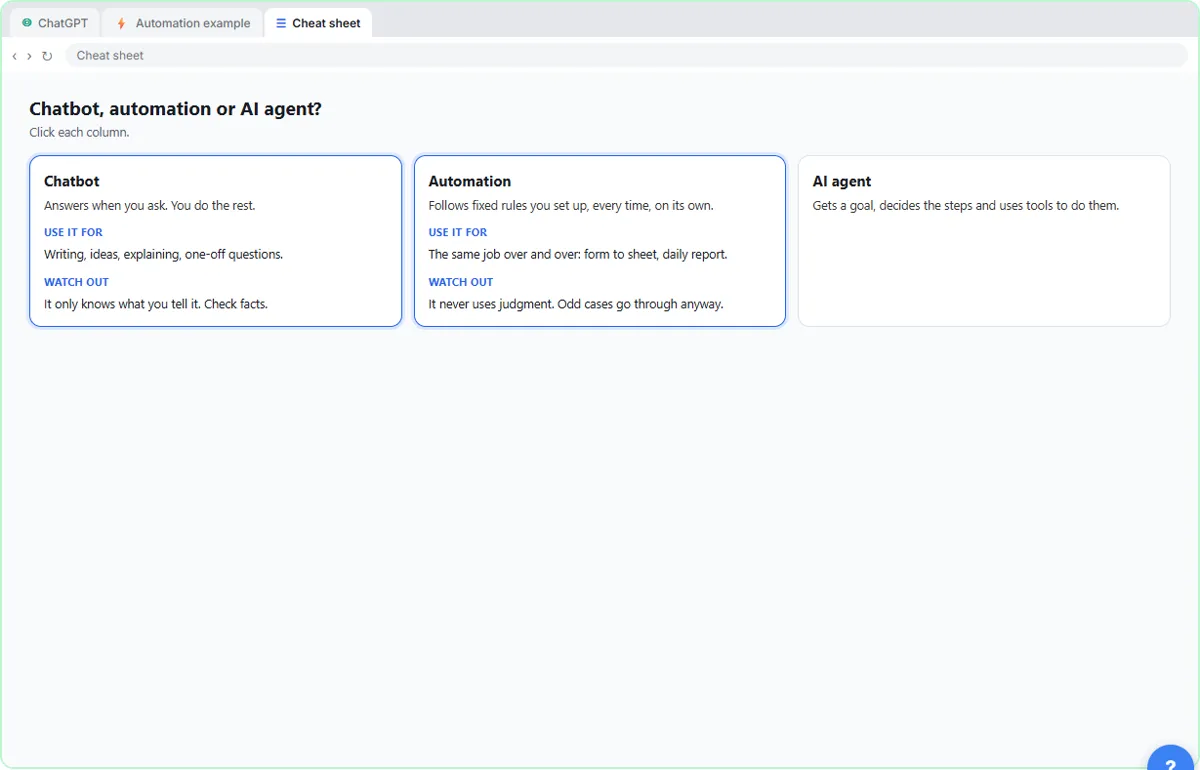
Pick the simplest one that works. AI Agent vs Chatbot vs Automation draws the line with six unpaid invoices. An automation follows fixed rules every time and never uses judgment. An agent gets a goal, decides the steps and can make small judgment calls. A chatbot gives an answer and you finish the job.
For routing, a rule is usually enough: a budget over a number, a service that is one of three types. Save the agent for the messy middle and give it limits, such as don't send anything. Keep the decision with a person when the request commits the office to a price, a deadline or advice.
How do you collect clean details first?
Use a form that asks for exactly the fields your rules need. In the Jotform lesson, you describe an intake form for a made-up accounting firm in one sentence, and Jotform AI builds it. You then read the fields (name, email, phone, company and service type come back required, and whether they should be is your call), ask Form Copilot for a better title and one extra field, and write a rule in plain words so the extra field only shows to advisory clients.
Check the rules the AI wrote against what you asked for, and remember the lesson's warning: a new Jotform form is public by default, so anyone with the link can submit it.
How do you route requests with If and Switch?
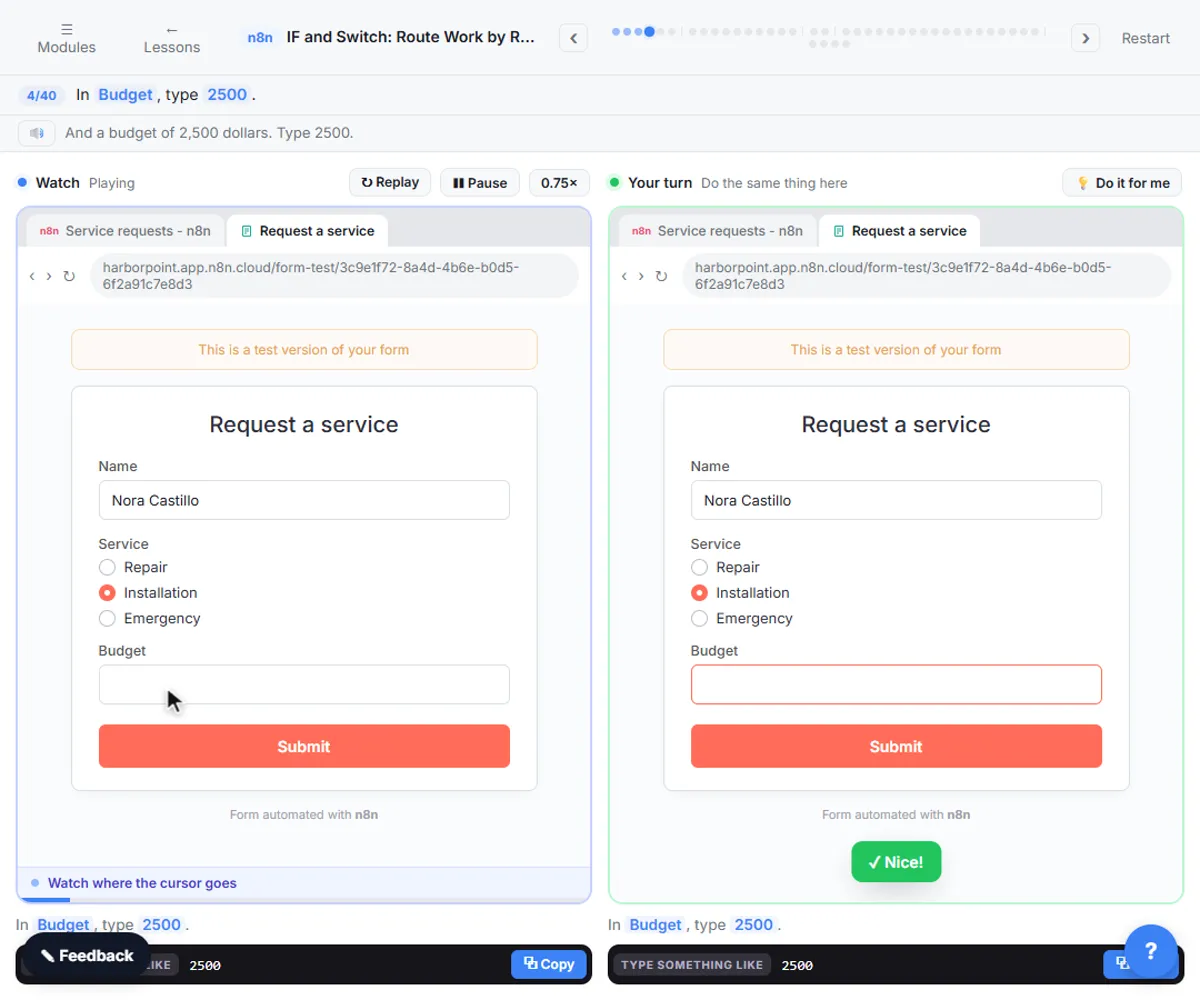
Start with a test request, then add one decision at a time. In the n8n lesson, a service form already has two actions ready: an email to the owner and a new row in the request log. You send a test request first, with a service and a budget of 2500, so you have real data to route.
- Add an If. Drag Budget into value 1, choose Number, is greater than, and type 1000 in value 2. The request goes to True Branch, because 2500 is more than 1000. Each item takes one branch or the other, never both. True goes to the owner's email and false goes to the log.
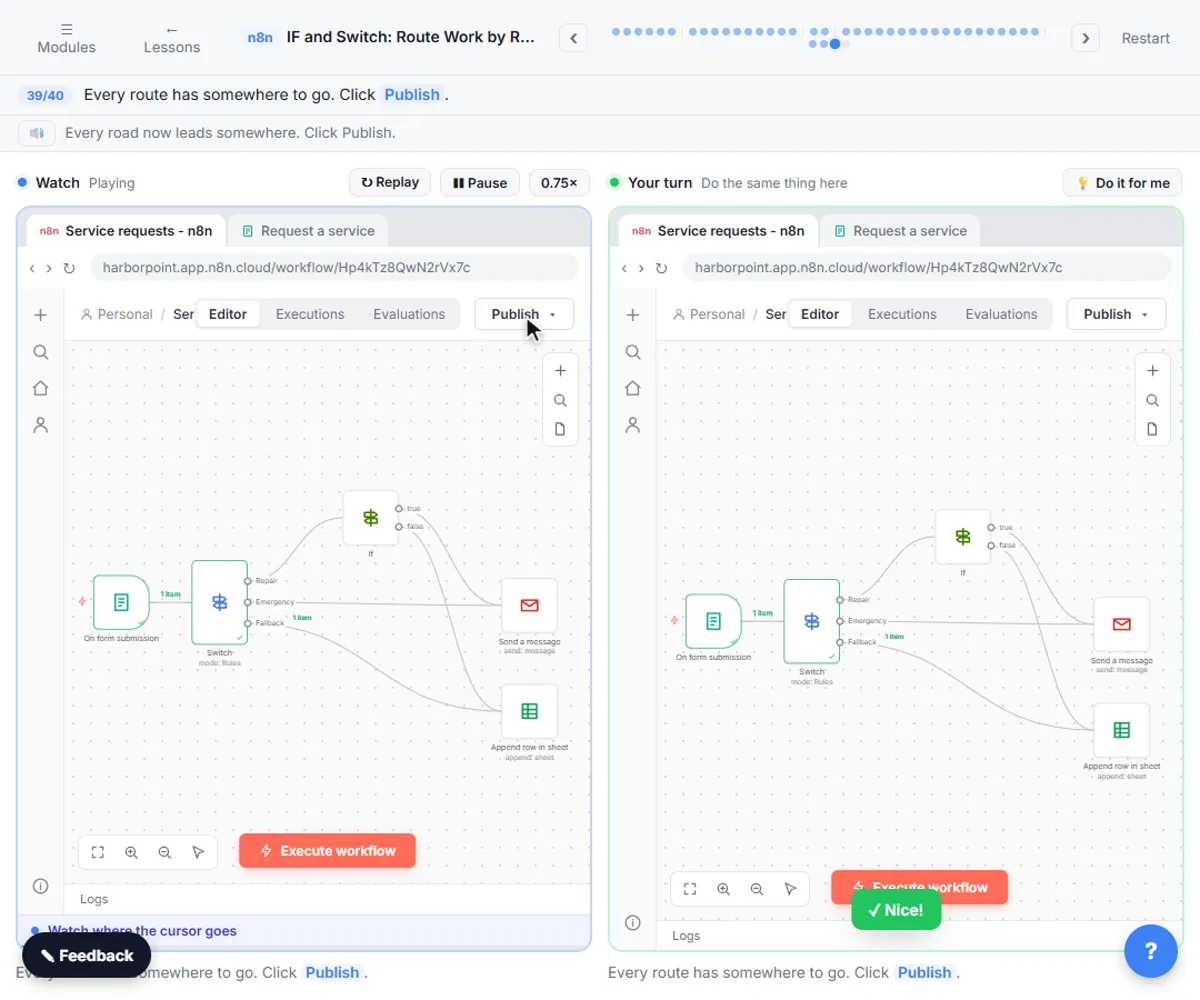
- Put a Switch in front. When emergencies must reach the owner whatever the budget, add a Switch in Rules mode: one rule per output, with the outputs renamed Repair and Emergency.
- Keep a fallback. By default, items that match no rule are dropped. Under Options, add Fallback Output and choose Extra Output, so anything else lands in a separate output. In the lesson, the Installation request matched neither rule and landed in Fallback.
- Wire every road. Repair goes on to the If, Emergency to the owner's email and Fallback to the log.
If a number arrives as text, for example from a webhook, switch on Convert types where required. The picture version is n8n If and Switch Nodes: Route Requests by Rules.
How do you test before you publish?
Run one node at a time, then everything, and check the real result. In Execute Step, Execute Workflow and Publish, Execute step runs one node with the data from the node before it. If that node has no input, n8n runs the earlier nodes first, and a Webhook just waits for a form. Pin sample data on the Webhook so test runs use it.
Then use Execute workflow. Every node shows a green check, but a green check means the node ran, not that the output is right, so open the sheet and read the row. In the lesson that check reveals a blank Service column to fix.
How do you go live without a surprise?
Publish, then use the Production URL. Saving does not turn a workflow on. After Publish, open the Webhook, choose Production URL, and copy the address with /webhook/ in it, not /webhook-test/. Any change you make afterwards needs another Publish, because the live workflow stays the old version until you do.
A form that works while you test and then goes quiet is usually still pointing at the test address. The picture is n8n Webhook: Test URL vs Production URL, Explained, and the longer read is n8n Webhook Test vs Production URL.
Where does an agent fit in?
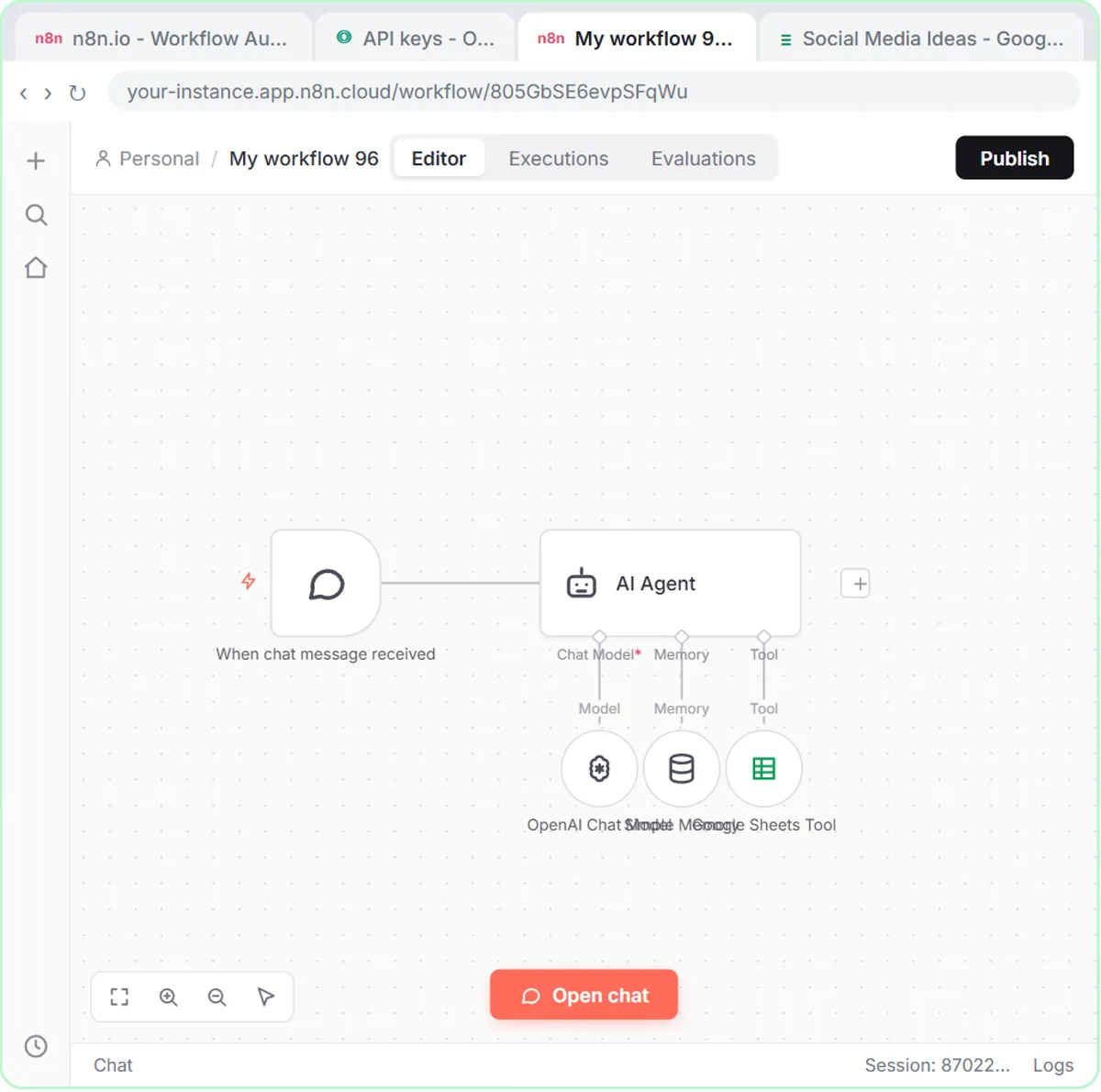
On the questions that come in all day. Jotform AI Agents teaches a chat agent one stable answer, such as what to bring to a first consultation and when the office is open, and tests it with the question in different words. The rule from that lesson applies to routing too: teach it only what is true, test it with questions you did not teach it, and let it hand everything else to a person.
Key takeaways
- Pick the simplest decider: a rule for fixed conditions, an agent for judgment calls, a person for commitments.
- Collect the fields your rules need, and check any rule the AI wrote against your request.
- Use If for a yes or no and Switch for more than two roads, and always set a fallback so nothing is dropped.
- Test with real data and check the sheet, since green checks only mean the nodes ran.
- Publish, then use the Production URL, and publish again after every change.
Frequently asked questions
- When do I need a Switch instead of an If?
Use an If for one yes or no question. Use a Switch when there are more than two roads, such as repair, emergency and everything else.
- What happens to a request that matches no rule?
By default it is dropped. Set Fallback Output to Extra Output so it lands in its own output and you can send it somewhere.
- Why did my form stop working after I tested it?
It is probably still pointing at the Test URL, which only listens while you test in the editor. Publish the workflow and use the Production URL.
- Where do I start?
Begin with IF and Switch, then take Execute Step, Execute Workflow and Publish.