This guide is for owners and office staff who have heard of n8n and want to know what it's actually for. Each example below is a lesson you can finish free, in a practice copy of the tool, with made-up businesses.
What kinds of work does n8n automate?
n8n automates work that follows a pattern: something happens (a trigger), information moves, and something gets written, sent or saved. It connects apps like Gmail, Google Sheets and OpenAI on a visual canvas, and you add an AI step where the work needs reading or writing.
Good candidates share three traits: you do the task on a schedule or in response to a message, the steps are mostly the same each time, and a mistake is cheap to catch because a person reviews the result.
1. Can n8n draft replies to customer email?
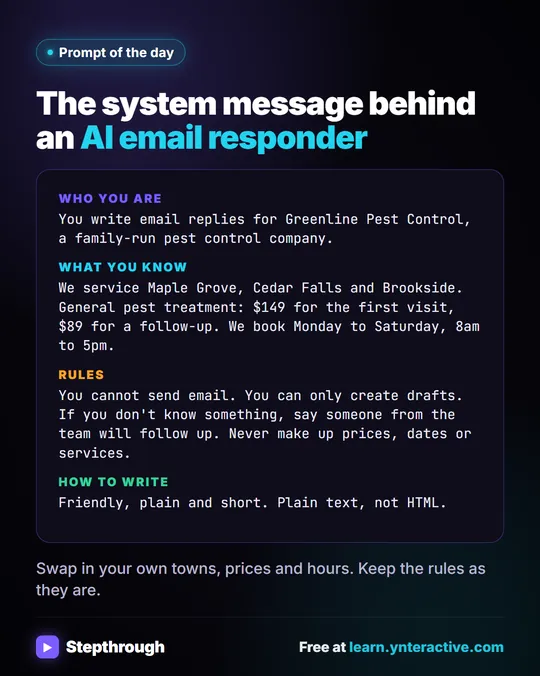
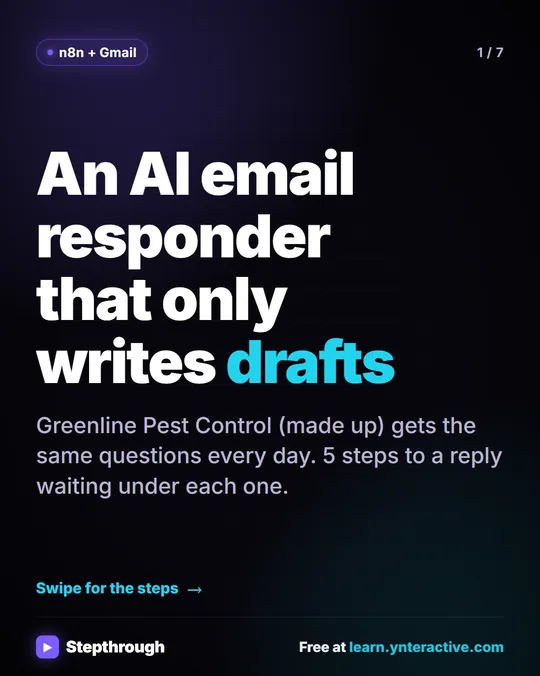
Yes. An n8n agent can watch a Gmail inbox, read each new email and save a reply as a draft in the same thread. A person checks and sends it. The AI Email Responder lesson builds this in about 12 minutes and keeps the Gmail tool on Draft, so nothing sends by itself.
2. Can n8n sort your inbox?
Yes. The Gmail AI Triage lesson reads each new email, sorts it as a lead, a client or an invoice with a Text Classifier, adds the matching Gmail label, and drafts a reply for clients. The sorting rules are yours, and a person still checks the drafts.
3. Can n8n send weekly client updates?
Yes. Weekly Client Status Emails wakes up every Monday, reads a client tracker in Google Sheets, has AI write a friendly update for each client, and saves each as a Gmail draft. It's a good fit for any firm that sends the same kind of update every week.
4. Can n8n turn meeting notes into tasks?
Yes. Meeting Notes to Action Items reads meeting notes from a sheet, has AI pull out who agreed to do what by when, and adds one row per task to an Action Items sheet. If your notes start as a meeting transcript, this closes the loop between talking and doing.
5. Can n8n log and approve invoices?
Yes. Invoices from Your Inbox to Google Sheets, with Approval reads each vendor invoice PDF from Gmail with AI, logs the vendor, invoice number and total in a sheet, and emails the owner an Approve button for anything over $1,000. The rule that a person approves large invoices is built in.
6. Can n8n answer questions about your own spreadsheet?
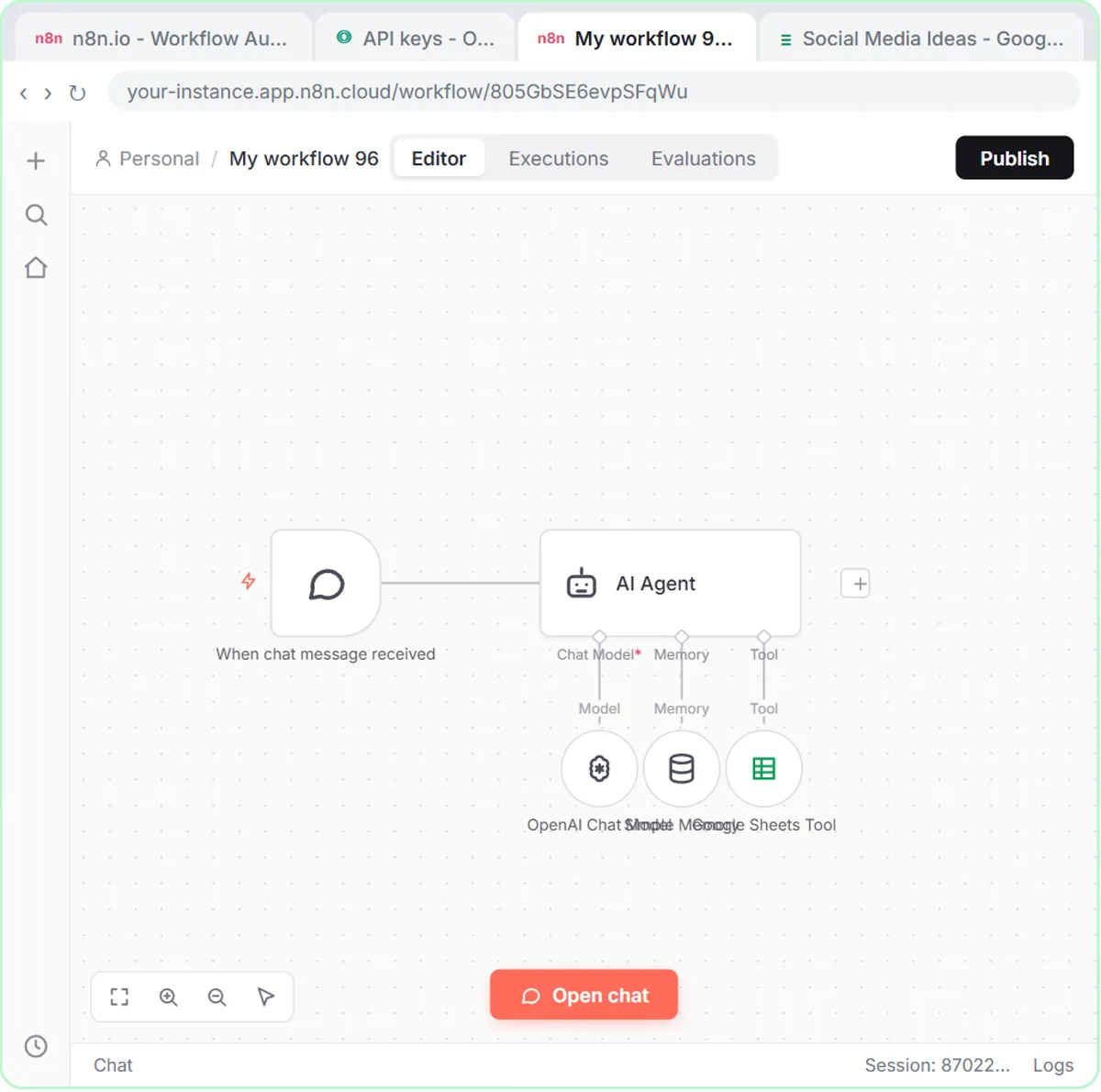
Yes. Talk to Your Google Sheets connects n8n's most popular chat template to your own sheet, so you can ask it questions in plain English. It takes about eight minutes, and the sheet's header row is what lets the agent know what each column holds.
7. Can n8n route work by rules?
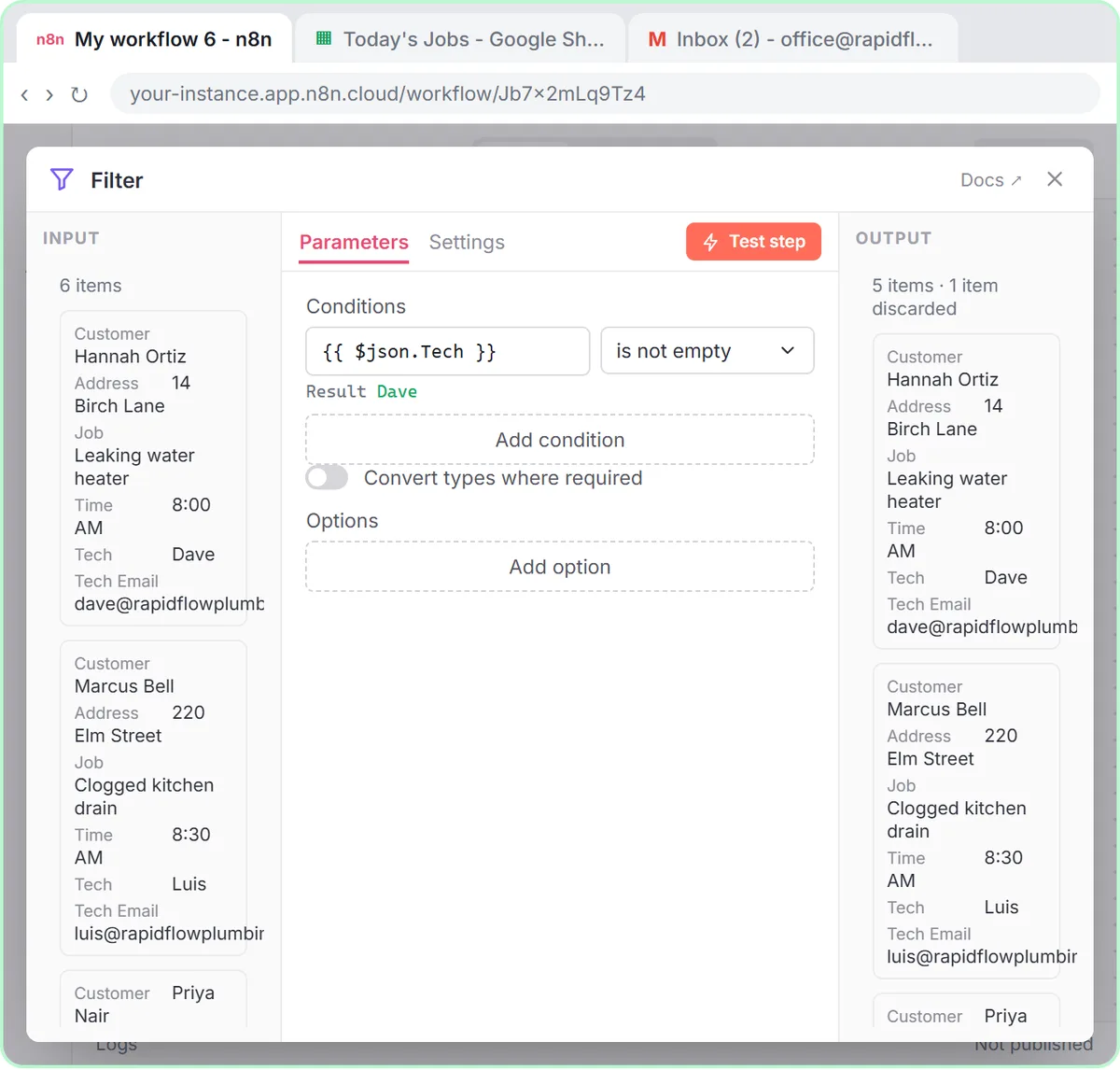
Yes, and without AI. IF and Switch splits big jobs from small ones with an If node, then routes by service with a Switch that has a fallback. Plain rules are often the right tool when the decision is predictable.
8. Can n8n screen applicants?
It can help, with a person making every decision. The AI Resume Screener reads each applicant's PDF resume, scores it against the job's must-haves with the evidence quoted, and ranks it in a sheet. The lesson includes a fairness step because screening needs care.
How do you start without a blank canvas?
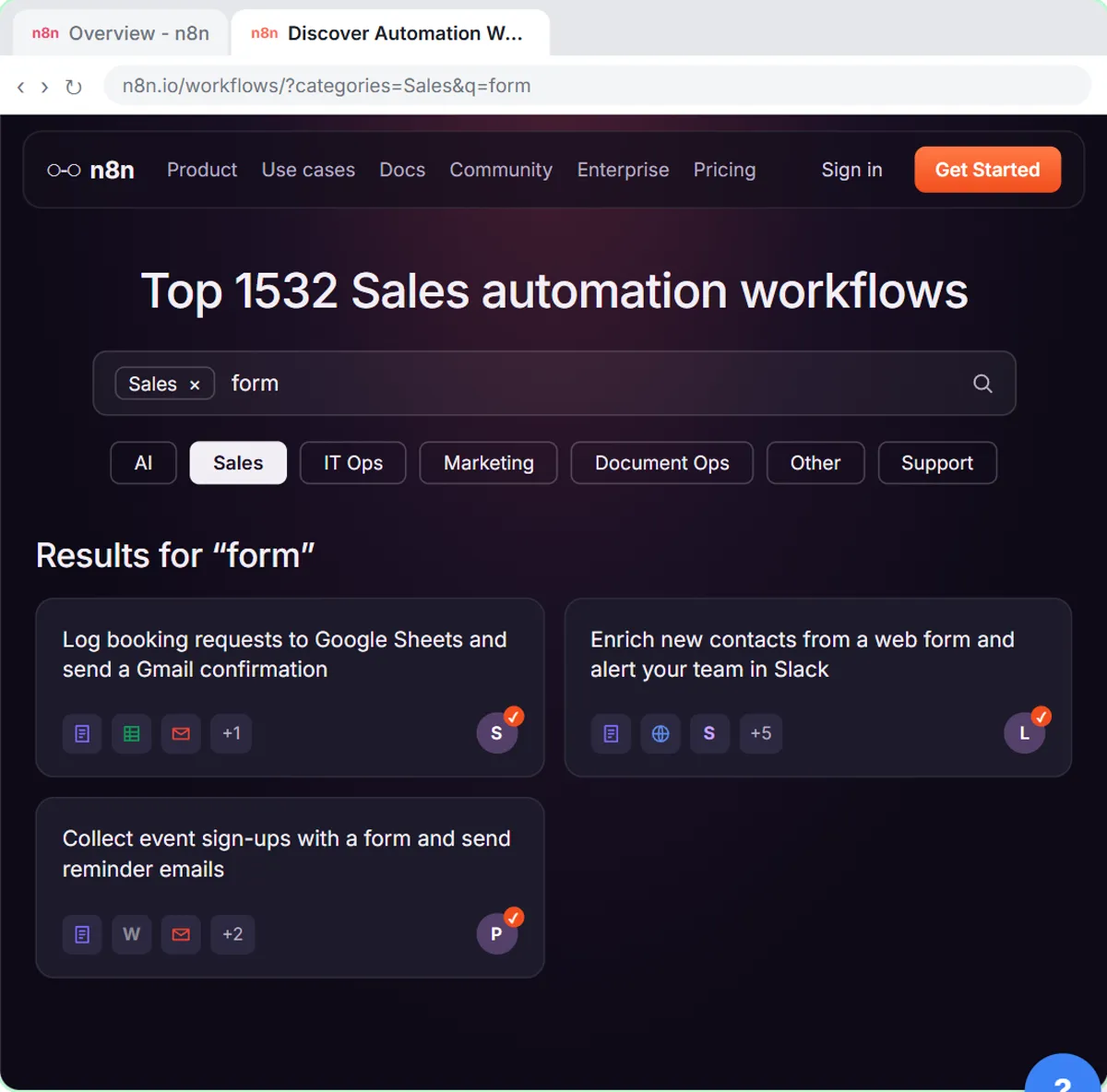
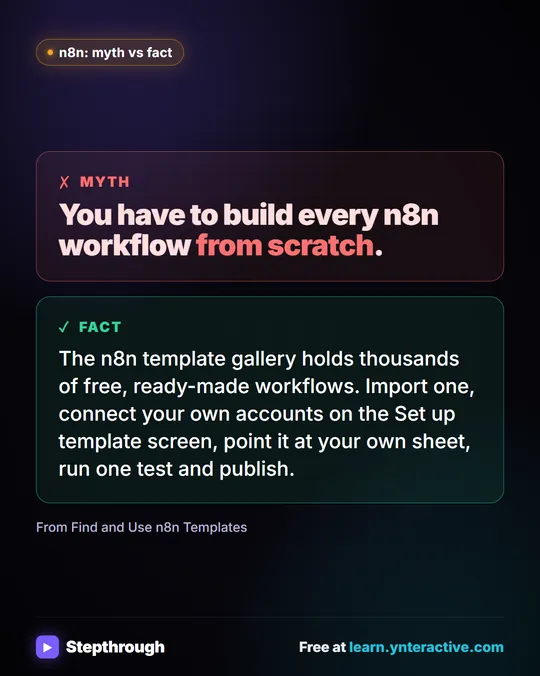
Start from a template. The Find and Use n8n Templates lesson shows how to find a ready-made workflow in the template gallery, import it, connect Google Sheets and Gmail, test it with a real form entry and publish it. After that, n8n: Execute step, Execute workflow and Publish explains the buttons you'll use every day, and the n8n execution page explains what a "run" means.
Pick one task you do every week, build the smallest version, and keep a person in the loop before anything goes to a customer.
Key takeaways
- n8n automates repeated tasks that move information between apps.
- Add AI only where a step needs reading or writing.
- Keep a person in the loop: drafts instead of sends, approvals for big amounts.
- Start with a template or a small lesson, not a blank canvas.
- Test with real-looking data before you publish.
Frequently asked questions
- What can you automate with n8n for free?
You can learn all of it free in the Stepthrough practice lessons. Running n8n yourself depends on its current plans, since n8n Cloud is paid after a trial and it can also be self-hosted. Check n8n's current pricing.
- Do I need to code to automate with n8n?
No. The lessons are built by clicking and pasting. Expressions in double curly brackets are the closest thing to code, and each lesson gives you the exact text.
- Is n8n better than Zapier or Make?
It depends on the job. See Zapier vs Make vs n8n for a side-by-side.
- What should I automate first?
Choose a weekly task with a clear pattern and a cheap mistake, like drafting routine replies. Build it as a draft first, and only automate sending after you've checked many results.