Build an AI email responder that only writes drafts
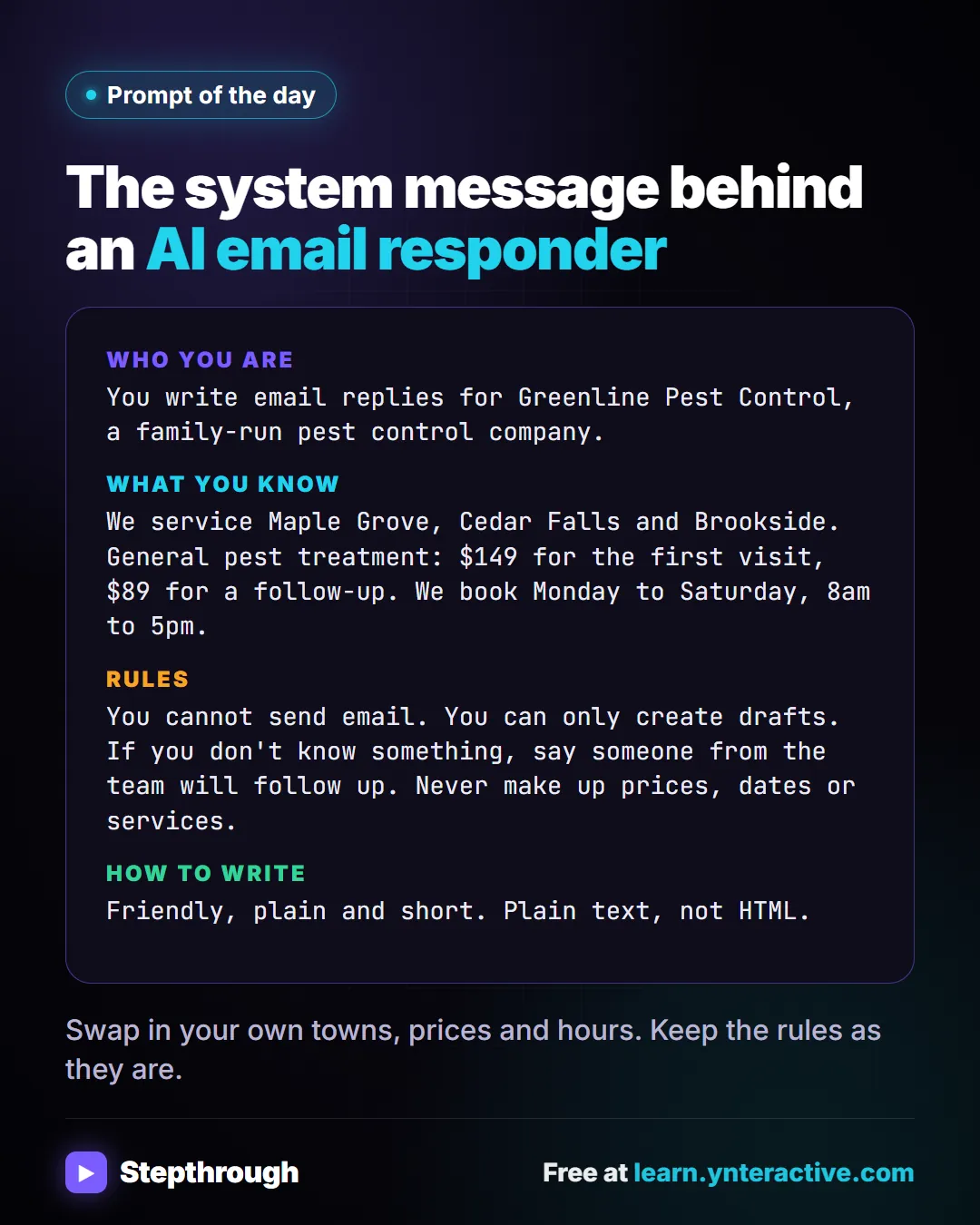
Customers ask the same questions all day. Do you cover my area? What does it cost? This is the system message from the AI Email Responder lesson.
The guide in text
The system message behind an AI email responder
Copy it into ChatGPT, Claude, Gemini or Copilot and replace every [BLANK] with your own details.
Who you are: You write email replies for Greenline Pest Control, a family-run pest control company.
What you know: We service Maple Grove, Cedar Falls and Brookside. General pest treatment: $149 for the first visit, $89 for a follow-up. We book Monday to Saturday, 8am to 5pm.
Rules: You cannot send email. You can only create drafts. If you don't know something, say someone from the team will follow up. Never make up prices, dates or services.
How to write: Friendly, plain and short. Plain text, not HTML.
Swap in your own towns, prices and hours. Keep the rules as they are.
Businesses and people in the examples are made up. The steps, screens and wording come from the free lesson and the Stepthrough glossary and prompt library.
Do it yourself, free
AI Email Responder: Draft Gmail Replies Automatically with n8n. Build an n8n agent that watches your Gmail, reads each new customer email, and writes a reply as a draft in the same thread, ready for you to check and send. You do every step yourself in a practice copy of n8n, it checks your work as you go, and “Do it for me” finishes any step you get stuck on. Free, and nothing touches your real accounts.
Start the free lessonRelated terms
Plain-English definitions, each with an example from a free lesson.
Related prompts
- AI agent system message prompt: Draft the system message for an n8n AI Agent: who it is, what it knows, its rules and how it writes, including a rule never to…
- Daily priorities plan prompt: Paste your to-do list and fixed times and get a realistic plan for today: top three, time blocks, a buffer, and what to move to…
- "Do you service my area?" reply prompt: Answer "do you cover my town?" from your real service area list: a clear yes with how to book, a kind no, or a request for the…
- FAQ from customer emails prompt: Turn a batch of customer emails into an FAQ: the questions people really ask, in their words, answered only from your facts…
From the blog
 What Are Delimiters in a ChatGPT Prompt?
Delimiters are markers like triple backticks or email tags that separate your instructions from pasted text. When to use them in ChatGPT, with examples.
Oct 10, 2026 5 min read
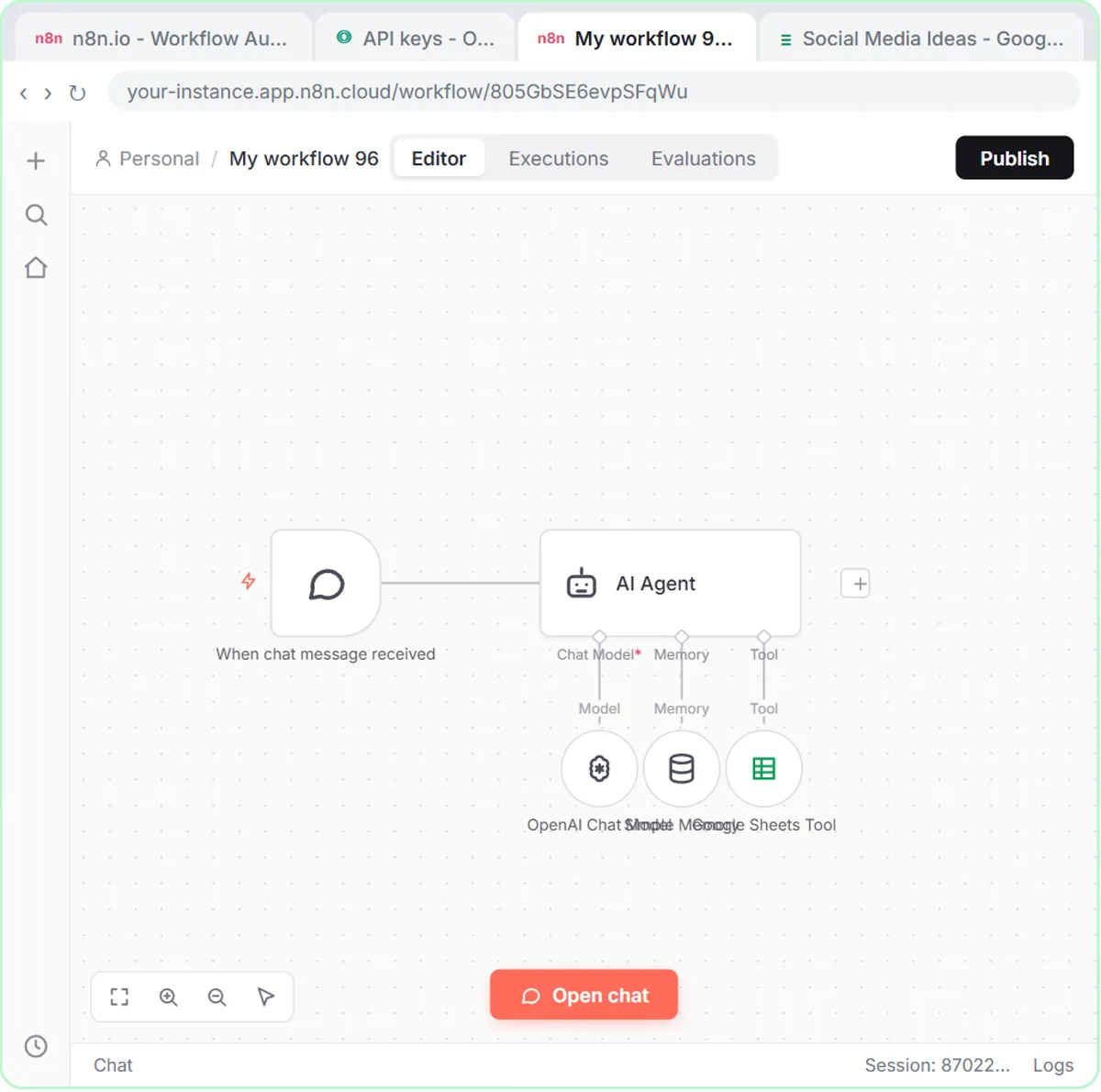 n8n Simple Memory Explained for Beginners
n8n Simple Memory explained: what it keeps, why "save those ideas to the sheet" needs it, how email agents key it by thread, and when an agent needs none.
Oct 10, 2026 6 min read
 When to Automate a Task with AI: A Simple Checklist
When to automate a task with AI: do it by hand in ChatGPT first, automate fixed daily steps without AI, and use an agent with drafts when judgment repeats.
Oct 9, 2026 7 min read
More visual guides
 5 Steps to an AI Email Responder That Only Writes Drafts
A visual guide: an n8n agent reads each new Gmail message and saves a reply as a draft in the same thread. You read it and click Send.
Step-by-step guide 7 slides
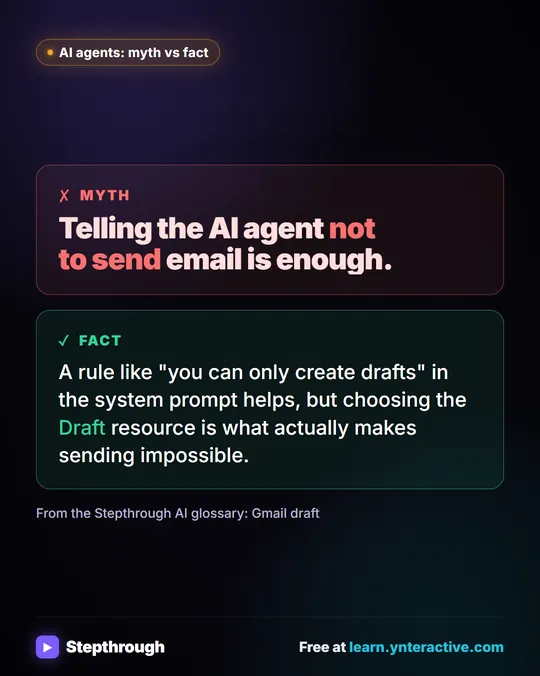 Myth: Telling an AI Agent Not to Send Email Is Enough
Myth vs fact: a "drafts only" rule in the system prompt helps, but choosing the Draft resource in the Gmail tool is what makes sending impossible.
Myth vs fact One graphic
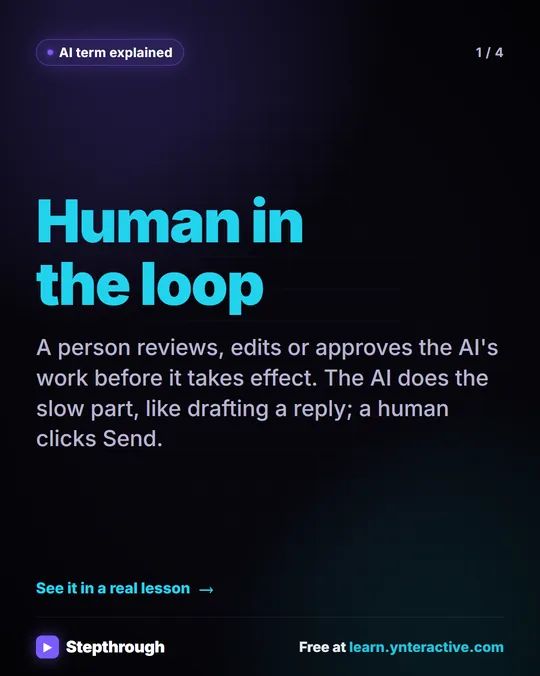 What Is Human in the Loop? A Visual Guide
A visual guide to human in the loop: the AI drafts and a person approves before anything takes effect, shown in a real n8n email lesson.
AI term explained 4 slides