What are delimiters in a prompt?
Updated · By Robert Breen
Delimiters are markers in a prompt, such as XML-style tags, triple quotes, dashed lines or labeled headings, that show where one piece of content starts and ends. They separate your instructions from the material the AI should work on, so it doesn't mix them up.
Why it matters for a small business
Business prompts often combine your instructions with someone else's text: a customer's email, a transcript, a form submission. Without a clear boundary, the model can blur the two, treating part of the email as an instruction or summarizing your own rules as if they were the customer's words. Delimiters make the boundary obvious.
They also make long prompts easier for you to read and maintain. When the instructions, the facts and the pasted material each sit in their own marked section, you can swap one out without touching the others.
In a real lesson: AI Email Responder: Draft Gmail Replies Automatically with n8n
In AI Email Responder, you build an n8n agent for Greenline Pest Control, a made-up company. After adding the AI Agent after the Gmail trigger, you open Source for Prompt and choose Define below, because the input is an email, not a chat message.
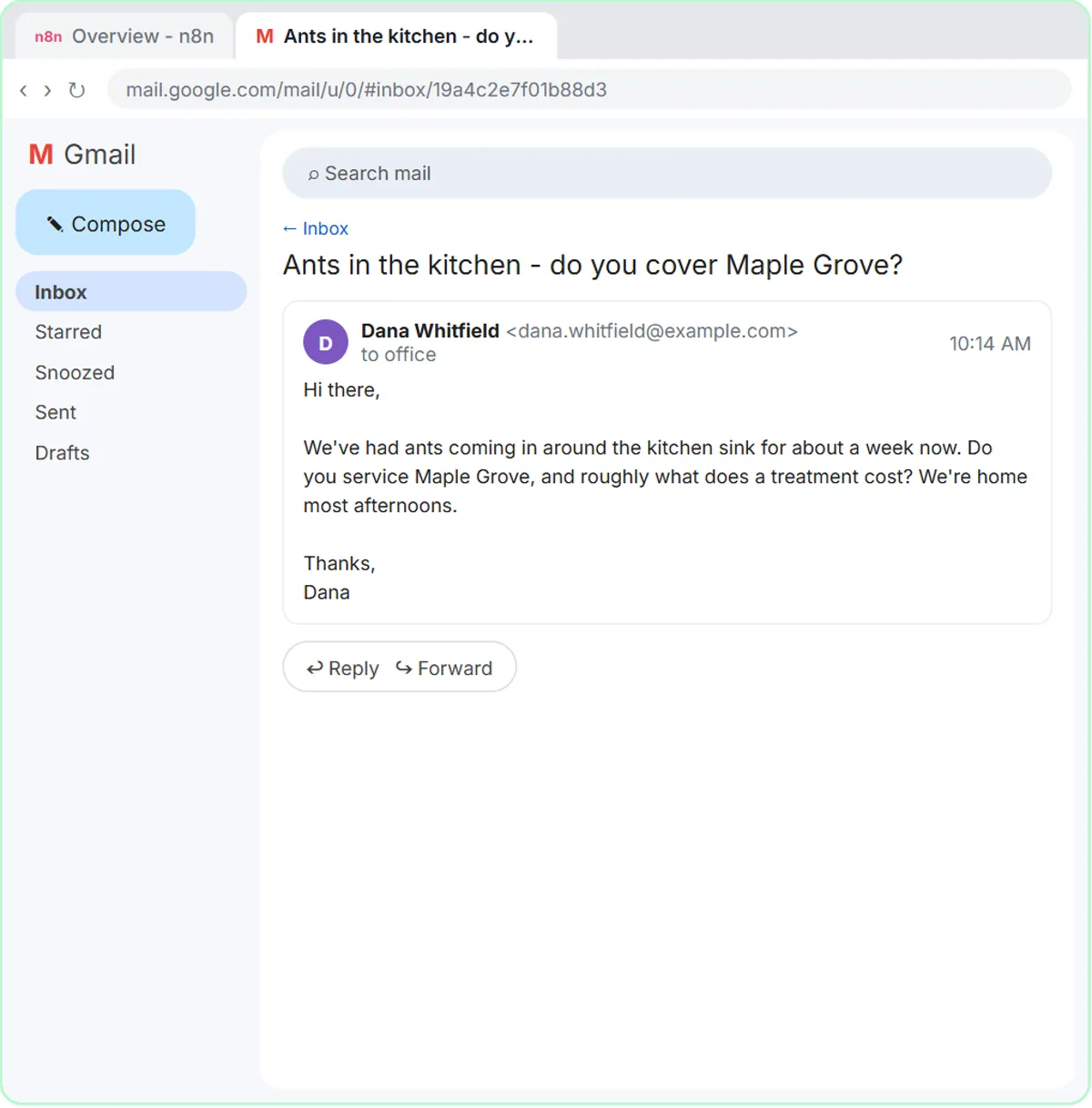
The prompt you paste starts with one instruction line: write a reply to this email, then save it as a draft in the same thread. Below that, the email itself is wrapped in a pair of XML-style tags named email, written in angle brackets, one before the email and one after. Inside the tags are three labeled lines, From: {{ $json.From }}, Subject: {{ $json.Subject }} and Message: {{ $json.snippet }}, which n8n fills from each incoming message.
Those tags tell the agent exactly which part is the customer's email and which part is your instruction. That matters here because the email text comes from strangers, and the workflow runs on every new message without anyone rereading the prompt.
Try this lesson free or read the step-by-step guide.
Common confusions
Delimiters vs formatting
Delimiters are about boundaries, not looks. A heading like "Facts (only promise what is here):" in the Reply Faster lesson works as a delimiter because it marks where the facts begin, even though it is plain text.
Do delimiters stop prompt injection?
They help the model tell instructions from data, but they are not a security wall. A crafted message can still try to steer the model, so prompt injection also needs limited tools and human review.
Tips
- Pick one style and use it consistently, for example tags named after the content (email, transcript, facts).
- Refer to the delimited section by name in your instruction: "reply to the email inside the email tags."
- Put long pasted material after the instructions, clearly marked, so the request isn't buried.
Related terms
Where you use it: free lessons
- AI Email Responder: Draft Gmail Replies Automatically with n8n (n8n, 12 min)
- Reply Faster: Turn a Messy Customer Email Thread into a Clear, Friendly Reply (ChatGPT, 9 min)
- Lovable + n8n: Build a Web App with an AI Backend (Lovable and n8n, 15 min)
Prompt templates that use it
Frequently asked questions
- Which delimiter is best?
- Any clear, consistent marker works. XML-style tags and labeled headings are popular because they can carry a name that says what's inside.
- Do I need delimiters for a short prompt?
- Not always. They matter most when you paste someone else's text, or several pieces of material, into the same prompt.