Myth: Telling an AI Agent Not to Send Email Is Enough
Myth vs fact: a "drafts only" rule in the system prompt helps, but choosing the Draft resource in the Gmail tool is what makes sending impossible.
The guide in text
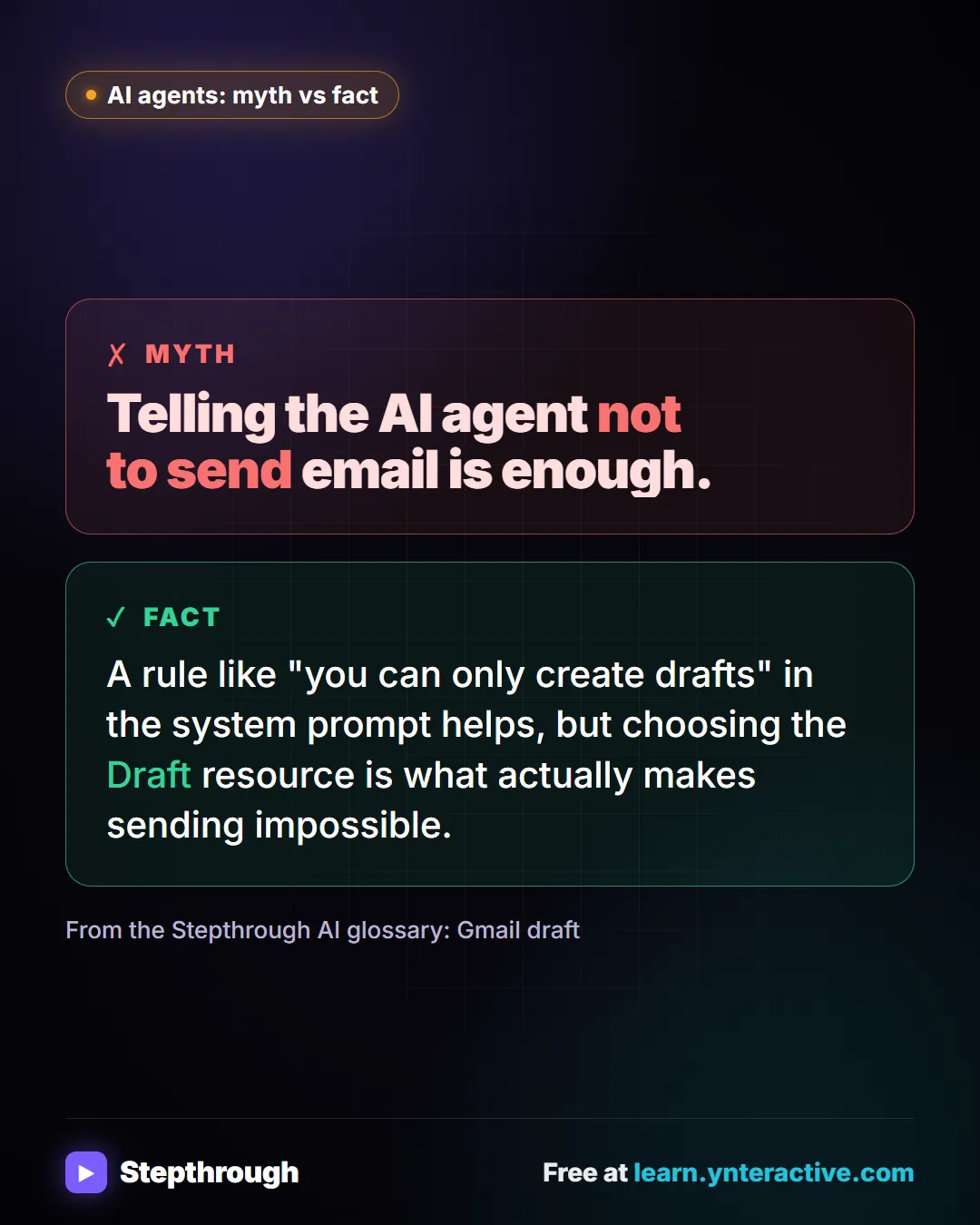
The myth
Telling the AI agent not to send email is enough.
The fact
A rule like "you can only create drafts" in the system prompt helps, but choosing the Draft resource is what actually makes sending impossible.
From the Stepthrough AI glossary: Gmail draft
The full definition: Why have AI write Gmail drafts instead of sending? in the AI glossary, with an example from a free lesson, common confusions and tips.
Businesses and people in the examples are made up. The steps, screens and wording come from the free lesson and the Stepthrough glossary and prompt library.
Do it yourself, free
AI Email Responder: Draft Gmail Replies Automatically with n8n. Build an n8n agent that watches your Gmail, reads each new customer email, and writes a reply as a draft in the same thread, ready for you to check and send. You do every step yourself in a practice copy of n8n, it checks your work as you go, and “Do it for me” finishes any step you get stuck on. Free, and nothing touches your real accounts.
Start the free lessonRelated terms
Plain-English definitions, each with an example from a free lesson.
Related prompts
- AI agent system message prompt: Draft the system message for an n8n AI Agent: who it is, what it knows, its rules and how it writes, including a rule never to…
- Daily priorities plan prompt: Paste your to-do list and fixed times and get a realistic plan for today: top three, time blocks, a buffer, and what to move to…
- "Do you service my area?" reply prompt: Answer "do you cover my town?" from your real service area list: a clear yes with how to book, a kind no, or a request for the…
- FAQ from customer emails prompt: Turn a batch of customer emails into an FAQ: the questions people really ask, in their words, answered only from your facts…
From the blog
 n8n Triggers Explained: Which One Starts Your Workflow?
n8n triggers explained: schedule, Gmail, chat, webhook and form triggers, how to test each one, and how the trigger changes your AI Agent's prompt.
Oct 1, 2026 7 min read
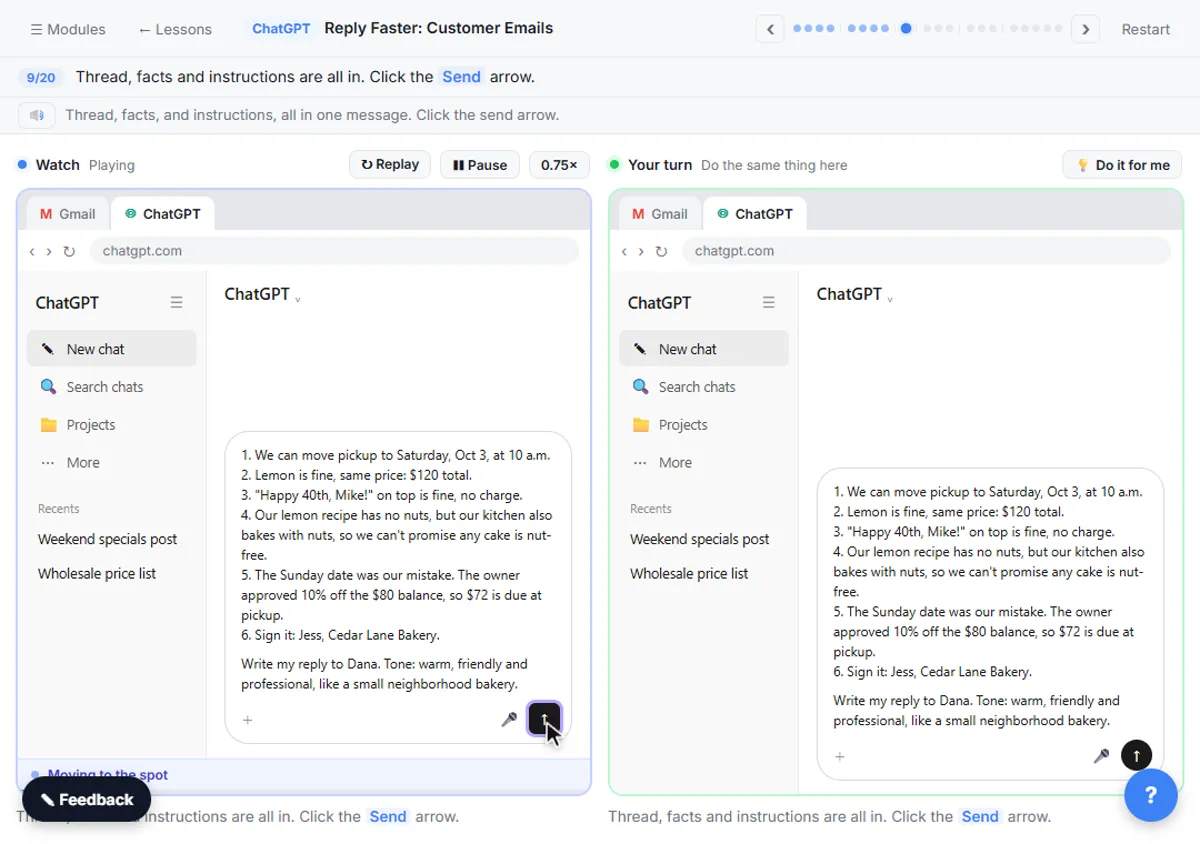 How to Stop ChatGPT from Making Things Up: 5 Guardrails
Stop ChatGPT from making things up with five guardrails: a facts list, a Not stated rule, never-invent rules, a closed category list and a final check.
Oct 1, 2026 6 min read
How to Start Using AI in a Small Business: 5 ProjectsHow to start using AI in a small business: five first projects, from better prompts to an inbox agent, with what each saves and what it costs.
Oct 1, 2026 6 min read
More visual guides
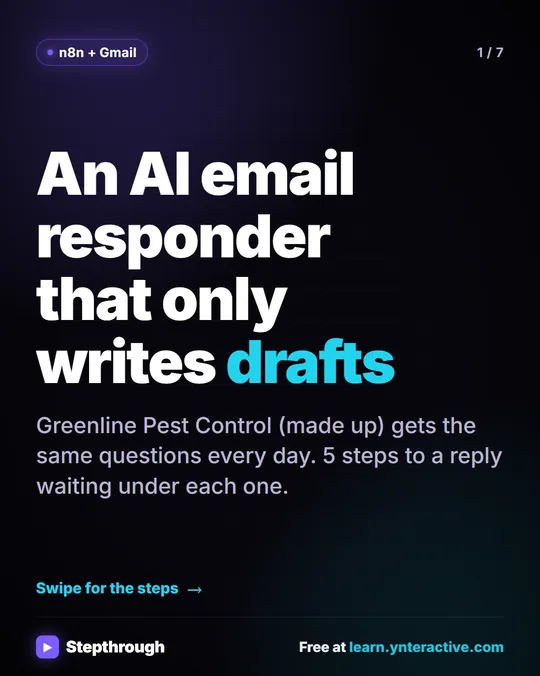 5 Steps to an AI Email Responder That Only Writes Drafts
A visual guide: an n8n agent reads each new Gmail message and saves a reply as a draft in the same thread. You read it and click Send.
Step-by-step guide 7 slides
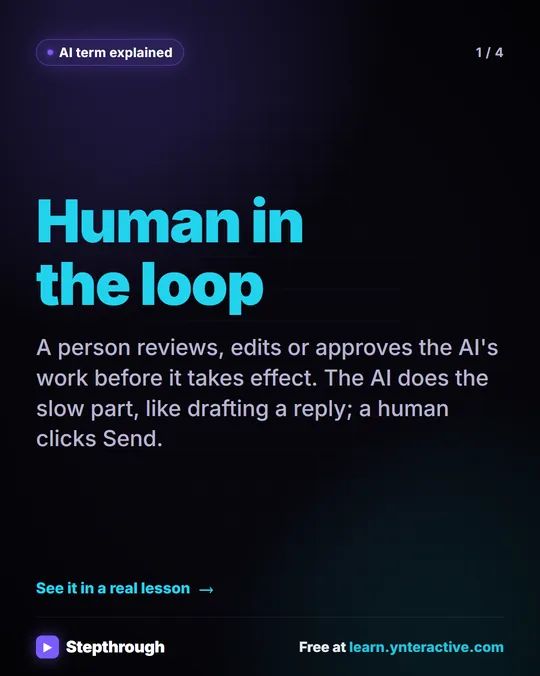 What Is Human in the Loop? A Visual Guide
A visual guide to human in the loop: the AI drafts and a person approves before anything takes effect, shown in a real n8n email lesson.
AI term explained 4 slides
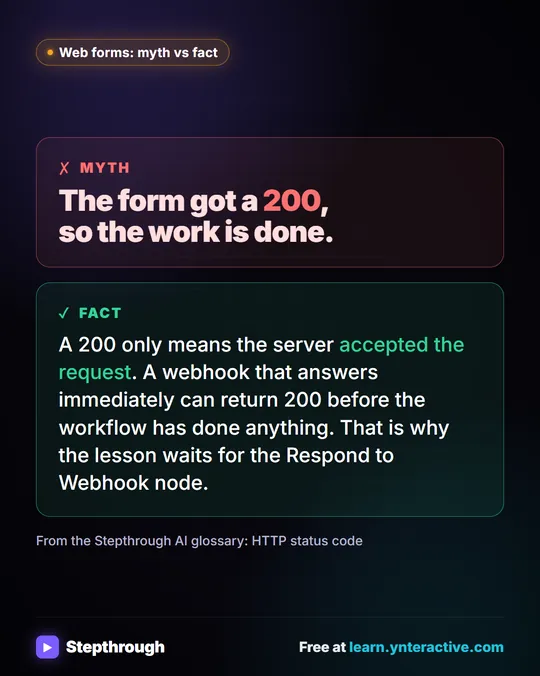 Myth: A 200 Status Means the Workflow Is Done
Myth vs fact: a 200 only means the server accepted the request. A webhook can answer before the workflow has done anything at all.
Myth vs fact One graphic