An n8n trigger is the first node in a workflow, the event that starts it: a time of day, a new email, a chat message, a web form submission or a form from a template. This guide is for n8n beginners who aren't sure which trigger they need, and it explains the five triggers used in the free lessons, starting with the schedule trigger in Daily Job Alerts.
Every n8n workflow has exactly one starting point. You add it with Add first step, and the panel that opens lists every way a workflow can start: manually, on a schedule, on a webhook, on a chat message and more. Picking the right one is the first real decision in any build.
Which n8n trigger do I need?
Pick the trigger that matches what should start the work: a clock, an inbox, a person chatting, or a form. This table covers the five triggers in the lessons:
| What starts the work | Trigger | Lesson example | How you test it |
|---|---|---|---|
| A time of day | On a schedule | Email each tech their jobs at 7am | Test step / Test workflow |
| A new email in Gmail | Gmail On message received | Draft a reply to each customer email | Fetch Test Event |
| You typing to an AI agent | On chat message | Ask an agent for social media ideas | Open chat |
| A website form or another app sending data | On webhook call | A Lovable contact form | Submit the form |
| A simple form n8n hosts for you | The form in an n8n template | A pet groomer's booking form | Execute workflow opens a test form |
The rest of this post explains each one, with the settings that matter.
How does the n8n schedule trigger work?
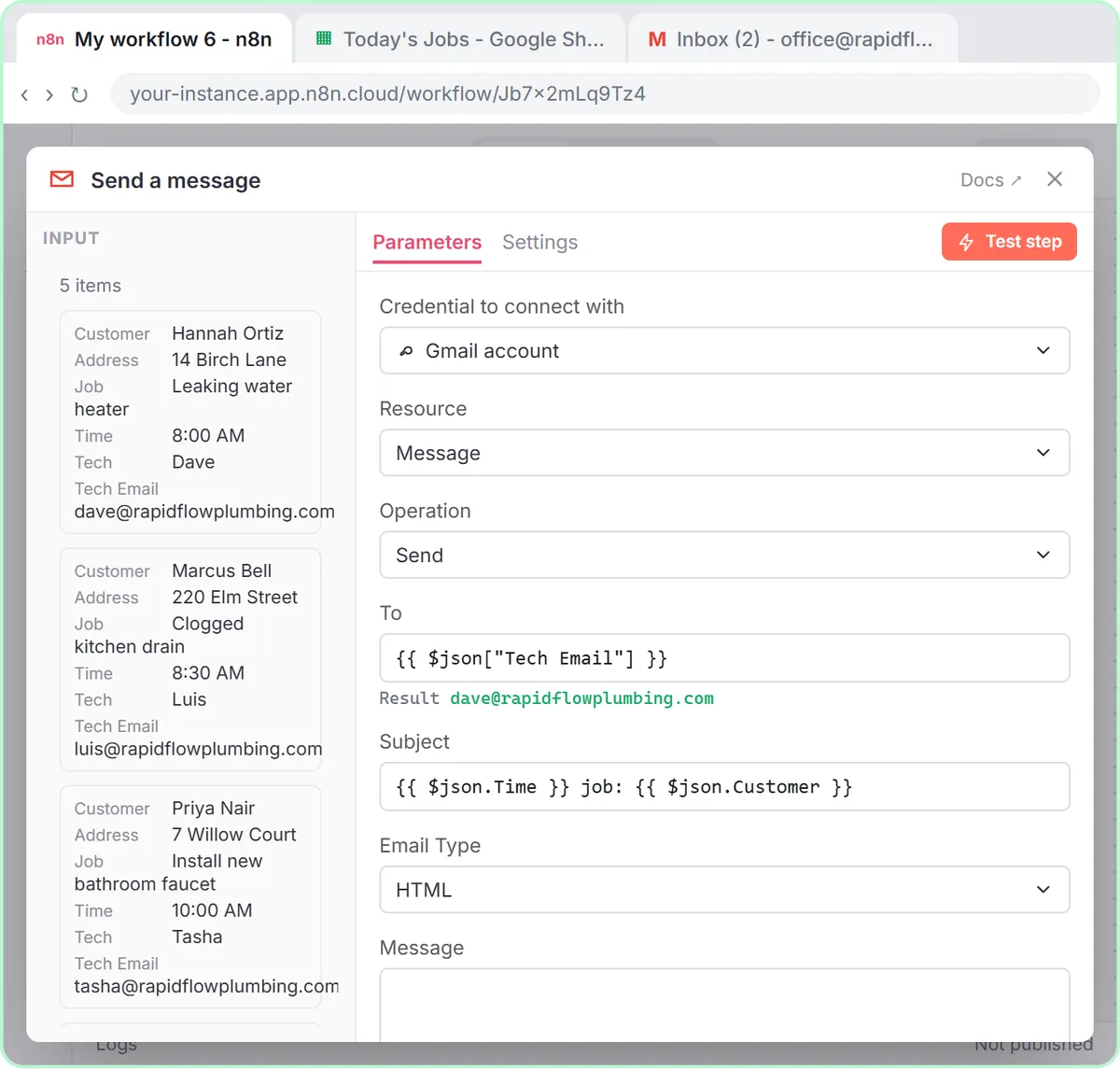
On a schedule starts the workflow at a set time, like every day at 7am, with no one pressing anything. In the Daily Job Alerts lesson, the trigger is already set to run every 1 day, but it fires at midnight, so you open Trigger at Hour and choose 7am.
The setting that trips people up isn't on the trigger at all. A schedule runs in the workflow's timezone, which defaults to New York. Set it first: click the ··· next to the workflow name, choose Settings, open Timezone, pick yours (the lesson uses America/Chicago) and click Save. Otherwise 7am is Eastern time, wherever you are.

Email Each Tech Their Jobs Every Morning with n8n walks through the full workflow.
How does the Gmail trigger work in n8n?
The Gmail trigger, On message received, checks an inbox on a timer and starts the workflow for each new email. In the AI Email Responder lesson, you search for gmail, click Gmail, and choose On message received under Triggers.
After you connect the inbox with Sign in with Google, leave Every Minute and Message Received as they are. Then click Fetch Test Event, and n8n pulls in the newest email so you can see its fields: From, Subject, a snippet of the message and a threadId. Those fields are what the rest of the workflow uses. Because it checks every minute, a reply draft appears within about a minute of an email arriving, not instantly.
How does the n8n chat trigger work?
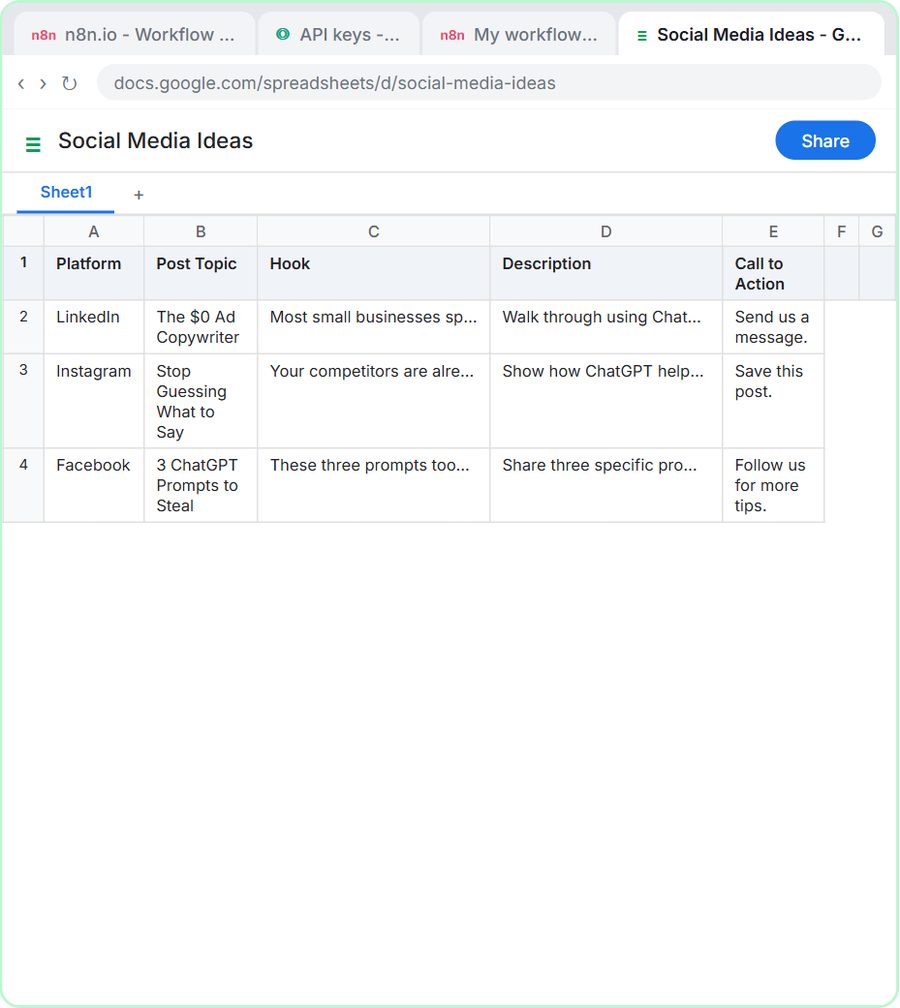
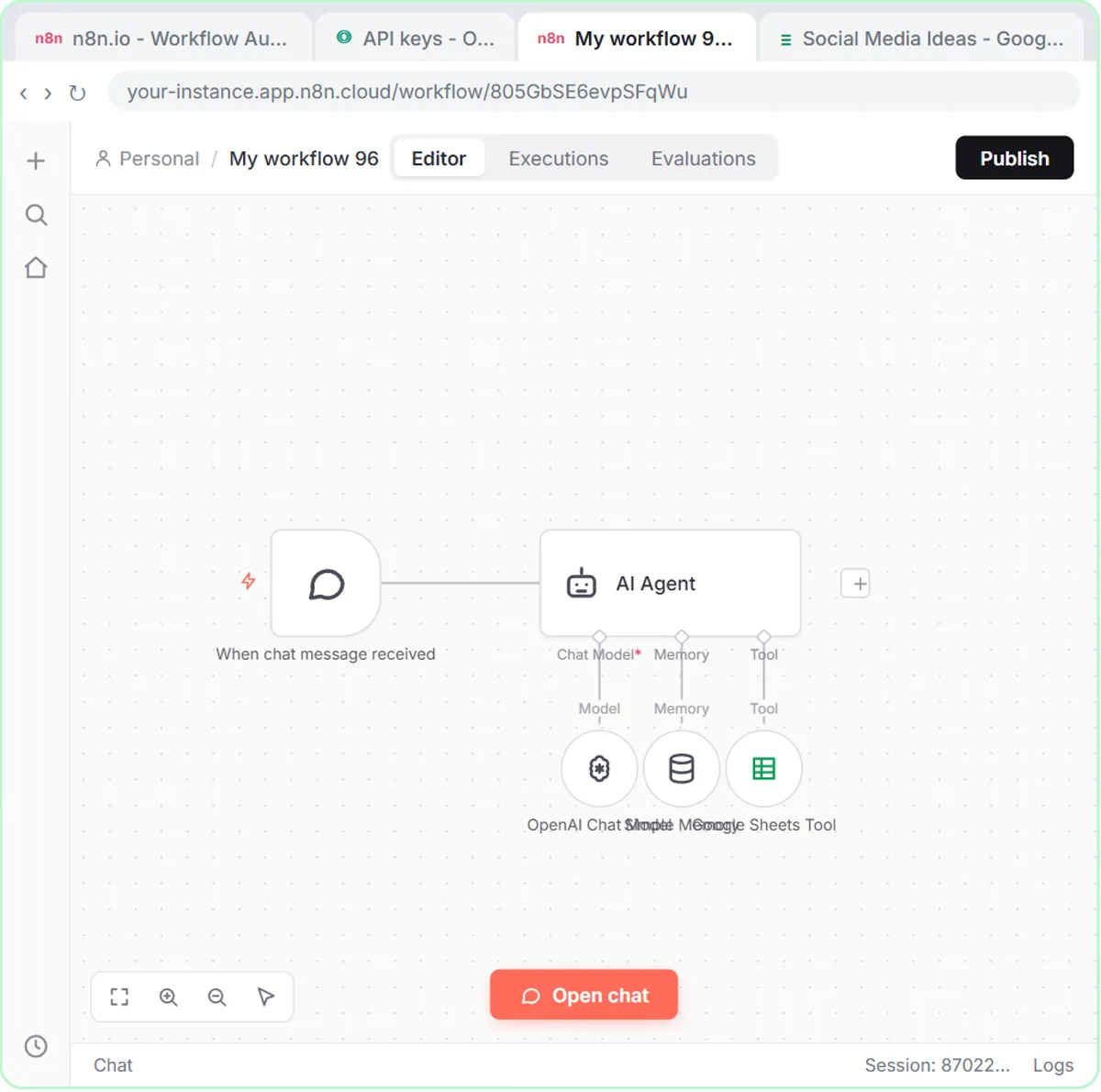
On chat message starts the workflow each time you type a message in n8n's chat, which makes it the easiest way to talk to and test an AI agent. In the AI Social Media Idea Agent lesson, there's nothing to configure: you add the trigger and close it.
To use it, click Open chat at the bottom of the canvas and type a request, like "Give me 3 social media post ideas about how small businesses can use ChatGPT to improve their advertising." The chat trigger suits agents a person works with directly, such as an idea generator or a follow-up writer, rather than work that should happen without anyone there.
Try it free, step by step
AI Email Responder: Draft Gmail Replies Automatically with n8n. Build an n8n agent that watches your Gmail, reads each new customer email, and writes a reply as a draft in the same thread, ready for you to check and send. You do every step yourself in a practice copy of n8n, it checks your work as you go, and “Do it for me” finishes any step you get stuck on. Free, and nothing touches your real accounts.
Start the free lessonHow does the n8n webhook trigger work?
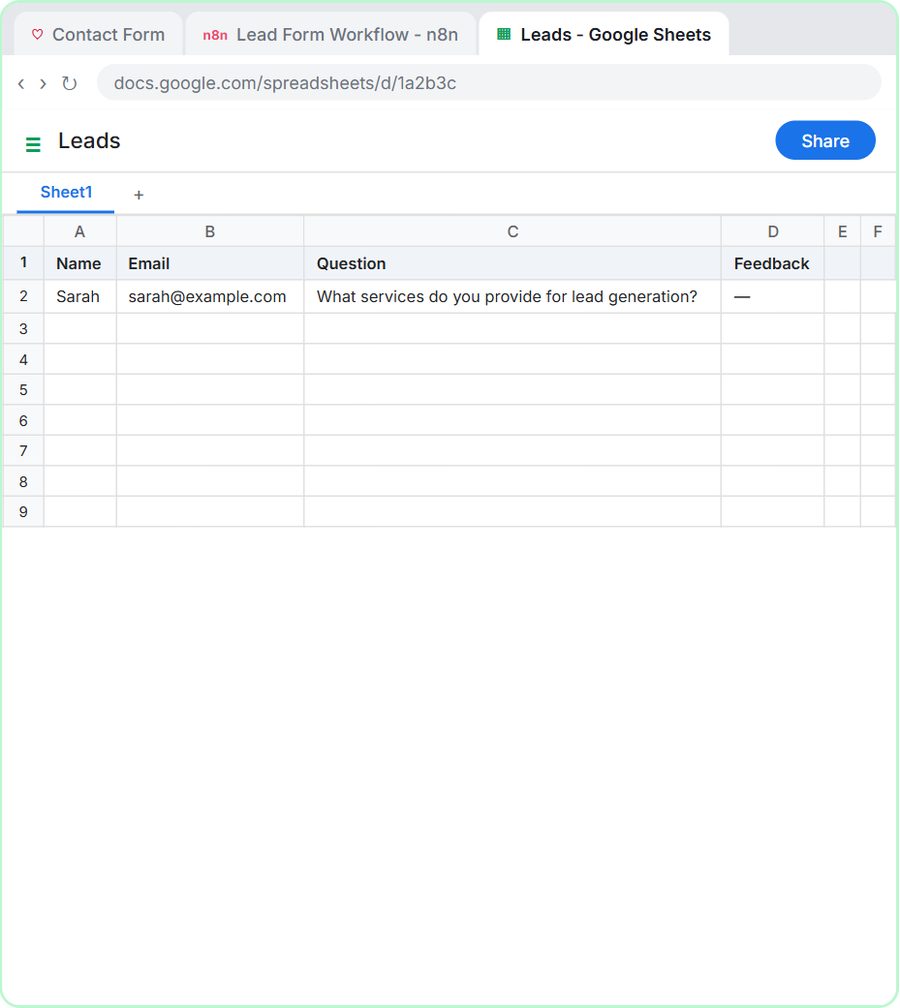
On webhook call gives the workflow a URL that waits for incoming data, so a website form or another app can start it by sending a request. In the Build a Web App with an AI Backend lesson, a Lovable contact form sends name, email, question and feedback to that URL as JSON.
One setting matters on the webhook: Respond. By default the webhook answers immediately, before the rest of the workflow runs. The lesson changes it to Using 'Respond to Webhook' Node and adds a Respond to Webhook node at the end, so the form only shows its success message after the work is done.
The webhook also has two addresses, a Test URL and a Production URL, and only the Production URL works once the workflow is published. n8n Webhook Test URL vs Production URL explains the difference and the common fixes.
What about the form trigger in an n8n template?
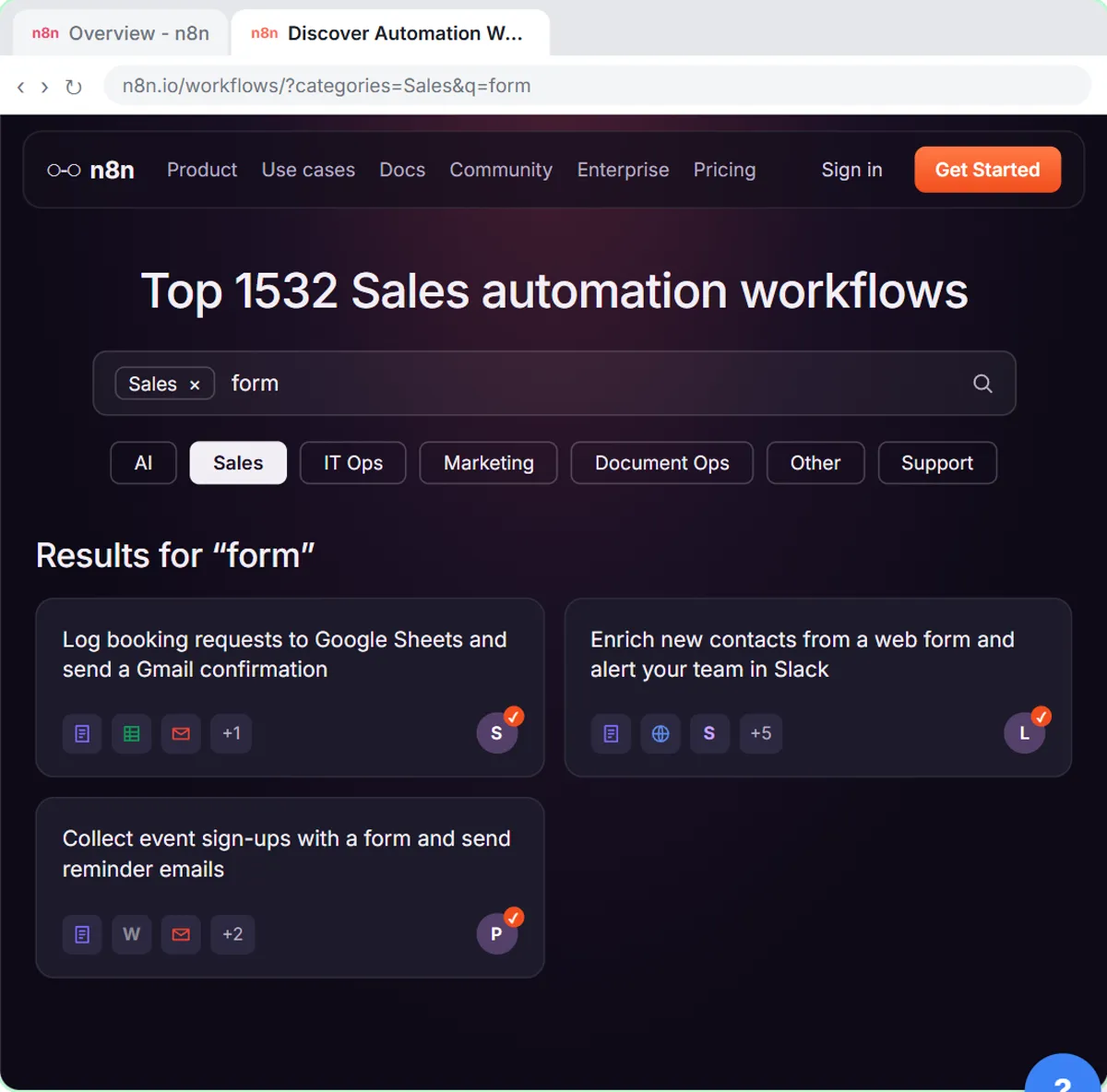
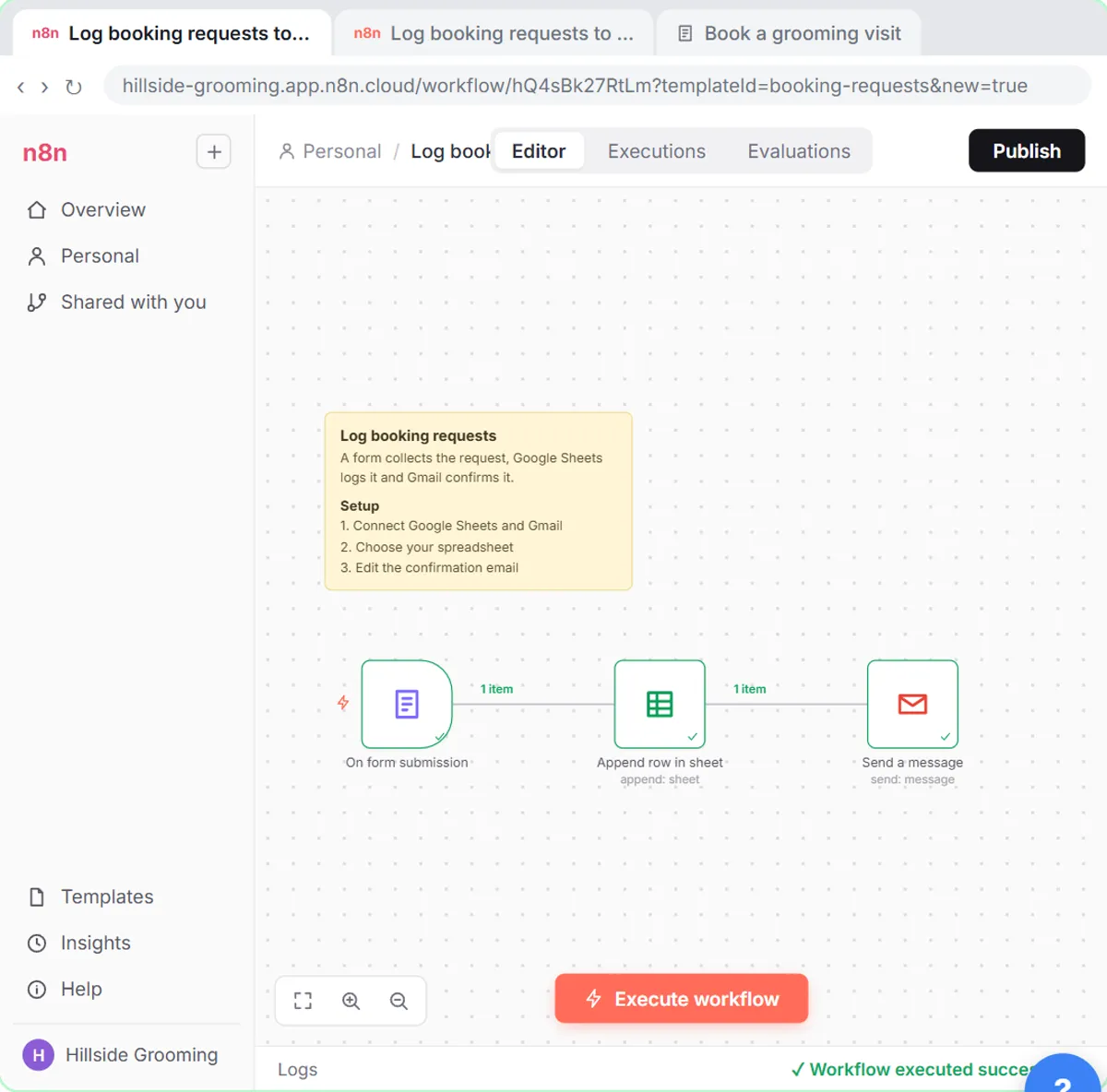
Some n8n templates come with their own form, so you don't need a website or form builder. In the Find and Use n8n Templates lesson, the imported template for a made-up pet groomer has three nodes: a form, a Google Sheets step and a Gmail step.
To test it, click Execute workflow. n8n opens the booking form in a new tab and waits. You fill in a name, an email and a pet's name, click Submit, and go back to n8n to see a green check on every node. The template's form is the quickest way to collect requests when you don't need a custom design.
How does the trigger change the AI Agent's prompt?
The AI Agent node expects a chat message by default, so with any other trigger you must set Source for Prompt to Define below and write the prompt yourself with expressions. With the chat trigger, you can leave the default.
The prompt then pulls fields from whatever the trigger delivered:
- Gmail trigger:
From: {{ $json.From }},Subject: {{ $json.Subject }}andMessage: {{ $json.snippet }}. - Webhook trigger:
Name: {{ $json.body.name }}, because form data arrives inside the request body.
The trigger affects memory too. Simple Memory looks for a chat session ID, which only the chat trigger provides. With the Gmail trigger, the email responder fails with "No session ID found" until you set the session key to {{ $json.threadId }}. Fix "No session ID found" in n8n explains why.
Does a trigger run before I publish the workflow?
No. Before you click Publish, a trigger only fires when you test it in the editor. After publishing, the schedule fires at its time, the Gmail trigger checks every minute, and the webhook's Production URL accepts data.
Test with each trigger's own test method first (the table above), check the real output in your sheet or inbox, and then publish. The n8n tool page lists the n8n lessons if you want to practice a specific trigger.
Key takeaways
- An n8n trigger is the first node in a workflow and decides when it runs: on a schedule, on a new Gmail message, on a chat message, on a webhook call or from a template's form.
- The n8n schedule trigger runs in the workflow's timezone, which defaults to New York, so set Timezone in the workflow Settings first.
- The Gmail trigger On message received checks every minute, and Fetch Test Event loads the newest email for testing.
- The webhook trigger should usually respond Using 'Respond to Webhook' Node, and live forms must use the Production URL after publishing.
- With any trigger except chat, set the AI Agent's Source for Prompt to Define below and pull fields in with expressions.
Frequently asked questions
- What is a trigger in n8n?
A trigger is the first node in an n8n workflow. It's the event that starts the run, such as a time of day, a new email, a chat message or a form submission.
- Can an n8n workflow have no trigger?
Every workflow you want to run on its own needs a trigger. The trigger panel also includes a manual option for workflows you start yourself.
- Why does my n8n schedule run at the wrong hour?
The workflow's timezone defaults to New York. Open the workflow menu, choose Settings, set Timezone to yours and save.
- Which trigger should I use for a website form?
Use On webhook call if the form is on your own site or built in a tool like Lovable. If you don't need a custom design, a template with its own n8n form is simpler.