What is the n8n AI Agent node?
Updated · By Robert Breen
The AI Agent node is the n8n step that takes a prompt, thinks with a connected language model, and decides which of its tools to use, such as adding a row to Google Sheets or writing a Gmail draft, before returning an answer.
Why it matters for a small business
Most automations follow fixed rules: if this, then that. The AI Agent node handles jobs where the right action depends on what the message actually says. One customer email needs a price, another needs "someone will follow up". A receipt might be groceries or office supplies. Instead of building a branch for every case, you describe the job in plain English and give the agent the tools to carry it out.
That flexibility is also the risk. An agent can only use the tools you attach, so the tools you choose are your real safety settings. A Gmail tool set to send can email a customer something wrong; the same tool set to create drafts cannot.
In a real lesson: AI Email Responder: Draft Gmail Replies Automatically with n8n
The AI Email Responder lesson builds an agent for Greenline Pest Control, a made-up family-run company. You add AI Agent after the Gmail Trigger, and the first thing you change is Source for Prompt. By default it expects a chat message, so you choose Define below and paste a prompt that pulls in the email's From, Subject and snippet with expressions.
Then you fill the slots under the node. Chat Model gets an OpenAI Chat Model using the saved OpenAI account credential. Tool gets a Gmail Tool switched from Message to Draft, so the agent can only create drafts. Memory gets Simple Memory. Last, you reopen the agent, click Add Option, choose System Message and paste the business facts: the three service areas, $149 for a first visit, booking hours, and the rule to never make up prices.
When you click Execute workflow, you can watch the agent call the model, then the draft tool, and the reply shows up under the customer's email in Gmail.
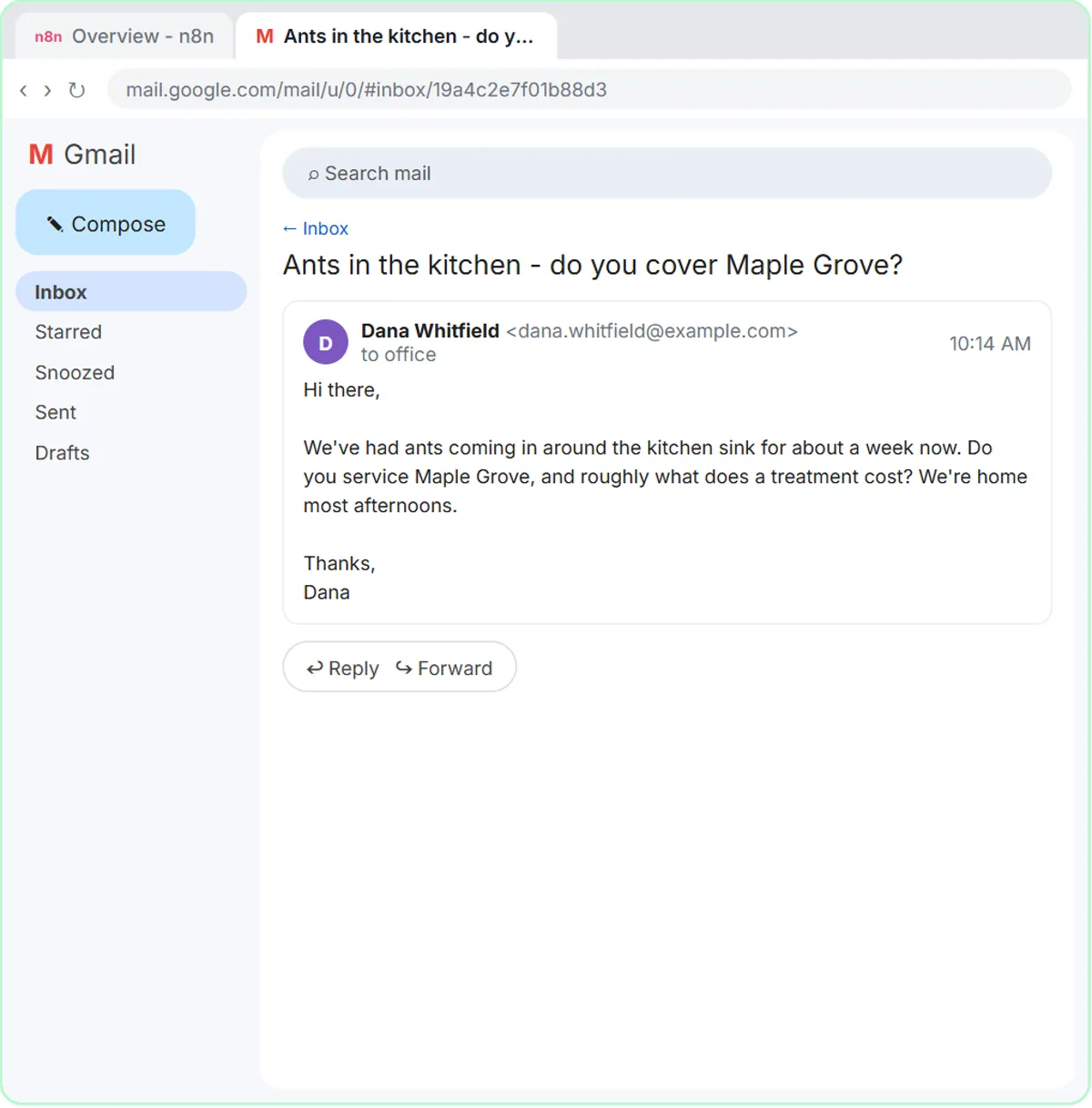
Try this lesson free or read the step-by-step guide.
Common confusions
AI Agent node vs a single model call
A plain model step sends one prompt and returns text. The AI Agent can loop: read the request, call a tool, read the result and decide what to do next. If you only need text back (a summary, a category), a simpler model step is cheaper and easier to predict.
Prompt vs System Message
The prompt is the thing being handled right now, like one email or one chat message. The System Message, added under Add Option, is the standing system prompt the agent reads before every item: who it works for, what it knows and its rules.
AI Agent vs Chat Model
The agent is the planner that uses tools. The chat model is the language model underneath that does the thinking. An agent with no model shows a red warning and cannot run.
Tips
- Read the red warnings on the node. A missing model or a memory problem shows there first.
- Say when to use each tool in the System Message ("use the google sheets tool to add the lead"). Agents call tools more reliably when told.
- Give the agent the least powerful version of each tool that still does the job.
Related terms
Where you use it: free lessons
- AI Email Responder: Draft Gmail Replies Automatically with n8n (n8n, 12 min)
- n8n AI Agent Tutorial: Save Social Media Ideas to Google Sheets (n8n, 12 min)
- AI Receipt Extractor: Receipts to Google Sheets with n8n (n8n, 12 min)
Prompt templates that use it
Frequently asked questions
- Do I need to code to use the AI Agent node?
- No. You add it from the node list, pick options from dropdowns and paste your instructions in plain English. Expressions like
{{ $json.Subject }}are the only code-like part, and you can copy them from the lessons. - What does it cost to run the AI Agent node?
- The model is billed by its provider. With an OpenAI Chat Model you pay OpenAI for usage on your API account, separately from any ChatGPT subscription and from your n8n plan.
- Why does my AI Agent node show a red warning?
- Usually it has no Chat Model connected yet. Click the + under Chat Model, add a model and choose a credential.