What does Execute workflow do in n8n?
Quick answer
Execute workflow is the n8n button at the bottom of the canvas that runs the whole workflow once in the editor. Each node that ran gets a green check, but a green check only means it ran. You still have to look at the real result.
Last updated
Updated · By Robert Breen
Why it matters for a small business
After you have checked the pieces one at a time, you need to know they work together. Execute workflow runs the full chain, from the trigger through every action, using test or pinned data. It is your rehearsal before the workflow goes live.
The trap is trusting the green checks. A node can run perfectly and still do the wrong thing, such as writing a value into the wrong column. That is why the lesson sends you to the spreadsheet itself. Opening the real destination, whether a sheet, an inbox or a form, is the only way to know the result is right.
A good habit is to run it more than once. Run it with a normal made-up request, then with an awkward one, such as a blank field, and look at what each run leaves behind. The point is to find problems while only you are watching, before a real client form is the test.
In a real lesson: n8n: Execute Step, Execute Workflow and Publish
In the lesson, after pinning test data, you click Execute workflow on Maple Street Bookkeeping's intake workflow. Every node shows a green check and 1 item.
Then you open the New clients tab of the sheet. Row 2 has the email and name in the right columns, which is the real check. The Service column is blank because nothing sends it yet, and that gap is fixed later with a new field in Edit Fields and another Publish.
Try this lesson free or read the step-by-step guide.
Common confusions
Execute workflow vs Publish
Execute workflow is a test run you start by hand. Publish makes the workflow answer real events on its own.
Green check vs correct result
A green check says the node finished. It does not say the data landed where you meant. Open the destination to confirm.
Tips
- After every run, open the thing the workflow changed.
- Look for blank columns, not just filled ones.
- Test with a made-up name before real client details touch a sheet.
Related terms
More n8n and automation terms
Where you use it: free lessons
- n8n: Execute Step, Execute Workflow and Publish (n8n, 6 min)
- n8n AI Agent Tutorial: Save Social Media Ideas to Google Sheets (n8n, 12 min)
- n8n AI Email Responder: Draft Gmail Replies Automatically (n8n, 12 min)
- Gmail AI Triage: Auto-Label Every Email and Draft Replies (n8n, 14 min)
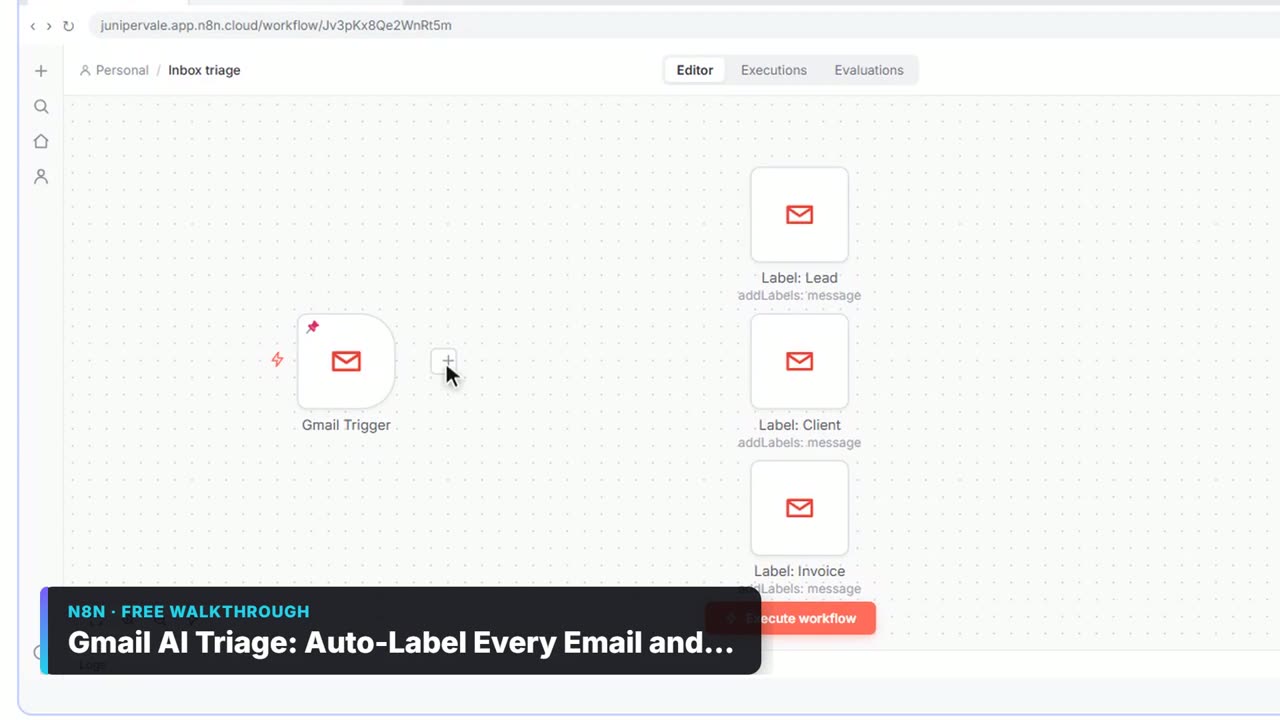
Watch it in a free lesson: Gmail AI Triage: Auto-Label Every Email and Draft Replies
 2:31
2:31Gmail AI Triage: Auto-Label Every Email and Draft Replies: video walkthrough
Build an n8n workflow that reads each new email, sorts it as a lead, a client or an invoice with a Text Classifier, adds the matching Gmail label, and drafts a reply to clients for you to check. The whole lesson narrated step by step, recorded in Stepthrough’s simulated practice environment.
Frequently asked questions
- Will Execute workflow add a real row to my sheet?
- If the workflow has a Google Sheets node that appends a row, yes. In the lesson it adds a row to the New clients tab, so use test data.
- Do I need to publish before I execute the workflow?
- No. You execute in the editor first to test, then publish so real events run it.
- What does 1 item mean on a node?
- It is how many pieces of data the node passed on. One form submission gives one item.