What is a fallback output in the n8n Switch node?
Quick answer
The fallback output is an extra exit on an n8n Switch node. Items that match none of your routing rules go there, instead of being ignored. Without it, a request that fits no rule quietly disappears.
Last updated
Updated · By Robert Breen
Why it matters for a small business
A Switch node sends each item down the output whose rule it matches. Real data is messier than your rules: someone picks a service you didn't plan for, or types something unexpected. By default, the Switch node's Fallback Output is None (default), so items that match no rule are ignored. Ignored means nobody sees them.
Setting it to Extra Output gives those leftovers their own labeled exit. You then connect it to something safe, such as a log or a person's inbox. For a small office, the catch-all is the difference between a tidy routing system and a customer request that nobody ever answers.
There is a design lesson here too. Writing a rule for every possible value is impossible, and nobody should try. Write rules for the cases you care about, and let the fallback catch the rest. You can then read the log from time to time and decide whether a common leftover deserves a rule of its own.
In a real lesson: IF and Switch in n8n: Route Work by Rules
In the IF and Switch lesson, Harbor Point Handyman is a made-up business whose service form sends requests to a Switch node. Two rules route on Service: one for Repair and one for Emergency. You name the outputs with Rename Output.
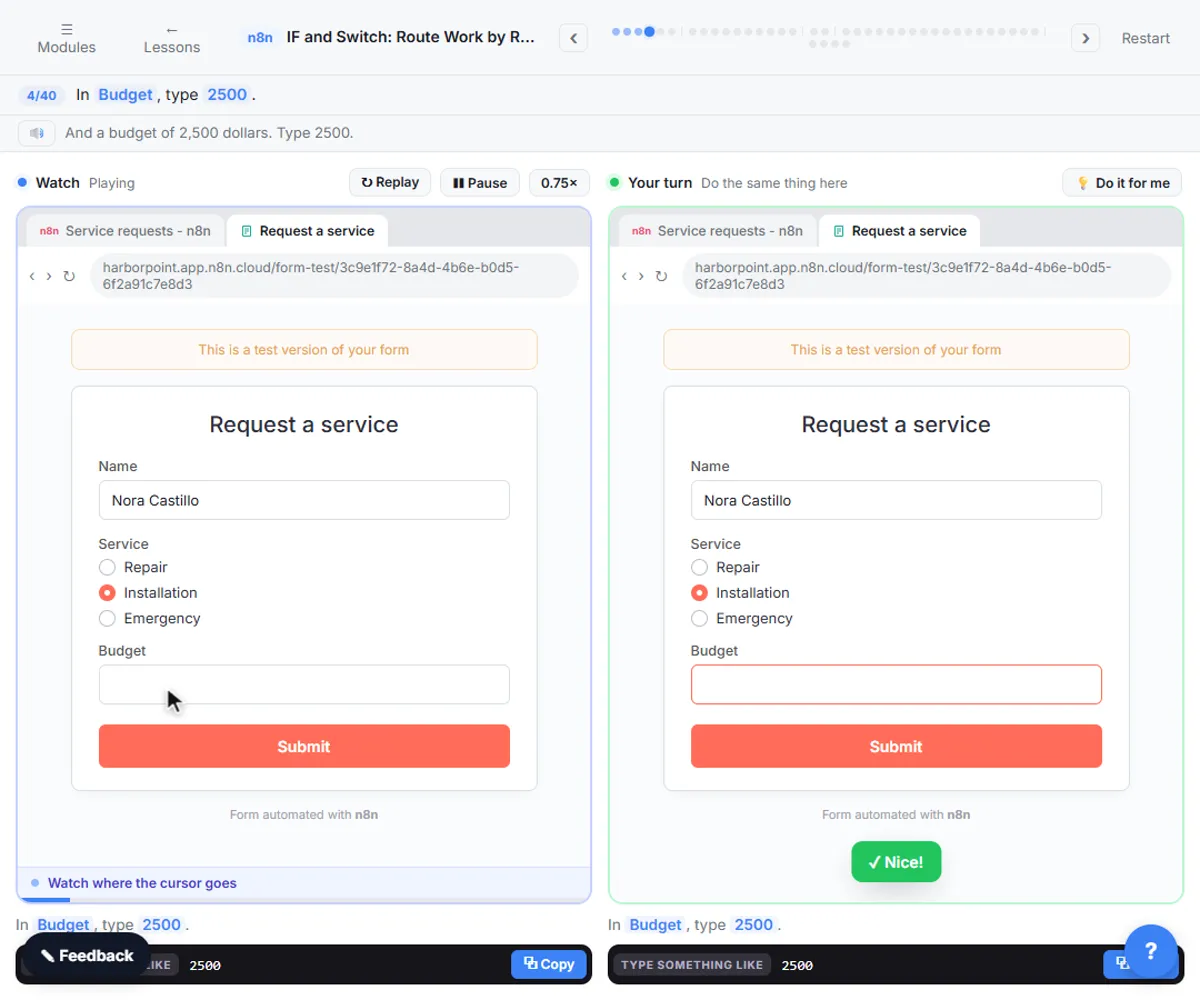
Then you click Add option, choose Fallback Output, open the drop-down and pick Extra Output. The test request is an Installation, which matches neither rule, so it lands in Fallback (1 item). You connect Fallback to Append row in sheet, so the request is logged.
Try this lesson free or read the step-by-step guide.
Common confusions
Fallback vs the false branch
An If node's false branch is for items that fail one condition. A fallback output is for items that match none of several Switch rules.
Fallback vs an error
An unmatched item is not an error. n8n just has nowhere to send it until you add the fallback.
Tips
- Always turn on a fallback when a field can hold values you didn't list.
- Send the fallback to a log or a human, never to nothing.
- Test with a value that fits no rule, as the lesson does with Installation.
Related terms
More n8n and automation terms
Where you use it: free lessons
- IF and Switch in n8n: Route Work by Rules (n8n, 10 min)
Prompt templates that use it
Frequently asked questions
- What is the default for the Switch node's fallback?
- None (default), which means items that match no rule are ignored.
- Where is Fallback Output in the Switch node?
- Under Options, click Add option and choose Fallback Output, then pick Extra Output from its drop-down.
- Can I rename the fallback?
- The lesson names the Repair and Emergency outputs with Rename Output. The fallback shows as Fallback on the canvas.