What is the Switch node in n8n?
Updated · By Robert Breen
The Switch node in n8n sends each item down one of several paths based on rules you set, like a mail sorter. Each rule gets its own output, so repair requests, installs and emergencies can each go to different steps, people or sheets.
Why it matters for a small business
Sorting is half of office work: which team, which priority, which template, which person. Once a request has a category, a Switch turns that category into action. Emergencies can alert the on-call tech while maintenance requests simply land in a sheet, all from one workflow.
It keeps the canvas readable too. Three or four categories handled with chained IF nodes become a tangle. A Switch puts every route side by side, and an optional fallback output catches anything that matches no rule, so an unexpected category doesn't silently disappear.
In a real lesson: Build an AI Service Request Form for Your HVAC Company
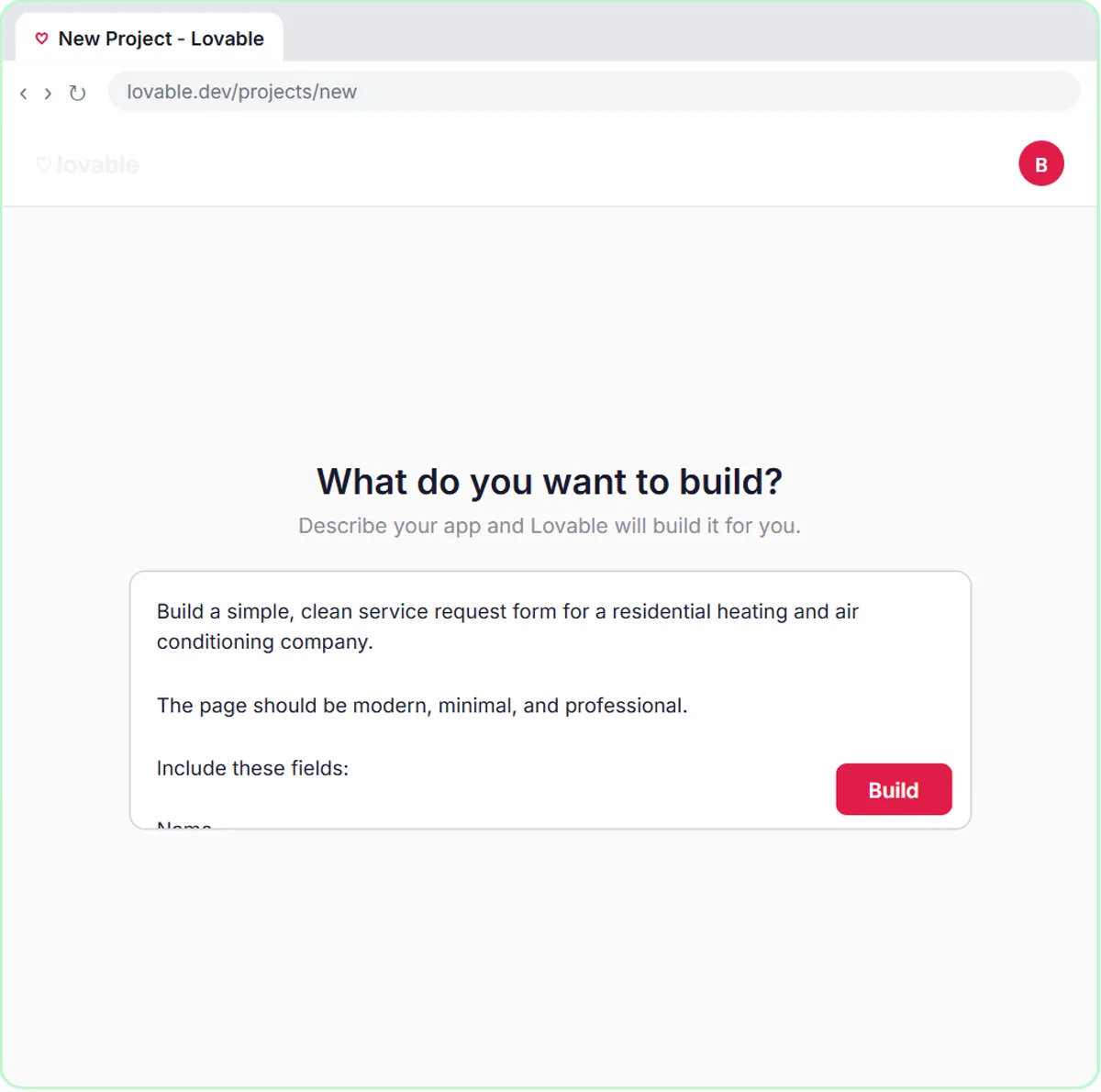
No live Stepthrough lesson uses a Switch node yet. The closest is the HVAC service request form lesson, where Cedar Ridge Heating & Air, the made-up HVAC company in the lesson, gets a Lovable form and an n8n agent that sorts requests with words instead of rules.
The agent's system message says to sort each request into one job type: Repair, Maintenance, Install or Emergency, with no heat, no cooling in extreme heat, or water leaking from the system counted as Emergency. In the test, a furnace blowing cold air in a cold house is tagged Emergency, saved to Google Sheets and confirmed by Gmail. Every request still follows the same path; only the label changes.
A Switch is the natural next step. Have the agent return the job type as its own field, put a Switch after it with four rules, and each category gets its own handling: Emergency to an immediate alert, Install to the sales calendar, Repair and Maintenance to the regular queue. The AI picks the category; the Switch makes sure each category reliably goes where it should.
Try this lesson free or read the step-by-step guide.
Common confusions
Switch vs IF
An IF node has exactly two outputs. A Switch has one per rule. For a yes-or-no question use IF; for three or more categories use Switch.
Switch vs letting the AI route
An AI agent is good at deciding a category, as in triage. Let rules do the routing, though: the AI names the category, then a Switch sends it, so the path an emergency takes never depends on how a model happens to phrase things.
Tips
- Turn on the fallback output so items that match no rule are still caught.
- Route on a short, fixed list of values, and tell the AI to use exactly those words.
- Test one item per route before you publish.
Related terms
Where to learn more
Frequently asked questions
- How many outputs can a Switch node have?
- One for each rule you add, plus an optional fallback output for items that match none. Most business workflows need only a handful.
- Can a Switch node route items based on AI output?
- Yes, as long as the AI's answer arrives as a field the Switch can check, such as a job type of Repair or Emergency. Ask the model to pick from a fixed set of words so the rules match.