What is the HTTP Request node in n8n?
Updated · By Robert Breen
The HTTP Request node is n8n's all-purpose step for calling any web API. You give it an address, a method like GET or POST, and whatever headers, query parameters or body the API expects, and it sends the request and passes the response on as data for the next step.
Why it matters for a small business
No automation tool has a ready-made node for every app. The HTTP Request node is how you reach the rest: a niche scheduling tool, an industry software vendor, your own website. If an app publishes API documentation, you can usually connect to it with this node and a key, even when no integration exists.
It also helps with apps that do have a node, when that node lacks the one operation you need. For many services the node can reuse an existing n8n credential, so you don't handle the key yourself, and when an API's documentation shows a cURL example, you can import it into the node instead of filling every field by hand.
In a real lesson: Lovable + n8n: Build a Web App with an AI Backend
None of Stepthrough's live lessons uses the HTTP Request node yet, because every app in them has its own node. The closest thing to practice is the Lovable + n8n lesson, which shows the same kind of request from the receiving side.
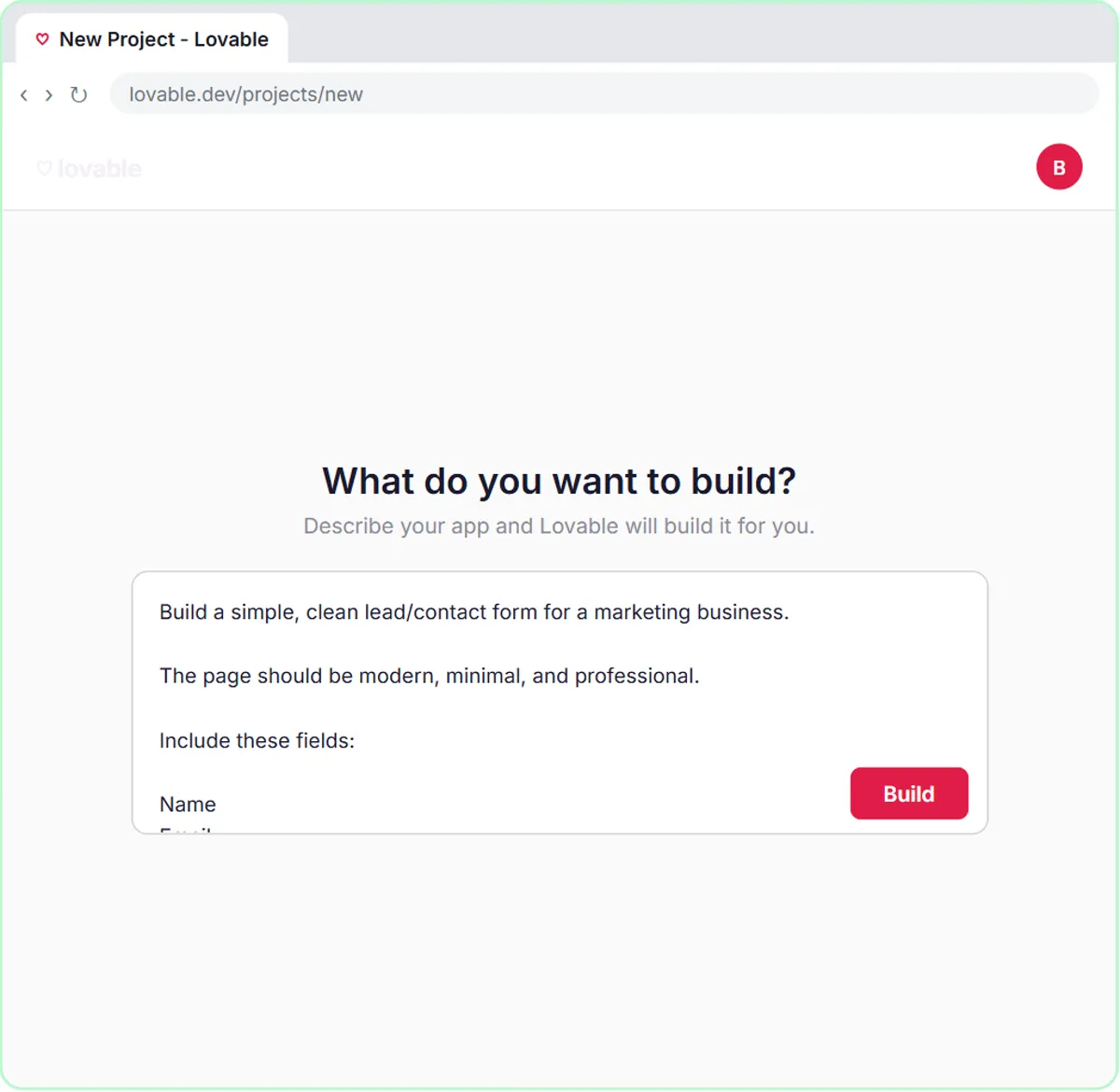
There, the Lovable prompt tells the contact form to send its data as a POST request to the n8n webhook URL, as JSON with the keys name, email, question and feedback. That is exactly what an HTTP Request node does when it calls someone else's API: a method (POST), an address (the URL) and a JSON body. In the lesson, n8n is the one receiving it, through On webhook call.
The rest of the lesson shows what HTTP Request stands in for. The OpenAI Chat Model, Google Sheets Tool and Gmail Tool each send requests to their service's API behind the scenes, with the address, method and credential already filled in. When an app has no such node, the HTTP Request node is where you fill those in yourself.
Try this lesson free or read the step-by-step guide.
Common confusions
HTTP Request node vs Webhook node
HTTP Request sends a request out to another service. The Webhook node receives requests other services send in. One workflow can use both: start on a webhook, then call an API.
GET vs POST
GET asks for data, like "list today's appointments." POST sends data, usually to create something, like a new contact. The API's documentation says which method each address expects.
Tips
- Start from the API's own documentation example. If it shows a cURL command, import it into the node.
- Put keys in the node's authentication settings or an n8n credential rather than typing them into a plain field.
- Send one request and read the response, including the status code, before wiring up the rest.
Related terms
Where to learn more
Frequently asked questions
- When should I use the HTTP Request node instead of an app node?
- Use the app's own node when it has the operation you need, since it handles the details. Use HTTP Request when there's no node for the app or the node lacks that operation.
- Do I need to code to use the HTTP Request node?
- No. You fill in fields: method, URL, authentication, and optional headers, query parameters and body. You do need the API's documentation to know what goes in them.