What is an integration?
Updated · By Robert Breen
An integration is a ready-made connection between two apps that lets them share data or set each other off, such as a workflow tool reading a Google Sheet or sending from Gmail. It handles the sign-in and the technical calls, so you only choose what should happen.
Why it matters for a small business
Every tool you pay for holds part of your business: leads in a form, jobs in a spreadsheet, conversations in Gmail. Integrations stop those tools from being islands. Without them, a person is the integration, retyping a form submission into a sheet and then into an email.
When you choose an automation tool, the length of its integration list matters less than people think. What matters is whether the exact actions you need exist (append a row, create a draft rather than send) and what permissions the connection asks for. If an app has no integration at all, you can often still reach it through a webhook or the HTTP Request node, as long as it has an API.
In a real lesson: Build an AI Maintenance and IT Request Form
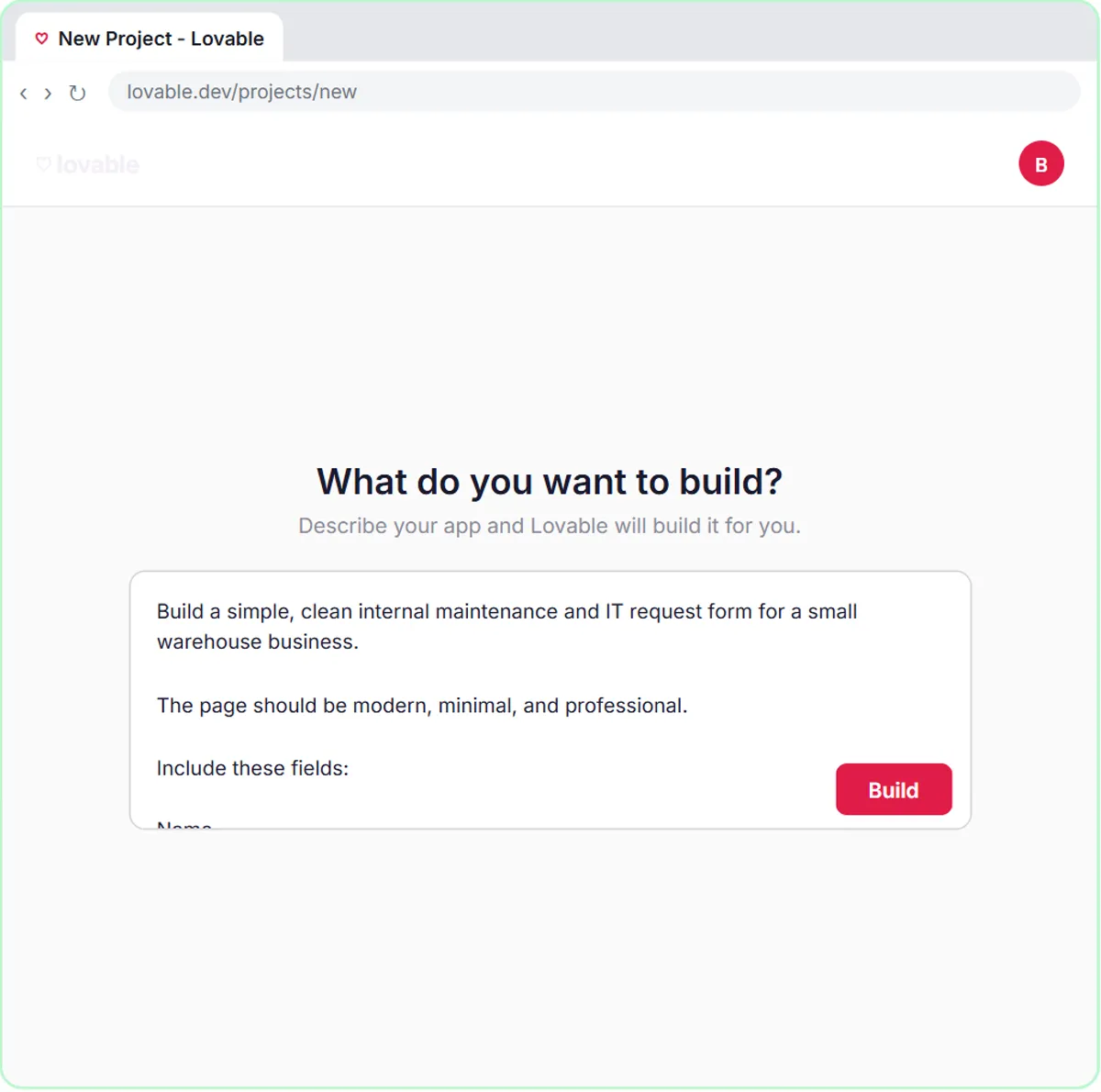
The maintenance and IT request form lesson is a good map of integrations, because one form touches five services. Ridgeline Supply Co., the made-up warehouse business in the lesson, gets a Lovable form headed Report a Problem that sends name, email, request and location to n8n.
Inside n8n, each outside service is its own node with its own connection: OpenAI Chat Model with an API key, Google Sheets Tool pointed at a sheet with Name, Email, Request and Location columns, and Gmail Tool for the confirmation. Each asks for a credential, and the Google ones open Sign in with Google and a list of permissions to approve.
When you click Submit Request in the preview, the agent reads about a stuck dock door with trucks waiting, sets it to Urgent for the Facilities team, writes the row and emails a confirmation. None of those apps know about each other. The n8n workflow is the hub, and each integration is a spoke.
Try this lesson free or read the step-by-step guide.
Common confusions
Integration vs API
An API is the door an app offers to other software. An integration is a finished handle on that door: someone already wrote the calls, so you pick an operation from a dropdown instead of reading API documentation.
Direct integration vs a hub
Some apps connect straight to each other. Others meet through a hub like n8n, Zapier or Make. A hub is one more tool to manage, but it lets you put logic in the middle, such as AI, filters and branches.
Tips
- Read the permission screen when you connect a Google account. It tells you everything the connection could do.
- Connect a shared business account, not one person's inbox, so the integration survives staff changes.
- If an integration lacks the action you need, check whether the app has an API before you give up.
Related terms
Where you use it: free lessons
- Build an AI Maintenance and IT Request Form (Lovable and n8n, 15 min)
- Lovable + n8n: Build a Web App with an AI Backend (Lovable and n8n, 15 min)
- Find and Use n8n Templates (n8n, 9 min)
Frequently asked questions
- What if the app I use has no n8n integration?
- If the app has an API, call it with the HTTP Request node. If it can send webhooks, start your workflow with a Webhook node and let the app call you.
- Is it safe to connect my apps with an integration?
- It's as safe as the permissions you grant and the account you use. Connect a business account, read what you're approving, and remove access you no longer need from that app's security settings.