What is a webhook?
Updated · By Robert Breen
A webhook is a web address that waits for another app to send it data. When something happens in that app, like a form being submitted, it sends the details to the webhook URL right away, and the workflow behind that URL starts.
Why it matters for a small business
Most small-business automations start with "when this happens over there, do something over here." A customer fills in a quote request on your website, and you want it saved, sorted and answered within seconds instead of sitting in an inbox until someone checks it. A webhook is the doorbell that makes that possible: the form rings it, and your workflow answers.
Webhooks are also how tools that don't have a ready-made connection can still talk. If an app can send a POST request to a URL (most form builders, payment tools and website builders can), it can start an n8n workflow. That one idea opens up far more automations than any list of built-in integrations.
In a real lesson: Lovable + n8n: Build a Web App with an AI Backend
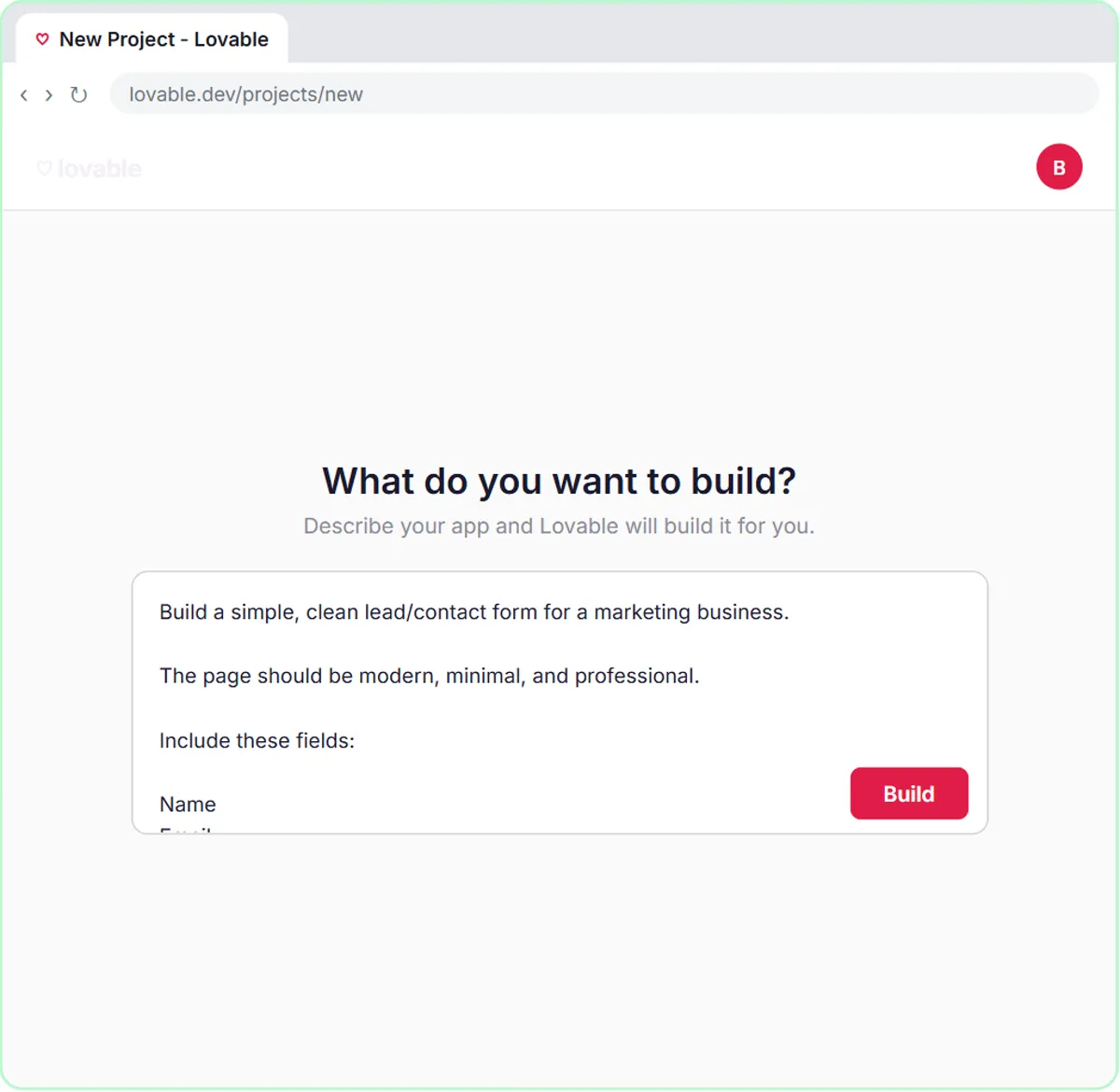
In the Lovable + n8n lesson, you build a contact form in Lovable with Name, Email, Question and Feedback fields, then start a new n8n workflow with On webhook call as the first step. The voice-over puts it simply: a webhook is just a URL that waits for incoming data, and when someone submits the form, it sends those four fields as JSON to it.
Two settings matter. First, you change the Webhook node's Respond dropdown to Using 'Respond to Webhook' Node, so n8n waits until the AI Agent has saved the lead to Google Sheets and sent the Gmail reply before telling the form it worked. Second, after you click Publish, you open the Webhook node, copy its production URL, and save it in Lovable as a secret named N8N_WEBHOOK_URL instead of pasting it into the page's code.
Inside the workflow, the AI Agent reads the form fields from the webhook data with expressions, so every submission becomes a prompt with that visitor's real name and question.
Try this lesson free or read the step-by-step guide.
Common confusions
Webhook vs API
An API is a set of addresses you call to ask an app for something or tell it to do something. A webhook is the reverse direction: the other app calls you when something happens. Many tools offer both. In n8n, the HTTP Request node calls APIs and the Webhook node receives webhooks.
Webhook vs polling
With polling, your workflow checks an app on a timer ("any new rows?") and may wait minutes to notice a change. With a webhook, the app pushes the change the moment it happens, and nothing runs when nothing happens.
Test URL vs production URL
n8n gives every Webhook node two addresses. The test URL only listens while you are testing in the editor; the production URL works once the workflow is published. A form that works in testing and then goes quiet is usually still pointing at the test URL.
Tips
- Treat a webhook URL like a password. Anyone who has it can send data to your workflow, which is why the lesson stores it as a secret.
- Decide when the caller gets its answer. "Immediately" is fine for fire-and-forget data; a form that should only say thanks after the work is done needs a Respond to Webhook node.
- Test with one real submission and check every place it should land (the sheet row, the email) before you share the form.
Related terms
Where you use it: free lessons
- Lovable + n8n: Build a Web App with an AI Backend (Lovable and n8n, 15 min)
- Build an AI Service Request Form for Your HVAC Company (Lovable and n8n, 15 min)
- Build an AI Maintenance and IT Request Form (Lovable and n8n, 15 min)
Frequently asked questions
- Do I need to code to use a webhook?
- No. In n8n you add a Webhook node and copy its URL, and in the lesson the Lovable form is built from a plain-English prompt. You only need to paste the URL where the sending app asks for it.
- Is a webhook secure?
- A webhook URL is hard to guess but works for anyone who has it, so keep it out of public code and share it only with the app that needs it. n8n's Webhook node can also require authentication if you need more protection.