This guide is for owners and office managers who keep hearing "AI automation workflow" and want to know what it means in practice, what it costs in effort, and where to start without breaking anything.
What is AI workflow automation, in plain words?
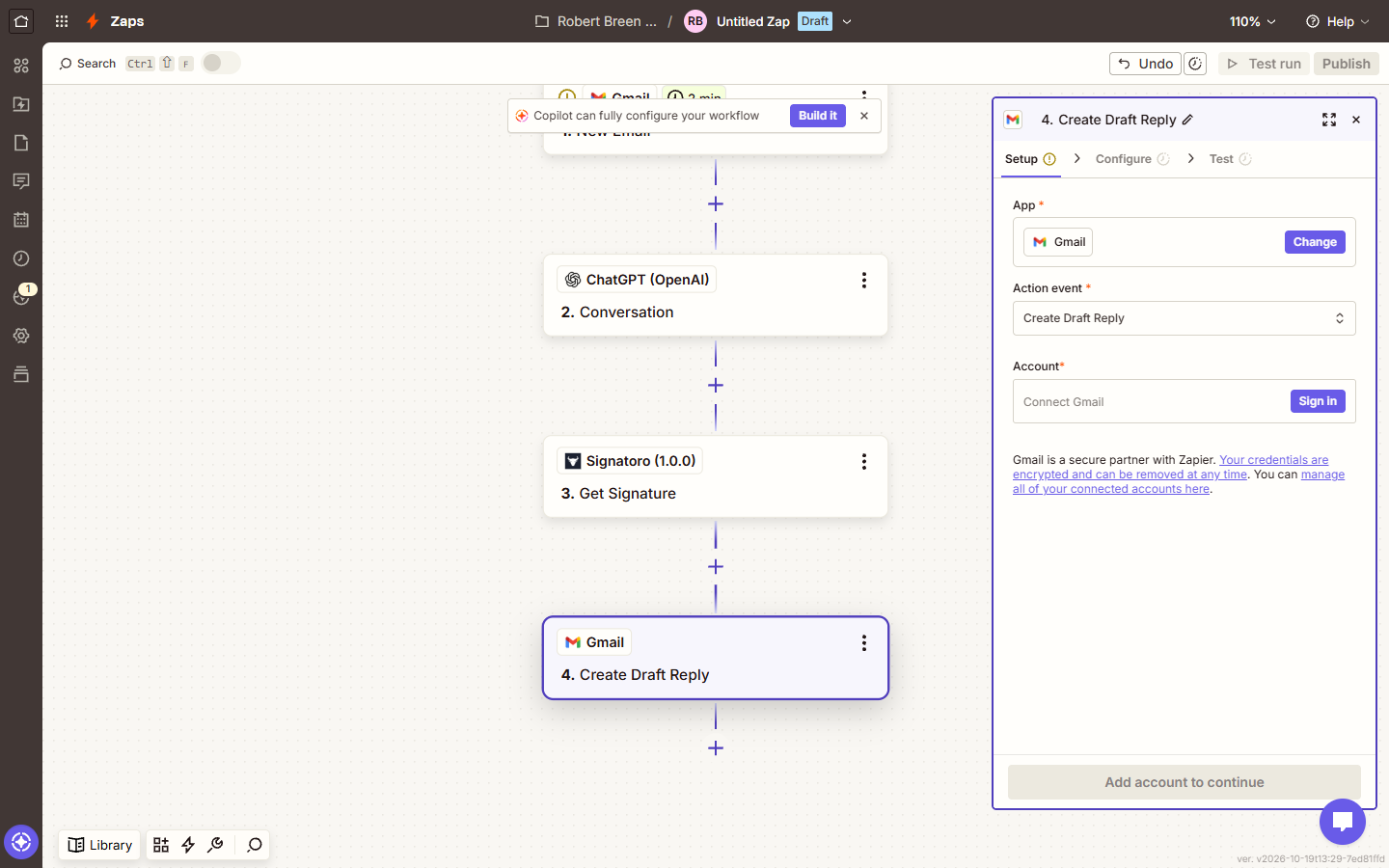
Every workflow has the same three parts:
| Part | What it is | Example |
|---|---|---|
| Trigger | The event that starts it | A new email arrives in Gmail |
| Steps | The fixed actions that run in order | Add a label, add a row to a sheet, send a message |
| AI step | One step that reads, sorts or writes | Decide if the email is a lead, a client or an invoice |
Take the AI step out and you have ordinary workflow automation. Take the trigger and steps out and you have a chat with ChatGPT. AI workflow automation is the two together: the workflow does the same thing every time, and the AI handles the one part that needs reading.
Why do businesses add AI to their workflows?
Because the expensive part of most office tasks is not the typing. It is the reading and deciding that comes before it. Someone opens the inbox, reads each email, decides who it is for and what it needs. Someone opens each vendor invoice, finds the total, and types it into a sheet. Those minutes add up across a week, and they are exactly the steps that plain automation could never do, because the input is never in the same shape twice.
When I set these up for small offices, the payoff usually shows up in three places:
- Speed. A lead gets a draft reply in minutes instead of whenever someone gets to the inbox.
- Consistency. Every invoice gets logged the same way, with the same columns, every time.
- Attention. People spend their time on the decisions that matter, like approving a large invoice, instead of on sorting.
What does an AI workflow look like in a real office?
Here are two that you can build free in a practice copy of n8n.
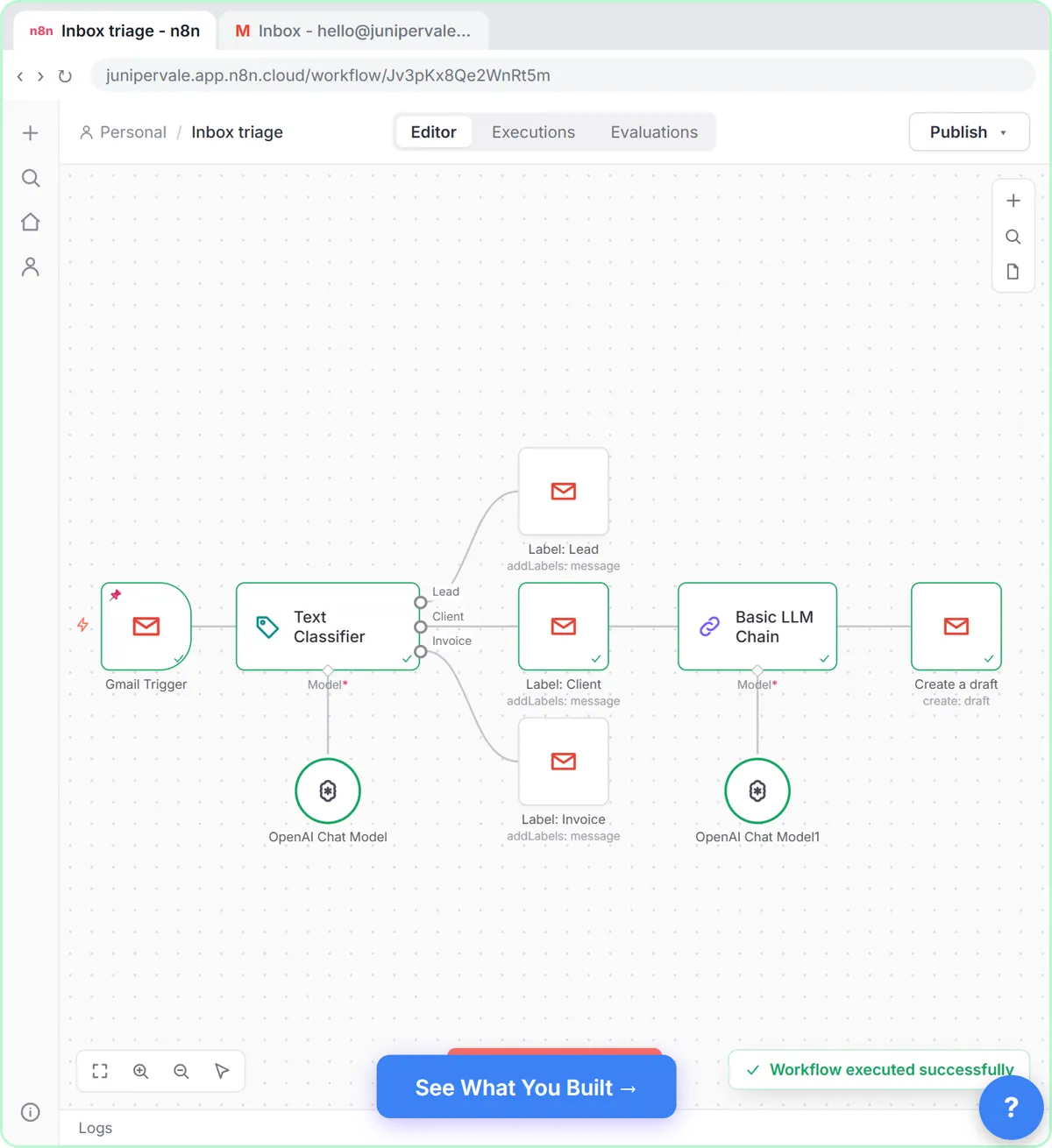
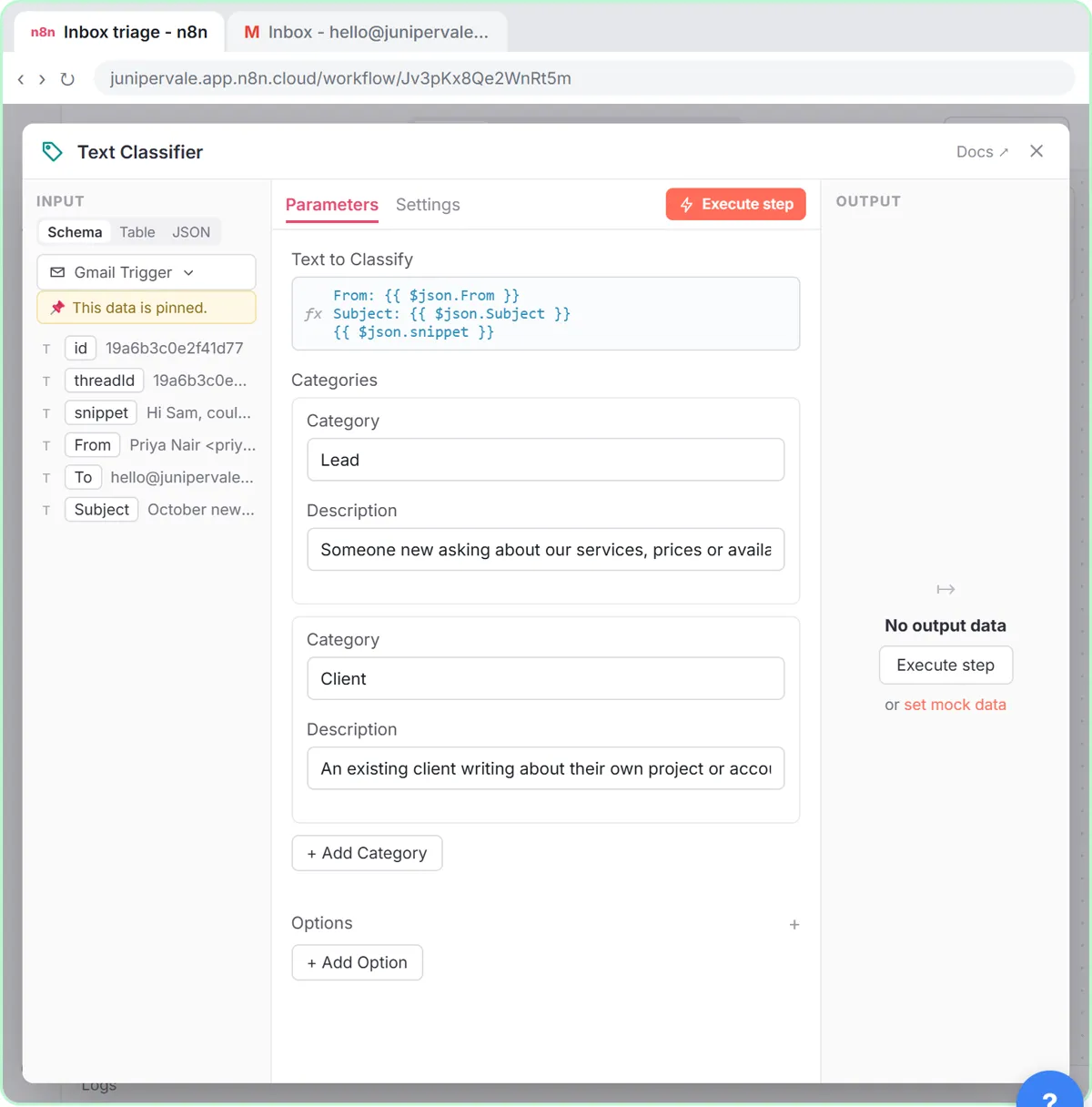
1. Sort the inbox and draft client replies. In Gmail AI Triage, a Gmail Trigger watches for new email. A Text Classifier step, which is the AI step, sorts each message as a Lead, a Client or an Invoice and the workflow adds the matching Gmail label. Client emails go on to a Basic LLM Chain that writes a short reply, saved with Create a draft and addressed back to the sender. Nothing is sent. A person opens the draft, checks it and clicks send.
2. Log vendor invoices and ask for approval. In Invoices from Your Inbox to Google Sheets, with Approval, the workflow reads each vendor invoice PDF from Gmail with AI, logs the vendor, invoice number and total in Google Sheets, and emails the owner an Approve button for anything over $1,000. The AI does the reading. A fixed If step does the rule. The owner makes the money decision.
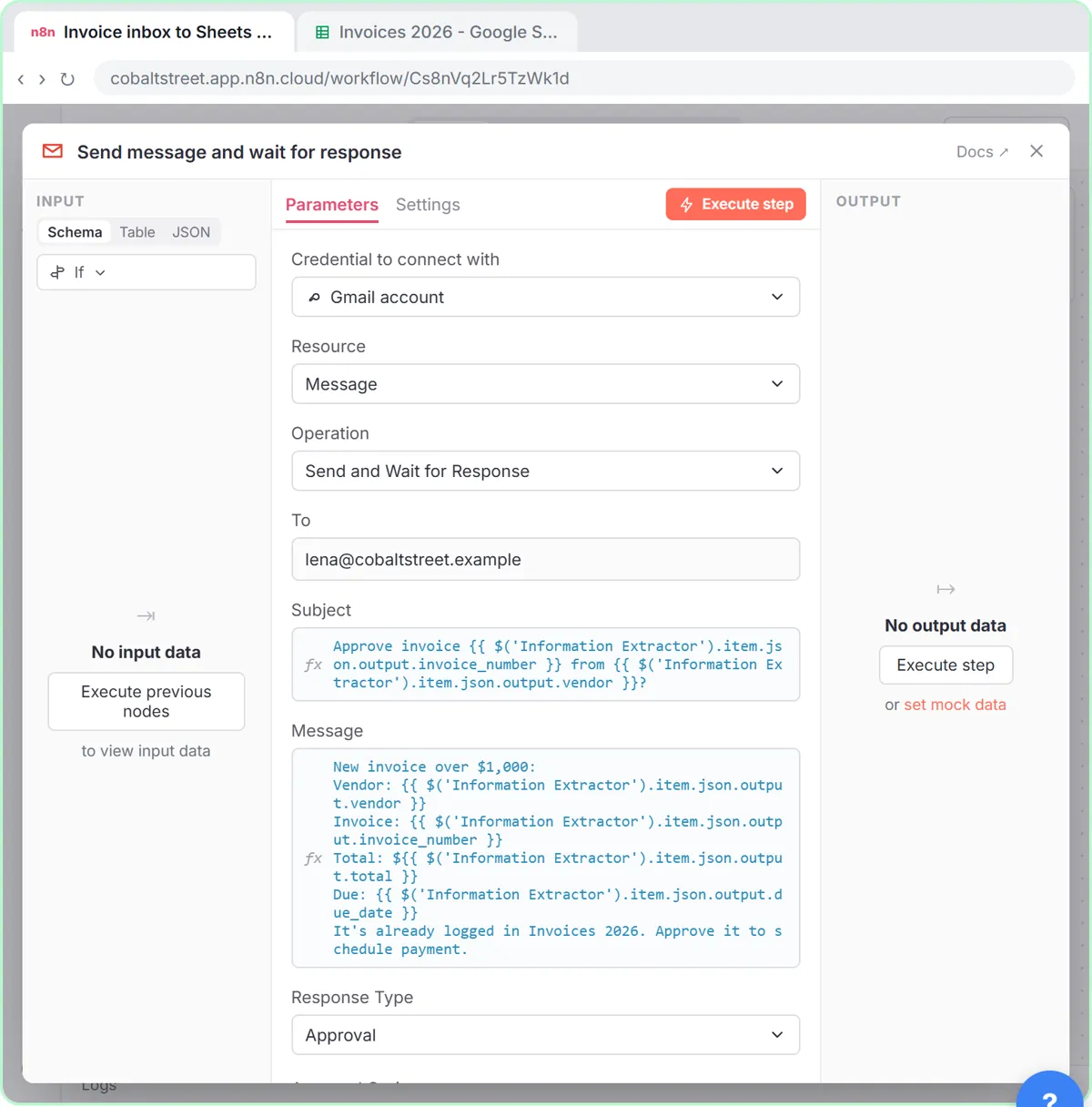
Both follow the pattern I recommend for any first AI workflow: AI reads and drafts, fixed rules route, and a person approves anything that leaves the building or moves money. That is what human in the loop means in practice.
Which tools do AI workflow automation?
The three most small businesses start with are n8n, Make and Zapier. All three are visual: you add steps on a canvas or in a list, and none of them needs code for the workflows above.
| Tool | Good fit | Free lesson with an AI step |
|---|---|---|
| n8n | Teams that want flexible AI steps and the option to self-host | Gmail AI Triage |
| Make | Visual scenarios with routers and filters | Add AI to Make |
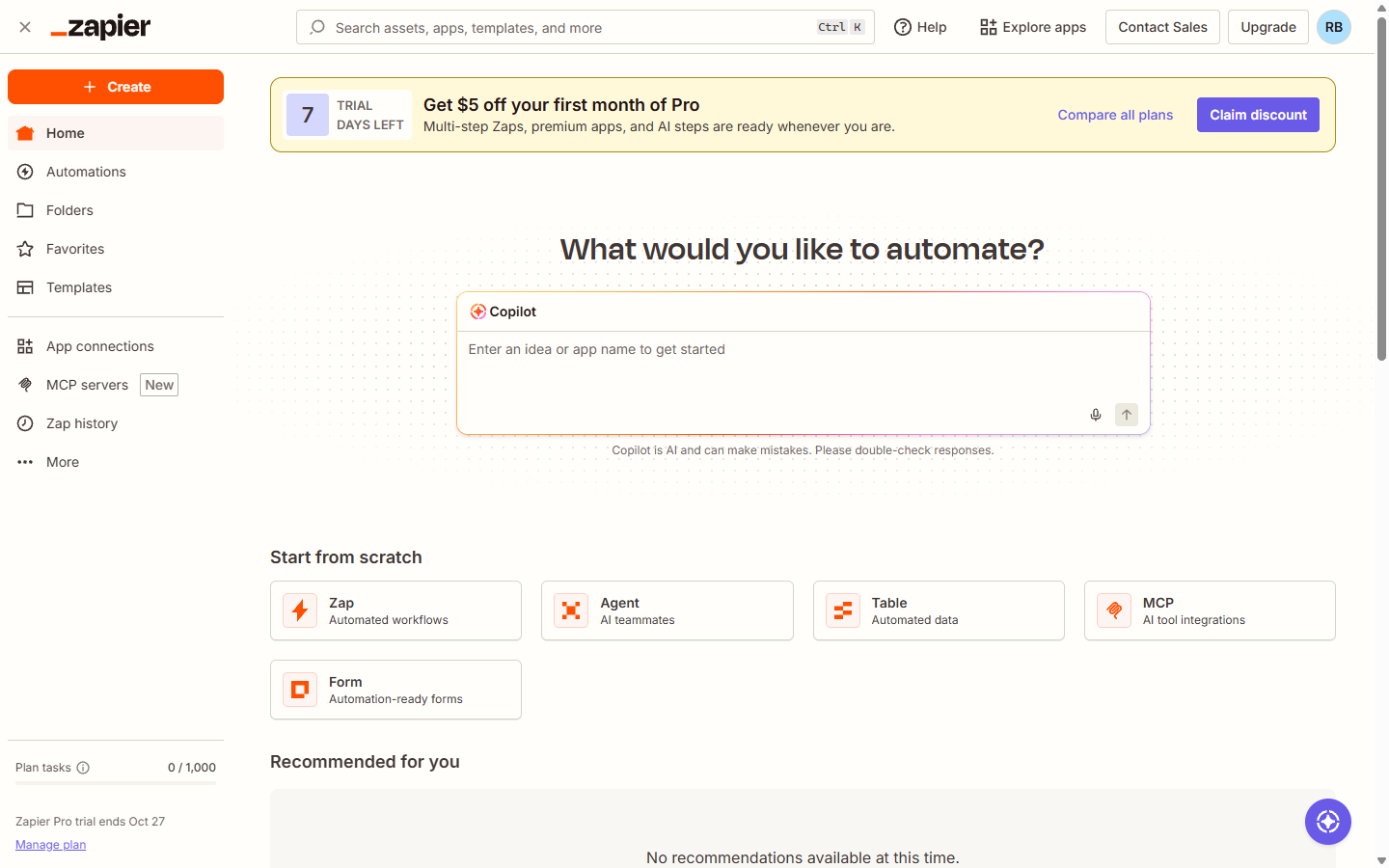
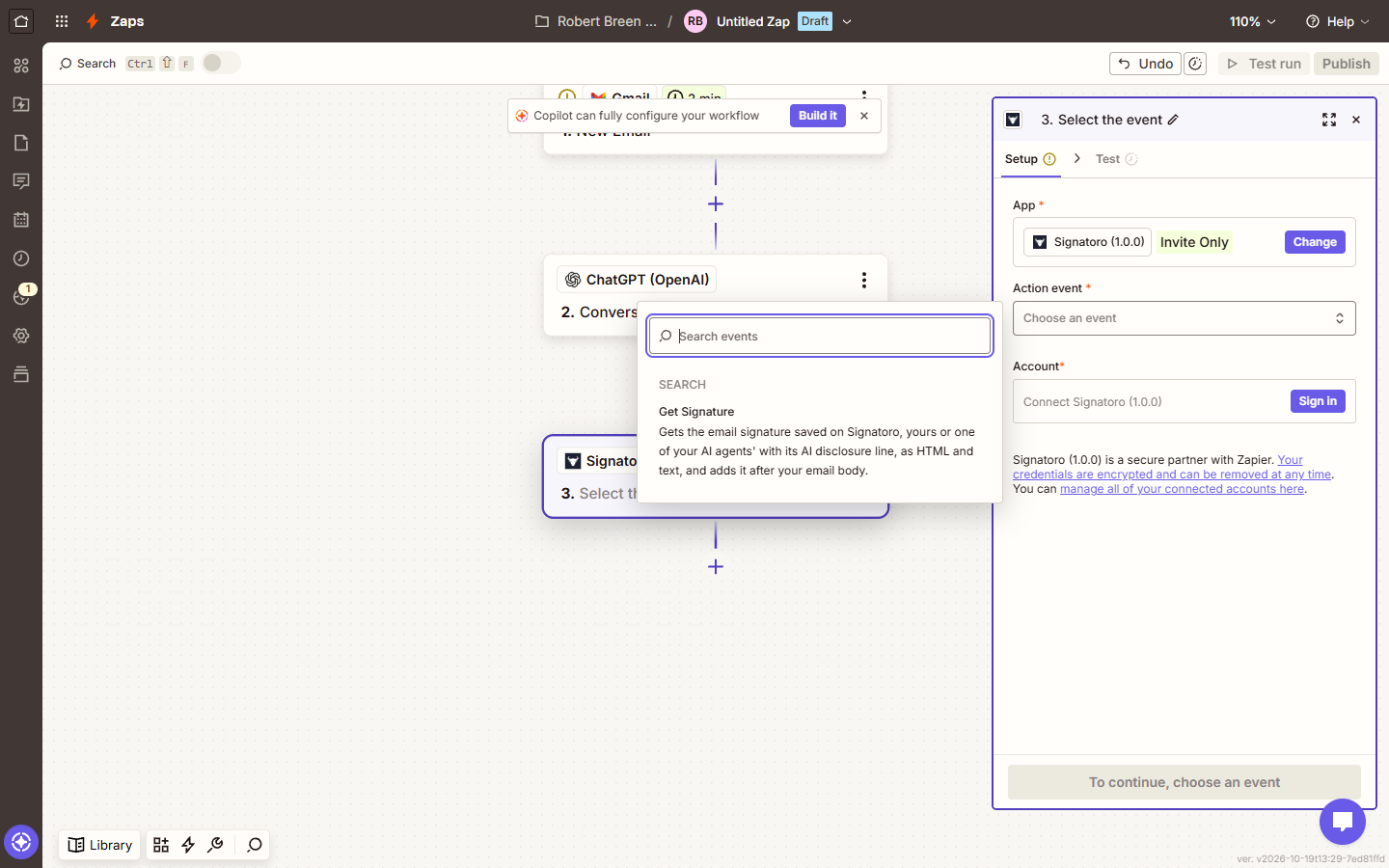
| Zapier | The quickest start with the most ready-made app connections | Zapier: ChatGPT drafts every reply |
If you are choosing between the first two, the n8n vs Make comparison covers prices, free plans and AI agents side by side. For more options, the AI automation tools directory lists the workflow tools I track, with a free lesson where one exists.
Is an AI workflow the same as an AI agent?
No, and the difference matters for risk. A workflow runs the same steps in the same order every time, and AI handles one step inside it. An AI agent is given a goal and some tools and decides for itself which steps to take. Agents are more flexible and harder to predict. For a first project in a real business, a workflow with one AI step is easier to test, easier to explain to your team and easier to fix. The agent vs chatbot vs automation post walks through all three with examples.
What does AI workflow automation cost?
You pay for the automation tool's plan and for the AI model's usage, which is usually billed per request through an API rather than through a ChatGPT subscription. Short text jobs like sorting an email cost very little each, but they add up with volume, so test on a handful of real examples first and check the usage page. The AI automation cost guide breaks down each piece, and API usage billing explains how the AI part is charged.
How do I start without breaking anything?
- Pick one boring, repeated task with clear steps, like sorting the shared inbox or logging invoices.
- Write the steps down the way a new hire would do them. If you cannot describe the decision in a sentence, the AI step will struggle too.
- Draft, don't send. Have the first version save drafts or add rows, never send email or pay anything on its own.
- Run it on real examples and compare every result with what a person would have done.
- Keep a person on money and client decisions, even after it works.
The n8n tutorial for beginners is the best place to learn the canvas before you add AI to it.
Key takeaways
- AI workflow automation is a workflow with a trigger, fixed steps and at least one AI step that reads, sorts or writes.
- The AI step is what lets automation handle messy input like emails and PDFs.
- Start with one repeated task, have it draft rather than send, and keep a person approving money and client replies.
- n8n, Make and Zapier all do it visually, with no code needed for a first workflow.
Frequently asked questions
- What is AI workflow automation?
It is a workflow that runs a repeated task on its own after a trigger, with one or more steps handled by AI, such as reading an invoice, sorting an email or drafting a reply.
- What is the difference between an AI automation workflow and regular automation?
Regular automation only moves data that is already structured, like a form answer into a sheet. An AI automation workflow adds a step that can read and write unstructured content, like an email or a PDF, so it can handle tasks that used to need a person to read first.
- What are the best AI workflow automation tools?
For small businesses, n8n, Make and Zapier are the usual starting points. n8n is the most flexible with AI steps, Make is strong on visual branching, and Zapier has the most ready-made app connections.
- Do I need to code to build an AI workflow?
No. Every lesson linked here is built from visual steps and plain-English prompts in a practice copy of the real tool.
- Is AI workflow automation safe for client data?
It can be, if the tools are approved by your company, the AI provider does not train on your data under your plan, and the workflow only has the access it needs. Have it save drafts instead of sending, and keep a person approving anything that goes to a client.
- Are the businesses in the lessons real?
No. The inboxes, vendors and invoices in the lessons are made-up examples.
Where can I go next?
- Build it: Gmail AI Triage, invoice approval, Add AI to Make and Zapier AI replies.
- Learn the words: workflow automation, trigger, workflow and n8n.
- More ideas: 3 business automation examples and AI email replies as Gmail drafts.