What is an AP aging report?
Quick answer
An AP aging report lists every unpaid vendor bill and groups the balances by due status, usually current, 1 to 30 days past due, 31 to 60, 61 to 90 and over 90. It shows who the business owes, how much and which bills are late, so payments can be planned and prioritized.
Last updated
Updated · By Robert Breen
Why it matters for a small business
It is the payables mirror of the AR aging report. That one shows who owes you. This one shows who you owe. For a small business, it is the page that answers the weekly question: what has to go out this week, and what can wait until Friday's deposit clears?
Reading it well protects vendor relationships and cash at the same time. Bills drifting into the over-60 column can mean late fees, a supplier putting you on hold or an invoice stuck waiting for invoice approval. Bills that are current but due soon may carry an early payment discount worth taking. The report also shows duplicates and old credits nobody applied.
In a real lesson: Build an AI Agent That Categorizes Business Expenses
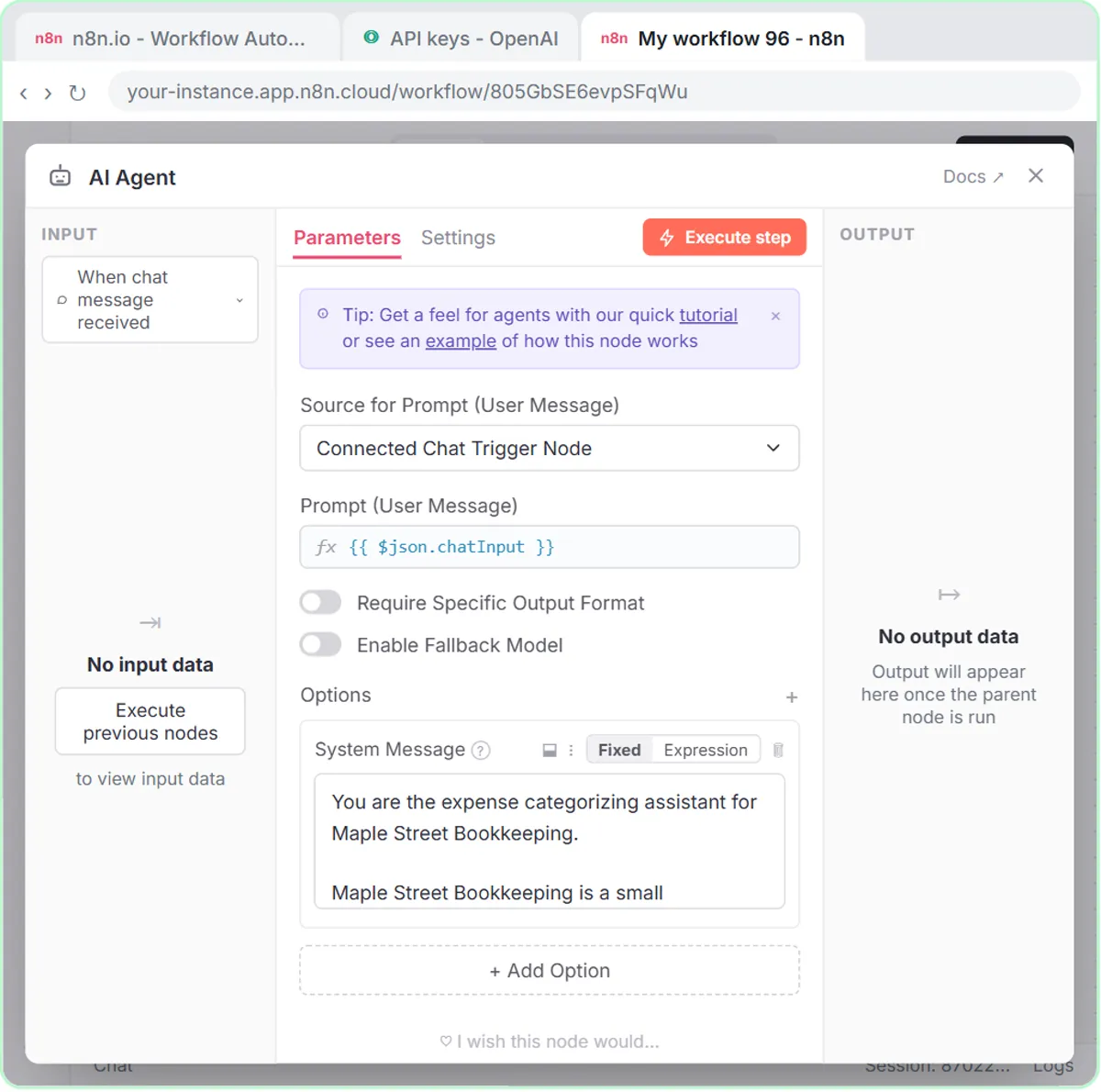
Stepthrough has no lesson that produces an AP aging report. The nearest is the AI Expense Categorizer Agent lesson for Maple Street Bookkeeping, a made-up firm. The agent takes a batch such as "Sep 22, Corner Office Supply, $64.18, printer paper and toner" and saves rows to an Expense Log sheet with Date, Vendor, Amount, Category and Note.
Those columns are spending already recorded, not bills still owed. An aging report needs a bill date, a due date, the vendor, the open amount and whether it has been paid. Without a due date, nothing can be sorted into buckets.
The system prompt does carry one habit worth copying: "Do not change amounts or invent details." If you ever ask AI to summarize an aging report or draft a note to a vendor about a late payment, that rule belongs in the instructions, and the numbers should come straight from your accounting software.
Try this lesson free or read the step-by-step guide.
Common confusions
AP aging vs AR aging
AP aging lists bills you owe vendors. AR aging lists invoices customers owe you. Same buckets, opposite direction of cash.
AP aging vs accounts payable balance
The accounts payable balance is one total. The aging report breaks it down by vendor and due date, which is what you need to decide what to pay first.
Tips
- Run it on the same day each week, before you schedule payments.
- Check that the report ages by due date, not bill date, or the late column will mislead you.
- Ask why any bill is past 60 days. It is often stuck waiting on an approval or a dispute.
Related terms
More Business terms
Where you use it: free lessons
- Build an AI Agent That Categorizes Business Expenses (n8n, 12 min)
- AI Receipt Extractor: Receipts to Google Sheets with n8n (n8n, 12 min)
More free tutorials
Frequently asked questions
- How is an AP aging report different from an AR aging report?
- An AP aging report lists money you owe to vendors, grouped by how far past due each bill is. An AR aging report lists money customers owe you. Together they show both sides of your short-term cash.
- How do you read an AP aging report?
- Start with the totals by bucket, then look at the oldest column by vendor. Pay or resolve the late bills first, then schedule current ones by due date, taking any discounts that are worth it.
- Where do I get an AP aging report?
- Most accounting software has one built in, often called aged payables or AP aging summary and detail. It is only accurate if every vendor bill and payment has been entered.