What is audience segmentation?
Updated · By Robert Breen
Audience segmentation is dividing your customers or contacts into groups that share a need, interest or situation, so each group gets messages that fit them. A segment can be as simple as "first-time buyers" versus "repeat customers" or "homeowners" versus "landlords".
Why it matters for a small business
One message to everyone has to be vague enough to fit everyone, which usually means it fits nobody well. Splitting even a small list into three or four groups lets you talk about what each group actually cares about, and people notice when an email seems to know why they signed up.
Segments only help if they are decided by something you actually know about the person. The easiest place to learn it is the moment they sign up, with one well-chosen question. AI can read a free-text answer like "my coffee tastes bitter" and put it in the right group, which a simple dropdown menu can miss.
In a real lesson: Build a Lead Magnet Signup Form with an AI Welcome Email
The AI Lead Magnet Signup Form lesson segments every new signup on arrival. The made-up online coffee brand Harbor & Pine Coffee Roasters offers a free guide through a Lovable form, and one of its fields, What do you want to improve?, is an open text box. A second, optional field asks How do you brew now?
The n8n AI Agent reads those answers and follows one instruction: "Tag each new lead with one segment: New to Brewing, French Press & Pour-Over, Espresso at Home, or Gift Buyer." Four named groups, each tied to a different kind of help. The tag is saved with the lead in Google Sheets, so the list stays sorted for every later campaign, not just the first email.
In the test signup, someone mentions bitter French press coffee and lands in French Press & Pour-Over. The welcome email then includes one tip for that segment. Later, the same column lets the team send a holiday gift-box email only to Gift Buyers.
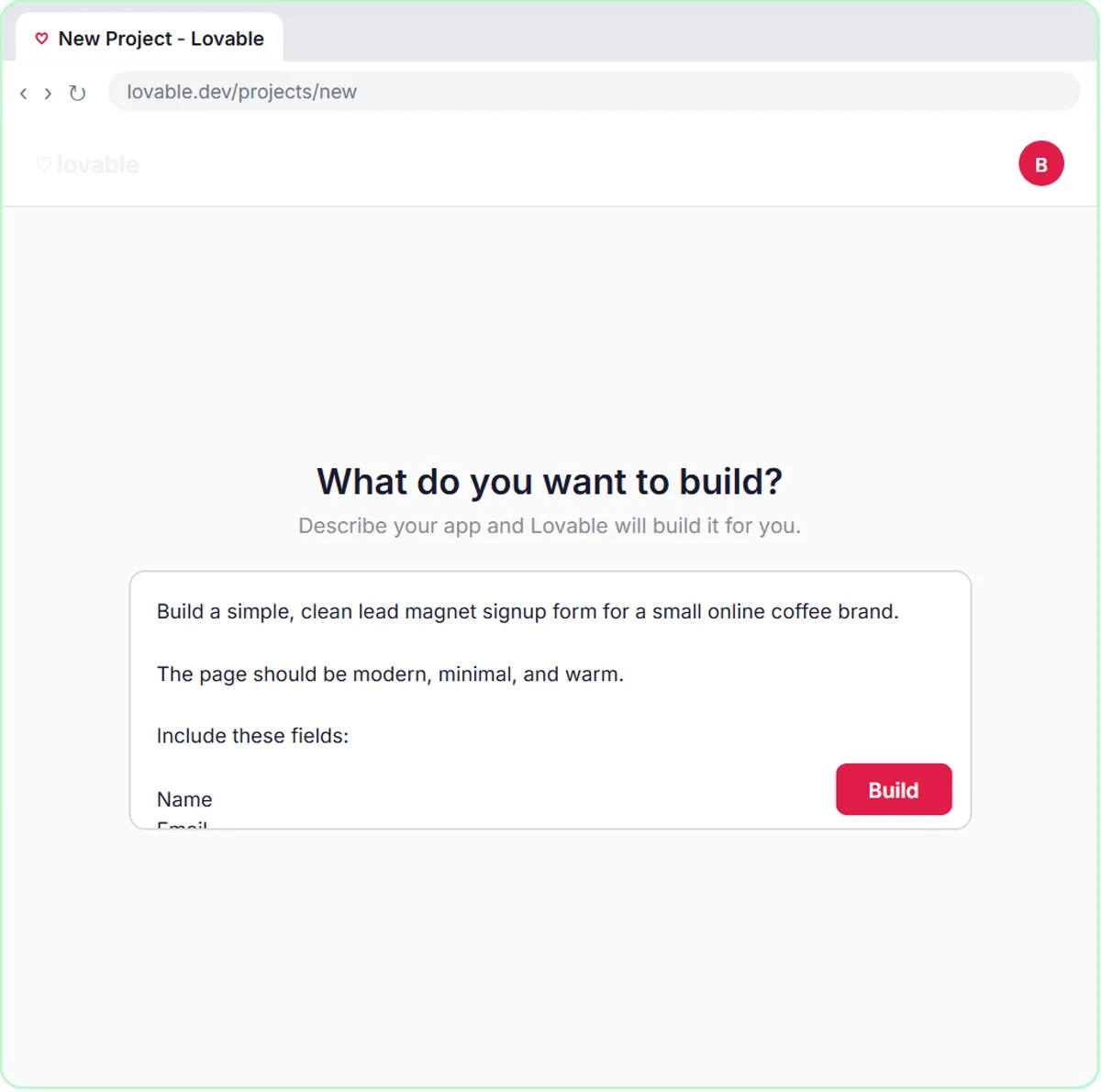
Try this lesson free or read the step-by-step guide.
Common confusions
Segmentation vs personalization
Segmentation puts people in groups. Personalization changes a message for one person, like using their name or their answer. The lesson does both: the segment picks the tip, and the email speaks to what that person wrote.
Segment vs tag
In many email tools a tag is any label on a contact, and a segment is a saved filter built from tags and other fields. In a simple Google Sheet, one column of tags works as your segments.
Tips
- Start with three to five segments you can actually write different content for.
- Give the AI a fixed list of segment names, so it can't invent a fifth group.
- Avoid segmenting on sensitive traits like health, religion or age unless you have a clear, lawful reason and consent.
Related terms
Where you use it: free lessons
- Build a Lead Magnet Signup Form with an AI Welcome Email (Lovable and n8n, 15 min)
- Build an n8n AI Agent That Plans Your Content Calendar (n8n, 12 min)
Frequently asked questions
- How many segments does a small business need?
- Fewer than you think. Three or four groups you write different messages for beat ten groups that all get the same email.
- Can I segment customers I already have?
- Yes. Group them by what they bought, how often, or what they asked about. AI can help sort a list of past orders or notes into groups you define.