What is the Basic LLM Chain node in n8n?
Quick answer
The Basic LLM Chain is an n8n node that sends a prompt to a chat model and passes the model's answer on to the next step. It runs once per item, with no tools and no memory. Use it when the AI's job is simply to write or rewrite something, like drafting a reply.
Last updated
Take the free module →Module 10 of the free AI for Customer Support course, about 18 minutes. No account needed.
Updated · By Robert Breen
Why it matters for a small business
Many AI steps in a workflow are one-shot jobs: summarize this, draft that, rewrite in our tone. For those, an AI Agent is more than you need. It can call tools and decide its own steps, which adds time, cost and room for surprises. The Basic LLM Chain does exactly one thing, so it is cheaper and easier to predict.
The node has a Model connector where you attach a chat model such as OpenAI Chat Model. Source for Prompt is either Connected Chat Trigger Node or Define below, where you write the prompt and pull in data with expressions. Its answer comes out as text. If you need set fields instead, the node can also require a specific output format through an output parser.
In a real lesson: Gmail AI Triage: Auto-Label Every Email and Draft Replies
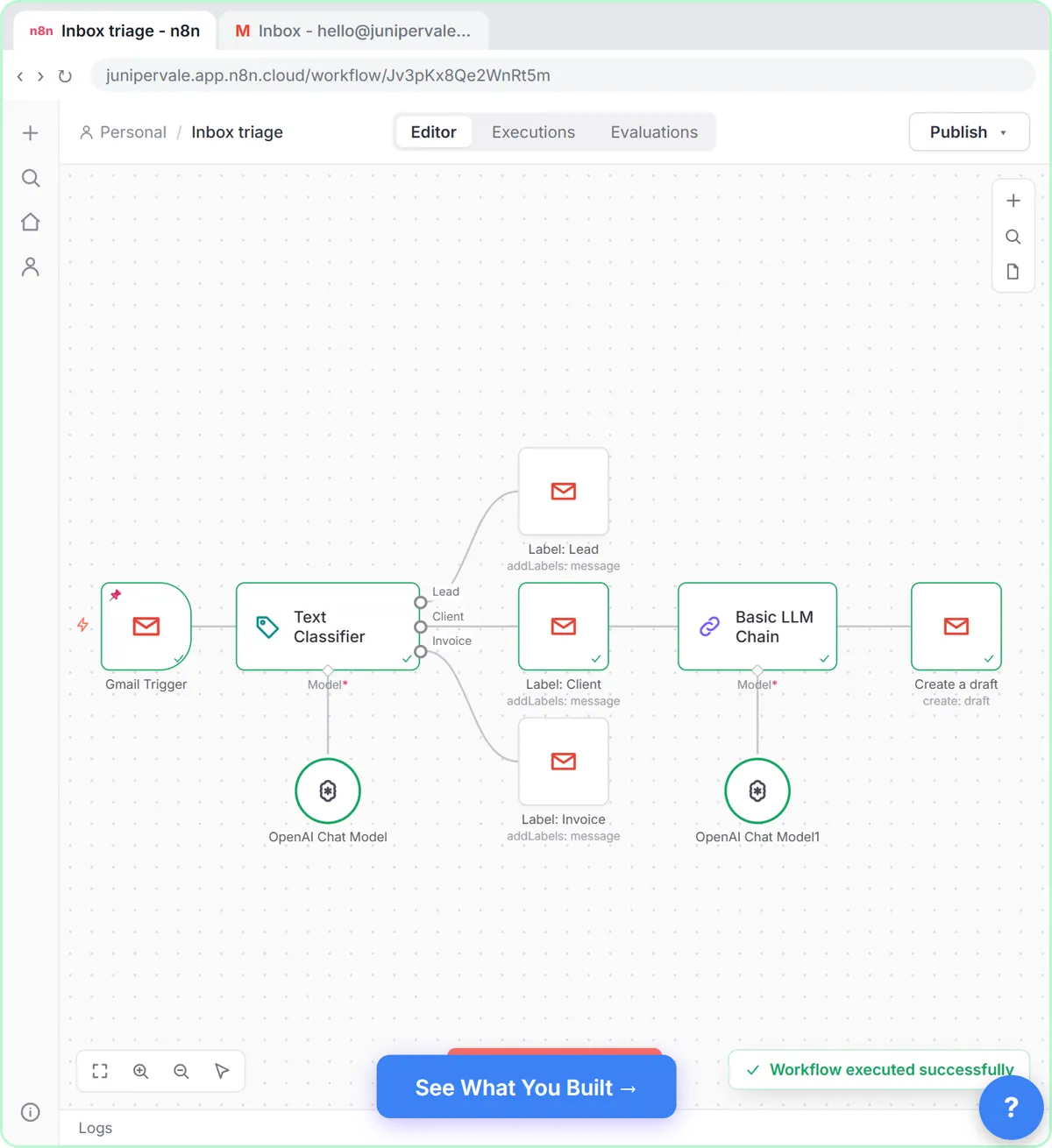
In Gmail AI Triage, Sam at Juniper & Vale Marketing wants a reply drafted for client emails only. After the Label: Client step, you search llm chain, add Basic LLM Chain, set Source for Prompt (User Message) to Define below, and paste a prompt that pulls the sender and subject from the Gmail Trigger by name. The prompt says to thank the client, answer only what was asked, stay under 100 words and sign it Sam.
You attach an OpenAI Chat Model under Model, then add Gmail's Create a draft with {{ $json.text }} as the Message, which is the chain's answer. The run puts a reply to Priya Nair at Fernhill Bakery in Drafts, unsent, waiting for Sam to read it.
Try this lesson free or read the step-by-step guide.
Common confusions
Basic LLM Chain vs AI Agent
The AI Agent node can use tools and memory and decide its steps. The chain sends one prompt and returns one answer. The Pinecone chatbot lesson needs an agent because it must search a handbook.
Basic LLM Chain vs prompt chaining
Despite the name, one Basic LLM Chain is a single call. Prompt chaining means linking several AI steps, each feeding the next.
Tips
- Choose it over an AI Agent whenever the step only needs to write, not to act.
- Pull the exact fields you need into the prompt with expressions, not the whole item.
- Send its output to a draft or a review step before anything reaches a customer.
Related terms
More n8n and automation terms
Where you use it: free lessons
- Gmail AI Triage: Auto-Label Every Email and Draft Replies (n8n, 18 min)
- Answer Staff Questions from Your Own Docs using n8n + Pinecone (n8n, 13 min)
Watch it in a free lesson: Gmail AI Triage: Auto-Label Every Email and Draft Replies
 2:31
2:31Gmail AI Triage: Auto-Label Every Email and Draft Replies: video walkthrough
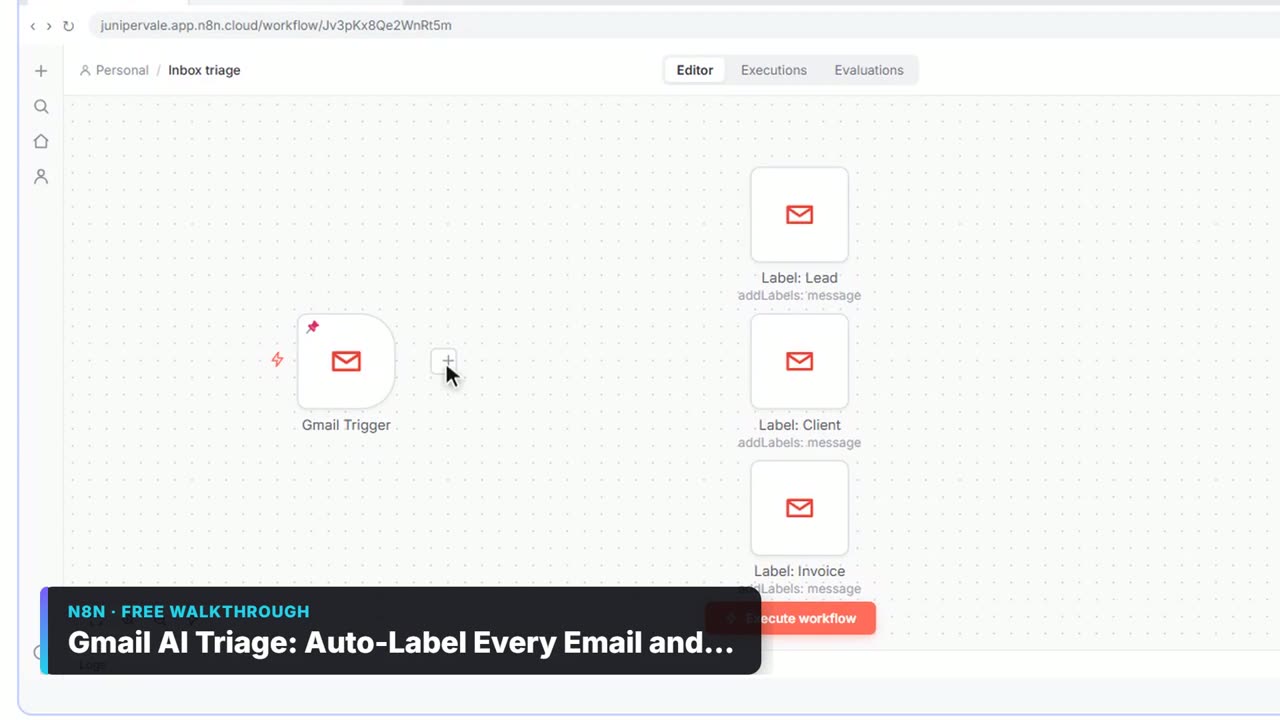
Build an n8n workflow that reads each new email, sorts it as a lead, a client or an invoice with a Text Classifier, adds the matching Gmail label, and drafts a reply to clients for you to check. The whole lesson narrated step by step, recorded in Stepthrough’s simulated practice environment.
Frequently asked questions
- Does the Basic LLM Chain remember earlier messages?
- No. Each item is a fresh call with only the prompt you wrote. For memory and chat, use an AI Agent with a memory node.
- Where is the AI's answer in the output?
- In a field called text, so the next node reads it with {{ $json.text }}.
- Can the Basic LLM Chain return set fields?
- Yes, turn on its option to require a specific output format and attach an output parser. For pulling fields out of text, the Information Extractor is often simpler.