What is the Code node in n8n?
Quick answer
The Code node in n8n lets you write a short piece of JavaScript or Python that reads the workflow's items and returns new ones. It runs in one of two modes: once for all items together, or once for each item. Use it when no built-in node or expression does what you need.
Last updated
Take the free module →Module 4 of the free n8n for Beginners: Your First Automations course, about 9 minutes. No account needed.
Updated · By Robert Breen
Why it matters for a small business
Most office automations never need code: built-in nodes, expressions and the Edit Fields node cover formatting, picking fields and simple math. The Code node is the escape hatch for the rest, such as a custom calculation over many rows, reshaping awkward data from an API, or a rule too long for one expression.
It comes with a cost: someone has to read and maintain the code. If the person who wrote it leaves, a small, well-commented Code node is fine, while a long one can become the part nobody dares touch. AI assistants can write the code for you, but test the output against real items before trusting it.
Where you'll use it: in the n8n node panel, search for Code. Choose Run Once for All Items or Run Once for Each Item, pick JavaScript or Python, and write code that returns items. The output panel shows what came back, just like any other node.
In a real lesson: n8n: Items, JSON and Expressions, Explained by Doing
The free n8n Items, JSON and Expressions lesson shows why you often do not need the Code node. Clearview Bookkeeping (made up) has five overdue invoices, and you build one reminder line and a late fee that work for every invoice using Edit Fields and expressions.
One quiz in the lesson offers "You need a Code node" as an answer, and it is the wrong one: the real fix is switching a field to Expression. A Code node would make sense if the late fee depended on a long table of rules, but for one formula, an expression is shorter and easier to check.
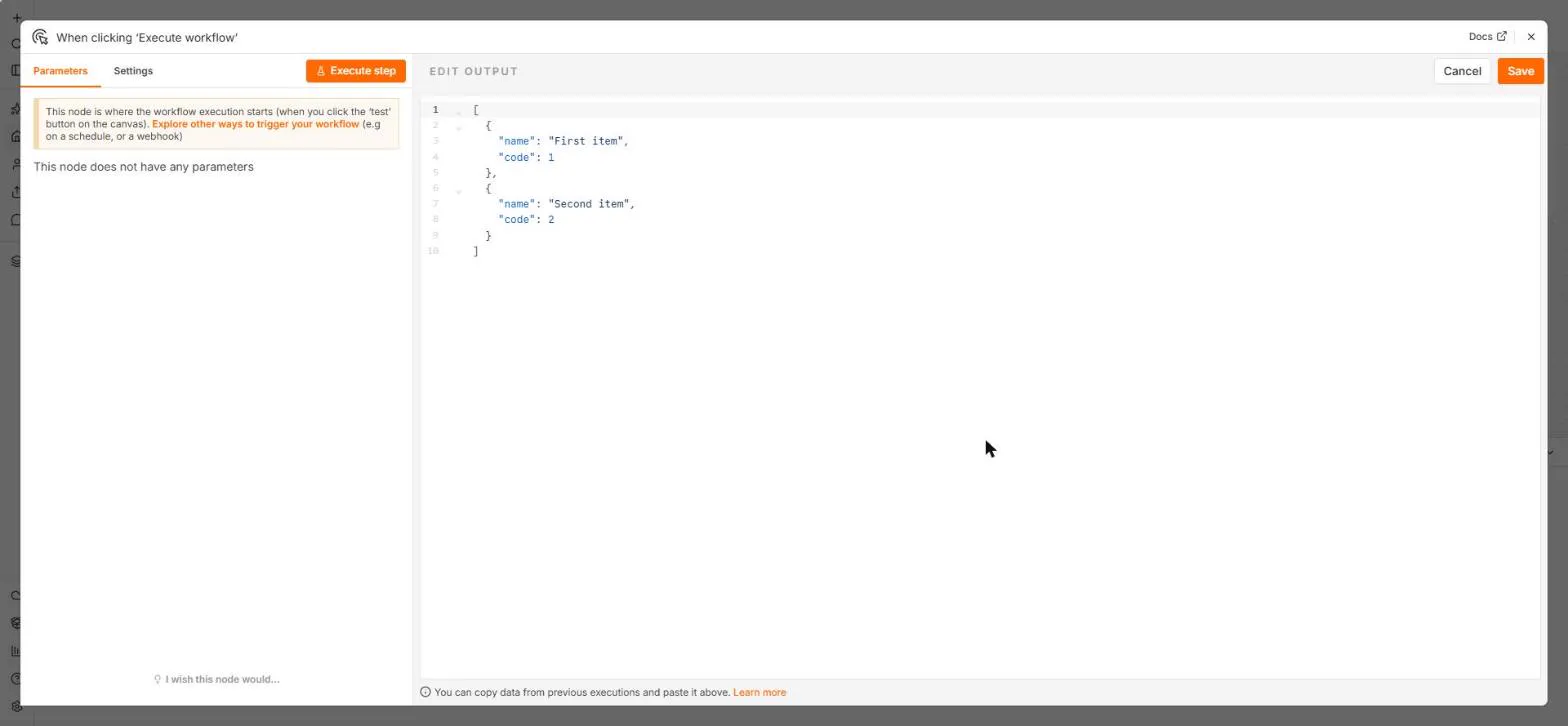
Try this lesson free or read the step-by-step guide.
Common confusions
Code node vs expression
An expression fills in one field with a small formula. The Code node can read and return whole items, and many of them at once.
Code node vs HTTP Request node
To call an API, use the HTTP Request node. It handles credentials and errors without code.
Tips
- Try an expression or Edit Fields first; reach for code last.
- Add a comment at the top saying what the code does and why.
- Test with the same items each time by pinning the input.
Related terms
More n8n and automation terms
Where you use it: free lessons
- n8n: Items, JSON and Expressions, Explained by Doing (n8n, 9 min)
- n8n: Call Any API with the HTTP Request Node (n8n, 9 min)
- ProLevelMax in n8n: Keep Your Reddit Workflow Alive After the RSS Shutdown (n8n, 9 min)
- n8n + Felo: A Monday Research Brief With a Source for Every Answer (n8n, 9 min)
Frequently asked questions
- Does the Code node support Python?
- Yes. n8n's Code node supports JavaScript and Python. JavaScript is the default and has the most examples.
- Can I install extra libraries in the Code node?
- On self-hosted n8n you can allow some external modules; on n8n Cloud the choice is limited. Check n8n's docs for your setup.