What is a cron expression?
Updated · By Robert Breen
A cron expression is one short line of five fields, like 0 7 * * 1-5, that describes a repeating schedule: minute, hour, day of the month, month and day of the week. Automation tools, including n8n's Schedule Trigger, use it for timing patterns that simple settings can't express.
Why it matters for a small business
Most schedules don't need cron. "Every day at 7" or "every Monday" fits a dropdown. Cron earns its place for patterns a business really has but menus rarely offer: every 15 minutes during business hours, the 1st and 15th of each month, twice a day on weekdays. One line captures the pattern exactly.
It's also a format you'll meet outside n8n. Server tasks, hosting control panels and plenty of other tools use the same fields, so learning to read one line pays off in several places. Misreading it can send a message at 7 p.m. instead of 7 a.m., or every minute instead of once an hour.
In a real lesson: Daily Job Alerts: Email Each Tech Their Jobs from Google Sheets with n8n
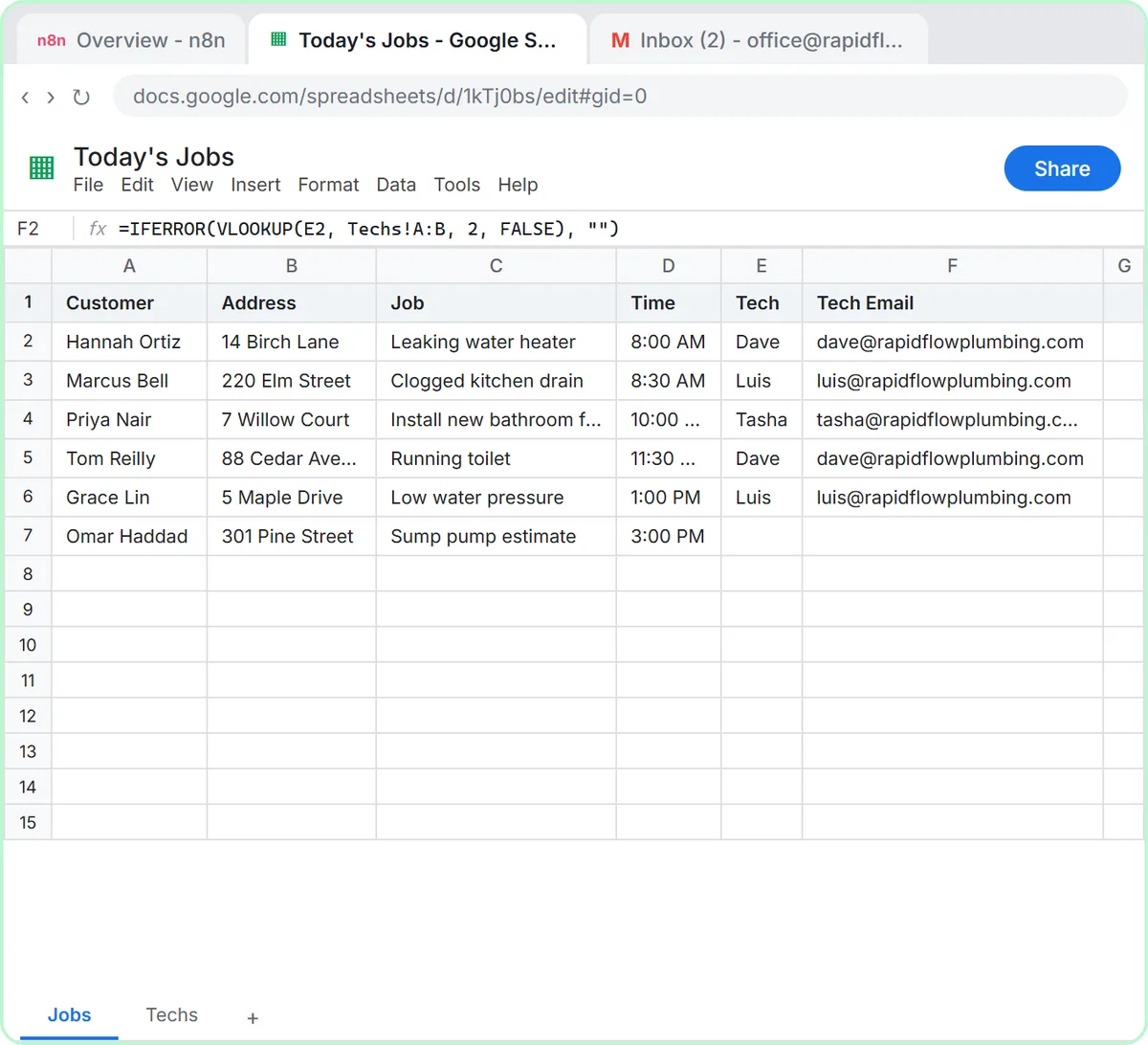
No Stepthrough lesson uses a cron expression yet. The closest practice is the Daily Job Alerts lesson, where Rapid Flow Plumbing, the made-up plumbing company in the lesson, schedules its workflow with the simple settings instead: On a schedule, every 1 day, Trigger at Hour set to 7am, after the workflow Timezone is set to America/Chicago.
That setup sends job emails seven days a week. If Rapid Flow only dispatched on weekdays, one option would be a cron expression: 0 7 * * 1-5. Read left to right, that's minute 0, hour 7, any day of the month, any month, Monday through Friday. The hour still follows the workflow's timezone, so the lesson's Settings step matters just as much with cron.
A busier pattern: */15 8-17 * * 1-5 runs every 15 minutes from 8:00 a.m. to 5:45 p.m. on weekdays. In n8n you'd pick the Schedule Trigger's custom cron option and paste the line in.
Try this lesson free or read the step-by-step guide.
Common confusions
Cron vs the built-in schedule fields
Both produce the same kind of Schedule Trigger. The built-in fields are easier to read and harder to get wrong, so use cron only when they can't express the pattern you need.
Day-of-week numbers
In standard cron, 0 is Sunday, 1 is Monday and 6 is Saturday (many tools also accept 7 for Sunday). Mixing that up is the classic way to send Monday's report on a Sunday.
Five fields vs six
Some tools, n8n included, also accept an extra field for seconds at the front. Count the fields before you paste a line copied from somewhere else.
Tips
- Read a new expression aloud, field by field, before you publish it.
- Note what it should mean next to it, like "weekdays at 7 a.m. Central", for whoever edits it next.
- Set the workflow timezone first; cron hours follow it.
Related terms
Where to learn more
Frequently asked questions
- What does * * * * * mean in cron?
- Every minute of every hour of every day. It's rarely what a business workflow needs, and it can rack up executions quickly.
- Do I need cron to schedule an n8n workflow?
- No. The Schedule Trigger's built-in fields cover daily, hourly and weekly schedules. Cron is for patterns those fields can't express.