What is JSON?
Updated · By Robert Breen
JSON (JavaScript Object Notation) is a plain-text format for passing structured data between apps. It writes information as named fields and values, like "email": "[email protected]", so any program can read it. Web forms, APIs, webhooks and n8n all use it.
Why it matters for a small business
You'll rarely write JSON by hand, but you'll see it everywhere once you automate: in what a form sends, in what an API returns, in a workflow file someone shares. Reading it is enough. Field name on the left, value on the right, curly braces around a record, square brackets around a list. With that, you can tell at a glance whether the data you need is actually there.
JSON also explains why names matter so much. A form might ask "How do you brew now?" on screen but send the answer under a key called brewMethod. Every later step has to use the key, not the question, and match it exactly, capitals included.
In a real lesson: Build a Lead Magnet Signup Form with an AI Welcome Email
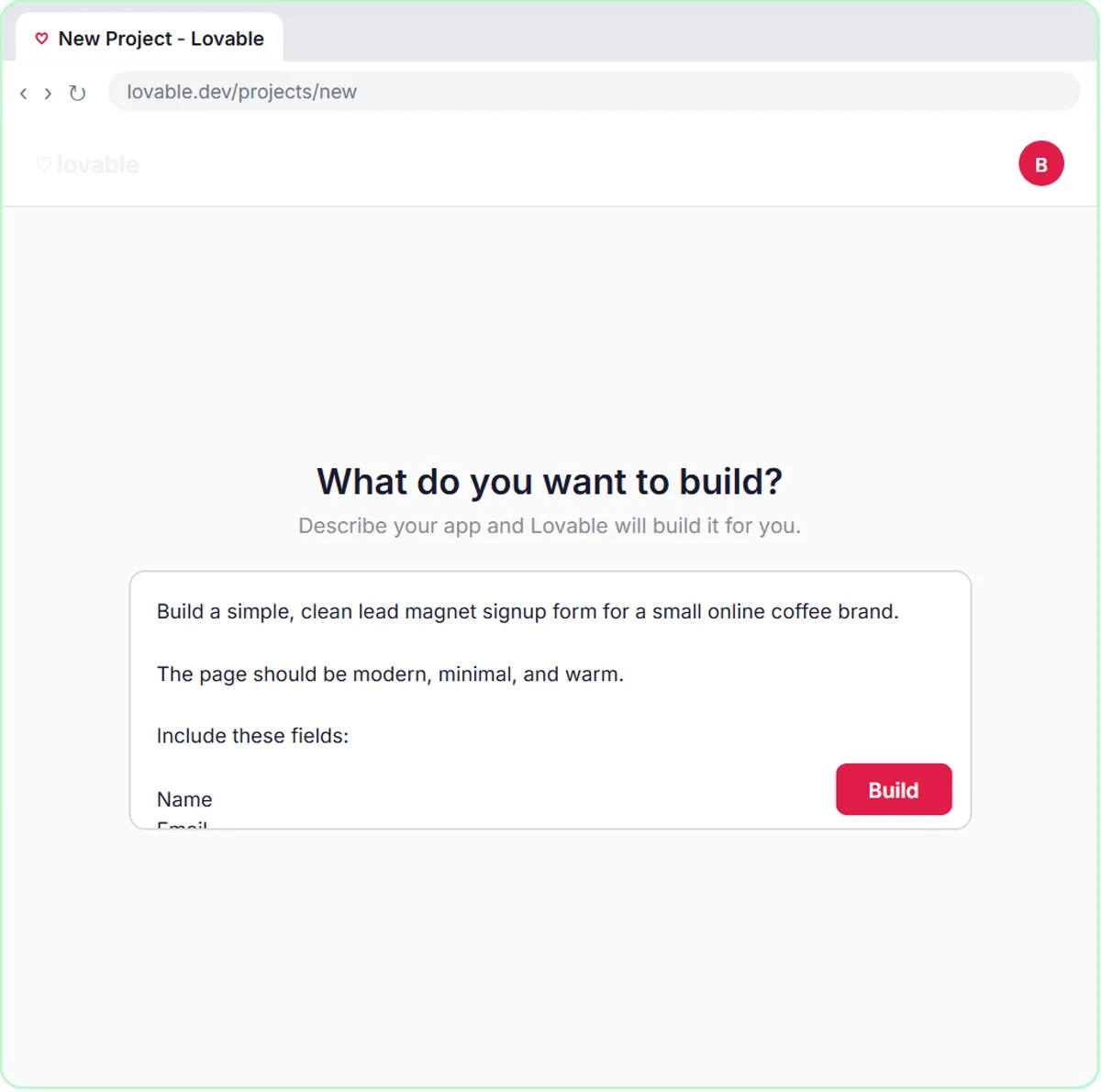
In the lead magnet signup form lesson, you build a Get the Free Guide form for Harbor & Pine Coffee Roasters, the made-up coffee brand in the lesson. The prompt you paste into Lovable spells out the data contract: send the submission as a POST request, as JSON with the keys name, email, interest and brewMethod.
So each signup reaches n8n as one JSON record with four fields, which the webhook places under body. That's why the agent's prompt template reads {{ $json.body.interest }} and {{ $json.body.brewMethod }}. In n8n, $json literally means the JSON data of the current item.
The Google Sheet turns those keys back into human column names: Name, Email, Interest and Brew Method. When you click Send Me the Guide, the agent reads about bitter French press coffee, tags the lead French Press & Pour-Over, saves the row and emails the guide with a tip that fits.
Try this lesson free or read the step-by-step guide.
Common confusions
JSON vs a spreadsheet row
A row is flat: one value per column. JSON can nest, so a record can hold a list or another record inside it. That's why form data can sit one level down, under body.
JSON vs CSV
CSV is a flat table saved as text, ideal for spreadsheets. JSON handles nested structure and is what web apps and APIs usually send. Many tools export both.
Tips
- When an app says it sends JSON, find an example of what it sends and keep the key names handy.
- Prefer short keys without spaces, like
teamSizeorbrewMethod. They're easier to use in expressions. - If a step can't find a field, look at the raw data in the node's input panel for the exact name and level.
Related terms
Where you use it: free lessons
- Build a Lead Magnet Signup Form with an AI Welcome Email (Lovable and n8n, 15 min)
- Lovable + n8n: Build a Web App with an AI Backend (Lovable and n8n, 15 min)
- Find and Use n8n Templates (n8n, 9 min)
Frequently asked questions
- Do I need to learn JSON to use n8n?
- You need to read it, not write it. Knowing that the field name is on the left and the value on the right, and that data can sit inside another field like
body, covers most beginner work. - Why is an n8n workflow file in JSON?
- A workflow is structured data: nodes, their settings and how they connect. Saving it as JSON lets you copy, share or bring it in with Import from File or Import from URL.