What changes by role is the trigger, the prompt's rules and whose signature is fetched. The signature part never changes, which is the point.
What stays the same in every use case?
| Part | In the lessons | Why it matters |
|---|---|---|
| The AI writes only the message | Prompt ends with "Kind regards," and no name | A model asked to sign can get the name or number wrong |
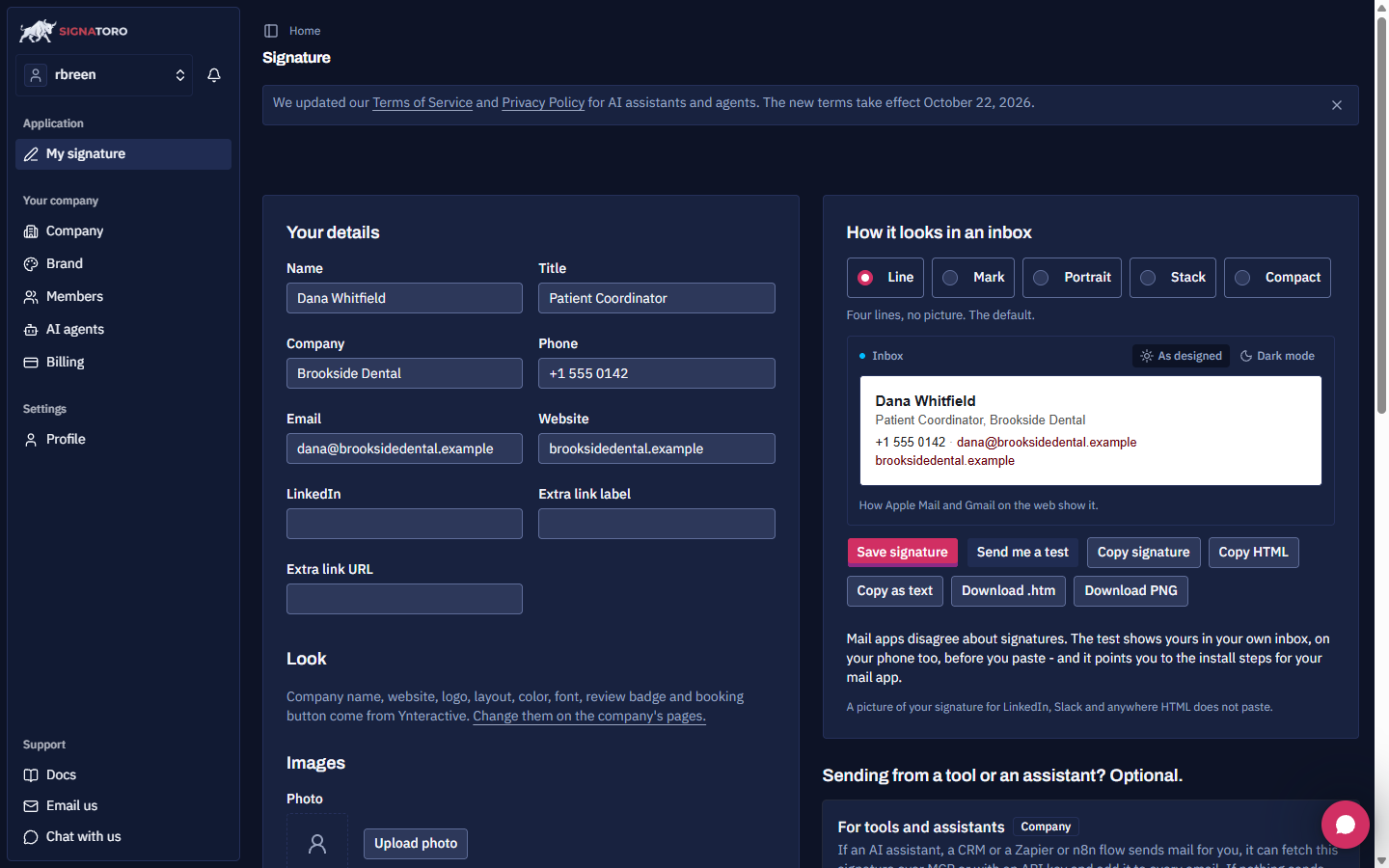
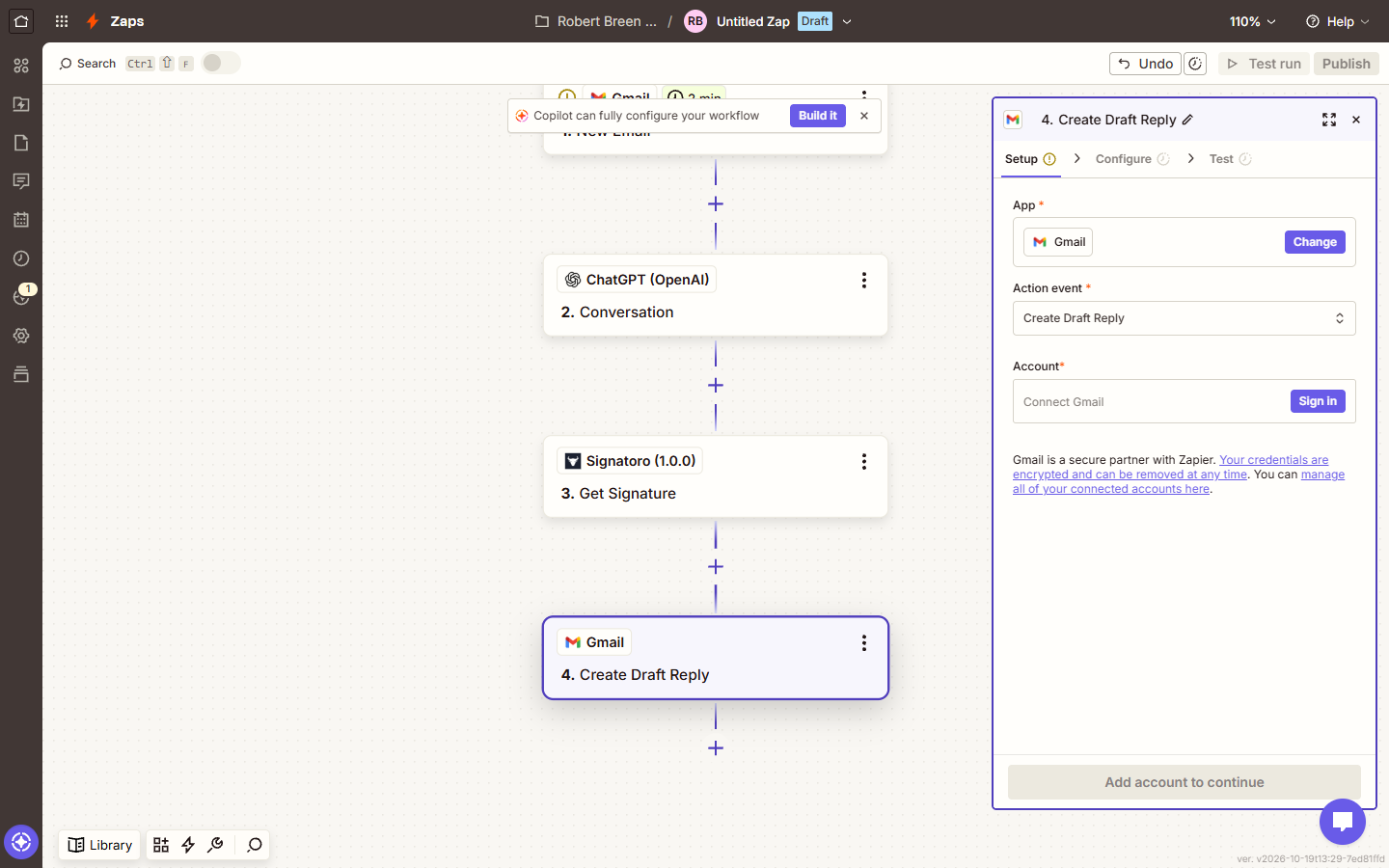
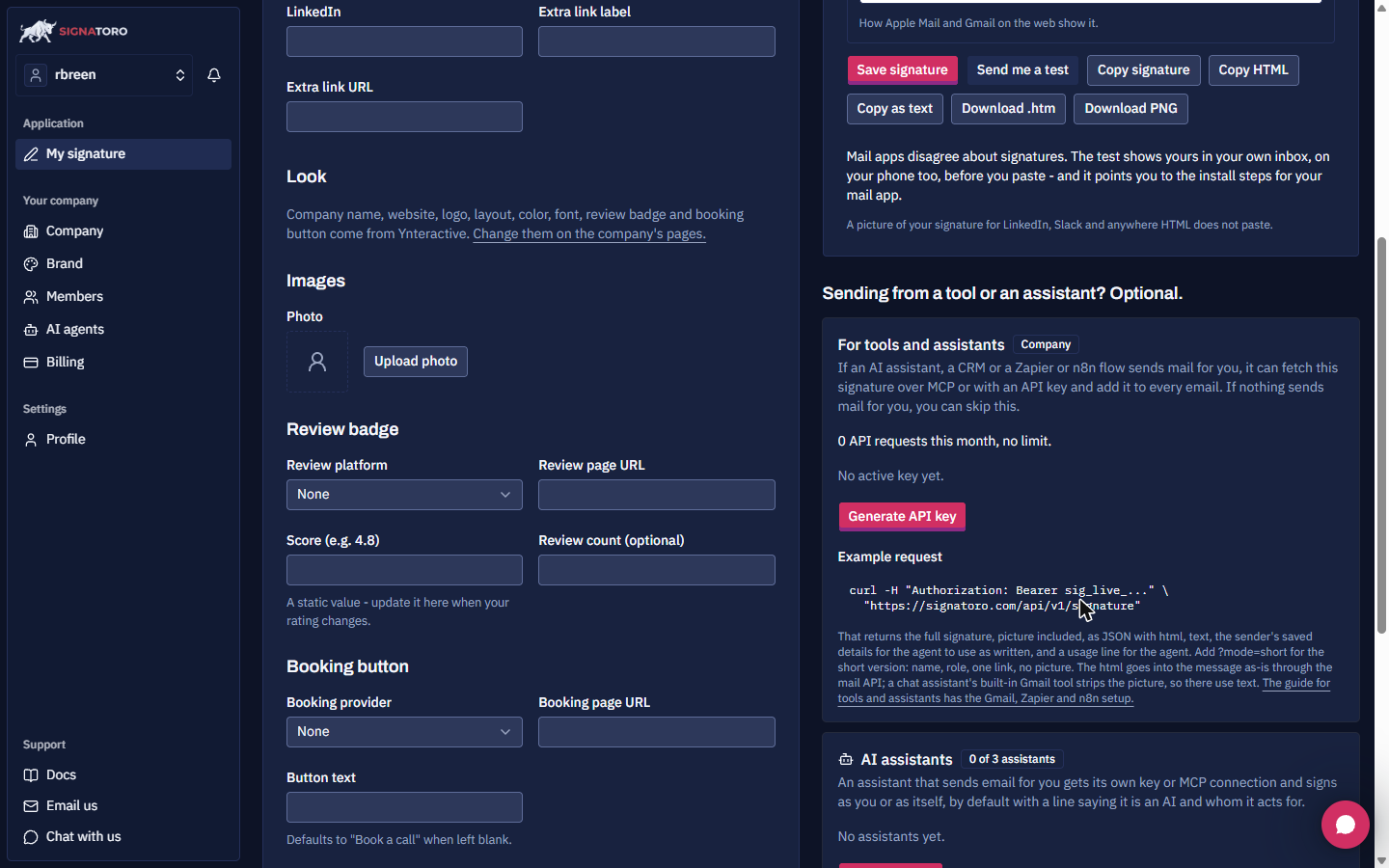
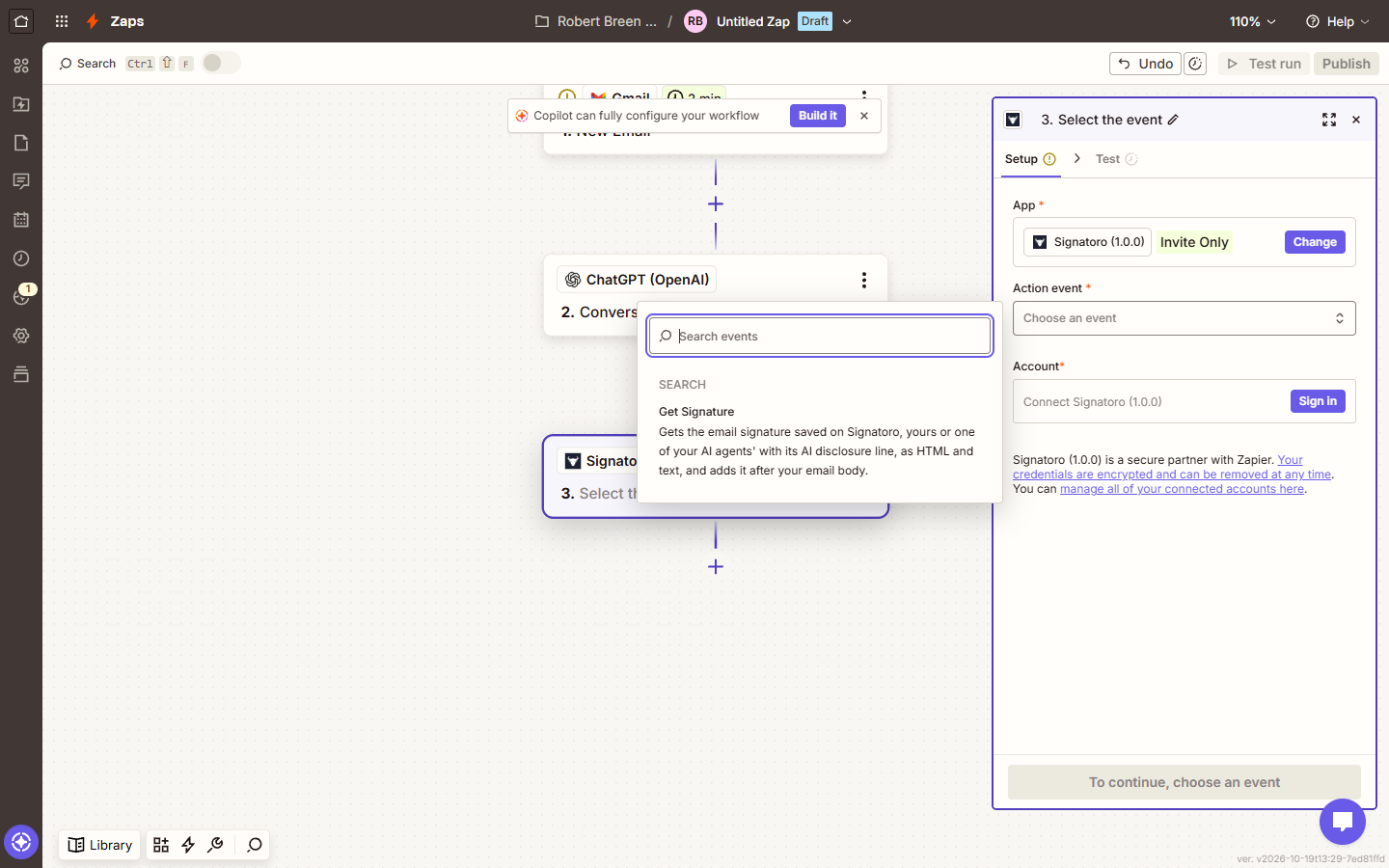
| Signature from Signatoro | Make: HTTP request; Zapier: Get Signature | Gmail's own signature isn't added by automations |
| One place to update | Name, Title, Company, Phone, Email, Website | A change reaches the next email with nothing to edit |
| A person checks | Zapier: Create Draft Reply | You keep the final say |
How do office managers and front desks use it?
This is the lessons' own case. At Brookside Dental, a made-up practice, routine requests get a warm reply that greets the person by first name, responds to their reason for writing, and promises a call within one business day. The Make version sends it straight from a form submission; the Zapier version drafts it under the incoming email.
- Prompt rules to keep: no advice, no prices, no promises the office can't confirm.
- Check: when the coordinator changes, update Signatoro once; every reply after that carries the new name.
How do client service and account managers use it?
Account teams answer "where are we on this?" emails all week. The Zapier pattern drafts a reply under each client email in the thread, signed with the account manager's saved Signatoro signature, so the client sees a real person's name and direct number.
- Change: the prompt's role ("You are the account manager at...") and what it may promise.
- Check: read each draft before sending; the AI only knows what is in the email.
How do recruiters and HR coordinators use it?
Candidates write in with questions about a role or an interview time. A drafted reply that thanks them, answers in one or two sentences and says when they'll hear back keeps the process moving. Signatoro makes sure the reply comes from the recruiter's real signature, not a generic "Talent Team."
- Change: the trigger to the recruiting inbox and the rules to "no promises about the outcome."
- Check: keep draft mode. Hiring emails are not ones to send unread.
Try it free, step by step
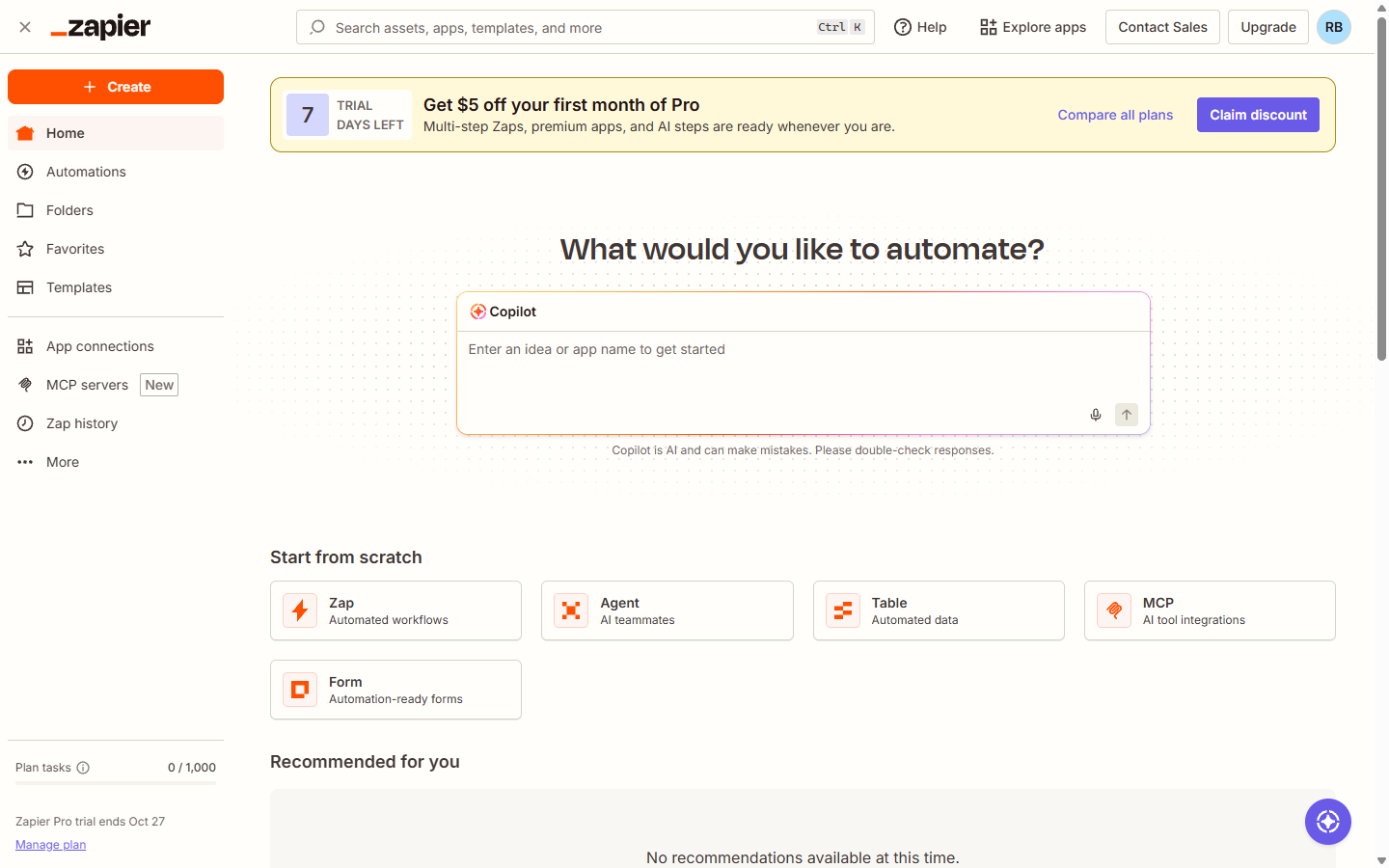
Zapier: ChatGPT Drafts Every Reply, Signatoro Signs It. Stop leaving patient emails waiting. Build a Zap where Gmail starts it, ChatGPT writes a personal reply, Signatoro's Get Signature step adds the sender's real signature, and Gmail saves a draft… You do every step yourself in a practice copy of Zapier, it checks your work as you go, and “Do it for me” finishes any step you get stuck on. Free, and nothing touches your real accounts.
Start the free lessonHow do sales reps use it?
Inbound leads who wait for a reply book elsewhere. A drafted response with the rep's real title and phone number, sitting in the thread when the rep opens Gmail, turns a slow reply into a fast one without letting an AI send to a prospect alone.
- Change: the prompt to answer the question asked and suggest a call, with no prices.
- Check: if your Zapier step also picks a Gmail signature, the email is signed twice. Leave it empty.
How do agencies and consultants use it?
An agency that builds automations for clients can reuse the same Make scenario or Zap for each client, with that client's own Signatoro account and key in the connection. The tested Make blueprint is a fast starting point: import it, choose the client's connections, and map the form answers again. See the Signatoro Make blueprint page.
- Check: each client's key stays in that client's connection, never in a shared prompt or note.
How do operations and back-office teams use it?
Any routine notice, such as a confirmation, a reminder or an acknowledgement, can use the Make pattern: a form or sheet row in, a short AI reply, the sender's signature, Gmail out. The Make lesson's router sends urgent requests to a person and only routine ones down the AI route, which is a good habit for any team.
- Check: run several realistic tests and read every reply before you switch it on.
Which version should my team pick?
Pick Zapier with Create Draft Reply when a person should read every email, and Make when replies to form submissions can go out directly after testing. Both are covered step by step, with fixes in Make.com fixes and Zapier mistakes, and settings on the Zapier cheat sheet. Signatoro is listed in the AI tools directory, and the Signatoro FAQ covers plans and setup.
Key takeaways
- Every role uses the same split: the AI writes the message, Signatoro signs it.
- Change the trigger, the prompt's role and rules, and whose signature is connected.
- Use draft replies for anything sensitive: hiring, sales, clients.
- One update on Signatoro reaches every future email.
Frequently asked questions
- Can each person on a team have their own signature?
The lessons connect one person's signature, Dana Whitfield's, saved with her own details. For several people, check signatoro.com: the lessons note that the Company plan lifts the API limit for everyone.
- Does Signatoro write the email?
No. ChatGPT writes the message; Signatoro only supplies the signature.
- Which Zapier trigger does the lesson use?
Gmail New Email, a polling trigger that checks the inbox every few minutes.
- Is it safe to let these send without review?
The Zapier lesson keeps a person on every reply with draft replies. Switch to sending only after the drafts have been right for a few weeks.