What is a multi-step Zap?
Quick answer
A multi-step Zap is a Zapier automation with one trigger and more than one action. A two-step Zap does one thing, such as form response to sheet row. A multi-step Zap chains several, for example a new email, then an AI reply, then a signature lookup, then a saved draft, with each step able to use data from the steps before it.
Last updated
Take the free module →Module 3 of the free Make & Zapier Jump Start course, about 12 minutes. No account needed.
Updated · By Robert Breen
Why it matters for a small business
Most real office jobs are more than one move. A new client inquiry should be logged, acknowledged and flagged to the right person. A two-step Zap handles one of those; a multi-step Zap handles all three in one place, in order, from the same trigger, so nothing is done twice and nothing is forgotten.
More steps also mean more to check. Each action that runs successfully counts as a task, and a later step can only use data from earlier ones. Zapier's free plan is built around two-step Zaps, so a multi-step build usually needs the trial or a paid plan; check Zapier's pricing page for the current limits.
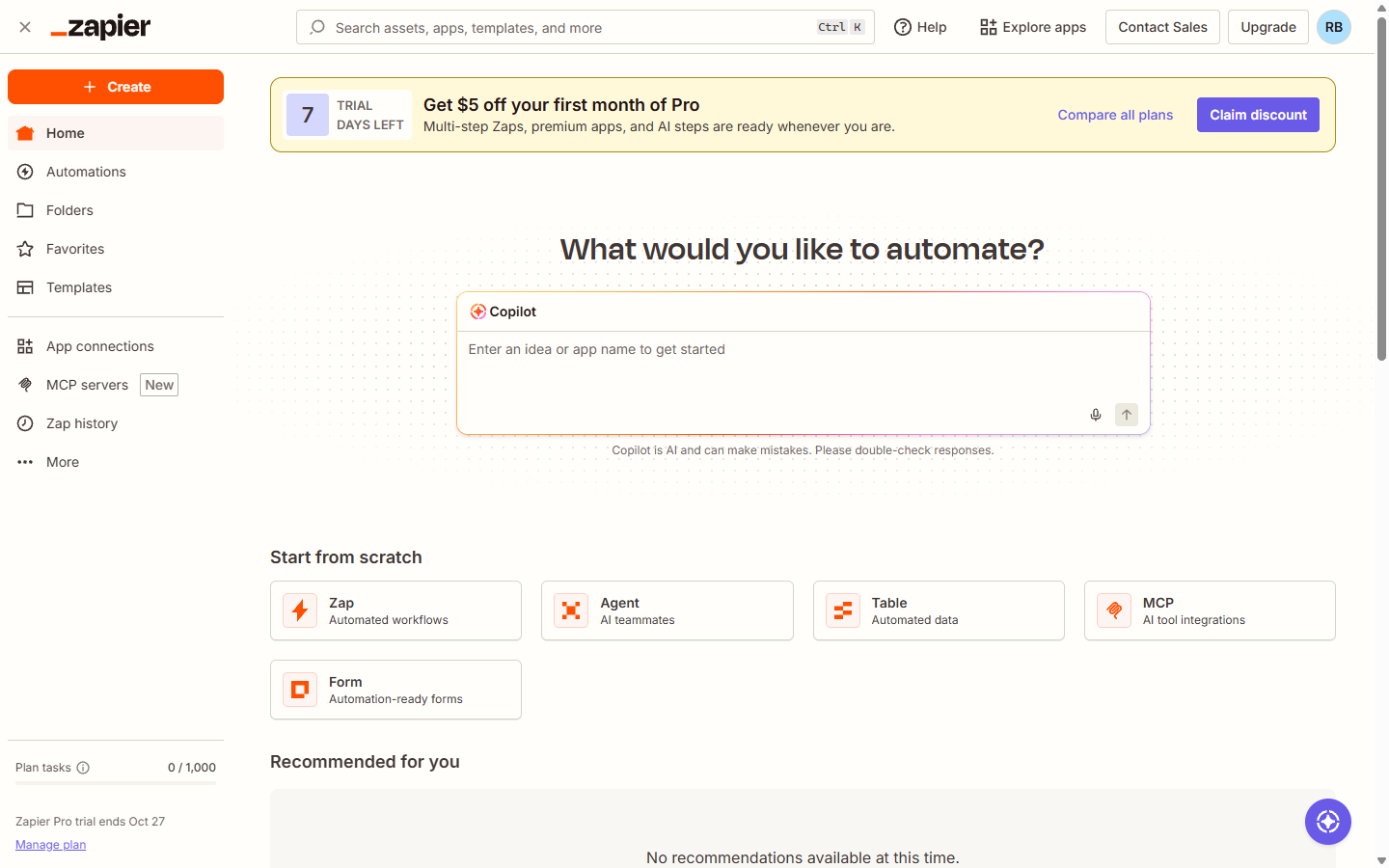
Where you'll use it: in the Zap editor, click the plus below the last step to add another action, or between steps to insert one. In each new step's fields, the data picker lists the trigger and every earlier step by number, so you can map, for example, step 2's reply into step 4's email body.
In a real lesson: Zapier: ChatGPT Drafts Every Reply, Signatoro Signs It
The free Zapier: ChatGPT Drafts Every Reply lesson builds a four-step Zap for Brookside Dental (made up). Gmail New Email starts it, ChatGPT writes a warm reply from the patient's own words, Signatoro's Get Signature step adds Dana Whitfield's real signature, and Gmail Create Draft Reply saves it in the patient's thread for Dana to check.
The lesson points out that the free plan runs two-step Zaps and this one has four, so you use the trial or a paid plan. Compare it with the two-step Zap in Your First Zap: one trigger, one action.
Try this lesson free or read the step-by-step guide.
Common confusions
Multi-step Zap vs Paths
A multi-step Zap runs its steps one after another. Paths split a Zap into branches so different data gets different steps.
Step vs task
A step is a box in the editor. A task is counted each time an action step completes successfully.
Tips
- Test each step before adding the next, so a problem is found where it starts.
- Rename steps so the data picker shows clear names instead of numbers only.
- Keep anything customer-facing as a draft until you trust the Zap.
Related terms
More n8n and automation terms
Where you use it: free lessons
- Zapier: ChatGPT Drafts Every Reply, Signatoro Signs It (Zapier, 12 min)
- Never Miss a New Client Inquiry using Zapier (Zapier, 10 min)
Frequently asked questions
- How many steps can a Zap have?
- Many more than most offices need. Zapier lists its limits in its help center; a Zap of five to ten steps is common.
- Can a later step use data from any earlier step?
- Yes. The data picker in each field lists the trigger and every step above it.