What is an n8n template?
Updated · By Robert Breen
An n8n template is a ready-made workflow that someone has shared, usually in n8n's public template gallery. You import it into your own workspace, connect your accounts and adjust it, instead of building the same thing on a blank canvas.
Why it matters for a small business
Most small-business automations are not new ideas. Logging form requests to a sheet, sending a confirmation, posting new leads to a team chat: someone has probably built it already. Starting from a template saves the hour of working out which nodes to use and in what order, and it shows you how an experienced builder wired the job.
The catch is that a template arrives without your accounts, your spreadsheet or your wording. It is a starting point, not a finished automation. It also runs with whatever access you give it, so read what each step does before you connect your Gmail and publish.
In a real lesson: Find and Use n8n Templates
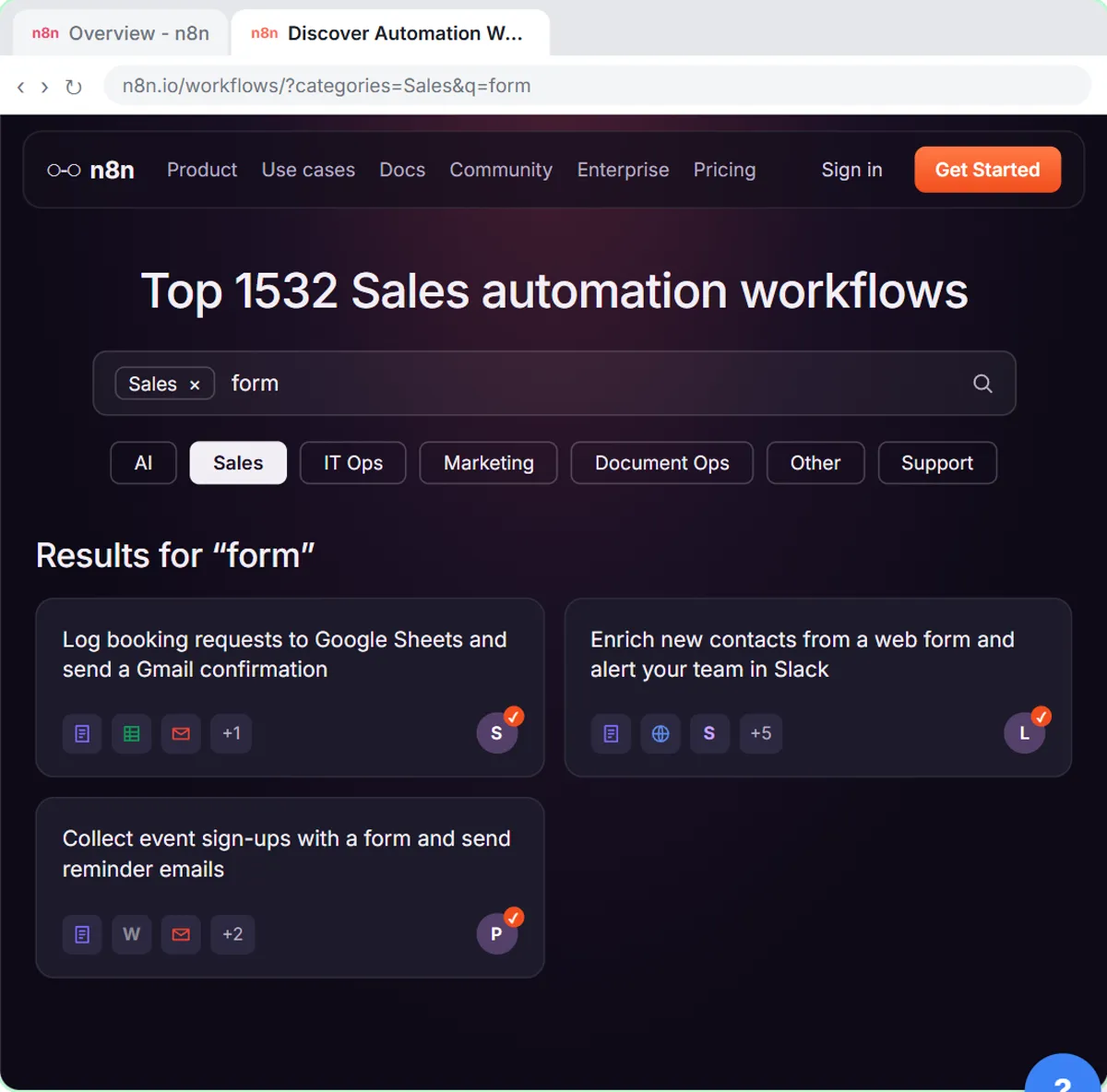
In the Find and Use n8n Templates lesson you help Hillside Pet Grooming, a made-up shop, handle booking requests. You click Templates in the left sidebar, choose the Sales category, search form and open Log booking requests to Google Sheets and send a Gmail confirmation. Its page shows a preview, who made it and what it needs.
You click Use for free, then Import template to hillside-grooming.app.n8n.cloud. n8n opens the workflow with a Set up template window listing the two accounts it needs, 1. Google Sheets and 2. Gmail, and you sign in with Google for each one.
The template still shows warnings until you make it yours. You open Append row in sheet and pick Hillside Booking Requests and Sheet1, then open Send a message and replace the text with Hillside's own, using {{ $json["Pet name"] }} for the pet. Then Execute workflow, a test booking for Jordan Lee and a pet named Biscuit, green checks on every step, and Publish.
Try this lesson free or read the step-by-step guide.
Common confusions
Gallery template vs a workflow file
Underneath they are the same thing: workflow JSON. Gallery templates import with a button. A file or link from a colleague goes in through Import from File or Import from URL in the ··· menu, or you paste the JSON onto an empty canvas.
n8n template vs prompt template
An n8n template is a whole workflow. A prompt template is reusable text you paste into an AI tool. They share a word and nothing else.
Free template vs free to run
Gallery templates are free to use, but running one still needs an n8n account and may use paid services, such as an OpenAI API key for AI steps.
Tips
- Search inside a category with a plain word for the job, like "form", "invoice" or "lead".
- Templates never include credentials, so expect to connect every account yourself.
- Rewrite every customer-facing message before publishing. Template wording is someone else's voice.
- Read any sticky notes on the canvas; creators often leave setup instructions there.
Related terms
Where you use it: free lessons
- Find and Use n8n Templates (n8n, 9 min)
More free tutorials
Prompt templates that use it
Visual guide
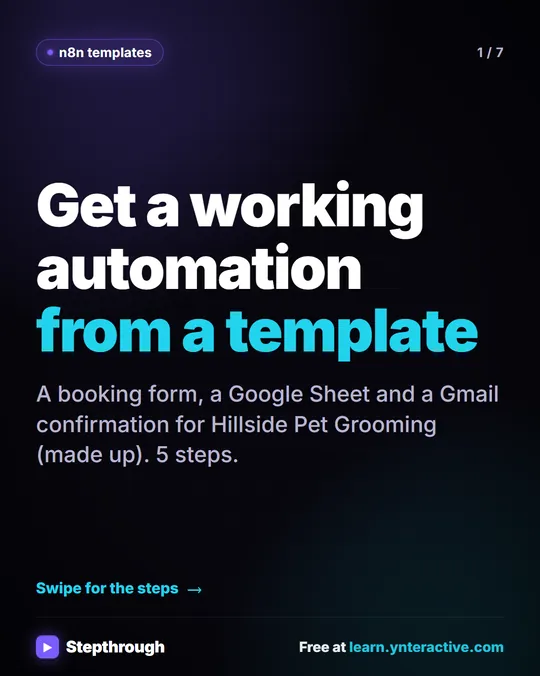
n8n template in a few slides, with the same guide written out as text.
Frequently asked questions
- Are n8n templates free?
- Templates in the n8n gallery are free to use, and each template page has a Use for free button. You still need an n8n account, and the apps a template connects to may have their own costs.
- Why does an imported template show warnings?
- It doesn't know your accounts or files yet. Connect credentials in the Set up template window, then open each node with a warning and choose your own spreadsheet, recipient or wording.
- Can I trust any template in the gallery?
- Treat it like code from a stranger: read each step before connecting accounts, and test with your own data before you publish it.