What is Paths by Zapier?
Quick answer
Paths by Zapier is a built-in step that splits a Zap into branches, called paths. Each path has its own rules, such as "Service is Payroll", and its own action steps. When the Zap runs, every path whose rules match runs its steps. Zapier's help center says path steps themselves do not count as tasks.
Last updated
Take the free module →Module 2 of the free Make & Zapier Jump Start course, about 10 minutes. No account needed.
Updated · By Robert Breen
Why it matters for a small business
Many processes start the same way and then fork. A new inquiry for bookkeeping goes to one person, payroll to another, and anything else to the general inbox. Without Paths you would build several near-identical Zaps with the same trigger, each with a filter. Paths keep that logic in one Zap you can read top to bottom.
Because more than one path can match, write rules that do not overlap unless you want both branches to run. A catch-all path with a rule like "Service does not contain Tax and does not contain Payroll" makes sure nothing falls through.
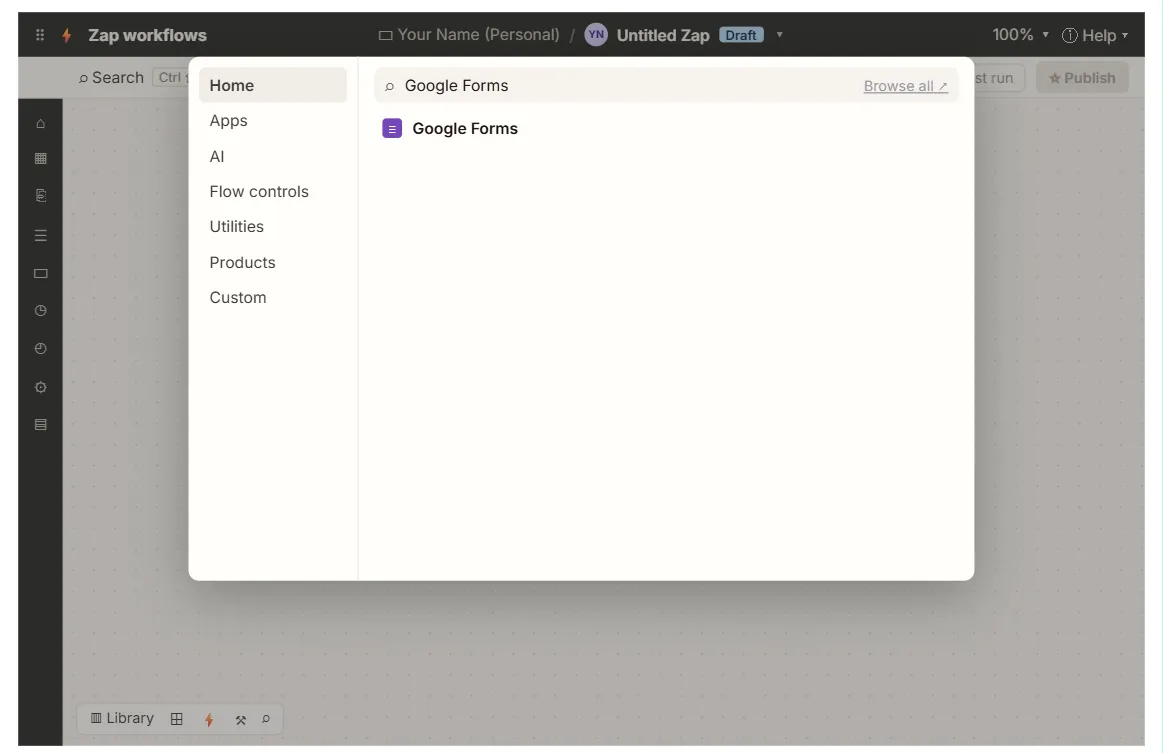
Where you'll use it: in the Zap editor, add a step and choose Paths. Zapier creates two paths to start; you name each, set its rules in the same way as a filter, then add actions inside it. Zap history shows which paths ran for each record.
In a real lesson: Never Miss a New Client Inquiry using Zapier
In the free Your First Zap lesson, Northgate Accounting's form asks "What service do you need?" and the Zap maps that answer into the Service column of its Client Inquiries sheet. Every inquiry takes the same single route.
With Paths after the sheet step, the same answer could steer the follow-up: path A for "Tax" emails the tax partner, path B for "Bookkeeping" adds a task for the bookkeeper, and path C catches everything else. The lesson does not build this; it is the natural next step once the basic Zap works.
Try this lesson free or read the step-by-step guide.
Common confusions
Paths vs filter
A filter only decides continue or stop. Paths decide which set of steps runs.
Paths vs Make router or n8n Switch
Same idea in other tools. Make uses a router with filters on its routes; n8n uses the Switch node.
Tips
- Name each path after its rule, such as "Tax inquiries".
- Add a catch-all path so unexpected answers still get handled.
- Test with one record per path and check Zap history.
Related terms
More n8n and automation terms
Where you use it: free lessons
- Never Miss a New Client Inquiry using Zapier (Zapier, 10 min)
- IF and Switch in n8n: Route Work by Rules (n8n, 10 min)
- Filters and Routers in Make.com: Send Urgent Requests One Way, Routine Ones Another (Make, 12 min)
Frequently asked questions
- Can more than one path run?
- Yes. Every path whose rules match runs. Make the rules exclusive if you want only one.
- Do the actions inside a path count as tasks?
- Yes. The path step does not, but each action that runs inside a path counts as usual.