What is polling in automation?
Updated · By Robert Breen
Polling is when an automation checks another app on a timer, such as every minute, to ask whether anything new has happened. If something new turned up, the workflow runs; if not, it waits for the next check.
Why it matters for a small business
Many apps you want to automate from, like a Gmail inbox, don't call your workflow the moment something changes. Polling is how n8n watches them anyway. It is simple and dependable, which is why so many ready-made triggers work this way.
The cost is delay and repeated checking. A trigger that polls every minute can take up to a minute to notice an email, and one that polls hourly might leave a lead waiting an hour. Checking more often is faster but means more requests to the other service, which can run into its rate limits. Picking the interval is a business call: how long can this item wait?
In a real lesson: AI Email Responder: Draft Gmail Replies Automatically with n8n
The Gmail Trigger in the AI Email Responder lesson is a polling trigger. After you add On message received and connect [email protected], the node shows two settings you leave alone: Every Minute and Message Received. In other words, it asks Gmail for new mail once a minute and fires for each message that has arrived.
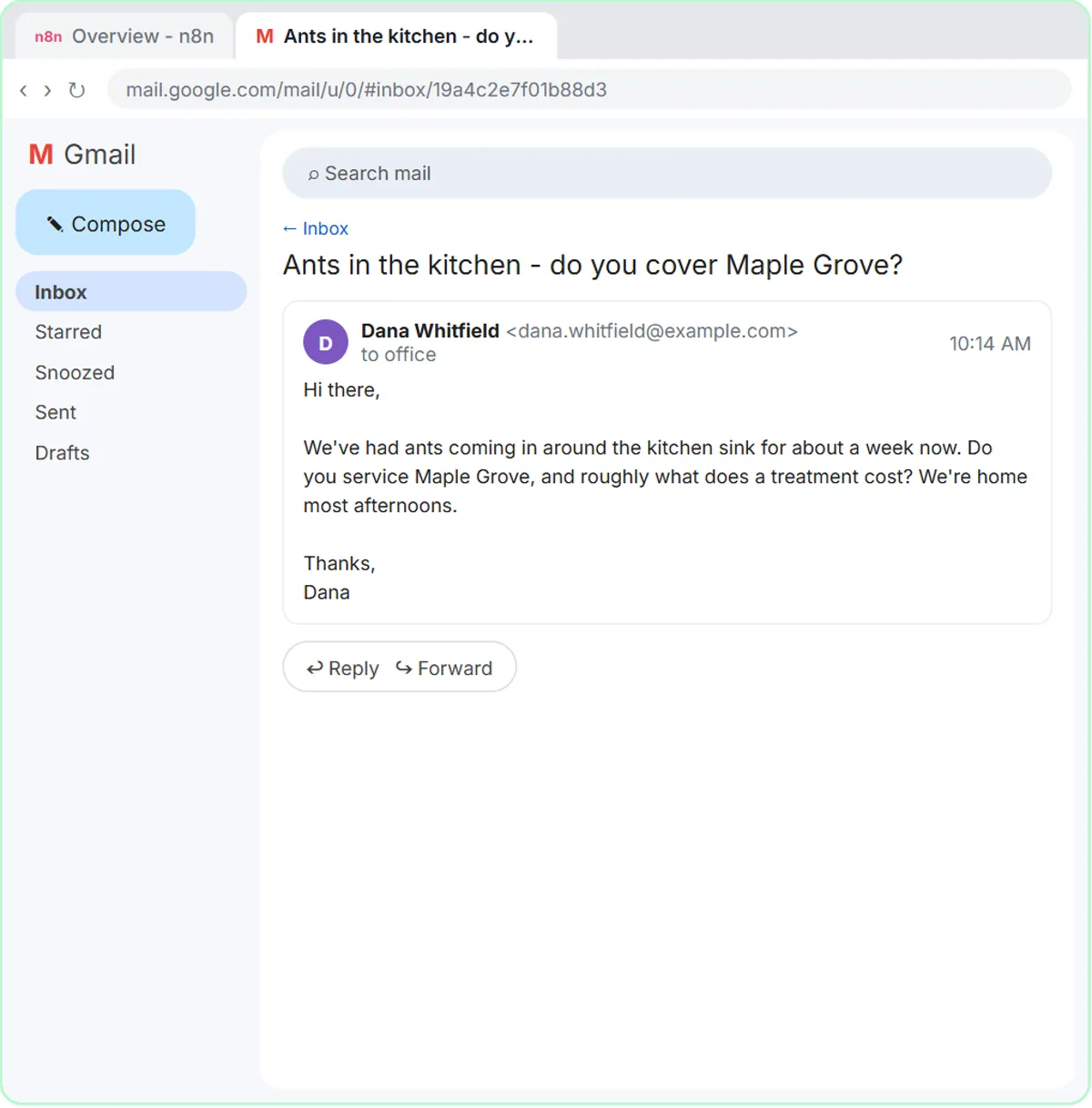
That explains the lesson's last step. Until you click Publish, nothing checks the inbox. Once published, n8n checks every minute, and each new email starts a run that writes a draft reply for Greenline Pest Control.
Compare Daily Job Alerts. Its Schedule Trigger also runs on a clock, but it isn't looking for changes: at 7 a.m. it simply reads the whole jobs sheet and emails every assigned row.
Try this lesson free or read the step-by-step guide.
Common confusions
Polling vs webhook
Polling pulls: your workflow asks "anything new?" on a timer. A webhook pushes: the other app calls your workflow the instant something happens. Use a webhook when the app offers one and speed matters, and polling when it doesn't.
Polling trigger vs Schedule Trigger
A polling trigger checks for new items and only carries on when it finds some. A Schedule Trigger runs the workflow at set times no matter what, and the workflow itself decides what to do.
Tips
- Match the interval to the job. A customer inbox might deserve every minute; a weekly report doesn't.
- Expect a short delay when testing live. A polled email can take up to one interval to show up as a run.
- Use Fetch Test Event to pull a real example into the editor instead of waiting for the next check.
Related terms
Where you use it: free lessons
- AI Email Responder: Draft Gmail Replies Automatically with n8n (n8n, 12 min)
- Daily Job Alerts: Email Each Tech Their Jobs from Google Sheets with n8n (n8n, 10 min)
Frequently asked questions
- Why does my Gmail automation take a minute to react?
- The Gmail Trigger polls on an interval, every minute in the lesson, so a new email waits until the next check. That small delay is normal.
- Is polling a bad way to automate?
- No. It's a standard way to watch apps that can't send webhooks. It only becomes a problem when you need instant reactions or the interval is so short that you hit the other service's limits.
- Can I change how often n8n polls?
- Yes. Polling triggers like the Gmail Trigger have a poll time setting, such as every minute, every hour or a custom interval.