How to Compare AI Assistants for Work: A 7-Point Checklist
Quick answer
Compare AI assistants on seven things: how the plan you would use handles your data, what it costs per person, the file and length limits, the integrations with the apps you already use, how easily you can check its answers, the admin controls, and how well it does your own three test tasks. Score each tool from 1 to 5 on each point, weight the points that matter most to you, and add them up. The highest total is your first pick, as of October 2026.
Last updated
Take the free module →Module 6 of the free AI at Work: Start Here course, about 8 minutes. No account needed.
This guide is for office managers, owners and team leads who have to choose an assistant for a team, not just for themselves. The table below is the checklist, and the free scoring sheet (CSV) opens in Google Sheets or Excel and adds the totals for you. If you have not tried an assistant yet, the free Prompt Writing 101 lesson teaches the four-part prompt that works in all of them.
How do they compare at a glance?
| What to compare | The question to ask | Where to find the answer |
|---|---|---|
| 1. Data use | On the plan we would actually use, is our data used to train models by default? Who at the vendor or in our company can see chats? | The vendor's privacy or enterprise page for that plan. Never rely on the free or personal plan's terms for client work. |
| 2. Price | What does one person cost per month on the plan we need, and is there a minimum number of seats or a yearly commitment? | The vendor's own pricing page, the day you decide. Prices change often. |
| 3. File limits | Can it read the largest document or spreadsheet we really use, and how long a conversation can it hold? | The vendor's help pages on file uploads and context length, then a test with your biggest real file. |
| 4. Integrations | Does it work inside the email, documents and calendar we already use, or only in its own window? | The vendor's page for connectors and add-ons, and whether your IT admin allows them. |
| 5. Accuracy checks | Does it show sources or quote the document, and how quickly can a person check an answer before it is used? | Run a question where you already know the answer, and ask it to quote the exact line it relied on. |
| 6. Admin controls | Can an admin add and remove seats, set sharing and memory rules, and turn features off for everyone? | The admin or business plan page. Personal plans usually have few or no admin controls. |
| 7. Fit for our tasks | How well does it do our three most common jobs, such as a customer reply, a meeting summary and a spreadsheet question? | Your own test. Give every tool the same three tasks and score the results side by side. |
What are the 7 things to compare in an AI assistant?
Start with the two points that can rule a tool out: data use and admin controls. If a tool cannot meet your company's rules for client or employee data on a plan you can buy, its other strengths do not matter. Then compare price, file limits and integrations, which are facts you can look up. Finish with accuracy checks and fit for your tasks, which only your own testing can answer.
The order matters because the first points are cheap to check and the last ones take an hour. A short list of tools that pass the first five points is the right set to test.
How do you score the tools with the scoring sheet?
Download the scoring sheet (CSV) and open it in Google Sheets or Excel. It lists the seven points in rows, a weight from 1 to 3 for each, and four columns for the tools you are comparing. Change a weight if a point matters more to your team, give each tool a score from 1 to 5 on each point, and the Total row multiplies each score by its weight and adds them up.
Treat the total as a way to structure a discussion, not as an answer. If two tools are close, the tie-breaker is usually data use or the integration with the apps your team spends all day in. Write your reasons in the Notes column so the decision can be explained later.
What is a worked example for a 10-person office?
Take a 10-person office that works in Microsoft 365 and wants one assistant for customer replies, meeting summaries and spreadsheet questions. The scores below are made up to show the method, not ratings of the products, and your own tests will differ.
Suppose the office weights data use 3, price 2, file limits 2, integrations 2, accuracy checks 3, admin controls 2 and fit for tasks 3. A tool that works inside Outlook, Word and Excel may score 5 on integrations for this office, while a general assistant that you open in its own window may score 2 there but 5 on fit for tasks after the three-task test. The weighted totals then show whether the integration or the task quality matters more to this office. Run the same exercise with your own weights.
For the four assistants most offices shortlist, the ChatGPT vs Claude vs Gemini vs Copilot page lays out price and fit side by side, and Which AI Should I Use? gives a default pick for each job.
How do you compare an internal assistant: Projects, Gems or notebooks?
If you want an assistant that already knows your policies, price list or templates, compare the saved-workspace features too: ChatGPT Projects, Gemini Gems and Claude Projects. Add three questions to the checklist: what files and instructions can it hold, who on the team can use or edit it, and can its answers be traced to a source document. The Claude Projects vs ChatGPT Projects vs Gemini Gems page compares them.
The same data-use question applies. The files you put in a workspace are covered by the plan you use, so check that plan first.
Which data-use claims should you verify before you choose?
Check the plan, not the brand. As of October 2026, OpenAI says ChatGPT Business, Enterprise and API data are not used for training by default. Anthropic says the same for Claude Team, Enterprise and the API. Google says Gemini in Workspace does not use customer data to train models without permission, and Microsoft's enterprise data protection covers Copilot Chat when you sign in with a work account. Personal plans can differ, so read the vendor's page for the plan you would buy.
For a deeper look at what is safe to paste, read Is It Safe to Paste Client Data into ChatGPT?.
How should you run the three-task test?
Pick three real jobs, remove names and private details, and give every tool the same prompt. A customer reply built from a thread, a summary of a meeting transcript and a question about a small spreadsheet cover most offices. Read each answer for invented facts, which people call hallucinations, and ask each tool to point to the line in your document that supports its answer.
Keep the prompts identical and the scoring blind if you can: have a colleague score the answers without knowing which tool wrote them. The free Reply Faster: Customer Emails lesson shows a routine for checking every promise in a draft.
Who is each one for?
Owners and office managers
Use the checklist to pick one assistant for the whole team and to explain the choice later. Start with data use and admin controls, then run the three-task test.
Team leads in regulated work
Law, accounting, insurance and HR teams should weight data use and accuracy checks at 3, and have a lawyer or compliance person review the final choice. Add your firm's written policy to the Notes column.
Anyone choosing for themselves
You can skip the weights. Try the free plans on your three tasks, and pay only if the limits get in your way. The free Your first chat with Claude and Gemini in Gmail lessons are good places to start.
Which of these tools have a free Stepthrough lesson?
- ChatGPT: free lesson: Reply Faster: Turn a Messy Customer Email Thread into a Clear, Friendly Reply
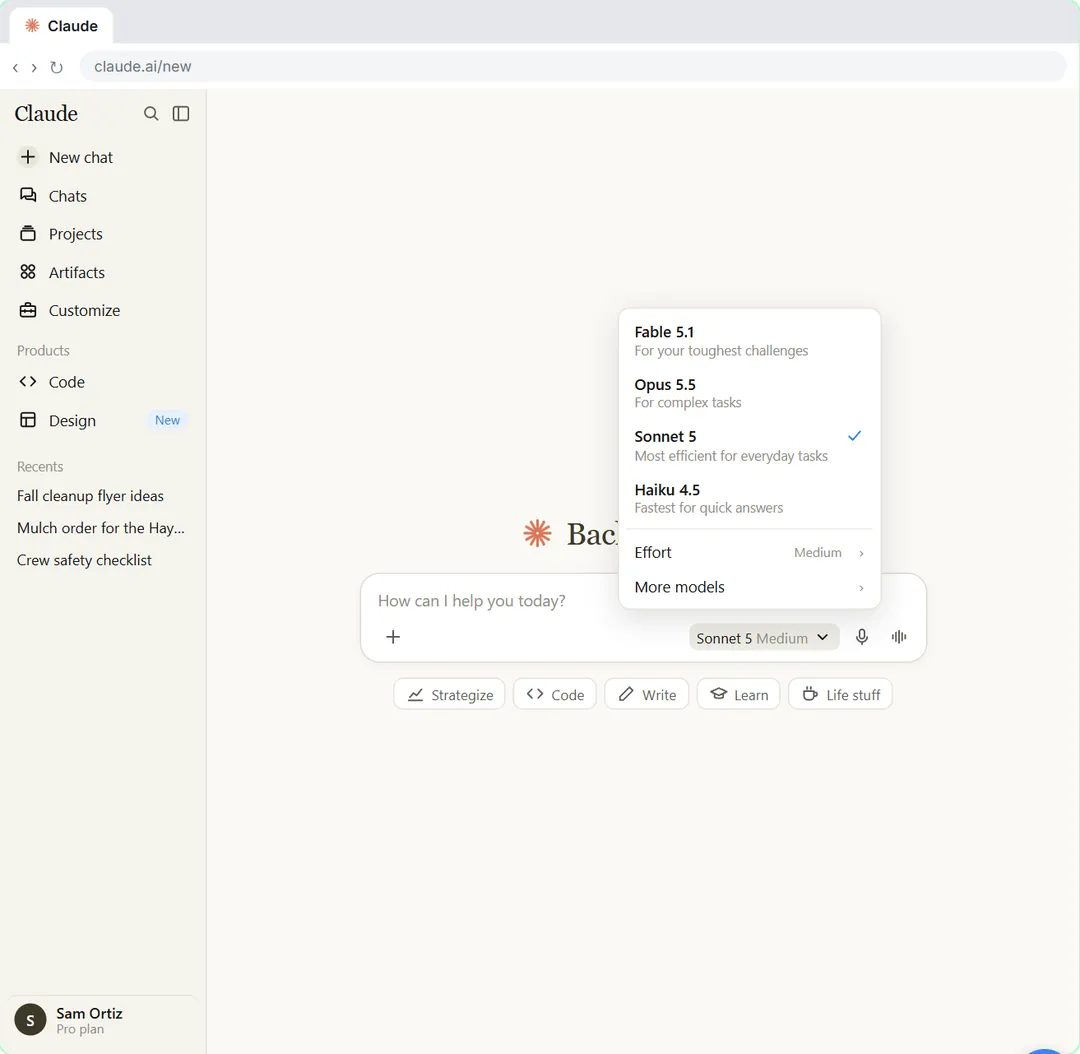
- Claude: free lesson: Your First Chat with Claude: Models, Files and a Great First Prompt
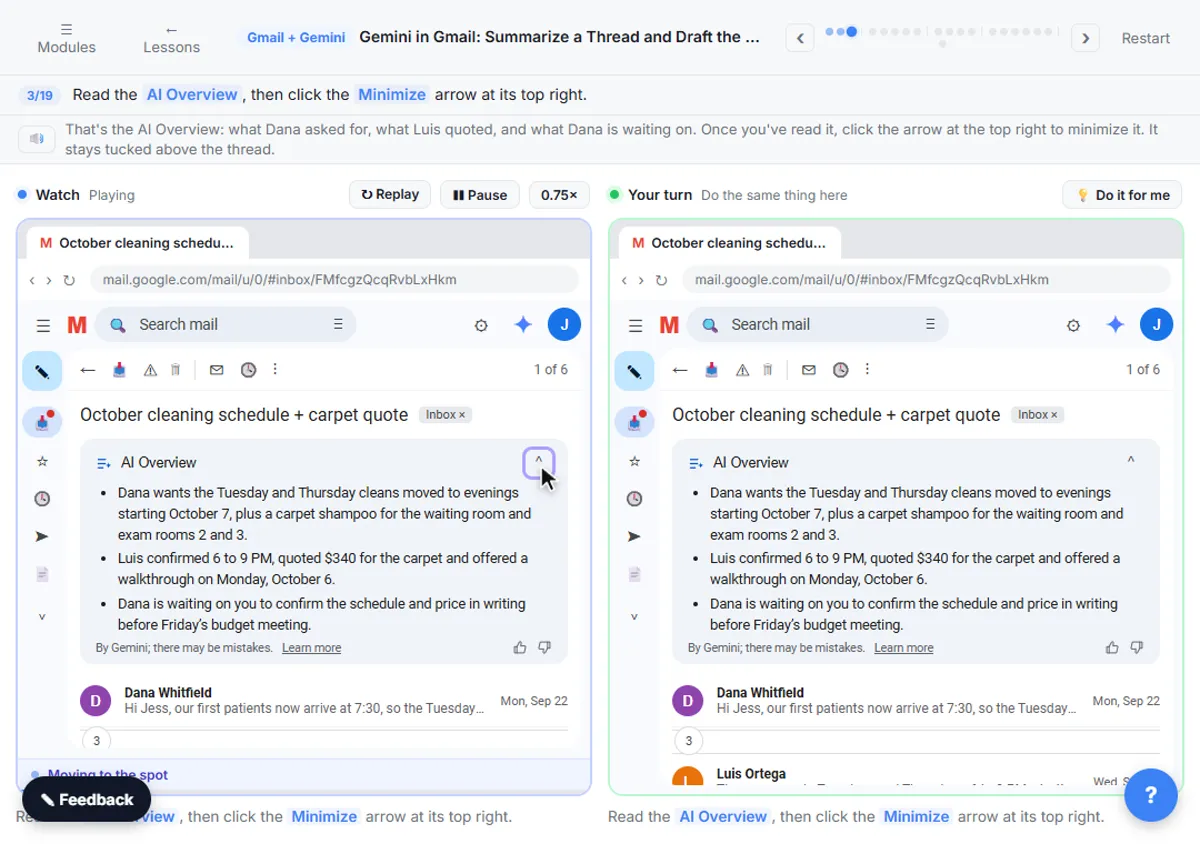
- Gemini: free lesson: Gemini in Gmail: Summarize a Thread and Draft the Reply
- Microsoft Copilot: a free Stepthrough lesson is coming.
Practice it free, step by step
Prompt Writing 101: Role, Context, Task, Format. Ask ChatGPT for the same customer email twice, once vaguely and once with a four-part prompt, and see exactly why structure gets a better answer. You do every step yourself in a practice copy of ChatGPT, it checks your work as you go, and “Do it for me” finishes any step you get stuck on. Free, and nothing touches your real accounts.
Start the free lessonWatch it in a free lesson: Choose the AI Assistant Your Team Should Use, Tested on ChatGPT, Claude, Gemini and Copilot
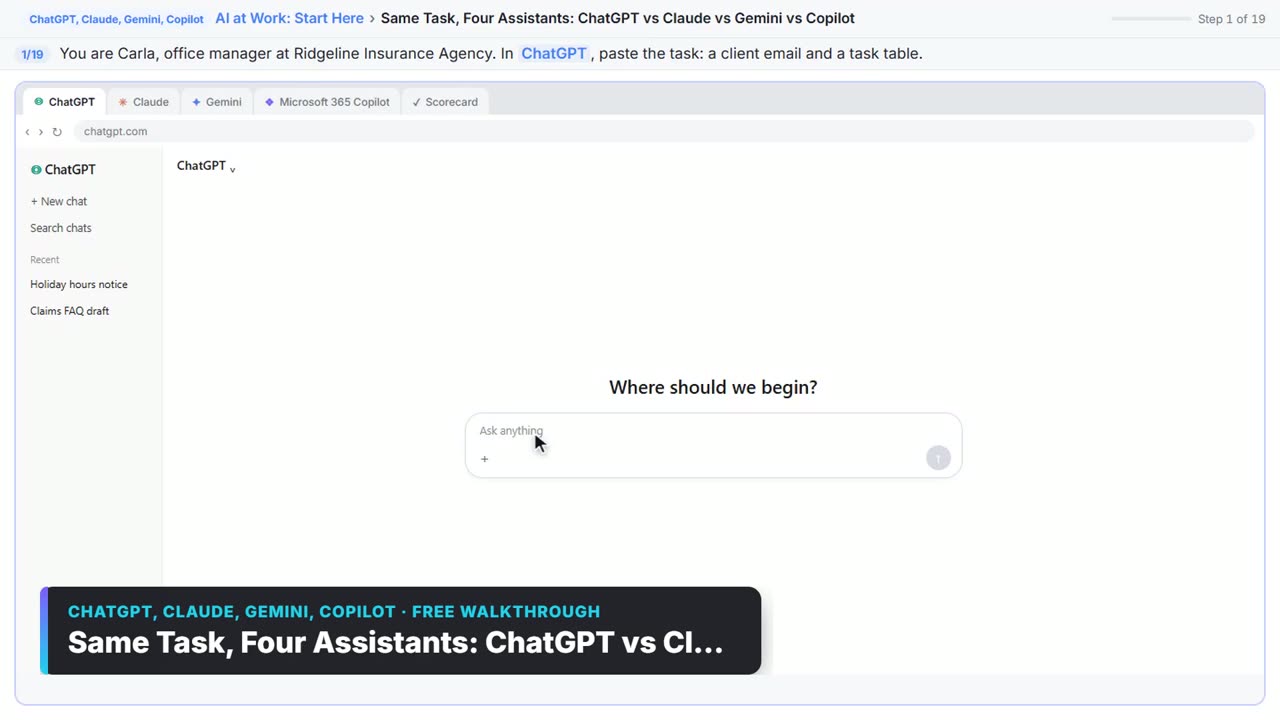 1:51
1:51Same Task, Four Assistants: ChatGPT vs Claude vs Gemini vs Copilot: video walkthrough
Give one real office task to ChatGPT, Claude, Gemini and Microsoft Copilot, check each answer on the facts, and pick the one to use at work. The whole lesson narrated step by step, recorded in Stepthrough’s simulated practice environment.
Key takeaways
- Compare AI assistants on seven points: data use, price, file limits, integrations, accuracy checks, admin controls and fit for your tasks.
- Check data use and admin controls first, because they can rule a tool out.
- Score each tool from 1 to 5, weight what matters most, and use the downloadable scoring sheet to add it up.
- Test every tool on the same three real tasks, with private details removed.
- Check prices and plan terms on the vendor's own page the day you decide.
Frequently asked questions
How do I compare AI assistants for professional workflows?
List the seven checklist points, score each assistant from 1 to 5 on each one and weight the points that matter most. Start with data use and admin controls, then test every tool on the same three real tasks. The scoring sheet on this page adds the totals for you.
How do I choose the right private AI solution for my needs?
Ask five questions in order. Does the plan keep our data out of training by default? Who can see the chats? Does it work inside the apps we use? Can we check its answers quickly? Can an admin control it? Only the tools that pass all five go to a hands-on test.
What should we compare across AI strategy consulting options?
Compare what each option will deliver and how you can check it: the tools they recommend and why, how they handle your data, who owns the result, what training your team gets and what it costs in total. Ask for a small paid pilot on one real task before you sign a larger plan.
Where can I compare scalable generative AI platforms?
For platforms that grow with a team, compare the business or enterprise plan of each vendor: seat management, admin controls, data terms and integrations. Use each vendor's own pricing page, and the checklist above, rather than a third-party ranking.
How often should we re-check our choice?
Every six months, and whenever a vendor changes its plans or data terms. Tools and prices change often, so keep the scoring sheet and update the scores.
Where do these prices and features come from?
Every price and feature on this page was checked against the vendor's own page, as of October 2026. No numbers here are estimates or third-party figures. The example businesses in the Stepthrough lessons are made up.