Perplexity vs ChatGPT vs Gemini for work research
Quick answer
For a quick answer with sources, Perplexity is the most direct: every answer comes with numbered citations to the pages it used. For a longer written report, ChatGPT deep research and Gemini Deep Research both draft a research plan you can edit, read many sources, and return a cited report. Pick ChatGPT if you want to download the report as Word or PDF or point it at specific websites, and Gemini if your files live in Gmail and Google Drive and you want the report in Google Docs.
Last updated
This page is for marketers, sales and operations teams, office managers, and anyone at an accounting, law or insurance firm who has to pull together a market overview, a vendor shortlist or a competitor one-pager. Features below were checked on each vendor's own pages as of October 2026. Whichever tool you use, the result is only as good as your request, so start with the free Prompt Writing 101 lesson, then open every citation before you share anything.
How do they compare at a glance?
| Perplexity | ChatGPT | Gemini | |
|---|---|---|---|
| Quick answers with sources | Yes, numbered citations in every answer | Yes, ChatGPT search with citations, on Free and paid plans | Check Google's help pages for regular chats |
| Long research report | Research mode | Deep research | Deep Research |
| Editable research plan | Check Perplexity's help pages | Yes, review and edit before it starts | Yes, edit the plan before the report is made |
| Your own files and apps | File uploads; Pro adds search across files and apps | Uploaded files and connected apps such as Google Drive or SharePoint, depending on plan and settings | Uploaded files, plus Gmail and Drive if you allow it |
| Limit research to chosen sites | Check Perplexity's help pages | Yes, restrict to or prioritize sites you enter | Check Google's help page |
| Report export | Check Perplexity's help pages | Markdown, Word and PDF | Export to Google Docs |
| Free option | Yes, with limited Research use | Yes; deep research availability depends on plan and country | Yes, Deep Research is listed on the Free plan |
| Pricing | Perplexity pricing | ChatGPT pricing | Gemini plans |
| Free Stepthrough lesson | Coming | Yes, several | Coming |
Which AI tool is best for research at work?
Use the tool that matches the size of the question. A quick fact check, such as which payroll vendors serve firms your size, suits a fast cited answer in Perplexity or ChatGPT search. A bigger job, such as a competitor overview for a sales meeting, suits a deep research report from ChatGPT or Gemini, which takes minutes instead of seconds because it runs many searches and writes up what it found.
Your company's setup matters too. If your team works in Google Workspace, Gemini can pull from your Gmail and Drive when you allow it. If you already use ChatGPT at work, its deep research can use files you upload and connected apps your admin has turned on. Perplexity is a separate app built around AI search, and Perplexity says its Pro and Max plans add premium data sources for finance and market work. For jobs beyond research, see Which AI should I use?.
How do Perplexity, ChatGPT and Gemini show their sources?
All three show where their answers came from, which is the main reason to use them over a plain chatbot for research. Perplexity's help center says each answer includes numbered citations linking to the original sources. OpenAI says responses that use ChatGPT search may include citations you can click to open, and that every deep research report includes citations or source links, a sources used section and an activity history. Google says Gemini Deep Research reports include citations.
A citation is a starting point, not proof. The AI citations entry explains the catch: a link can point to a real page that does not actually say what the answer claims. OpenAI's own help page warns that search results and citations can be incomplete, outdated or incorrect, and tells you to open the source and check that it supports the answer.
What is deep research, and how is it different from a quick search?
Deep research is a mode where the AI plans a set of searches, reads many pages, and writes a long report instead of a short answer. In ChatGPT you can start it from the tools menu, review the proposed plan, watch progress and interrupt to change focus. You can also tell it to stick to websites you choose, which helps when you trust a few industry sources more than the open web. Finished reports download as Markdown, Word or PDF.
Gemini Deep Research turns your prompt into a multi-point plan you can edit, uses Google Search by default, and can add Gmail, Drive and files you upload. Google's help page says reports usually take several minutes and can be exported to Google Docs. Perplexity's Research mode runs dozens of searches and reads hundreds of sources to produce a report; free users get limited access and Pro subscribers get more. Usage for each tool varies by plan, so check the pricing pages linked in the table.
Can AI research still be wrong?
Yes. A cited report can still contain a hallucination, quote an old price list, mix up two companies with similar names, or lean on a vendor's own marketing page as if it were independent. Longer reports have more room for small errors to hide, and a confident tone makes them easy to miss.
Build a checking habit into every research job. Open each source behind a number you plan to repeat. Check the date on the page. Prefer the vendor's own pricing or help page, a government site or the original study over a blog that summarizes it. Ask the tool to list what it could not confirm. The blog post How to Stop ChatGPT from Making Things Up covers the habits that work in any of these tools, and grounding explains why giving the AI your own documents cuts errors.
How do I use these tools for market, vendor or competitor research?
Give the tool the decision you are trying to make, not just a topic. A marketing coordinator might ask for the five closest competitors in one city with each one's services and stated pricing model, each fact linked to its source. An operations manager comparing software vendors might ask for a table of features, contract terms and support hours, using only each vendor's own website.
Then turn the research into something your team can use. The competitor comparison one-pager prompt shapes findings into a single page, and the software tool evaluation scorecard prompt scores vendors against your must-haves. For quotes you already have in hand, the vendor quote comparison prompt works without any web search at all.
Is it safe to put client or company information into a research tool?
Only within your company's AI policy. Public research about markets and vendors carries little risk, but the moment you upload a client file, connect Gmail or Drive, or paste in a confidential deal, you are sharing company data with the vendor. Use a business account your IT team approved, and leave out client names and account details the research does not need.
Law firms should be extra careful: an AI research report is not legal research you can cite to a court, and every case or rule it mentions has to be checked in a trusted legal database. The legal research memo outline prompt helps organize questions for a lawyer to research, not replace that work.
Who is each one for?
Perplexity
A good fit for anyone who wants fast answers with a citation on every claim, such as a salesperson checking a prospect before a call or a marketer scanning a new market. Paid plans add more Research use and premium data sources. A free Stepthrough lesson for Perplexity is coming.
ChatGPT (search and deep research)
A good fit for teams already using ChatGPT at work who want quick cited answers and longer reports they can restrict to chosen sites and download as Word or PDF. To practice the core skill of a clear request, try the free Reply Faster: Customer Emails lesson and Prompt Writing 101.
Gemini (Deep Research)
A good fit for Google Workspace teams who want research that can draw on their Gmail and Drive, with the report saved straight to Google Docs. Google lists Deep Research on its free Gemini plan, with higher limits on paid plans. A free Stepthrough lesson for Gemini is coming.
Which of these tools have a free Stepthrough lesson?
- Perplexity: a free Stepthrough lesson is coming.
- ChatGPT (search and deep research): free lesson: Reply Faster: Turn a Messy Customer Email Thread into a Clear, Friendly Reply
- Gemini (Deep Research): a free Stepthrough lesson is coming.
Practice it free, step by step
Prompt Writing 101: Role, Context, Task, Format. Ask ChatGPT for the same customer email twice, once vaguely and once with a four-part prompt, and see exactly why structure gets a better answer. You do every step yourself in a practice copy of ChatGPT, it checks your work as you go, and “Do it for me” finishes any step you get stuck on. Free, and nothing touches your real accounts.
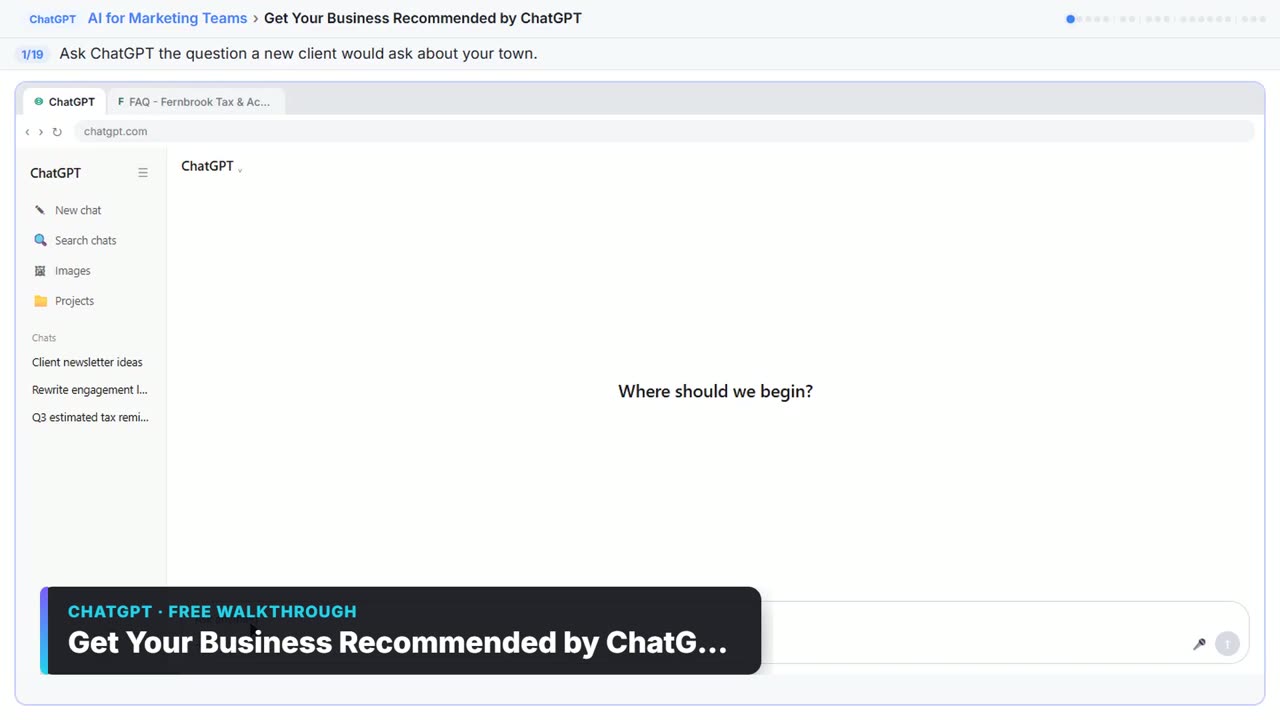
Start the free lessonWatch it in a free lesson: Get Your Business Recommended by ChatGPT
 2:14
2:14Get Your Business Recommended by ChatGPT: video walkthrough
Ask ChatGPT who it recommends in your town, see which pages it trusts, then use it to write an FAQ page and Business Profile copy that answer real customer questions. The whole lesson narrated step by step, recorded in Stepthrough’s simulated practice environment.
Key takeaways
- Use Perplexity or ChatGPT search for quick cited answers, and ChatGPT deep research or Gemini Deep Research for longer reports.
- All three show sources as of October 2026, but a citation is not proof: open it and check that it says what the answer claims.
- ChatGPT deep research can stick to sites you choose and downloads as Word or PDF; Gemini Deep Research can use Gmail and Drive and exports to Google Docs.
- AI research can still be wrong, so verify every number, date and name you plan to repeat, using the original source.
- Pricing and limits vary by plan, so check each official pricing page before you rely on a tool for team research.
Frequently asked questions
Is Perplexity better than ChatGPT for research?
Perplexity is built around search, so every answer comes with numbered citations, which makes quick fact checks easy. ChatGPT also cites sources when it searches, and its deep research mode adds editable plans, site restrictions and Word or PDF downloads. Many people use Perplexity for quick lookups and a deep research mode for longer reports.
Can I use deep research for free?
Google lists Deep Research on its free Gemini plan, Perplexity gives free users limited access to Research, and OpenAI says deep research availability depends on your ChatGPT plan and country. Limits change often, so check Gemini plans, Perplexity pricing and ChatGPT pricing.
Can I trust the citations in an AI research report?
Treat them as leads to check. A citation can point to an outdated page or one that does not support the claim. Open the source for every fact you plan to repeat, check its date, and prefer original sources such as vendor pages and official reports.
Can lawyers use these tools for legal research?
They can help brainstorm questions and find background reading, but they are not a substitute for a legal research database. Check every case, statute and rule in a trusted source before relying on it, and follow your firm's AI policy on client information.
Where do these prices and features come from?
Every price and feature on this page was checked against the vendor's own page, as of October 2026. No numbers here are estimates or third-party figures. The example businesses in the Stepthrough lessons are made up.
- Perplexity Help Center: How does Perplexity work?
- Perplexity Help Center: What is Research mode?
- Perplexity pricing
- OpenAI Help Center: Searching the web with ChatGPT
- OpenAI Help Center: Deep research in ChatGPT
- ChatGPT pricing
- Google: Gemini Deep Research overview
- Gemini Apps Help: Use Deep Research
- Google: Gemini subscriptions


