Perplexity AI vs ChatGPT: Differences and Which Is Better
Quick answer
Perplexity AI vs ChatGPT in one line: Perplexity is an AI search engine that answers with a source on every claim, and ChatGPT is a general AI assistant that writes, analyzes files and can also search the web. Pick Perplexity when the job is "find me a sourced answer fast": every answer comes with inline citations, and it is built around search. Pick ChatGPT when the job is "help me do something with it": draft the email, analyze the file, rewrite the plan, and also search the web when needed. Many people use both, Perplexity to look things up and ChatGPT to turn the findings into work.
Last updated
Take the free module →Module 12 of the free AI for Marketing Teams course, about 10 minutes. No account needed.
This page is for office staff, marketers, sales teams and owners choosing where to start. Prices are as listed on each vendor's own pages as of October 2026. For the longer-report modes, see Perplexity vs ChatGPT vs Gemini for research. To practice the search side in ChatGPT, try the free ChatGPT AI Search lesson.
How do they compare at a glance?
| ChatGPT | Perplexity | |
|---|---|---|
| Price and free tier | Free tier. Plus: $20 a month, billed monthly only. Business: $25 per user a month, or $20 billed annually | Free plan. Pro: $17 a month billed annually. Max: $167 a month billed annually. Enterprise Pro: from $40 per seat a month |
| Best for | Drafting, analysis and search in one assistant | Fast answers with a source on every claim |
| Web search and sources | Web search is available on Free, Go, Plus, Pro, Business and Enterprise, and without signing in. Responses may include citations, which OpenAI says can be incomplete, outdated or incorrect | Every answer includes inline citations. Free has practically unlimited basic searches and a very limited amount of Pro Searches |
| File handling | File uploads and analysis are listed on Plus | Basic file uploads on Free (limited). Pro adds increased limits and up to 50 file uploads per project |
| Privacy and data controls | On individual plans, OpenAI says conversations may be used to improve models unless you opt out in data controls. Business and Enterprise: no training on your data by default | Free, Pro and Max have AI data retention on by default; turn it off in Preferences (applies going forward only). Enterprise data is never used for training, and uploaded files are retained for 7 days |
| Integrations | Apps and Company Knowledge on business plans | Pro and Max add premium data sources such as PitchBook and Statista. Enterprise Pro adds internal knowledge search through shared Projects and File Connectors |
| Free Stepthrough lesson | Yes, ChatGPT AI Search and several more | Coming |
What is the difference between ChatGPT and Perplexity?
ChatGPT is a general assistant that can search the web. Perplexity is a search product built around AI answers. OpenAI describes ChatGPT's search as something it may use automatically when a question benefits from current information. Perplexity's pricing page says every answer includes inline citations that show where each claim comes from.
Both can be wrong, so the habit is the same: open the sources and check the claim before you use it. OpenAI's own help page says search results and citations can be incomplete, outdated or incorrect. The free post stop ChatGPT making things up shows how to check.
Does Perplexity AI use ChatGPT?
No. Perplexity is its own product from Perplexity AI, not a version of ChatGPT. It runs its own search and answer system, including its own Sonar models, and paid plans let you choose which AI model writes the answer. Perplexity's help center lists models from several companies in that picker, which has included OpenAI's GPT models alongside Anthropic's Claude and Google's Gemini. So a Pro user can get an answer written by an OpenAI model inside Perplexity, but that is not the ChatGPT app, and it does not share your ChatGPT history or settings.
The model list changes often, so check the picker in your own account before you rely on a specific model.
What is a business example of using Perplexity and ChatGPT together?
Say I run a small bookkeeping office and a client asks whether I can recommend a payroll provider for a 12-person shop. I ask Perplexity "which payroll providers serve businesses under 20 employees, and what do they charge?" and get a short list with a link behind every claim. I open the three links that matter and check the prices on the vendors' own pages, because pricing pages change.
Then I paste my checked notes into ChatGPT and ask for a short comparison table and a friendly email to the client. Perplexity did the looking up, ChatGPT did the writing, and I checked the facts in between. The same pattern works for a salesperson prepping for a call or a marketer sizing up a competitor. The vendor quote comparison prompt gives you a ready-made table for the second half.
How much do ChatGPT and Perplexity cost?
Both have a free way in. OpenAI lists ChatGPT Plus at $20 a month and says it does not offer annual billing for Plus. Perplexity lists Pro at $17 a month when billed annually and Max at $167 a month when billed annually, and its help center lists Enterprise Pro from $40 a month per seat. For teams, ChatGPT Business is listed at $25 per user a month, or $20 billed annually.
Plans change often and differ by country, so check OpenAI's Plus page and Perplexity's pricing page. For all the paid tiers across vendors, see Free vs paid AI plans.
Which is better for work research?
For a quick, sourced lookup, such as which payroll vendors serve firms your size, Perplexity's citation-first answers are the most direct. For research that ends in a deliverable, such as turning what you found into a client email or a summary table, ChatGPT keeps the search and the writing in one place. Perplexity's Pro plan also adds premium data sources such as PitchBook and Statista, which matters for finance and market work.
Whichever you use, treat the output as a draft. Keep the links, open the ones that matter, and write down the date you checked. The free ChatGPT AI Search lesson teaches this routine.
Is it safe to put client information into ChatGPT or Perplexity?
Only put in what your company's policy allows, and leave out details the tool does not need. On individual plans, OpenAI says conversations may be used to improve models unless you opt out, and Perplexity turns AI data retention on by default for Free, Pro and Max, with a toggle in Preferences that applies only to data collected after you opt out. Business and Enterprise plans on both sides are built for company data: OpenAI says it does not train on Business or Enterprise data by default, and Perplexity says Enterprise data is never used for training.
If you want the details for ChatGPT, read how to stop ChatGPT training on your chats, and the glossary entry on data minimization.
Who is each one for?
Pick ChatGPT if
You want one assistant for writing, analysis and search, you work with uploaded files, or your company already provides ChatGPT. Most free Stepthrough lessons use ChatGPT, starting with Prompt Writing 101 and the AI Search lesson.
Pick Perplexity if
Your day is full of "look this up" tasks, such as a salesperson checking a prospect before a call or a marketer scanning a new market, and you want a citation on every claim. Paid plans add premium data sources. A free Stepthrough lesson for Perplexity is coming.
Which of these tools have a free Stepthrough lesson?
- ChatGPT: free lesson: Get Your Business Recommended by ChatGPT
- Perplexity: a free Stepthrough lesson is coming.
Practice it free, step by step
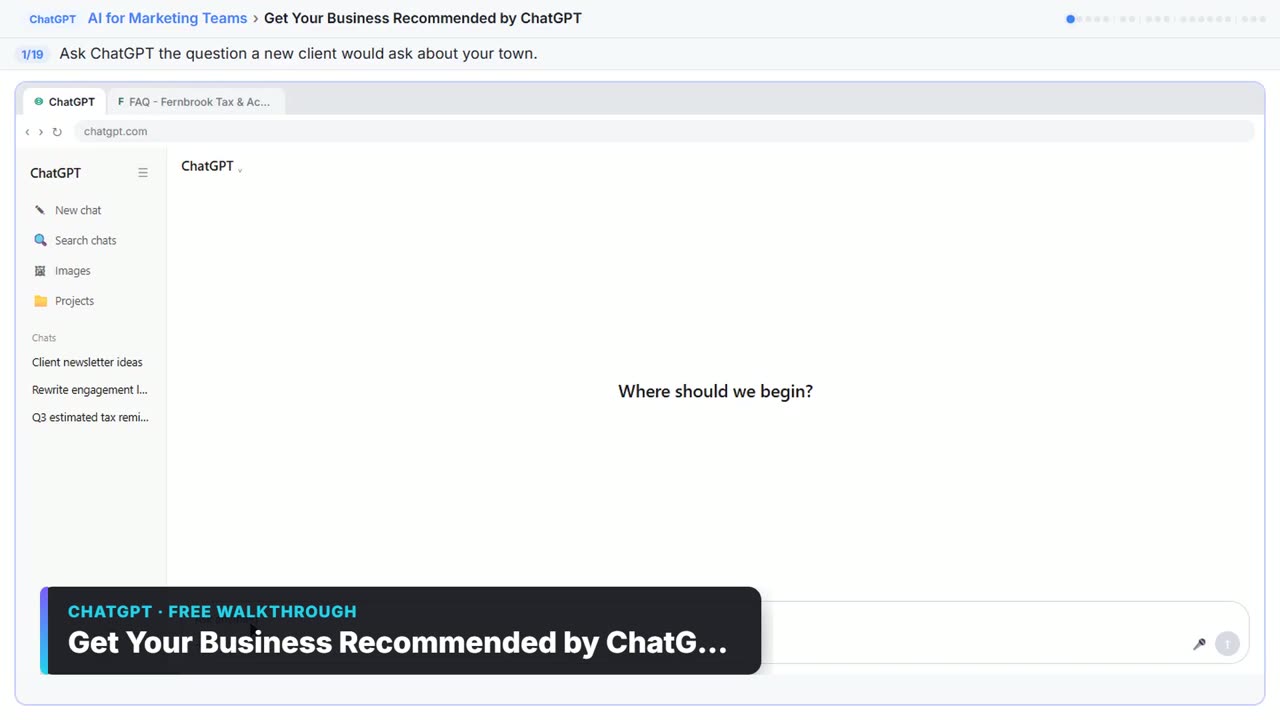
Get Your Business Recommended by ChatGPT. Ask ChatGPT who it recommends in your town, see which pages it trusts, then use it to write an FAQ page and Business Profile copy that answer real customer questions. You do every step yourself in a practice copy of ChatGPT, it checks your work as you go, and “Do it for me” finishes any step you get stuck on. Free, and nothing touches your real accounts.
Start the free lessonWatch it in a free lesson: Get Your Business Recommended by ChatGPT
 2:14
2:14Get Your Business Recommended by ChatGPT: video walkthrough
Ask ChatGPT who it recommends in your town, see which pages it trusts, then use it to write an FAQ page and Business Profile copy that answer real customer questions. The whole lesson narrated step by step, recorded in Stepthrough’s simulated practice environment.
Key takeaways
- Perplexity is built around cited answers; ChatGPT is a general assistant that also searches the web.
- As of October 2026, ChatGPT Plus is listed at $20 a month and Perplexity Pro at $17 a month billed annually.
- Both can be wrong, and OpenAI warns that citations can be incomplete or outdated, so open the sources.
- Check each tool's data settings for your plan before you paste client information.
Frequently asked questions
Is Perplexity AI better than ChatGPT?
For fast, sourced lookups, many people find Perplexity better because every answer is built around citations. For drafting, file analysis and the work that follows the research, ChatGPT does more in one place. Which is better depends on the job, and plenty of teams use both.
Does Perplexity use ChatGPT?
No. Perplexity is a separate product with its own search system and its own Sonar models. Paid plans let you pick a model from other companies, which has included OpenAI's GPT models, but that is not the ChatGPT app and it does not share your ChatGPT chats.
What are the main differences between Perplexity and ChatGPT?
Perplexity is search first: every answer comes with inline citations. ChatGPT is assistant first: it drafts, rewrites and analyzes files, and searches the web when a question needs current information. Their prices, file limits and data settings also differ, as the table above shows.
What prompts lead to citations in ChatGPT vs. Perplexity?
In Perplexity you don't need a special prompt, because every answer cites its sources. In ChatGPT, ask a question that needs current information, or say "search the web and link a source for each claim", and it will usually search and show citations. In both, open the links, since citations can be wrong or out of date.
Is Perplexity free?
Yes, there is a Free plan with practically unlimited basic searches and a very limited amount of Pro Searches. Pro, Max and Enterprise plans add more.
Where do these prices and features come from?
Every price and feature on this page was checked against the vendor's own page, as of October 2026. No numbers here are estimates or third-party figures. The example businesses in the Stepthrough lessons are made up.


