The best AI for accountants and bookkeepers in 2026
Quick answer
For most accounting and bookkeeping firms, the best AI is a business plan of one main assistant: Microsoft Copilot if the firm runs on Outlook and Excel, Gemini if it runs on Gmail and Google Sheets, or ChatGPT Business or Claude Team if you want a standalone assistant. Use it for client emails, meeting recaps and reading long documents. For receipts and invoices that arrive every day, add an automation tool such as n8n. Keep client data out of personal AI accounts, whichever tool you choose.
Last updated
This guide is for small firms, bookkeepers and in-house finance teams. AI here drafts and organizes; it doesn't give tax advice, and a professional reviews anything that goes to a client. Start with the free Reply Faster: Client Refund Emails lesson, which answers a client asking where their refund is without promising a date the firm can't control.
How do they compare at a glance?
| Job | Best fit | Practice it free |
|---|---|---|
| Client emails and status updates | Your main assistant: Copilot in Outlook, Gemini in Gmail, or ChatGPT or Claude with the facts pasted in | Reply Faster: Client Refund Emails |
| Client meeting recaps | ChatGPT, Claude or Gemini with the transcript; Copilot in Teams with the paid license | Summarize a Client Meeting |
| Engagement letters and vendor contracts | Claude for close reading with the exact clause quoted | Check a contract for red flags |
| Spreadsheets and reconciliations | Copilot in Excel or Gemini in Sheets; Claude in Excel on paid Claude plans | A spreadsheet lesson is coming |
| Receipts and invoices | n8n with an AI model reading each receipt photo or invoice PDF | AI Receipt Extractor, Invoices from Your Inbox |
| Expense categorizing | n8n with an AI step and a person approving | AI Expense Categorizer Agent |
Which AI assistant is best for an accounting firm?
The one your firm can secure and will actually use. If the firm already pays for Microsoft 365, Copilot Chat is included on eligible plans and the paid Copilot add-on works inside Outlook and Excel. If it runs on Google Workspace, Gemini is included. Otherwise, ChatGPT Business and Claude Team are both $25 per user a month, or $20 billed annually, as of October 2026.
Between those two, Claude is often preferred for reading long documents carefully and ChatGPT for broader everyday use. Both write clear client emails when you give them the facts. ChatGPT vs Claude goes deeper on the differences.
Is it safe to put client financial data into AI?
Only on a business plan your firm has approved, and only the details the job needs. As of October 2026, OpenAI, Anthropic and Google all say their business plans don't train on your data by default, and Microsoft's enterprise data protection covers Copilot on work accounts. Personal accounts are different, and some vendors, such as DeepSeek, store data outside the US.
Remove Social Security numbers, account numbers and anything else the draft doesn't need. Check whether your firm's engagement letters or client agreements say anything about outside software. The post Is it safe to paste client data into ChatGPT? covers the details, and the PII entry explains what counts as personal information.
How do accountants use AI for client emails?
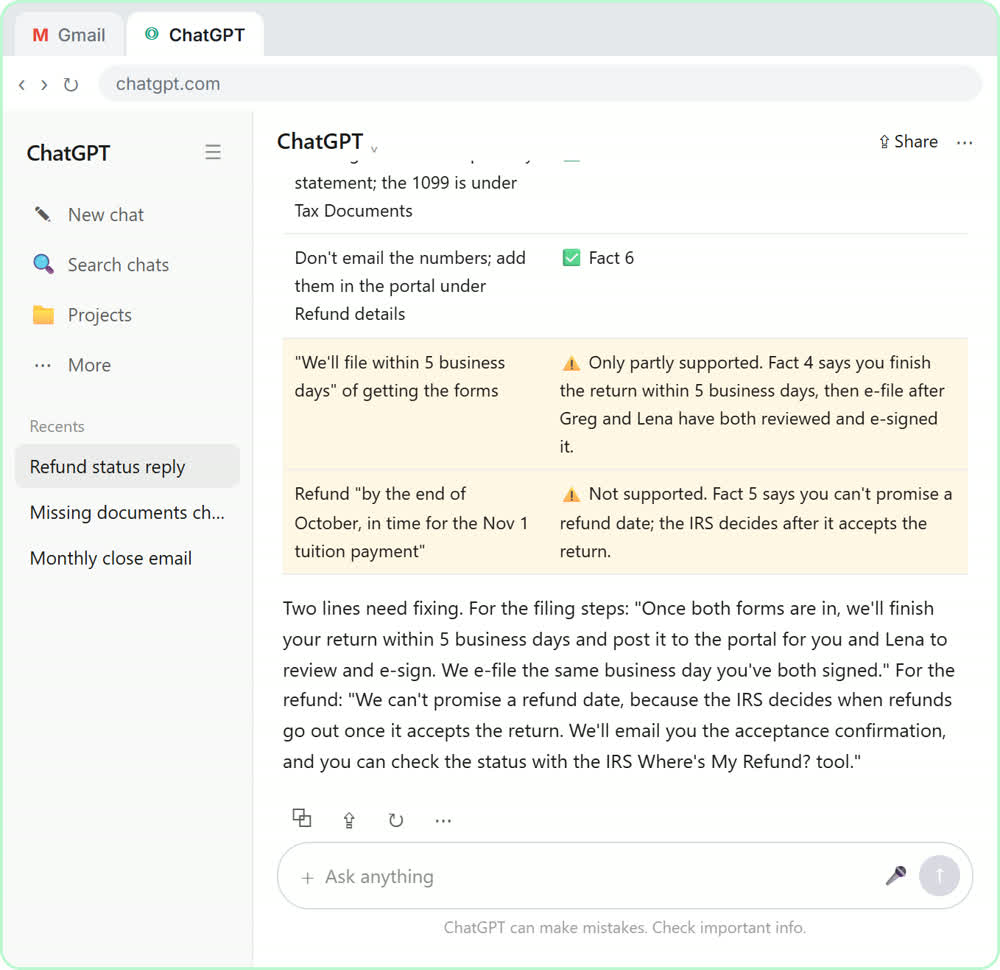
Give the assistant the client's message, the facts you can confirm and the tone you want, then check every promise before you send. In the free refund email lesson, a client asks for a refund date while two tax forms are still missing. The routine produces a warm reply that asks for the missing forms and doesn't promise a date the firm can't control.
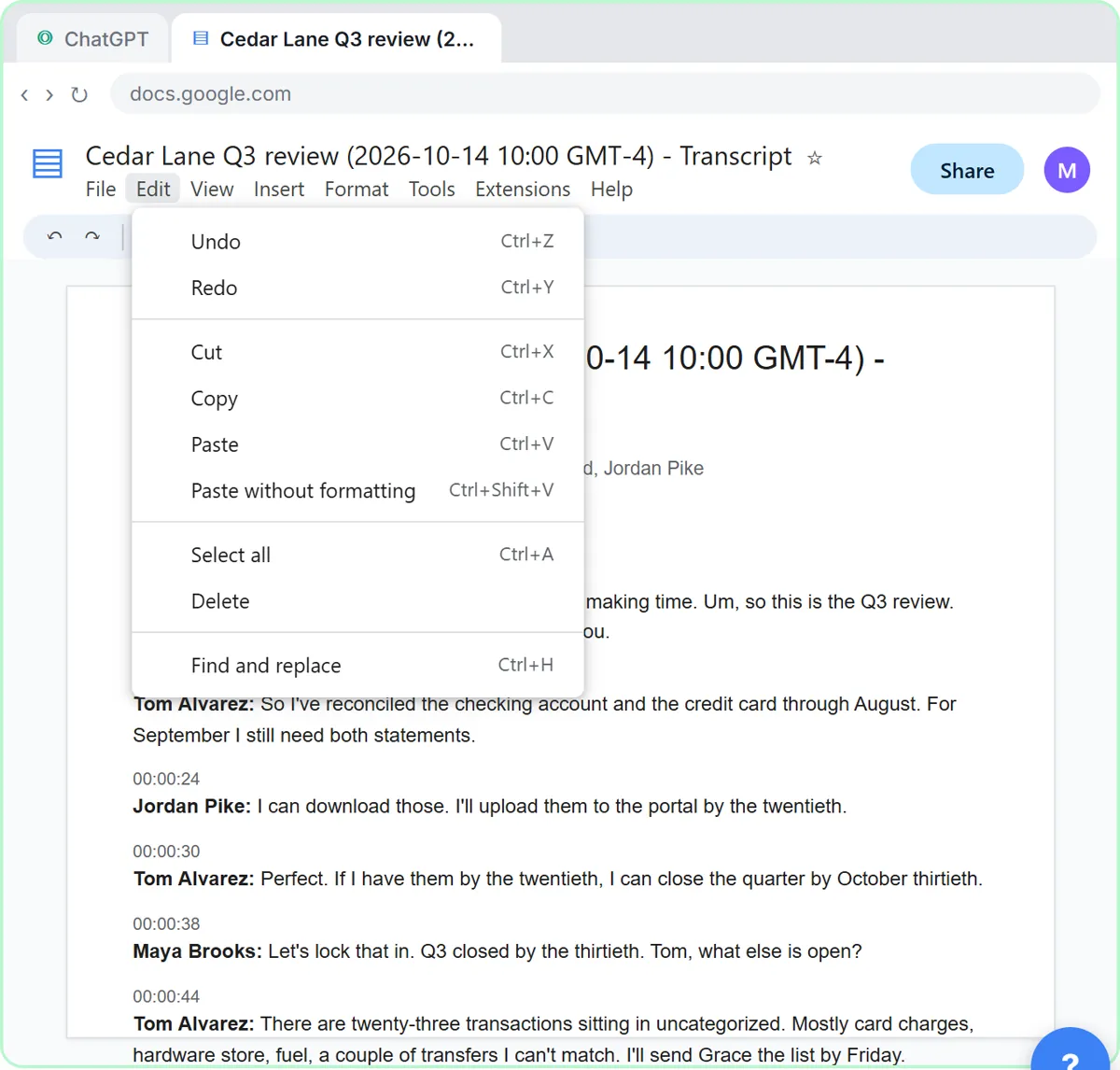
The same routine handles document requests, engagement reminders and status updates. The client meeting lesson turns a quarterly review transcript into decisions, an action items table with owners and due dates, and a follow-up email.
Can AI do bookkeeping tasks automatically?
It can take over the reading and typing, with a person approving. In the free AI Receipt Extractor lesson, you drop a photo of a receipt into an n8n chat and an AI agent pulls out the date, vendor and amount, picks a category and adds a row to Google Sheets. Invoices from Your Inbox to Google Sheets, with Approval reads each vendor invoice PDF from Gmail, logs the vendor, invoice number and total, and emails the owner an Approve button for anything over $1,000. Neither replaces reconciliation or review: they remove the copying, not the checking.
Who is each one for?
ChatGPT
A strong standalone assistant for client emails, meeting recaps and quick analysis. Stepthrough's firm lessons use it: refund emails and client meetings.
Claude
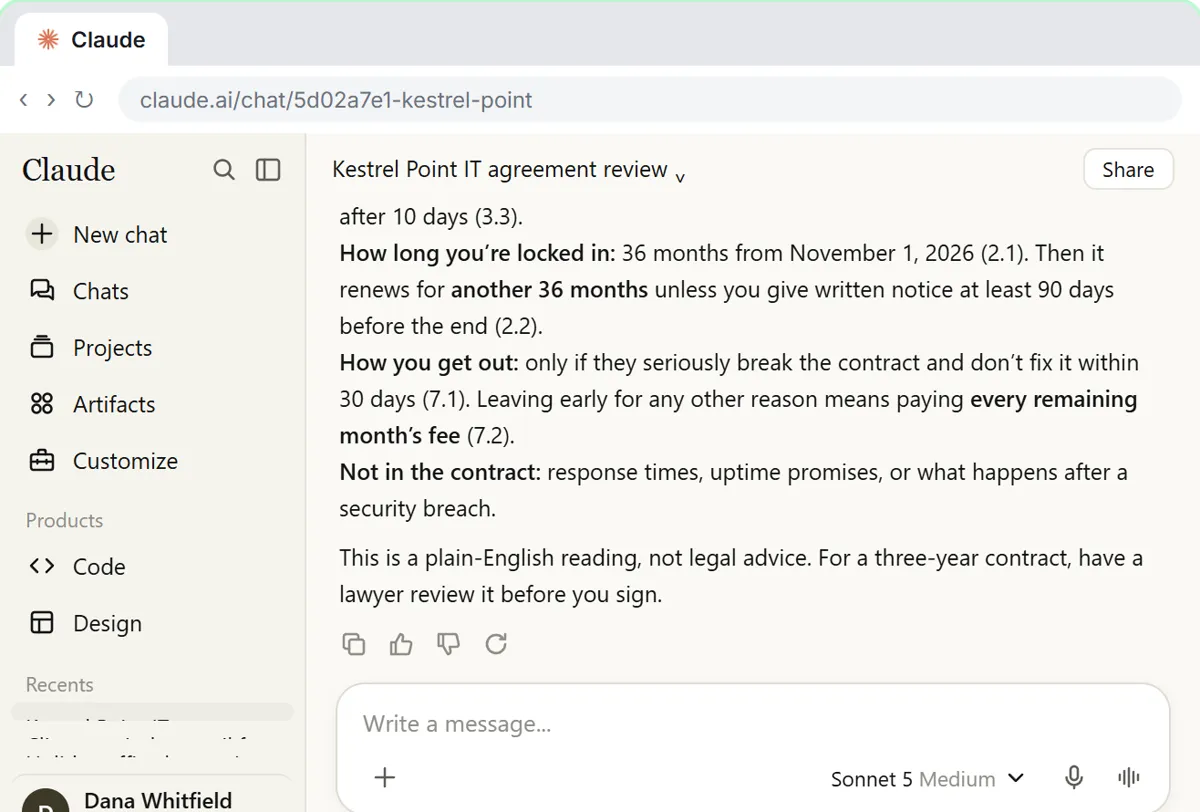
Best for reading long documents, such as engagement letters, leases and vendor contracts, with each point tied to the exact clause. Practice in Check a contract for red flags, set at a made-up accounting firm.
Microsoft Copilot
The natural pick for firms on Outlook and Excel, with Copilot Chat included on eligible Microsoft 365 plans. A free Stepthrough lesson for Copilot is coming.
Gemini
The natural pick for firms on Gmail and Google Sheets. Practice in Gemini in Gmail.
n8n
For receipts, invoices and categorizing that happen every day. Practice in AI Receipt Extractor.
Which of these tools have a free Stepthrough lesson?
- ChatGPT: free lesson: Reply Faster to Clients Chasing Their Refund: ChatGPT for Tax and Bookkeeping Firms
- Claude: free lesson: Check a Contract for Red Flags with Claude
- Microsoft Copilot: a free Stepthrough lesson is coming.
- Gemini: free lesson: Gemini in Gmail: Summarize a Thread and Draft the Reply
- n8n: free lesson: AI Receipt Extractor: Receipts to Google Sheets with n8n
Practice it free, step by step
Reply Faster to Clients Chasing Their Refund: ChatGPT for Tax and Bookkeeping Firms. A client wants a refund date while two tax forms are still missing. Give ChatGPT the thread and your firm's facts, catch the date it shouldn't promise, and send a calm, clear reply from Gmail. You do every step yourself in a practice copy of ChatGPT, it checks your work as you go, and “Do it for me” finishes any step you get stuck on. Free, and nothing touches your real accounts.
Start the free lessonWatch it in a free lesson: Reply Faster to Clients Chasing Their Refund: ChatGPT for Tax and Bookkeeping Firms
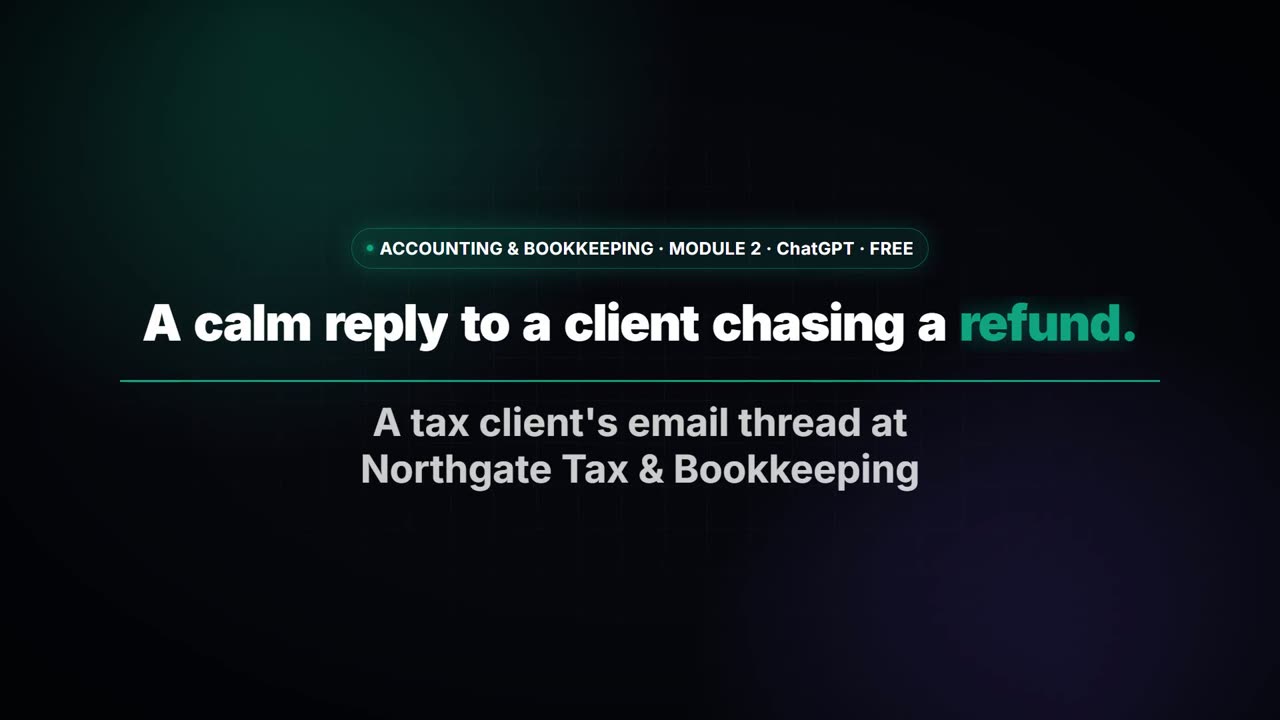 3:07
3:07A calm reply to "where's my refund?" with ChatGPT
A client wants a refund date while two tax forms are still missing. Give ChatGPT the thread and your firm's facts, catch the date it shouldn't promise, and send a calm, clear reply from Gmail.
Key takeaways
- Pick one main assistant on a business plan: Copilot for Microsoft 365 firms, Gemini for Google Workspace firms, otherwise ChatGPT Business or Claude Team.
- Business plans don't train on client data by default, as of October 2026; personal accounts are not the place for client records.
- Use AI to draft and organize, never to decide tax questions; a professional reviews anything that goes to a client.
- Automate the copying of receipts and invoices, and keep a person approving each one.
Frequently asked questions
What is the best AI for bookkeepers?
For writing and meetings, whichever main assistant your firm has approved. For the daily paperwork, an automation that reads receipts and invoices into a sheet, with a person approving, saves the most time.
Can ChatGPT do my taxes?
No. It can draft client emails, summarize meetings and organize information, but it can get tax rules wrong. A CPA or enrolled agent should review anything about taxes before it goes out.
Which AI works best with Excel?
Copilot works inside Excel with the paid Microsoft license, and Anthropic lists Claude in Excel on paid Claude plans. ChatGPT can analyze an uploaded file. Check every total before you share it.
Where do these prices and features come from?
Every price and feature on this page was checked against the vendor's own page, as of October 2026. No numbers here are estimates or third-party figures. The example businesses in the Stepthrough lessons are made up.