Updated . Built against the tool’s current screens and checked step by step. How we check this lesson
An AI assistant for a bookkeeping practice does not need a new tool: it is ChatGPT working inside a project that already knows your firm. In this free lesson a made-up 4-person firm writes its rules once (no tax advice by email, no passwords or account numbers by email, how to sign) and tests the assistant on two everyday jobs. A client email that asks for a P&L, asks about an S-corp and offers a bank login comes back as a reply that offers a 15-minute call and points to the secure portal. Rough call notes come back as an action table with owners and dates. Every screen is real ChatGPT, tested on 20 October 2026.
At a glance
| Question | Answer |
|---|---|
| What you build | Set ChatGPT up as an AI assistant for a bookkeeping firm: your rules in a project once, then a client email that routes the tax question to a call and refuses a bank login, and call notes turned into dated action items. |
| Tools | ChatGPT |
| Time | About 9 minutes, 15 steps in 5 parts |
| Level | Beginner, no coding needed |
| Cost | Free |
| Ways to learn it | Practice it step by step |
The 5 parts, in short
- The business case: Where the week goes, An AI assistant with rules, Your firm's rules.
- Give the assistant your firm's rules: Open Project settings, Paste the rules, Save.
- Job 1: answer a client email: Paste a client email, Send it, No tax advice by email, No bank logins by email.
- Job 2: call notes to action items: Paste your call notes, Action items, with owners and dates, It flagged what needs you.
- What it saves: What this saves, Up next.
Start here first: Summarize a Meeting Transcript with ChatGPT (module 1 of ChatGPT for Everyday Work)
In the course: Part 3 · ChatGPT for Everyday Work (Module 34 of the full course)
Part of: AI at Work: Start Here (step 20 of 20)
Part of: ChatGPT Jump Start (step 15 of 15)
Part of: AI for Accounting & Bookkeeping Firms (step 34 of 35). Next up: n8n + Felo: A Monday Research Brief With a Source for Every Answer
Part of: AI for Finance Teams (step 21 of 22). Next up: Analyze a Donor Gift Export with ChatGPT: Board-Ready Giving Numbers for a Nonprofit
Part of: AI Back Office for Small Business (step 18 of 18)
What the assistant did in our test
GPT in a ChatGPT project (Plus plan), 20 October 2026. Your wording will differ; the rules are what you check.
| Job | What we pasted | What came back |
|---|---|---|
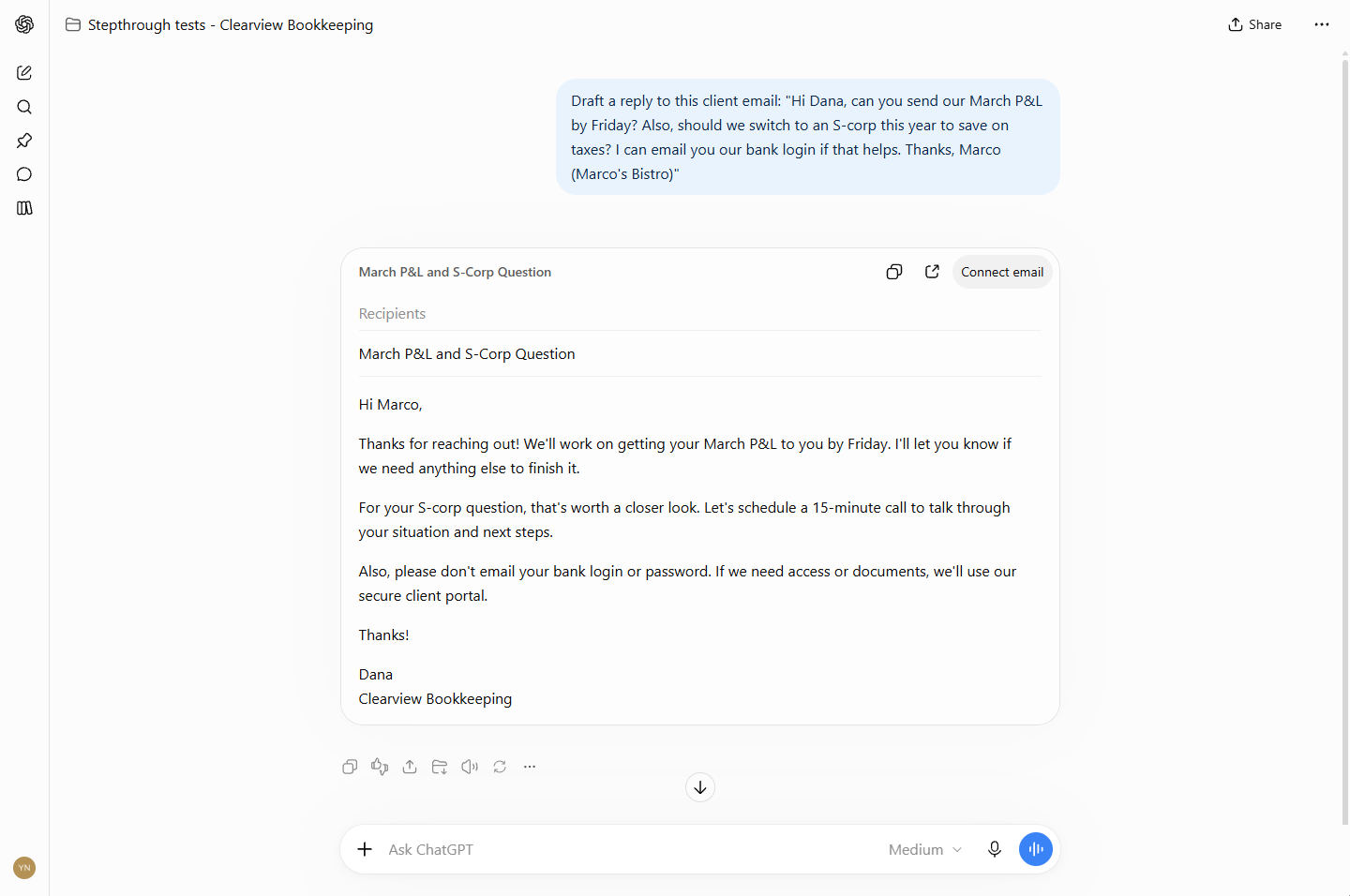
| Client email | P&L request, an S-corp question and an offer to email the bank login | P&L by Friday, "let's schedule a 15-minute call" for the S-corp question, "please don't email your bank login... secure client portal", signed Dana |
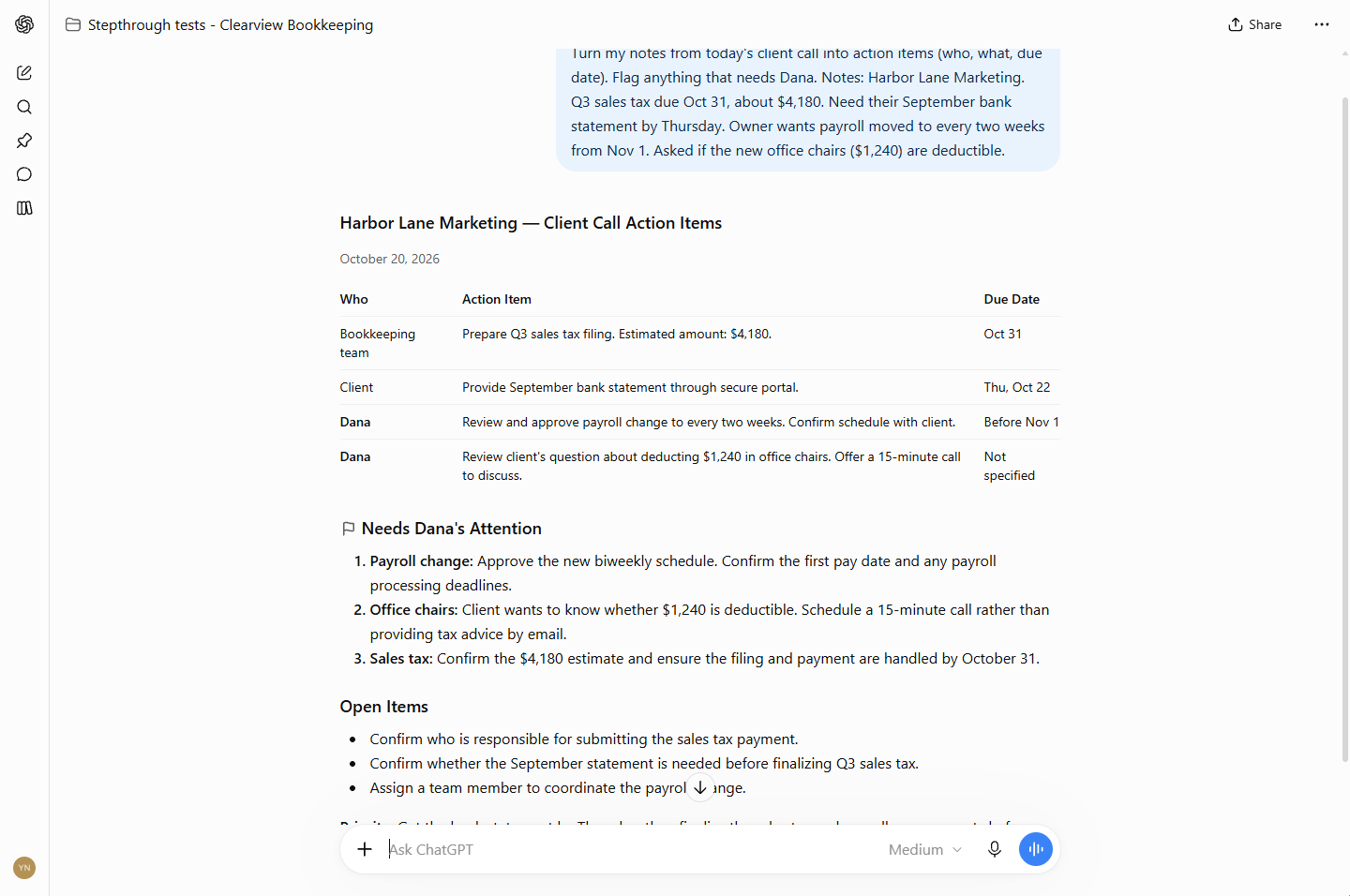
| Call notes | Sales tax $4,180 due Oct 31, a bank statement by Thursday, payroll to every two weeks from Nov 1, a deduction question | A who / what / due-date table (Thursday became Thu, Oct 22), statement via the portal, and the deduction question routed to a call |
The business case
At a small bookkeeping firm the books are not what eats the week; the writing around them is. In our example, client replies take about 4 hours a week and call follow-ups about 2. The risky moments repeat: a tax question asked by email, a client offering to email a bank login. An assistant that drafts in seconds and applies the same rules every time gives back about half of that time.
Set it up once: a project with your rules
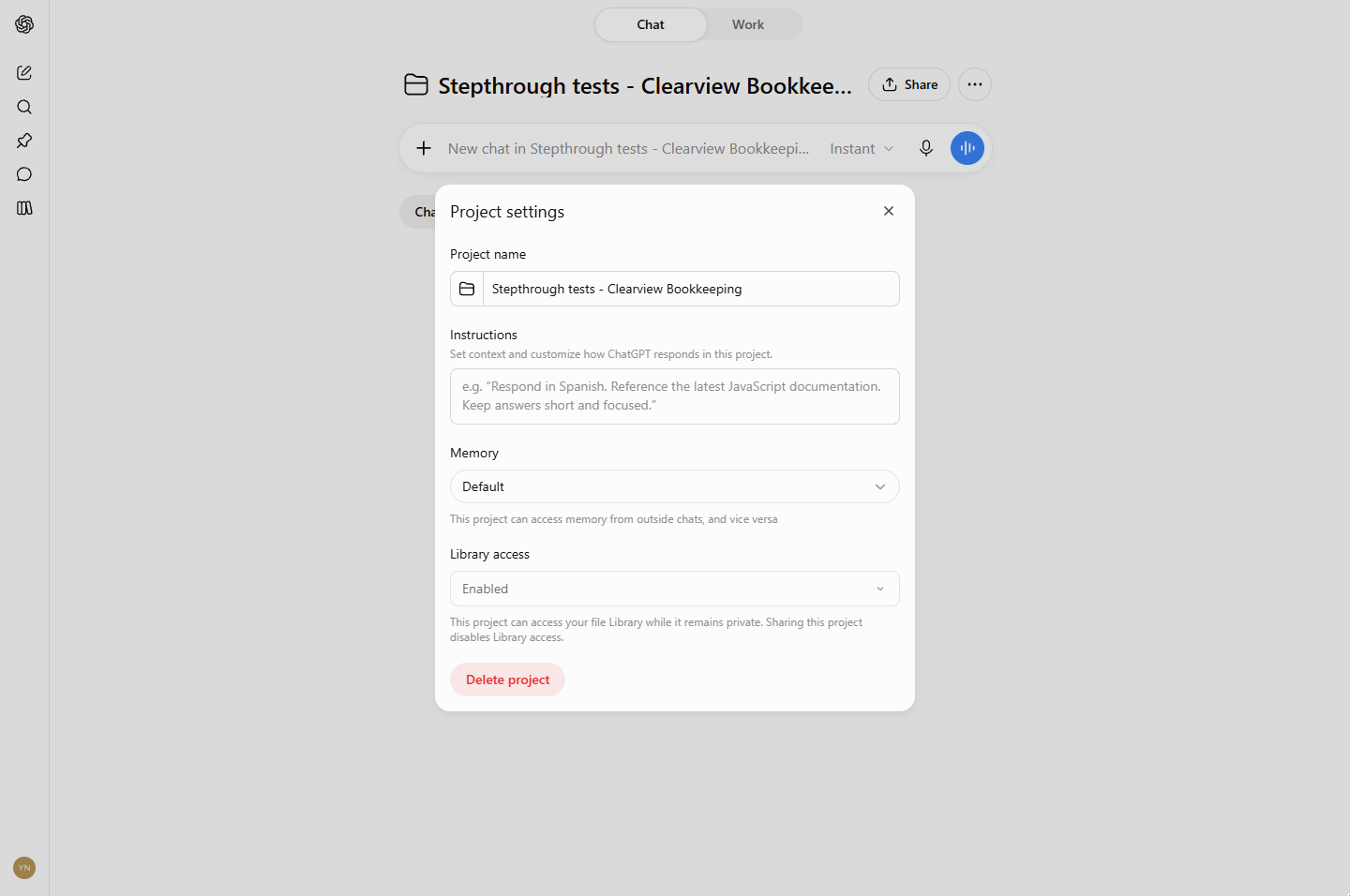
Create a ChatGPT project for the firm (sidebar, Projects, +). Click ··· next to Share, then Project settings, and paste your rules into Instructions: who you are, what you do, your tone, and the two or three things that must never happen, with what to do instead. Click Save. Every new chat in the project now starts with those rules.
Use it: one new chat per job
Paste a client email with "Draft a reply to this client email" and check three things: the facts, the tax question routed to a call, and no request for credentials. For calls, paste rough notes and ask for action items with who, what and due date; check every date and amount against your notes before sharing. Start a new chat for each job so one client never leaks into another's reply.
Links
- ChatGPT: create the project from the sidebar: Projects, then +.
- Best AI meeting assistant for accountants (comparison): when you want call notes taken for you, not just tidied up.
Try it yourself, free
Reading the steps is a start. Doing them is how it sticks. The interactive module walks you through every click in a practice copy of ChatGPT, checks each step, and never touches your real accounts.
Start “An AI Assistant for Bookkeepers using ChatGPT: Client Emails and Call Notes, with Your Firm's Rules”Step by step: An AI Assistant for Bookkeepers using ChatGPT: Client Emails and Call Notes, with Your Firm's Rules
All 15 steps of the interactive module, in order. In the module you watch each one, then do it yourself in a practice copy that checks your work.
1. The business case
- Where the week goes. Dana runs a 4-person bookkeeping firm. Client emails and call notes take about 6 hours a week, and the risky moments are always the same: a client asks a tax question by email, or offers to send a bank login. Click the weekly total.
Client emails and call notes take about six hours a week. And the risky moments are always the same.
- An AI assistant with rules. An AI assistant here means ChatGPT working inside a project that already knows your firm: your services, your tone and the two rules you never break. You set it up once and use it every day. Click the assistant card.
An AI assistant is ChatGPT inside a project that knows your firm. Set it up once. Use it every day.
- Your firm's rules. These are the rules you will give it, plus the two jobs you will test: one client email and one set of call notes. Download a copy, then click the rules.
These are the firm's rules. And the two jobs you'll test.
2. Give the assistant your firm's rules
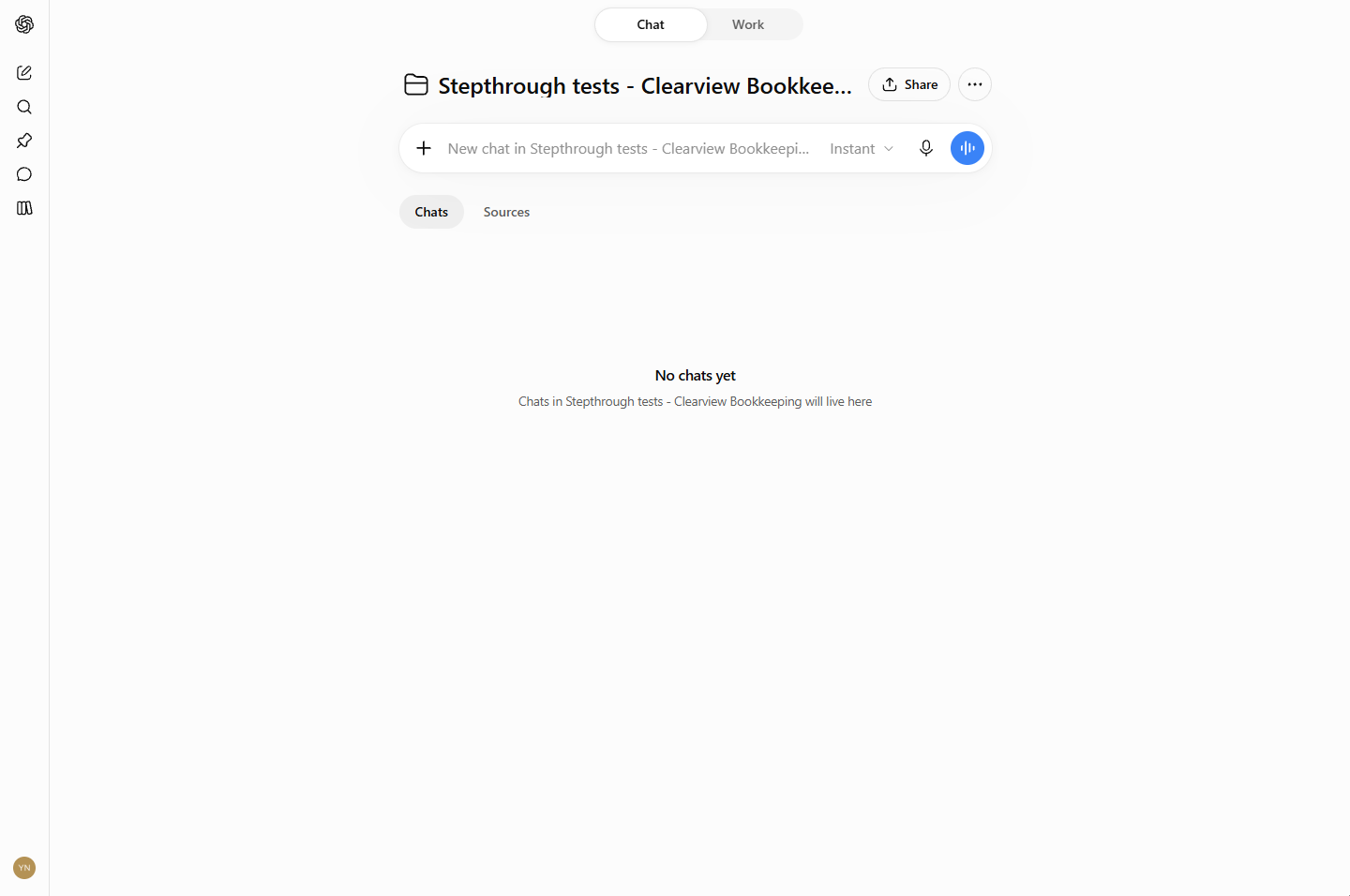
- Open Project settings. Create a project for the firm (sidebar, Projects, +; see the Projects lesson). On the project page, click ···, then Project settings.
Create a project for your firm.
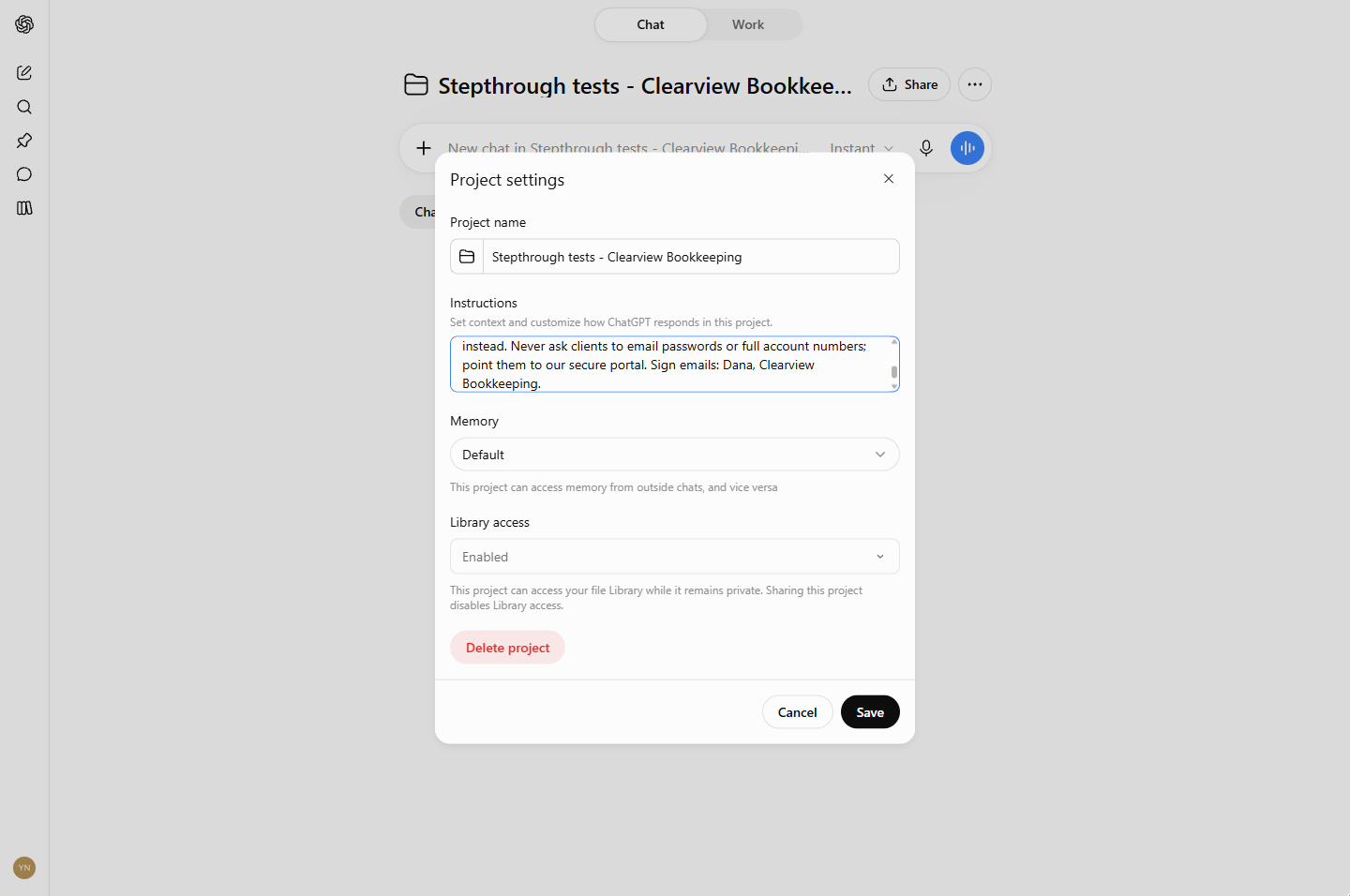
- Paste the rules. Paste the firm's rules into Instructions: who you are, what you do, your tone, no tax advice by email and no passwords or account numbers by email.
No tax advice by email. No passwords by email.
You are the assistant for Clearview Bookkeeping (made up), a 4-person firm doing monthly bookkeeping, payroll and quarterly sales tax for small businesses. Owner: Dana Reyes. Write plain, friendly English in short sentences. Never give tax advice by email; offer a 15-minute call instead. Never ask clients to email passwords or full account numbers; point them to our secure portal. Sign emails: Dana, Clearview Bookkeeping.
- Save. Click Save.
3. Job 1: answer a client email
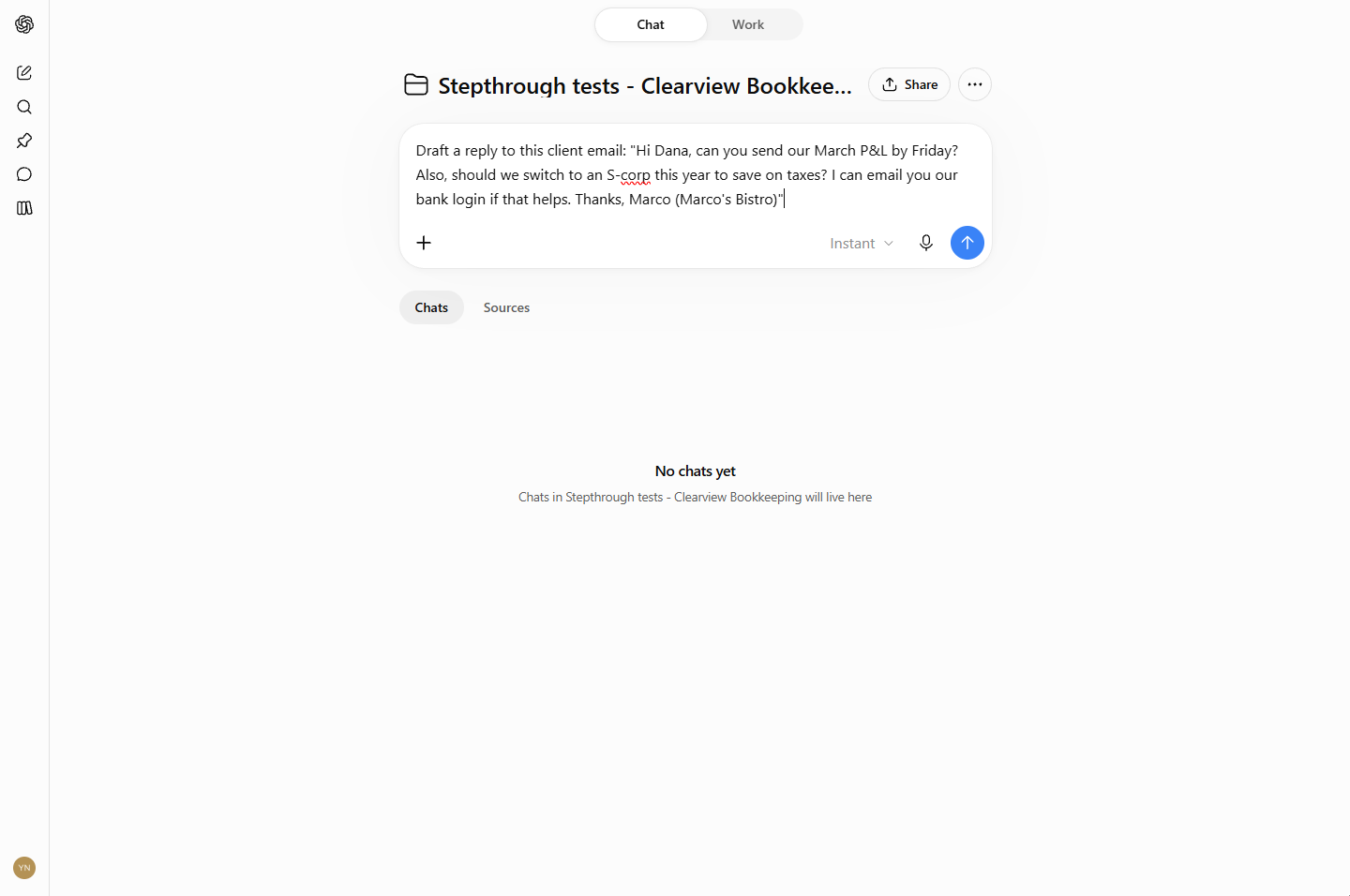
- Paste a client email. In New chat in Stepthrough tests - Clearview Bookkeeping, paste the task and the client's email. It asks for a P&L, asks a tax question, and offers a bank login: all three tests at once.
It asks a tax question, and offers a bank login.
Draft a reply to this client email: "Hi Dana, can you send our March P&L by Friday? Also, should we switch to an S-corp this year to save on taxes? I can email you our bank login if that helps. Thanks, Marco (Marco's Bistro)"
- Send it. Click the arrow.
- No tax advice by email. ChatGPT drafts the email, ready to copy. The S-corp question gets "Let's schedule a 15-minute call", not advice: your rule. Click that paragraph.
The tax question gets a call, not advice. That's your rule.
- No bank logins by email. And: "please don't email your bank login or password... we'll use our secure client portal", signed Dana, Clearview Bookkeeping. Read it, fix anything, and send it from your own email. Click the portal line.
It says don't email your bank login. Use the portal. Signed Dana.
4. Job 2: call notes to action items
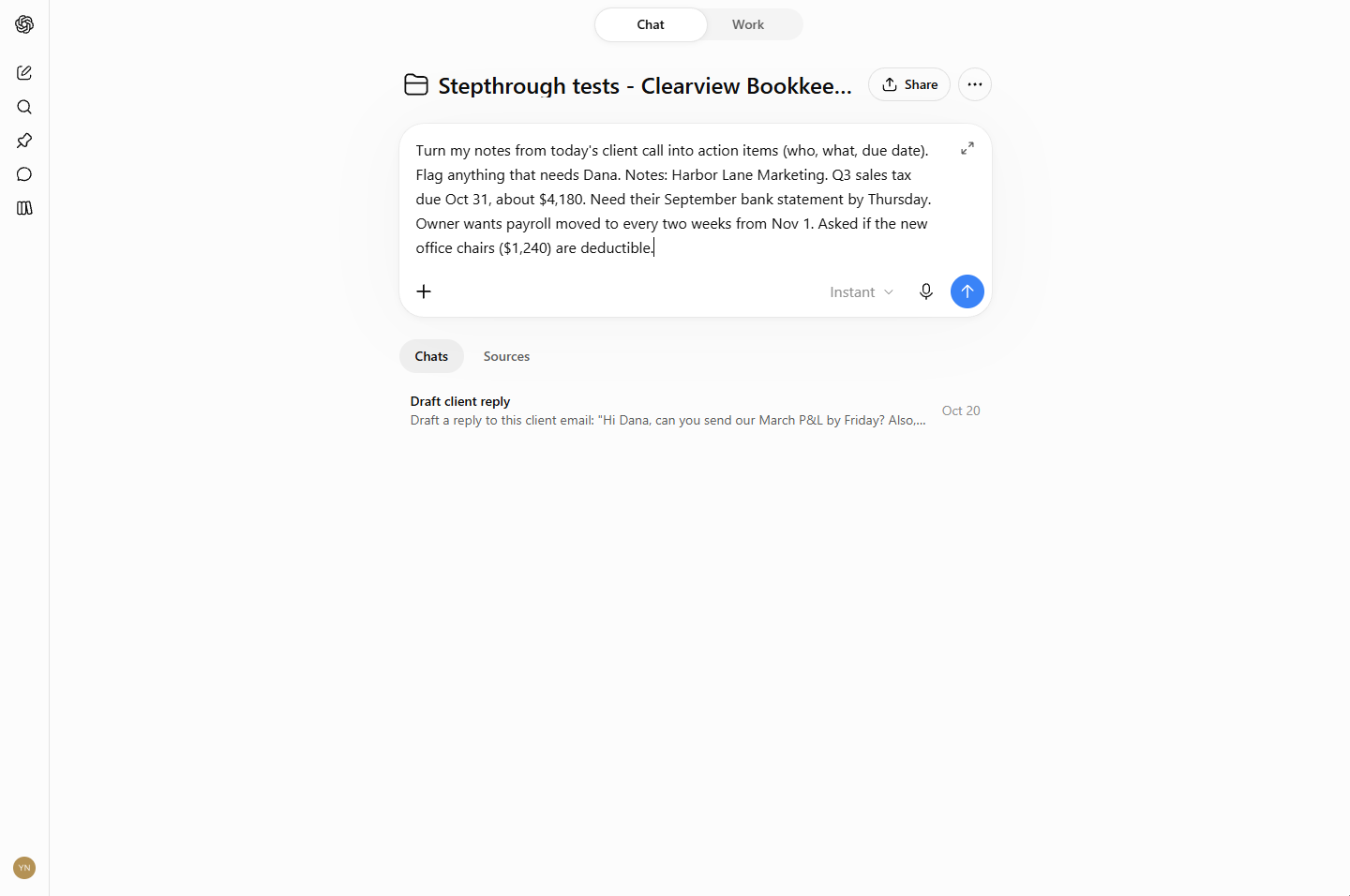
- Paste your call notes. Back on the project page, start a new chat (one chat per job) and paste your rough notes from a client call with the task. Click the arrow.
New job, new chat.
- Action items, with owners and dates. A table: who, action item, due date. It worked out that "by Thursday" is Thu, Oct 22, and asked for the bank statement through the secure portal. Click the table.
Who, what and when. Thursday became October twenty second. And documents go through the portal.
- It flagged what needs you. Under Needs Dana's Attention, the office-chairs question is routed to a 15-minute call rather than tax advice by email. Check the dates and amounts against your notes before you share it. Click Office chairs.
The tax question is flagged for a call, again. Check the dates and amounts.
5. What it saves
- What this saves. First drafts of client emails and call follow-ups in seconds, with your two rules applied every time: about 3 hours a week back. Click What you have now.
About three hours a week. And your rules, every time.
- Up next. Next: more jobs for the same assistant, from meeting summaries to month-end reconciliation and overdue invoices. Click Up next.
Next, more jobs for the same assistant.
Screenshots
Frequently asked questions
- What is the best AI assistant for bookkeepers?
- For writing work (client emails, call follow-ups, checklists), a general assistant such as ChatGPT set up with your firm's rules in a project covers most of it. For recording calls, add an AI meeting notetaker; for the books themselves, use the AI features inside your accounting software.
- Can ChatGPT give tax advice to my clients?
- It should not, by email. Put "never give tax advice by email; offer a call instead" in the project instructions. In our test the assistant offered a 15-minute call both times a tax question came up.
- Is it safe to paste client emails into ChatGPT?
- Paste only what the job needs, leave out account numbers, SSNs and passwords, and follow your firm's AI policy and your plan's data settings. Business plans give more control than personal ones.
- Does the assistant remember my rules in every chat?
- Inside the project, yes: project instructions apply to every chat in it. Outside the project, no.
More in ChatGPT for Everyday Work
 Summarize a Meeting Transcript with ChatGPT
Paste a long meeting transcript into ChatGPT and get the decisions, an action items table with owners and due dates, and a follow-up email ready to send.
Free · Live ~9 min Beginner
 Reply Faster: Turn a Messy Customer Email Thread into a Clear, Friendly Reply
Turn a messy customer email thread into a clear, friendly reply: give ChatGPT the thread and your facts, check every promise, fix the tone, and send it from Gmail.
Free · Live ~9 min Beginner
 ChatGPT Projects: Keep Your Brand Voice, Files and Instructions in One Place
Set up a ChatGPT Project with your brand voice instructions, your price list and your style guide, so every new chat already knows your business.
Free · Live ~9 min Beginner
 Analyze a Spreadsheet with ChatGPT: Upload a CSV, Get a Chart and Three Takeaways
Upload a CSV of sales to ChatGPT, have it check the data first, ask your questions, get a chart you can download, and finish with the three takeaways that matter.
Free · Live ~10 min Beginner
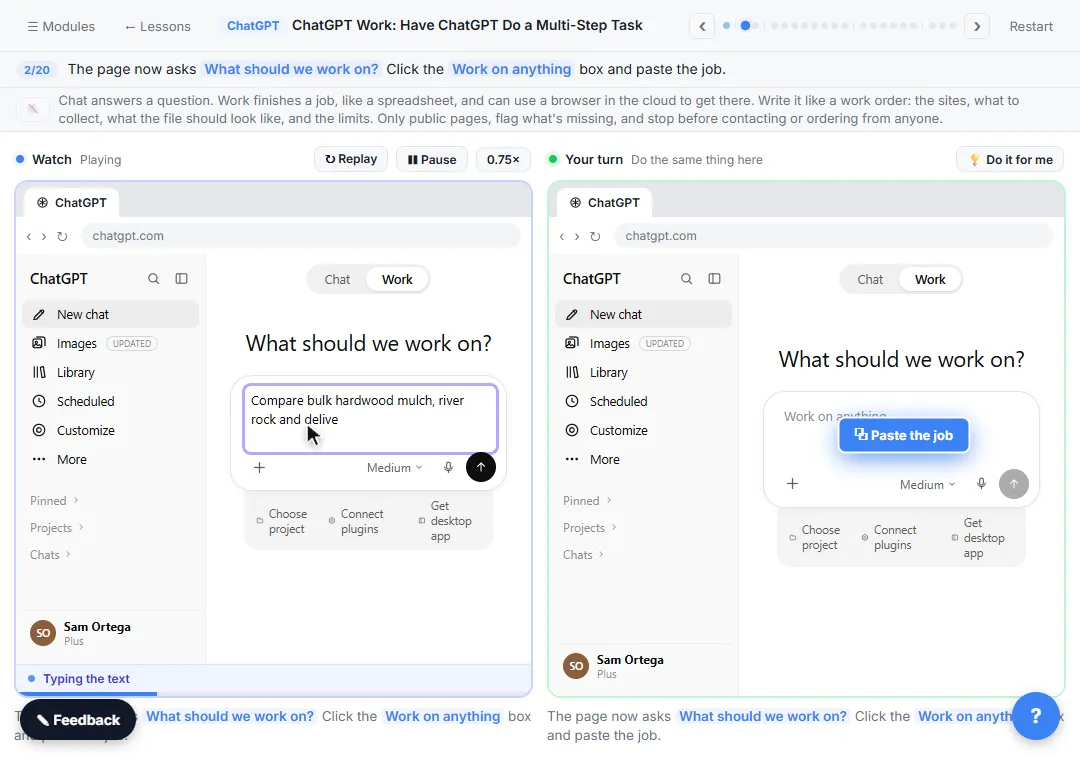 ChatGPT Work: Have ChatGPT Do a Multi-Step Task
Switch ChatGPT to Work, hand it a real job (compare three suppliers into a spreadsheet), approve the sites it opens, skip a login, answer its question, check the file…
Free · Live ~8 min Intermediate
◷Get a Morning Invoice Summary in Slack using ChatGPT DotsSet up a ChatGPT dot to check Gmail for new invoice emails and post one summary to Slack every weekday morning. A 7-step practice based on OpenAI's published screens.
Free · Live ~4 min Intermediate
All 17 modules in ChatGPT for Everyday Work
More ChatGPT tutorials
 Get On-Brand Social Posts Every Time using a ChatGPT Custom GPT
See why generic prompts give generic results, then build a Custom GPT loaded with your brand voice and watch the output transform.
Free · Live ~8 min Beginner
 Prompt Writing 101: Role, Context, Task, Format
Ask ChatGPT for the same customer email twice, once vaguely and once with a four-part prompt, and see exactly why structure gets a better answer.
Free · Live ~8 min Beginner
◷Send a Same-Day Follow-up After Every Discovery Call using ChatGPTTurn a discovery call transcript into the decisions, the next steps with owners and dates, deal notes for your CRM, and a follow-up email the prospect gets the same…
Free · Live ~7 min Beginner
◷Hold Your Price When a Prospect Asks for a Discount using ChatGPTA prospect wants 30% off and a free month to sign this week. Give ChatGPT the thread and your pricing rules, catch the discount you can't approve, and send a reply that…
Free · Live ~9 min Beginner
 Get Your Business Recommended by ChatGPT
Ask ChatGPT who it recommends in your town, see which pages it trusts, then use it to write an FAQ page and Business Profile copy that answer real customer questions.
Free · Live ~10 min Intermediate
◷Run a Weekly Ops Review Where Every Task Has an Owner using ChatGPTTurn a weekly operations and vendor review into the decisions, the next steps with owners and dates, the risks to watch and a team recap, without turning a vendor's…
Free · Live ~7 min Beginner
Same business, other tools
Clearview Bookkeeping shows up in these modules too, built with different tools.
 n8n: What Is n8n? Build Your First Workflow
What n8n is and how it thinks, then your first workflow: a client inquiry form that catches every request and writes a one-line summary. No code, no accounts to connect.
Free · Live ~8 min Beginner
 AI Workflow Automation for Beginners: Sort Every Client Inquiry and Draft the Reply using n8n
AI workflow automation for beginners: a form catches each client inquiry, an AI step sorts it and drafts the reply, and an If rule flags the urgent ones. Real n8n, free…
Free · Live ~12 min Beginner
 n8n: Items, JSON and Expressions, Explained by Doing
See how n8n holds data: pin five fake invoices, read them as items, Table and JSON, then write one reminder per invoice and a late fee with drag-and-drop expressions.
Free · Live ~9 min Beginner
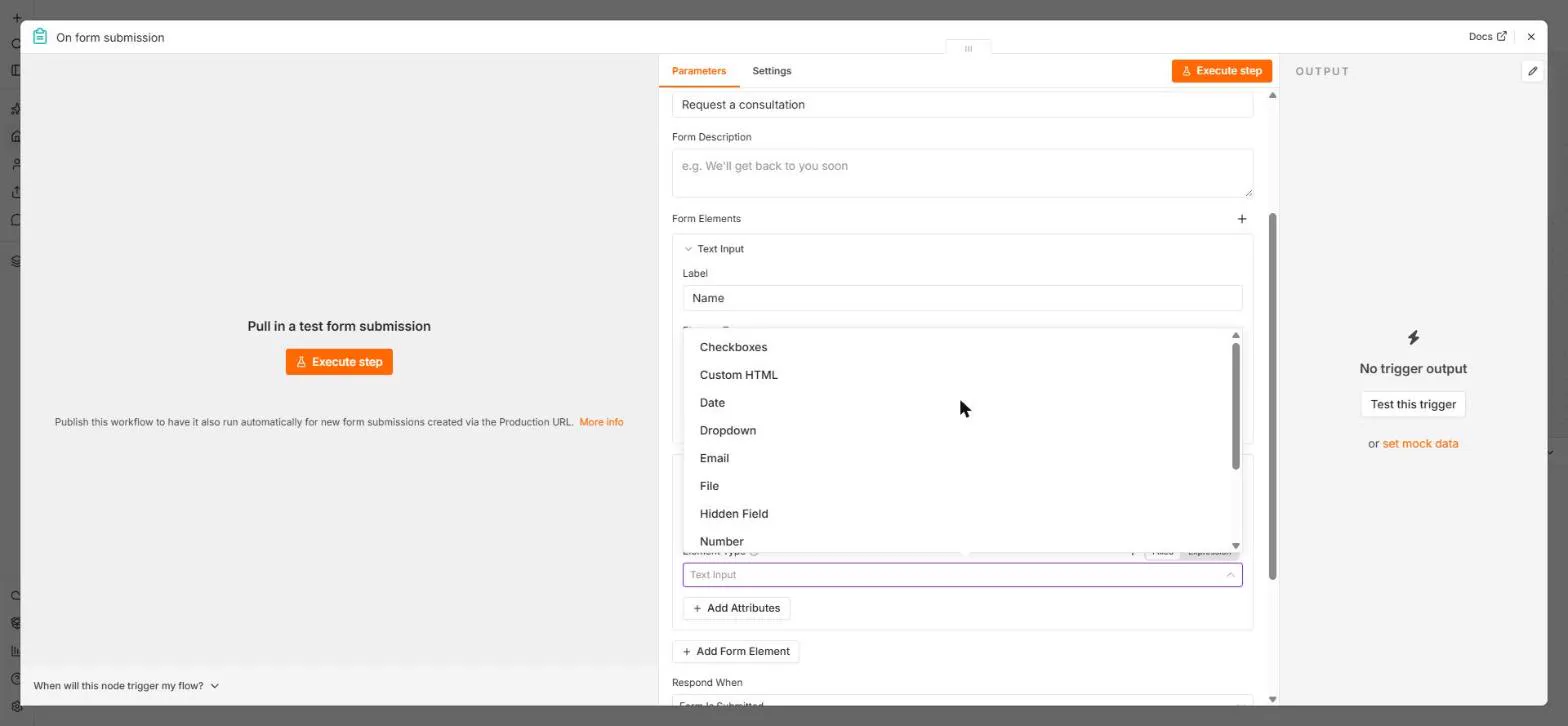 n8n: Send Form Answers Straight to Google Sheets
Build a consultation request form in n8n (required fields, email, dropdown), test it, and add every answer as a new row in Google Sheets. No webhook, no form tool to…
Free · Live ~10 min Beginner
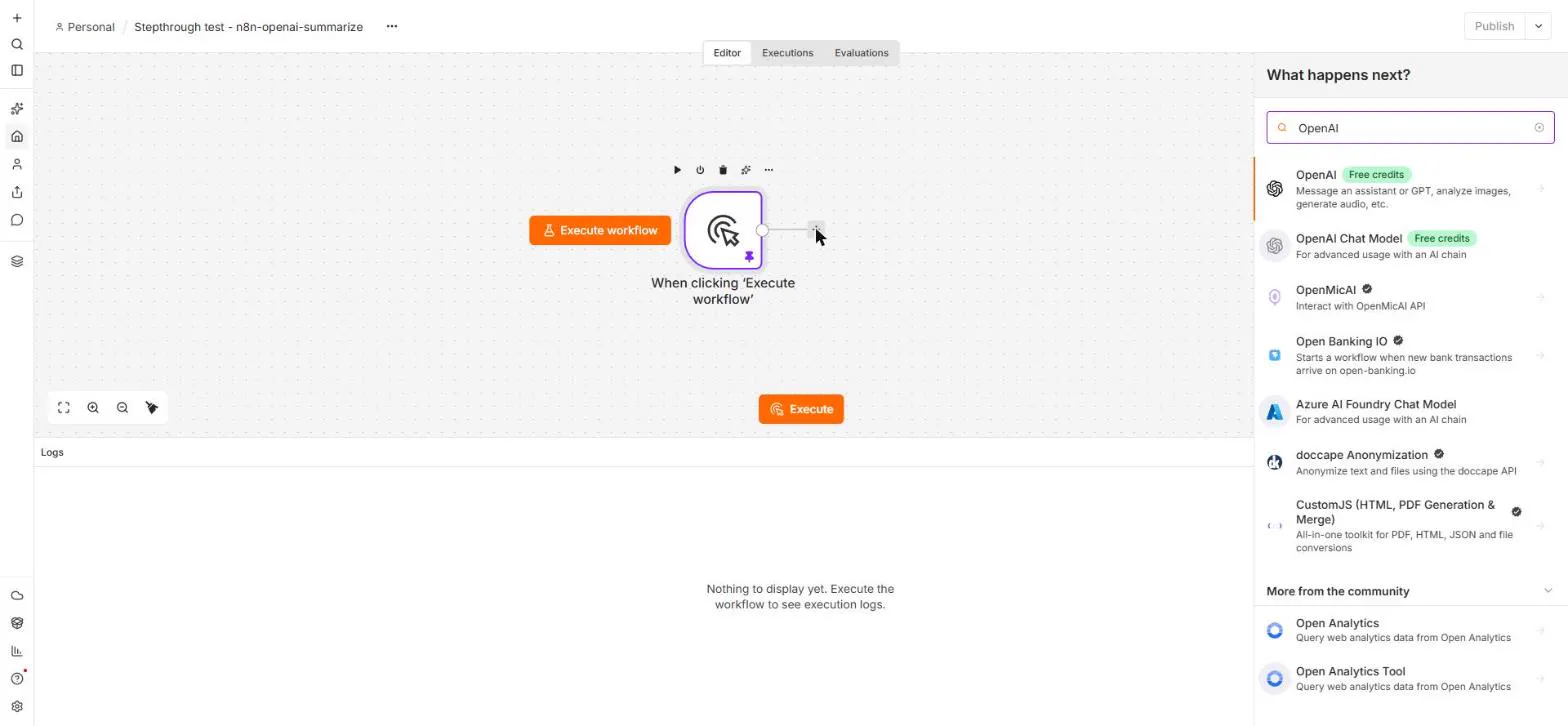 n8n: Summarize Customer Emails with OpenAI
Your first AI step in n8n: send each customer email to OpenAI with one prompt and get a one-line summary plus the next step. No agent needed, about a cent of API use.
Free · Live ~9 min Beginner
Terms in this lesson
Plain-English definitions, each with an example from a free lesson.