The best AI for recruiters and HR teams in 2026
Quick answer
For most recruiters and HR teams, the best AI is one main assistant on a business plan: Microsoft Copilot if you work in Outlook and Teams, Gemini if you work in Gmail and Google Meet, or ChatGPT Business or Claude Team as a standalone assistant. Use it to write fair job posts, turn interview debriefs into scorecards and draft candidate emails. Keep people making the hiring decisions: AI should organize the evidence, not rank or reject candidates on its own.
Last updated
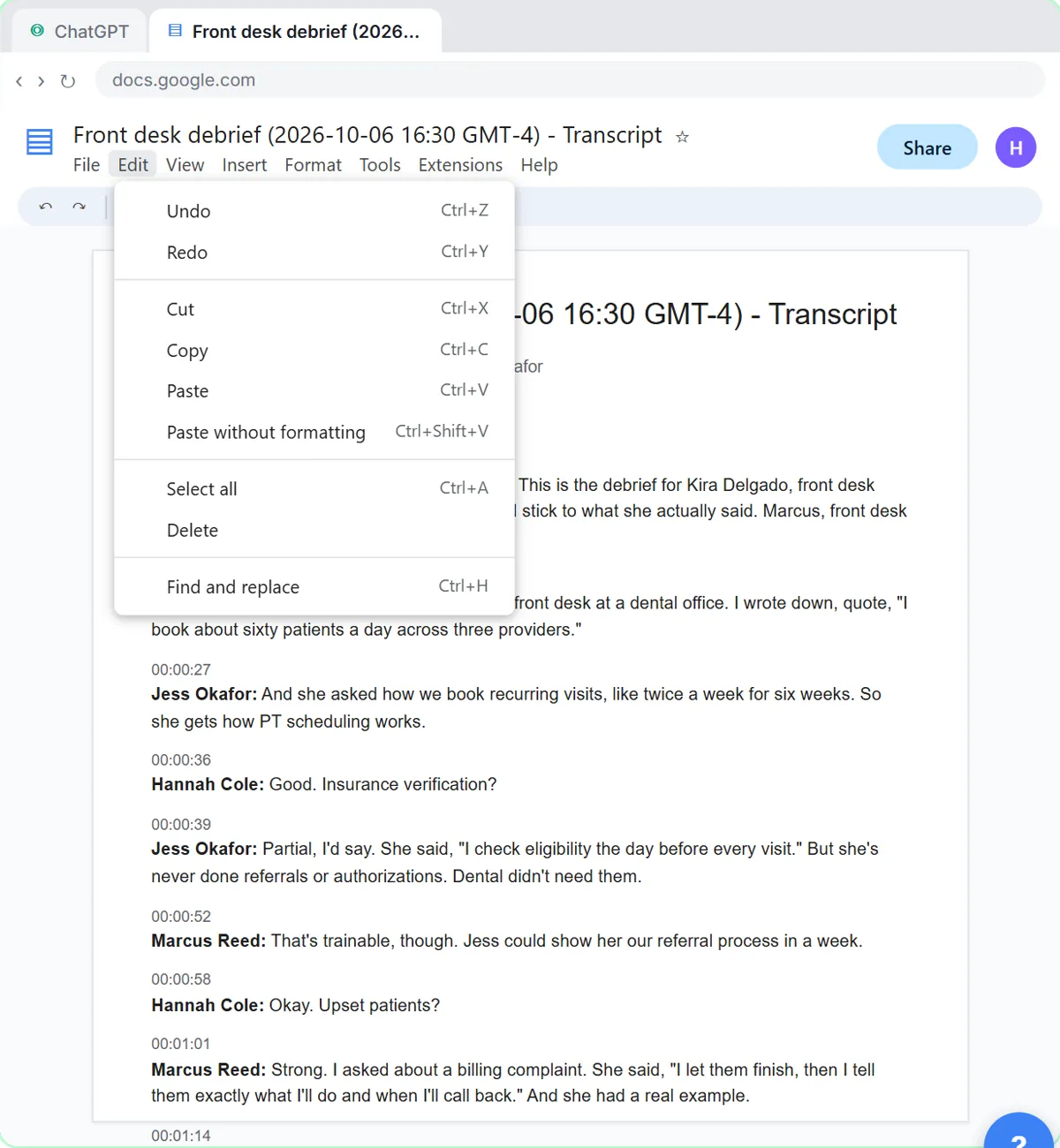
This guide is for in-house recruiters, agency recruiters, HR generalists and hiring managers at small and mid-size companies. Start with the free Interview Debrief to Scorecard lesson, which turns a panel's debrief transcript into a scorecard against the role's must-haves, with owners, dates and a follow-up email.
How do they compare at a glance?
| Job | Best fit | Practice it free |
|---|---|---|
| Job postings | Any main assistant; ask it to interview you for the real must-haves and pay range first | A Fair Job Posting with the Interview Prompt |
| Interview debriefs and scorecards | ChatGPT, Claude or Gemini with the transcript; Copilot in Teams with the paid license | Interview Debrief to Scorecard |
| Candidate emails and replies | Copilot in Outlook, Gemini in Gmail, or ChatGPT or Claude with the facts pasted in | Reply Faster: Customer Emails |
| Market and company research | Perplexity or deep research in ChatGPT or Gemini, with sources to check | Get Your Business Recommended by ChatGPT |
| Policies, handbooks and offer letters | Claude for long documents; have HR or counsel review | Your first chat with Claude |
Which AI is best for recruiting?
The assistant your company already has and has approved. On Microsoft 365, Copilot Chat is included on eligible plans and the paid Copilot license works in Outlook and Teams, where interviews and candidate email often live. On Google Workspace, Gemini is included in Gmail. As a standalone choice, ChatGPT Business and Claude Team are both $25 per user a month, or $20 billed annually, as of October 2026.
Your applicant tracking system may also have AI features of its own. Treat those like any other AI tool: know what they do with candidate data, and keep a person deciding. The applicant tracking system entry explains how an ATS fits in.
How do recruiters use AI for interview scorecards?
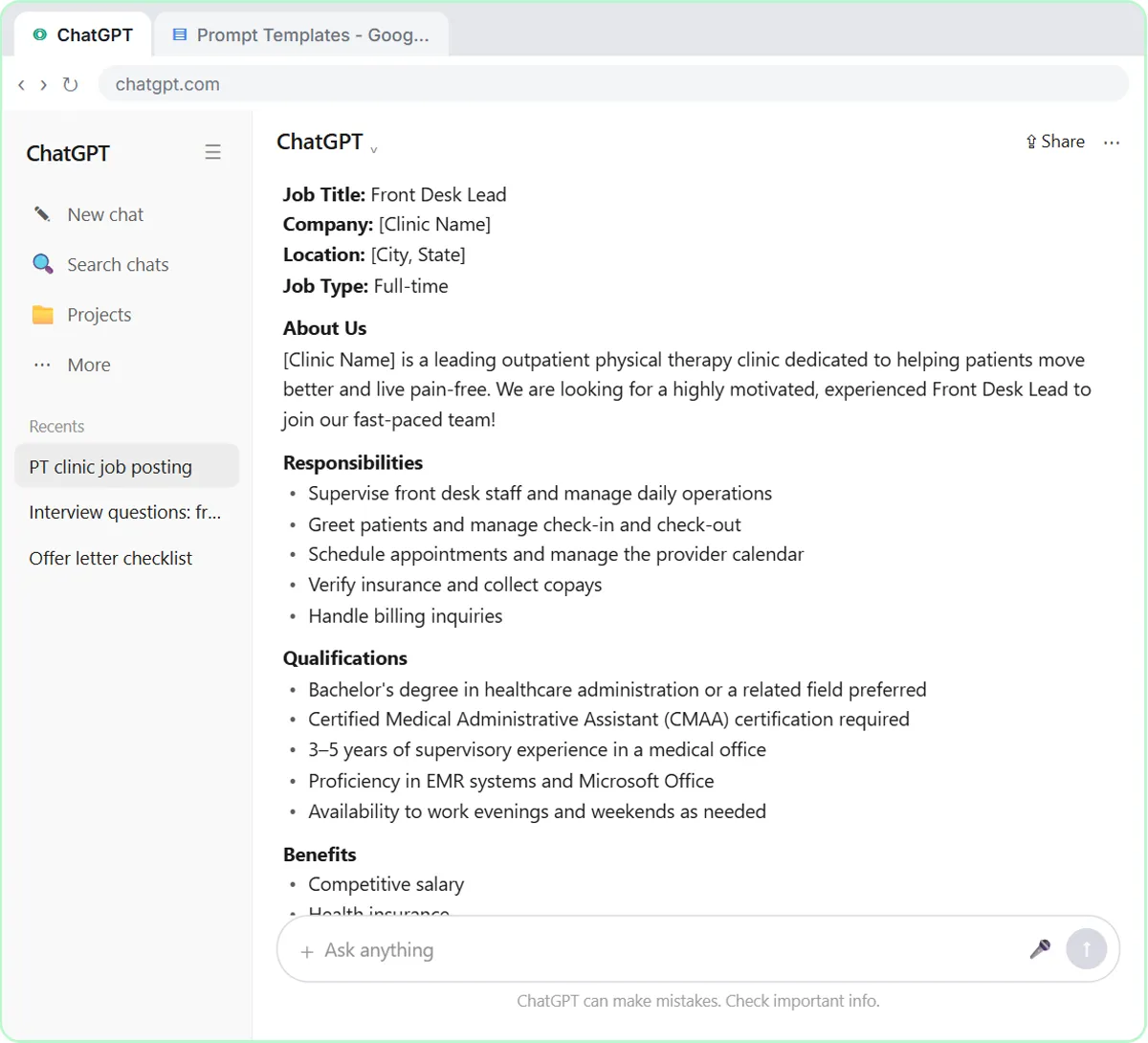
Paste the debrief transcript and the role's must-haves, and ask for a scorecard tied to evidence from the conversation. In the free scorecard lesson, a panel at a made-up physical therapy practice debriefs on a Front Desk Lead candidate, and the result is a scorecard against the must-haves, the decisions, action items with owners and dates, and a follow-up email to the candidate.
The point is consistency: every candidate is scored on the same criteria, with the evidence written down. That supports a structured interview process instead of replacing it.
Can AI write a fair job posting?
Yes, if you make it ask questions first. The free job posting lesson compares the quick way with the better one: ChatGPT interviews you, then writes a posting with true must-haves only, a real pay range and the actual work described instead of a personality. Ask any assistant to flag requirements that aren't really required, which helps widen the pool.
Is it safe to use AI with candidate data?
Use a business plan, share only what the job needs and keep people deciding. As of October 2026, OpenAI, Anthropic and Google all say their business plans don't train on your data by default, and Microsoft's enterprise data protection covers Copilot on work accounts. Don't paste resumes or interview notes into personal accounts.
Hiring is also a regulated area. Some places, such as New York City, have rules for automated tools used in hiring decisions, and the rules keep changing. If you want AI to screen or rank candidates, talk to HR or an employment attorney first, and read about AI bias before you do.
Who is each one for?
ChatGPT
A strong standalone assistant for job posts, scorecards and candidate emails. Stepthrough's recruiting lessons use it: scorecards and fair job posts.
Microsoft Copilot
The natural pick for recruiters who live in Outlook and Teams, with Copilot Chat included on eligible Microsoft 365 plans. A free Stepthrough lesson for Copilot is coming.
Gemini
The natural pick for teams on Gmail and Google Meet. Practice in Gemini in Gmail.
Claude
Good for long HR documents such as handbooks and policies, and for careful candidate communication. Practice in Your first chat with Claude.
Perplexity
Useful for researching a market, a company or a role, with sources to check. Its free plan is enough for occasional research.
Which of these tools have a free Stepthrough lesson?
- ChatGPT: free lesson: Turn an Interview Debrief into a Scorecard and a Candidate Follow-Up (Recruiting & HR)
- Microsoft Copilot: a free Stepthrough lesson is coming.
- Gemini: free lesson: Gemini in Gmail: Summarize a Thread and Draft the Reply
- Claude: free lesson: Your First Chat with Claude: Models, Files and a Great First Prompt
- Perplexity: a free Stepthrough lesson is coming.
Practice it free, step by step
Turn an Interview Debrief into a Scorecard and a Candidate Follow-Up (Recruiting & HR). Turn the transcript of an interview panel's debrief into a scorecard against the role's must-haves, the decisions, action items with owners and dates, and a follow-up email to the candidate. You do every step yourself in a practice copy of ChatGPT, it checks your work as you go, and “Do it for me” finishes any step you get stuck on. Free, and nothing touches your real accounts.
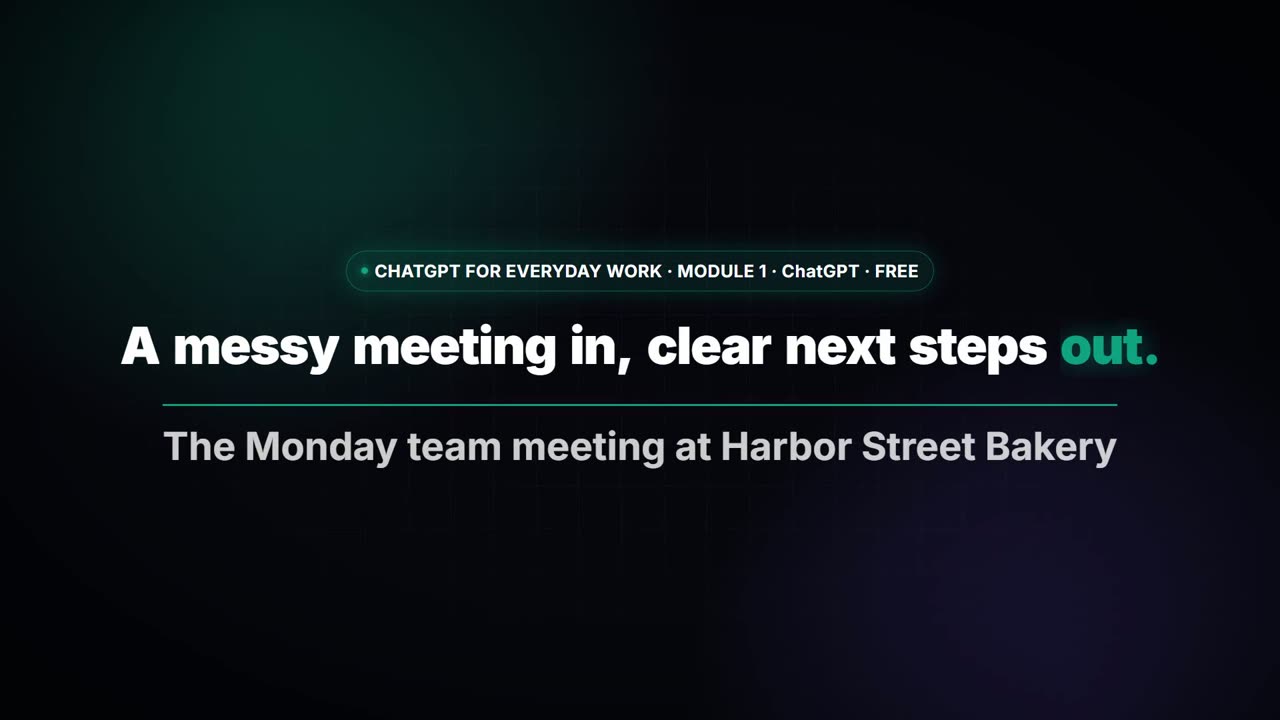
Start the free lessonWatch it in a free lesson: Summarize a Meeting Transcript with ChatGPT
 3:00
3:00A messy meeting in, clear next steps out with ChatGPT
Paste a long meeting transcript into ChatGPT and get the decisions, an action items table with owners and due dates, and a follow-up email ready to send.
Key takeaways
- Pick one main assistant on a business plan: Copilot for Microsoft 365, Gemini for Google Workspace, otherwise ChatGPT Business or Claude Team.
- Use AI to organize evidence, such as scorecards from debriefs, and keep people making hiring decisions.
- Make the AI interview you before it writes a job post: true must-haves and a real pay range.
- Keep resumes and interview notes in business accounts only, and check local rules before automating any screening.
Frequently asked questions
What is the best AI tool for recruiters?
For most teams, the main assistant the company already pays for, used well: Copilot on Microsoft 365, Gemini on Google Workspace, or ChatGPT or Claude on a business plan. Specialist recruiting tools can help too, but learn the basics first.
Can AI screen resumes?
It can summarize a resume against the must-haves, but letting it reject candidates on its own is risky and regulated in some places. Keep a person reviewing every decision.
Can I use AI to write interview questions?
Yes. Give it the role's must-haves and ask for structured questions with what a strong answer looks like for each. Have the hiring manager review them before the interview.
Where do these prices and features come from?
Every price and feature on this page was checked against the vendor's own page, as of October 2026. No numbers here are estimates or third-party figures. The example businesses in the Stepthrough lessons are made up.