Updated . Built against the tool’s current screens and checked step by step. How we check this lesson
A small B2B firm needs a steady trickle of new clients, and the founder is the one doing the chasing. The classic fix is a junior sales rep, which Pancake's own comparison prices at about $108,600 in the first year. Pancake is a third-party tool that works from inside Claude, Claude Code or Codex: you say who you want to reach, it finds people with a reason to talk, you approve each one, and it sends the messages and reads the replies. In this free lesson you use a practice copy to connect it, describe a target client, approve leads and drafts, and read what comes back.
At a glance
| Question | Answer |
|---|---|
| What you build | Price a sales hire against $99 a month, connect Pancake to Claude, describe your ideal client, approve the leads and the messages, then read the replies and learn the outreach basics. |
| Tools | Pancake |
| Time | About 16 minutes, 40 steps in 8 parts |
| Level | Intermediate |
| Cost | Free |
| Ways to learn it | Practice it step by step |
The 8 parts, in short
- Price the problem: Add up a sales hire, Compare it to Pancake, Open Claude.
- Connect Pancake to Claude: Open Customize, Open Connectors, Click Add, Add custom connector, and 4 more steps.
- Check the connection: Start a new chat, Ask what is in your Brain, Send it, Read the Brain.
- Describe your target customer: Describe who to reach, Send it, Read the plan.
- Review and approve the leads: Run it and show the leads, Send it, Allow once, Spot the weak fit, and 4 more steps.
- Approve the messages: Ask to see the messages first, Send it, Read the first message, Start the outreach, and 3 more steps.
- Read the replies: A few days later: any replies?, Send it, Open the one that needs you.
- Outreach basics: You approve every lead, An honest opener, Stay inside the platform rules, A no is a no.
Start here first: Build an n8n AI Agent That Writes Deal Follow-Ups (module 1 of AI Automation for Sales)
Part of: AI Apps Worth Knowing (step 11 of 15). Next up: Never Lose a Client Follow-up using Capsule CRM
The business case: what finding new clients costs a small firm
Picture Maya, who runs Northgate Books, a made-up bookkeeping firm with a handful of staff. She needs two or three new clients a month to grow. Today that means her own evenings: finding companies that might need help, writing each first message, following up, and remembering who said what. It is the first thing to slip when client work gets busy, and a quiet month of outreach shows up as a thin pipeline three months later.
The usual answer is to hire a junior sales rep (often called a BDR). Pancake's own post prices one at about $108,600 in year one: $60,000 salary, about $12,500 in equity, $22,500 of manager time, $3,600 of tools and $10,000 for onboarding and ramp-up. It also says hiring takes 6 to 8 weeks and then 4 to 6 weeks to ramp. Those figures come from the vendor, who is selling the alternative, so read them as an illustration of the cost of a hire, not a benchmark for your firm.
Pancake costs $99 a month per workspace, about $1,188 a year, with the whole team included and a 3-day free trial (a card is required to start the trial). The comparison is not like for like: a rep can also run your calls, answer questions and use judgment, and Pancake only does the finding, drafting and sending. What changes is where your hours go. Instead of researching and writing, you review leads and drafts and spend your time on the people who reply.
Who this is for, and one thing to know first
Founders and partners at small B2B firms, such as bookkeeping and accounting practices, consultancies, agencies and recruiters, who sell to a repeatable type of company and are currently doing outbound by hand. You do not need any sales tools or technical background.
One thing to know first: Pancake sends direct messages from your connected accounts. Its own FAQ says it does not send outreach by email, sync to a CRM, find phone numbers or make calls. If your buyers only answer email or the phone, Pancake's own comparison says a person, or a different tool, is a better fit. So the email rules most people have heard of, like CAN-SPAM, apply to any email tool you add, not to Pancake.
Setting it up in Claude, in the order the screen shows it
Pancake's setup guide says to go to Settings, then Connectors. In today's claude.ai the Settings page says connectors have moved to Customize, so the path is Customize, then the Connectors tab, then Add, then Add custom connector. The dialog asks for a Name and an MCP server URL, and has a Continue button. If your screen differs slightly, follow the labels on your screen.
Add the connector on the web or desktop app first. Pancake's guide says that once it is added there, it is available in Claude on mobile too. You can also connect Claude Code or Codex with a one-line command from the same guide. Pancake lists VS Code, GitHub Copilot CLI, Factory Droid and goose as other clients that may work, and says Cursor cannot connect yet.
To remove it later, Pancake's guide points to Settings, then Claude / Codex inside Pancake. Claude's own Connectors page lets you remove any connector too.
Approve every lead, and read every message
This is the part that keeps the tool honest. Pancake shows each lead with the reason it fits, such as a job post for a bookkeeper that went up three days ago. You approve or reject each one, and it contacts only the leads you approved. When you say why a lead is not a fit, Pancake's Brain learns from it and can suggest a rule for next time.
Pancake then writes a personal message from that reason, sends it under your name after a light warm-up, and follows up, up to three messages in total. Its own description of the first message is that it makes no pitch and asks one light question tied to the signal. You can read or edit any draft first, and Claude confirms before anything is sent.
Outreach basics for direct messages
- Approve every lead. A signal like a job post is a reason to write, not a list of people to blast. Skim the reasons and reject the odd ones.
- Open honestly. Say who you are and why you are writing, like "saw you are hiring a bookkeeper". Do not pretend to know the person or imply a past conversation.
- Stay inside the platform rules. Messages go out from your connected accounts, so each account's own terms of use apply to you. Read them, keep volume modest, and do not try to get around limits. Pancake's pricing page says a Play can send from one account or rotate across up to ten, but that is about how it sends, not about what the platform allows.
- A no is a no. A reply stops the sequence. If someone says no or asks you to stop, do not message them again, and tell Pancake why it was not a fit.
- If you add email later, different rules apply. In the US, CAN-SPAM requires a real sender identity, an honest subject line and a working opt-out, and it is smart to send cold email from a separate domain so a mistake never touches your main one. This is general information, not legal advice; check your own rules and your country's laws.
What this saves you
- Hours of research: finding companies that just posted a relevant job, and why they are worth a message, is done before you look.
- Hours of first drafts: each message starts from the lead's own reason, in your voice, and you only edit.
- A month or two of delay: no hiring, interviewing and ramp-up before the first message goes out.
- Dollars: $99 a month against a hire that Pancake's own post puts at $108,600 in year one. Pancake also says it is built to land 2 to 3 customers a month. That is a claim, so measure your own results over a few weeks.
- What it does not replace: your judgment on each lead, your voice on each message, and you on the calls. Pancake does not send email, call people or sync a CRM.
Not yet tested in a real account
This lesson is built from Pancake's written guides, its pricing and example pages, and the real Claude connector screens. It has not yet been run step by step in a live Pancake account, so Pancake's sign-in window and the exact wording of Claude's answers are drawn from the docs and may look different on your screen. This page will be updated after a real test.
Next business case: prepare for the sales call
A booked call is only the start. The next place small firms lose time is going into a first call cold. Give Claude the lead's company, what they posted and what you offer, and have it draft the five questions to ask. See the [Claude Projects lesson](lesson:claude-projects) to keep your offer and tone in one place.
Links
- Pancake (pancake.ai): the tool this lesson teaches. It is a separate product with its own account and a 3-day free trial that needs a card.
- Pancake's setup guide for Claude: the connector address and the sign-in steps used in this lesson.
- Pancake vs Hiring a BDR: Pancake's own cost comparison. These are the vendor's numbers, not an independent benchmark.
Try it yourself, free
Reading the steps is a start. Doing them is how it sticks. The interactive module walks you through every click in a practice copy of Pancake, checks each step, and never touches your real accounts.
Start “Pancake: Get Qualified Sales Conversations from Claude Without Hiring a BDR”Step by step: Pancake: Get Qualified Sales Conversations from Claude Without Hiring a BDR
All 40 steps of the interactive module, in order. In the module you watch each one, then do it yourself in a practice copy that checks your work.
1. Price the problem
- Add up a sales hire. Maya runs Northgate Books, a small bookkeeping firm. She needs new clients, and no time to chase them. Pancake’s own post prices a junior sales hire at $108,600 in year one. Click the total.
Maya runs Northgate Books, a small bookkeeping firm. She needs new clients, but she has no time to chase them. The classic fix is to hire a sales rep. Pancake’s own comparison puts a junior rep at about one hundred eight thousand dollars in the first year. That is salary, equity, manager time, tools and ramp-up.
- Compare it to Pancake. Pancake costs $99 a month, so $1,188 a year. That is Pancake’s own comparison, so treat it as a claim to test. Click the Pancake row.
Pancake costs ninety-nine dollars a month, about twelve hundred a year. Those are Pancake’s own numbers, so treat them as a claim to test, not a promise. It also works differently from a rep. It finds people with a reason to talk, you approve each one, and it sends the messages.
- Open Claude. Pancake runs from inside Claude. Click Open Claude.
Pancake runs from inside Claude, so there is nothing new to learn on a dashboard.
2. Connect Pancake to Claude
- Open Customize. First, connect Pancake. Click Customize in the left sidebar. (Pancake’s guide says Settings; in today’s Claude, connectors live under Customize.)
First, connect Pancake. Pancake’s guide says Settings, but in today’s Claude, connectors live under Customize.
- Open Connectors. Click the Connectors tab.
- Click Add. Click Add.
- Add custom connector. Click Add custom connector.
Pancake is not in the connector directory yet, so you add it yourself.
- Name it Pancake. Type Pancake in the Name box and press Enter.
- Paste the server URL. Paste in the URL to drop in Pancake’s address, https://app.pancake.ai/api/mcp.
Now the address. This is the web address of Pancake’s server, from Pancake’s setup guide.
- Continue. Click Continue. A Pancake window opens.
A Pancake sign-in window opens. You sign in there, not in Claude. There is no API key to copy.
- Pick the workspace and approve. Choose your workspace and click Approve.
Pick your Pancake workspace and approve. Sign-in happens in the browser. Pancake never asks for a password or key in Claude.
3. Check the connection
- Start a new chat. Pancake now shows in your connectors. Click New chat.
Pancake now shows in your connectors.
- Ask what is in your Brain. Paste in the request. Pancake builds a "Brain" from your website. If Claude describes your company, the connection works.
A good first test is to ask what is in your Pancake Brain. Pancake builds that profile from your website. If Claude describes your company, the connection works.
- Send it. Click Send.
- Read the Brain. Claude describes the firm, and flags one wrong target. Fix errors now, since every Play starts from the Brain. Click the reply.
Claude describes the firm, and spots one thing that is off. Fix mistakes in the Brain first, because every Play starts from it.
4. Describe your target customer
- Describe who to reach. Paste in the request. Say what you sell, who buys it, and what those people are doing right now. Ask for the plan and cost first.
Now describe the customer. Say what you sell, who buys it, and what they are doing right now that shows they need help. Here, they posted a job for a bookkeeper. Ask for the plan and the cost before anything runs.
Build me a Pancake Play. I run Northgate Books, a bookkeeping firm for small businesses. I want US companies with 10 to 50 people that just posted a job for a bookkeeper or accounting clerk, since they clearly need help with the books. Reach the owner, COO or office manager. Show me the plan and what it will cost before you run anything.
- Send it. Click Send.
- Read the plan. This is a Play: who to find, how to find them and how many. Nothing has run. Click the plan.
Pancake calls this a Play. It says who to find, how to find them, and how many. Nothing has run and nothing is spent yet.
5. Review and approve the leads
- Run it and show the leads. Paste in the request. Ask for the best fit first, with the reason each one fits.
Now run it. Ask for the best fit first, with the reason each lead fits.
- Send it. Click Send.
- Allow once. Claude asks before it runs a Pancake tool that uses credits. Click Allow once.
Claude asks before it runs a Pancake tool that uses credits.
- Spot the weak fit. Each lead shows the reason it fits. One does not: Summit Freight Brokers has 210 people. Click that row.
Each lead comes with the reason it fits. Read them. One is wrong for you. Summit Freight Brokers has two hundred ten people, far above your range.
- Reject one, approve the rest. Paste in the request. Say why Summit is not a fit, then approve the other five.
Tell Pancake why Summit is not a fit, then approve the rest. Saying why teaches Pancake what you want next time.
- Send it. Click Send.
- Allow once. Approving leads changes things in Pancake, so Claude asks. Click Allow once.
Approving leads changes things in Pancake, so Claude asks first.
- Read the result. Five leads are approved, one is rejected with a reason, and nobody has been contacted. Click the reply.
Five leads are approved, one is rejected with a reason, and nobody has been contacted yet.
6. Approve the messages
- Ask to see the messages first. Paste in the request. Ask for the first message and the follow-ups, and say not to send anything yet.
Before anything goes out, read it. Ask for the first message and the follow-ups, and say not to send yet.
- Send it. Click Send.
- Read the first message. It makes no pitch. It asks one light question tied to the job post. Follow-ups are short, and a reply stops them. Click the message.
Read it like the prospect. The first message makes no pitch. It asks one light question tied to the job post. The follow-ups are short, and a reply stops them. If a line does not sound like you, ask Claude to change it.
- Start the outreach. Paste in the request. You approved the leads and read the drafts, so now start.
You approved the leads and read the drafts, so now you can start it.
- Send it. Click Send.
- Allow once. Starting outreach sends messages under your name, so Claude asks one more time. Click Allow once.
Starting outreach sends messages under your name, so Claude asks one more time.
- Read what happens next. Pancake sends from your connected accounts after a light warm-up, up to three messages each. Click the reply.
Pancake sends from your connected accounts after a light warm-up, with up to three messages each.
7. Read the replies
- A few days later: any replies?. A few days later, Paste in the request. Ask which replies need you.
A few days later, come back and ask which replies need you.
- Send it. Click Send.
- Open the one that needs you. Priya said yes, and Pancake sent your calendar link. Elena said no, so it stopped. Marcus asked a question. Click his reply.
Priya said yes, and Pancake sent her your calendar link. Elena said no, so the messages stopped. Marcus asked a question, and that one is yours.
8. Outreach basics
- You approve every lead. Before you scale this, four habits. First: you approve every lead. Click it.
Before you scale this up, four habits. First, you approve every lead. Pancake only contacts the people you approve.
- An honest opener. Second: an honest opener. Say who you are and why you are writing. Click it.
Second, an honest opener. Say who you are and why you are writing. Never pretend you know them.
- Stay inside the platform rules. Third: stay inside the platform rules of the accounts Pancake sends from. Click it.
Third, stay inside the rules of the accounts Pancake sends from. Messages go out from your connected accounts, so their terms apply to you. Keep volume modest.
- A no is a no. Fourth: a no is a no. Click it.
Fourth, a no is a no. A reply stops the sequence. If someone asks you to stop, do not message them again.
Frequently asked questions
- What is Pancake and how does it work with Claude?
- Pancake is a third-party tool that finds people showing a reason to buy, such as a job post or a post about a topic, and starts conversations with them. You connect it to Claude, Claude Code or Codex as a connector, then tell Claude who you want to reach. Pancake finds leads, you approve them, and it writes and sends the messages and reads the replies.
- Does Pancake send cold emails?
- No. Pancake's own FAQ says it does not send outreach by email. It sends direct messages from your connected accounts. If your buyers only answer email, you would need a different tool for that channel.
- How do I connect Pancake to Claude?
- In Claude, open Customize, then Connectors, click Add, then Add custom connector. Enter the name Pancake and the server address https://app.pancake.ai/api/mcp from Pancake's guide, click Continue, then pick your workspace and approve in the Pancake window. Sign-in happens in the browser, with no API key.
- How much does Pancake cost compared with hiring a sales rep?
- Pancake is $99 a month per workspace with a 3-day free trial that needs a card. Pancake's own post prices a junior sales hire at about $108,600 in the first year. Those are the vendor's figures, and the two are not equivalent: a rep can also take calls and use judgment.
- Does Pancake contact people without my approval?
- No. Pancake says you approve every lead before anyone is contacted, and you can read and edit any draft first. Claude also asks you to confirm before it spends credits or changes anything.
- Is this lesson free, and has it been tested in the real Pancake app?
- The lesson is free and the practice copy needs no accounts. It was built from Pancake's written docs and the real Claude screens, and has not yet been run step by step in a live Pancake account. We will update it after a real test.
More in AI Automation for Sales
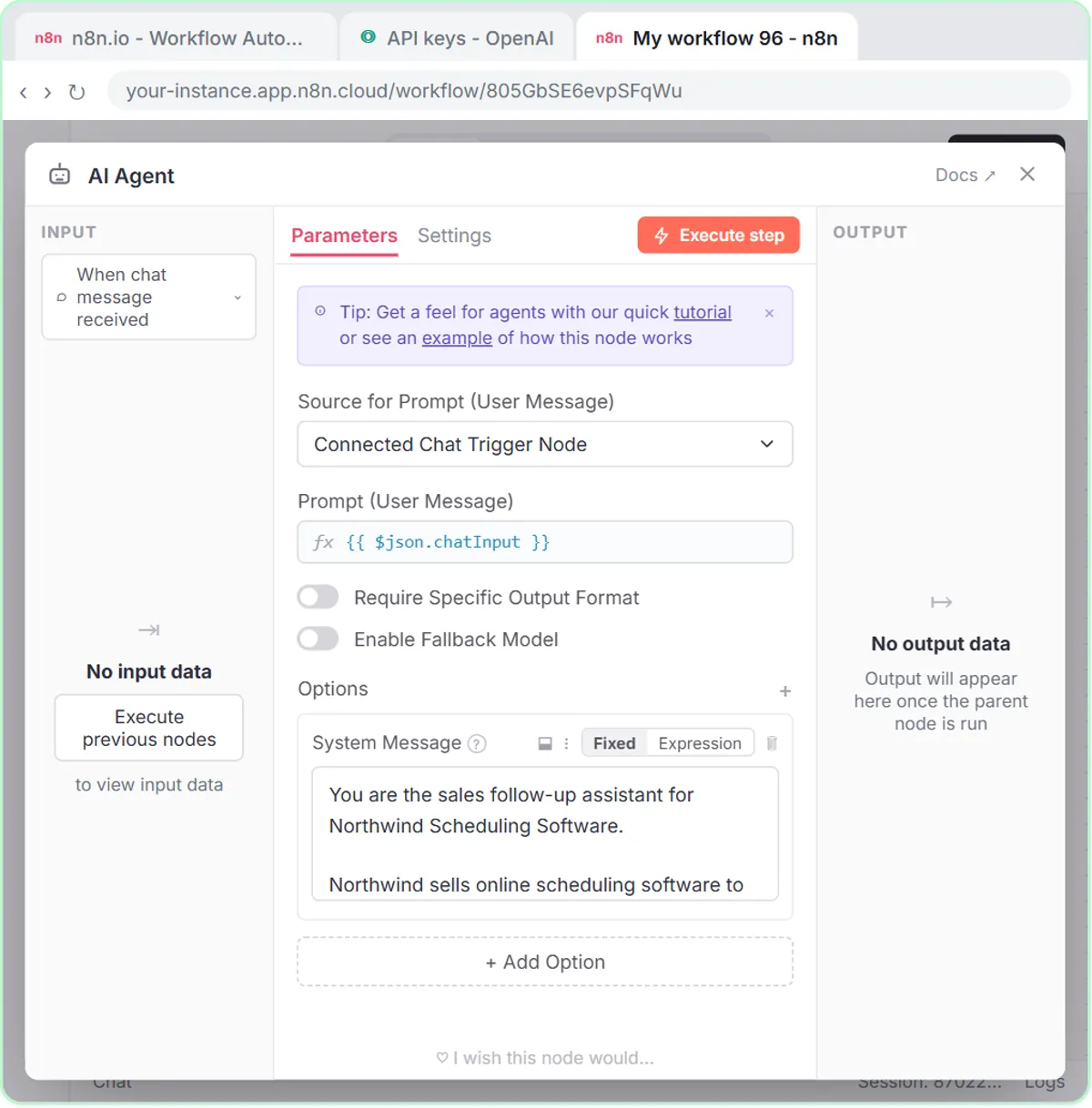 Build an n8n AI Agent That Writes Deal Follow-Ups
Build an AI agent for Northwind Scheduling Software that writes follow-up messages for your open deals and saves them to Google Sheets — chat trigger, AI Agent, system…
Free · Live ~12 min Intermediate
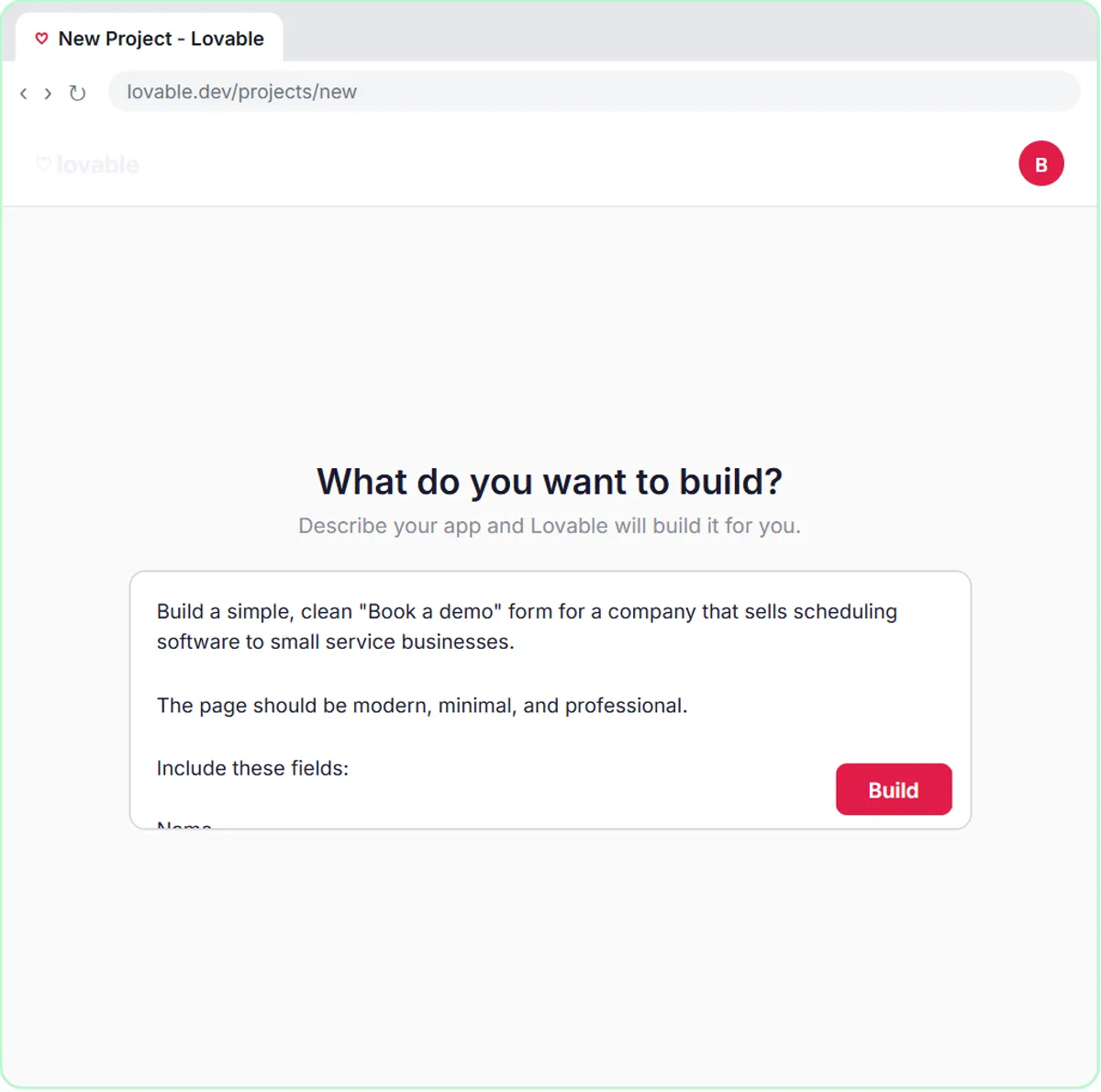 Build an AI Demo Request Form That Qualifies Leads
Build a "Book a demo" form in Lovable for Northwind Scheduling Software and connect it to n8n — the AI agent rates each lead hot, warm or nurture, saves it to Google…
Free · Live ~15 min Advanced
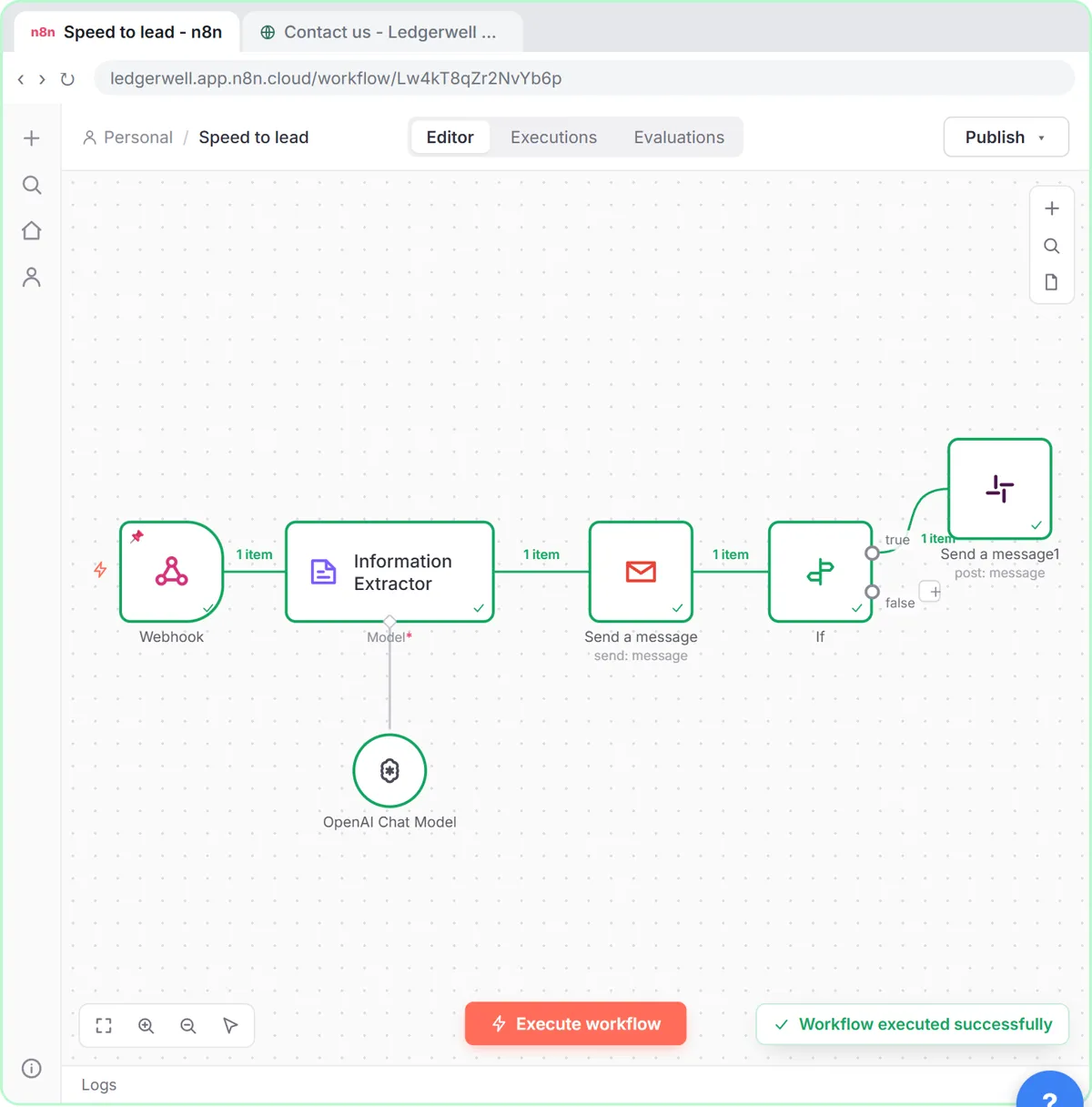 Speed-to-Lead Agent: Answer Every Web Lead in 60 Seconds
Build an n8n workflow that scores every website lead with AI, emails a personal first reply within seconds, and pings Slack only when a lead is hot.
Free · Live ~15 min Advanced
All 6 modules in AI Automation for Sales
Terms in this lesson
Plain-English definitions, each with an example from a free lesson.