This guide is for owners and office managers who built a custom GPT, or are about to, and want to know which way to go. Facts below come from OpenAI's Help Center as of October 2026. Check your own plan, because availability differs.
What is the difference between a Project and a custom GPT?
OpenAI describes them as different tools for different jobs.
| Project | Custom GPT | |
|---|---|---|
| What it is | A workspace for chats, files and instructions | A custom version of ChatGPT with its own instructions and knowledge files |
| Who uses it | You, or a team when shared | Anyone it is shared with, one person at a time |
| How it changes | Grows as you add files, chats and instructions | Mostly static; the builder updates it |
| Best for | Recurring work around one topic | Reusable know-how many people ask about |
| Example | A Q4 planning hub | An HR benefits GPT |
OpenAI's own wording: GPTs are "single player" and curated by an expert, while shared projects are "multi-player" and evolve through sustained contributions of files, chats and instructions.
What is the status of custom GPTs?
This is the reason most people should lean toward Projects. OpenAI's Help Center says it plans to retire custom GPTs and recommends moving workflows to Plugins. It says new GPT creation and publishing are not available on personal ChatGPT accounts (Free, Go, Plus and Pro). Existing GPTs remain usable until retirement. Business, Enterprise and Edu workspaces can still create GPTs if their settings allow it. For affected Enterprise workspaces, OpenAI lists retirement as planned for December 11, 2026, and says other plans are expected to follow the same timeline.
Because dates can shift, check the notice for your own account before you invest in a GPT.
When is a Project the better choice?
Use a Project when the work repeats and the context changes. You can add files (PDFs, spreadsheets, docs, images or pasted text), write project instructions and keep every related chat in one place. Projects are included with every qualifying plan at no extra cost, according to OpenAI, and file limits depend on your plan: 5 files on Free, 25 on Go and Plus, and 40 on Edu, Pro, Business and Enterprise.
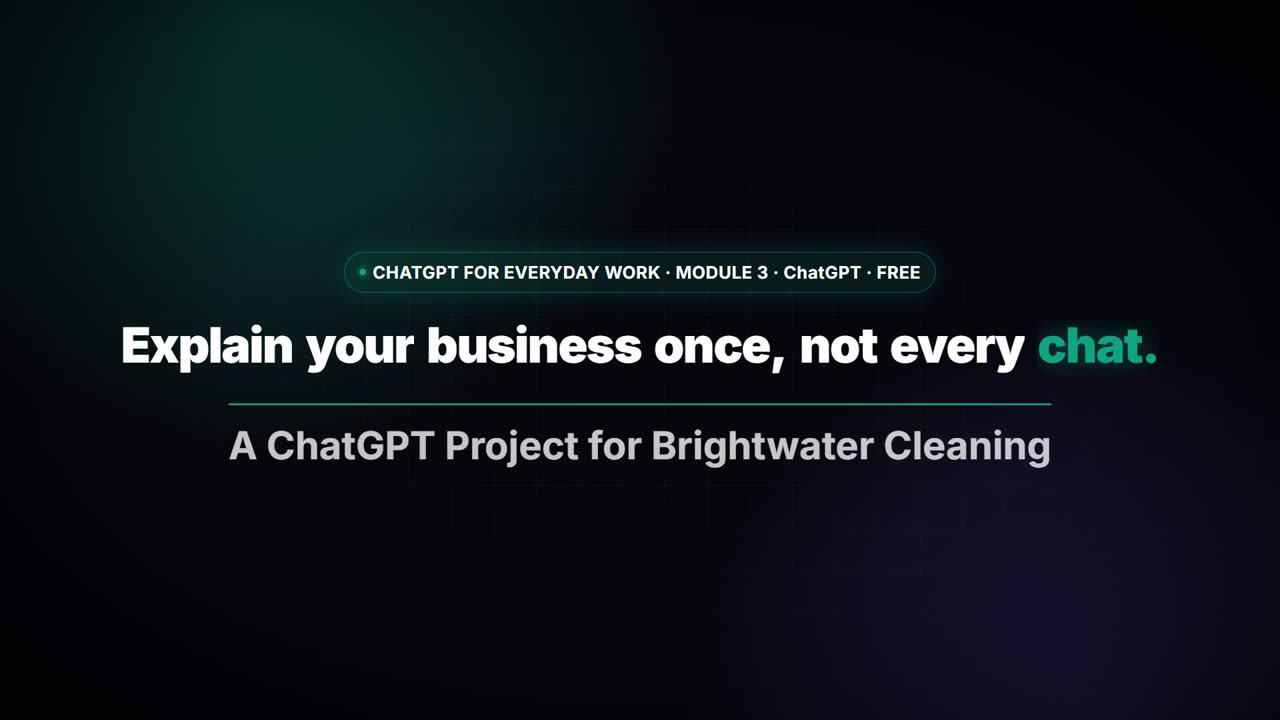
In the ChatGPT Projects lesson, a made-up cleaning company, Brightwater Cleaning, gets a Project with brand voice instructions and a price list. A customer asks what a deep clean costs, and the reply uses the right price without anyone pasting it again.
When might a custom GPT still make sense?
If you already have one that works, you can keep using it until it is retired. If you are in a Business, Enterprise or Edu workspace, you may still be allowed to build one. A GPT can also use Actions to call outside services, which a Project does not do. The Build a Custom GPT lesson teaches the build, but plan the move to a Project or Plugin as you go.
Can I use both together?
Partly. OpenAI says you can use a custom GPT in an existing project chat. But if the first message in a chat uses a custom GPT, that conversation starts outside the project, and chats created with a GPT can't be moved into a project. If you want project instructions and files to apply, start the chat inside the project.
How do I move a custom GPT to a Project?
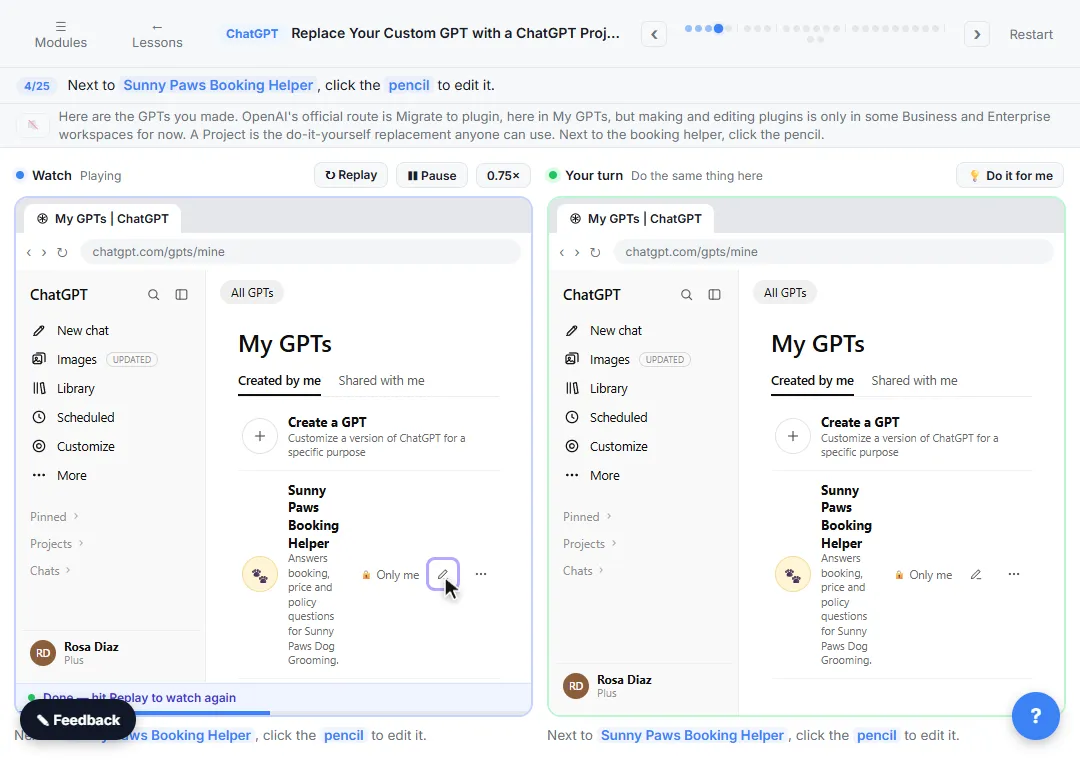
Copy the GPT's instructions into the Project's instructions (open the project's menu, then Project settings), upload its knowledge files as Project files, and test with a real customer question. The Replace Your Custom GPT with a ChatGPT Project lesson walks through each step. Read more on when a Project beats a plain chat in ChatGPT Projects vs chats.
Try it free, step by step
Replace Your Custom GPT with a ChatGPT Project. Custom GPTs retire on December 11, 2026. Copy your GPT's instructions, starters and files, rebuild it as a ChatGPT Project with project-only memory, and test it on a real customer question. You do every step yourself in a practice copy of ChatGPT, it checks your work as you go, and “Do it for me” finishes any step you get stuck on. Free, and nothing touches your real accounts.
Start the free lessonKey takeaways
- A Project is a workspace; a custom GPT is a fixed assistant.
- OpenAI says it plans to retire custom GPTs, so build new work in Projects.
- Personal accounts can't create new GPTs; existing ones keep working for now.
- Move instructions and files into a Project and test before you switch.
- Always read the answer before it goes to a customer.
Frequently asked questions
- Are ChatGPT Projects replacing custom GPTs?
OpenAI says it plans to retire custom GPTs and recommends moving workflows to Plugins. Projects are the closest everyday replacement for keeping instructions and files together, but check the current notice for your plan.
- Can I still create a custom GPT?
Not on personal accounts. OpenAI says new GPT creation and publishing are not available on Free, Go, Plus or Pro. Business, Enterprise and Edu workspaces can create them if their settings allow it.
- Can a Project use my custom GPT?
You can use a custom GPT for messages in an existing project chat. A conversation that starts with a GPT appears outside the project.
- Do Projects cost extra?
No. OpenAI says access to Projects is included with every qualifying ChatGPT plan, and usage limits follow your plan.