This guide is for owners and office staff who keep seeing ChatGPT "remember" things and aren't sure where that comes from. Details below were checked against OpenAI's Help Center in October 2026. Menus and limits change by plan, so check your own Settings.
What are ChatGPT custom instructions?
Custom instructions are direct guidance that you provide about what ChatGPT should know and how it should respond. OpenAI says they are applied to all chats and are available on all plans, on the web, desktop, iOS and Android.
To find them on the web or desktop app, open Settings, choose Personalization, make sure Enable customization is on, and type in the Custom Instructions field. On iOS and Android the menu is called Customize ChatGPT. There is a size limit: Free and Go users can save up to 1,500 characters, and Plus, Pro, Business, Enterprise and Education users can save up to 5,000.
Good uses are stable preferences: your role, your tone, a rule like "ask me a question if a fact is missing," or "never invent prices."
What is ChatGPT memory?
When Memory is on, ChatGPT can remember relevant preferences and details from your chats and other available sources. OpenAI lists those sources as past chats, saved memories, custom instructions, files in Library and content from connected apps such as Gmail, depending on your plan and region.
Two things matter for work. First, memory does not keep every detail of every conversation: ChatGPT decides what is relevant, and what it holds can change over time. Second, you control it. Open Settings, then Personalization, then Memory to review what it knows, correct it, or turn it off. Turning memory off does not delete your past chats.
What is the difference between memory and custom instructions?
OpenAI answers this directly in its Memory FAQ: yes, they are different. Custom instructions are what you tell ChatGPT. Memory is what ChatGPT picks up.
| Custom instructions | Memory | |
|---|---|---|
| Who writes it | You | ChatGPT, from your chats and other sources |
| Predictable? | Yes, the same text every time | No, it changes as your context changes |
| Where to edit | Settings, Personalization, Custom Instructions | Settings, Personalization, Memory |
| Best for | Tone, role, standing rules | Background that helps but isn't critical |
| Size limit | 1,500 or 5,000 characters, by plan | Not a fixed list you write |
You can see both at work: when ChatGPT uses personal context, Sources can appear under the answer showing that a past chat, saved memory or custom instruction contributed. OpenAI notes Sources may not show every factor.
Which should I use for business work?
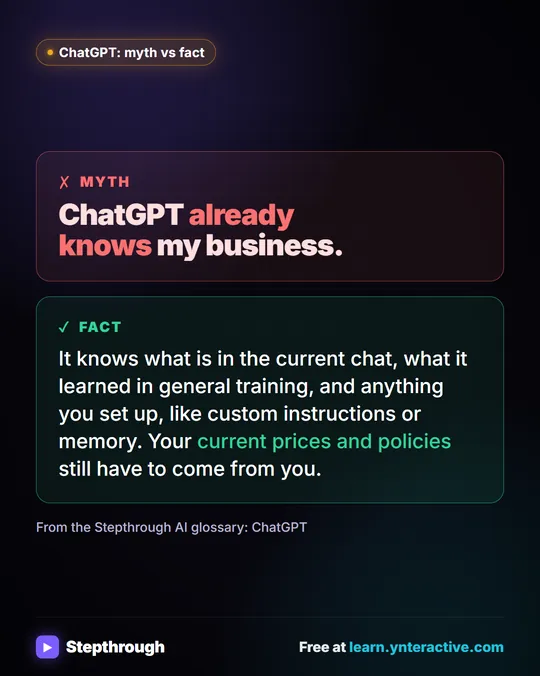
Use custom instructions for anything you want every time, because you can read exactly what is there. Use memory for convenience only. Don't count on it for prices, dates, client names or policies. Paste those facts into the chat you are using.
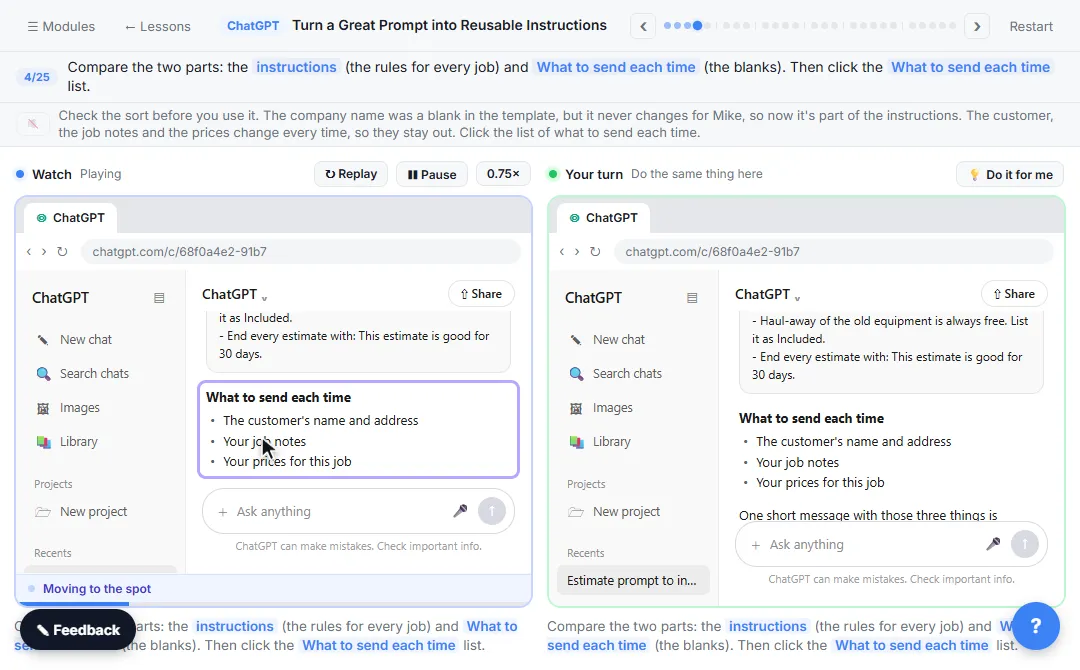
If you repeat the same background for one kind of work, a Project is better than either. OpenAI says project instructions apply only within that project and override your global custom instructions. The Turn a Great Prompt into Reusable Instructions lesson walks through moving permanent rules into a Project. For the bigger picture on what memory does, read how ChatGPT memory works at work.
What about privacy and Temporary Chat?
Before you start a Temporary Chat, you can choose whether it uses existing memories and custom instructions, or pick Unpersonalized to leave them out. OpenAI says temporary chats don't create or update memories. You can't change that choice after the conversation starts.
On personal accounts, OpenAI may use chats and remembered information to improve models when Improve the model for everyone is on, and you can turn that off in Data controls. OpenAI says custom instructions information may also be used to improve model performance. By default it does not use content from ChatGPT Business, Enterprise or Edu workspaces to train its models. Either way, keep client secrets, card numbers and health details out of custom instructions.
Try it free, step by step
ChatGPT Projects: Keep Your Brand Voice, Files and Instructions in One Place. Set up a ChatGPT Project with your brand voice instructions, your price list and your style guide, so every new chat already knows your business. You do every step yourself in a practice copy of ChatGPT, it checks your work as you go, and “Do it for me” finishes any step you get stuck on. Free, and nothing touches your real accounts.
Start the free lessonKey takeaways
- Custom instructions are rules you write. Memory is what ChatGPT chooses to keep.
- Both live under Settings, Personalization.
- Put must-have rules in custom instructions or a Project, not in memory.
- Project instructions override your global custom instructions inside that project.
- Check what memory holds, and paste important facts into the chat.
Frequently asked questions
- Is ChatGPT memory the same as custom instructions?
No. Custom instructions are guidance you write about what ChatGPT should know and how to respond. Memory can use relevant information that builds up across your conversations and other available sources.
- Do custom instructions apply to every chat?
OpenAI says custom instructions are applied to all chats. Inside a Project, the project's own instructions apply only within that project and override your global custom instructions.
- Can I use custom instructions with memory turned off?
Yes. They are separate settings under Personalization. Turning off Memory does not delete your custom instructions or your past chats.
- How long can custom instructions be?
OpenAI lists up to 1,500 characters for Free and Go users and up to 5,000 characters for Plus, Pro, Business, Enterprise and Education users, as of October 2026.
- How do I stop ChatGPT using memory for one conversation?
Start a Temporary Chat and choose Unpersonalized before you begin. OpenAI says temporary chats don't create or update memories.