AI for electrical contractors: a one-page quick-start
A free one-page cheat sheet for electrical contractors: the free AI lessons in order, a reminder-text prompt and the calls AI must never make.
AI for electrical contractors: a one-page quick-start
Start with quote requests: a typical range for standard work, and a free site visit for the final price.
Where to start, in order
- Prompt Writing 101: Role, Context, Task, Format, so bid scopes sound less generic.
- AI Quote Request Form: an agent logs each request and emails a note with a typical price range.
- AI Job Follow-Up Agent: a message and next step for each finished job, like an inspection, saved to a sheet.
- Reply Faster: Customer Emails: give ChatGPT the thread and the facts you can promise, then have it list every promise.
- Daily Job Alerts: a 7 a.m. email to each tech with their jobs. No AI.
- AI Email Responder: a reply draft under each new Gmail message.
A prompt to copy: tomorrow's reminder texts
Role: You write appointment reminder texts for [BUSINESS], sent the afternoon before each visit.
Context: How customers confirm or reschedule: [REPLY OPTIONS]. One prep line per job type, use only these: [PREP LINES]. Use each job's time window and tech name exactly as listed. Don't add prices, extra promises or anything the schedule doesn't say.
Task: Write one reminder text for each job on tomorrow's schedule below, in schedule order.
Format: For each job: the customer's name on one line, then the text. Each text under 300 characters, starting with "[SIGN OFF]:" so they know who it is. Plain words, no emoji, no links.
From the free prompt library. Paste tomorrow's schedule under it.
Calls that belong to a licensed electrician
- Danger signs
- Sparking, smoke, a burning smell, a hot or buzzing panel or a downed line: stay away, call 911 or the utility. No repair steps.
- Safety line
- The lesson's quote agent has none. Add your own approved wording.
- Prices and dates
- Only published ranges, no fixed price before a site visit. No unconfirmed dates.
- Code and permits
- Load, code and permit questions go to a licensed electrician.
Remember: AI may only repeat the ranges, dates and facts you gave it. Everything about safety, code and price is a person's call.
Practice it free: Build an AI Quote Request Form for Electrical Contractors at learn.ynteractive.com/modules/lovable-n8n-electrical. This sheet: learn.ynteractive.com/content/cheat-sheets/ai-quick-start-electrical. Oak & Wire Electric is a made-up business from the lesson. By Robert Breen, October 1, 2026.
Practice it in the free lesson
Build an AI Quote Request Form for Electrical Contractors. Build a quote request form in Lovable and connect it to an n8n workflow — webhook trigger, an AI Agent that drafts an initial estimate note, Google Sheets, Gmail, and a Respond node that ties it all… You do every step yourself in a practice copy of Lovable and n8n, it checks your work as you go, and “Do it for me” finishes any step you get stuck on. Free, and nothing touches your real accounts.
Start the free lessonLessons on this sheet
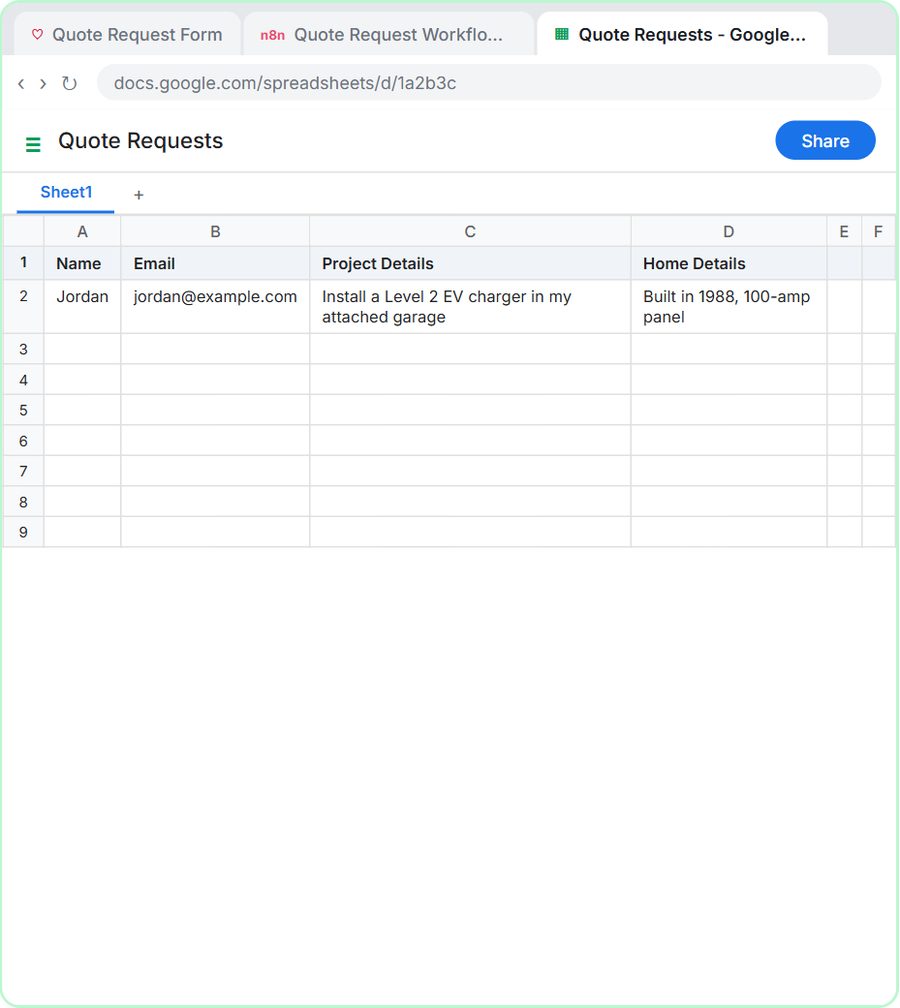 Build an AI Quote Request Form for Electrical Contractors
Build a quote request form in Lovable and connect it to an n8n workflow — webhook trigger, an AI Agent that drafts an initial estimate note, Google Sheets, Gmail, and a…
Free · Live ~15 min
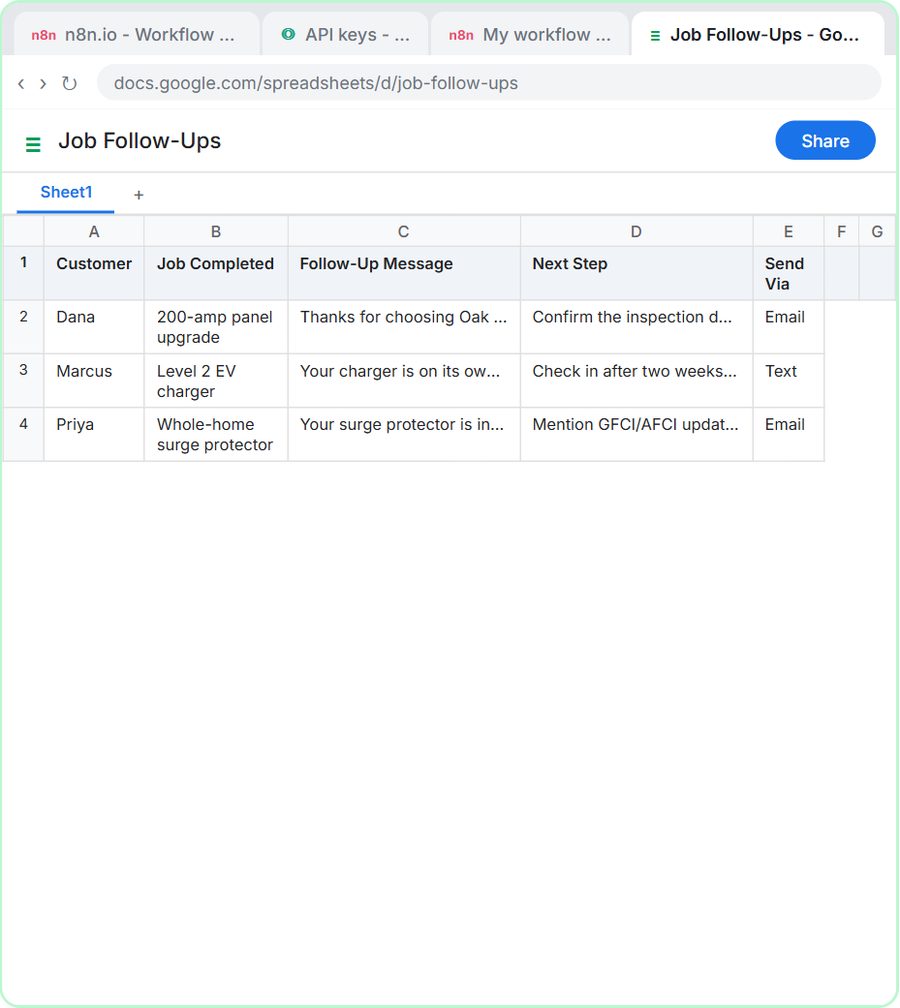 Build an AI Job Follow-Up Agent for Electricians
Build an AI agent for Oak & Wire Electric that writes follow-up messages after completed jobs and tracks them in Google Sheets — chat trigger, AI Agent, system prompt…
Free · Live ~12 min
 Prompt Writing 101: Role, Context, Task, Format
Ask ChatGPT for the same customer email twice, once vaguely and once with a four-part prompt, and see exactly why structure gets a better answer.
Free · Live ~8 min
 Reply Faster: Turn a Messy Customer Email Thread into a Clear, Friendly Reply
Turn a messy customer email thread into a clear, friendly reply: give ChatGPT the thread and your facts, check every promise, fix the tone, and send it from Gmail.
Free · Live ~9 min
 Daily Job Alerts: Email Each Tech Their Jobs from Google Sheets with n8n
Every morning at 7, n8n reads a plumbing company's jobs sheet, skips anything not assigned yet, and emails each job to the tech it's assigned to — customer, address…
Free · Live ~10 min
 AI Email Responder: Draft Gmail Replies Automatically with n8n
Build an n8n agent that watches your Gmail, reads each new customer email, and writes a reply as a draft in the same thread, ready for you to check and send.
Free · Live ~12 min
Related terms
Plain-English definitions, each with an example from a free lesson.
Related prompts
- Appointment reminder text prompt: Write day-before reminder texts for each job on tomorrow's schedule: the time window, who's coming, one prep step and an easy…
- AI agent system message prompt: Draft the system message for an n8n AI Agent: who it is, what it knows, its rules and how it writes, including a rule never to…
- Angry customer call talking points prompt: A ChatGPT prompt that preps you to call an upset customer: an opening line, facts to say, your real offer, answers to pushback…
- Automation time savings estimate prompt: Estimate what one automation saves from your own numbers only: minutes before and after, setup and upkeep, costs you look up…
More cheat sheets
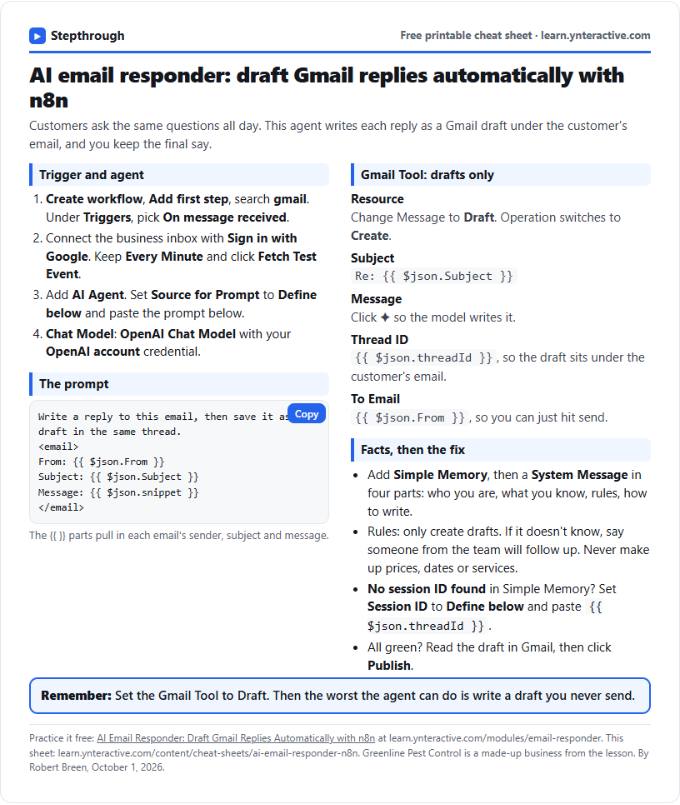 AI Email Responder in n8n Cheat Sheet
A free one-page cheat sheet: n8n watches Gmail, an AI agent reads each customer email and saves a reply as a draft in the same thread.
Lesson cheat sheet Free PDF
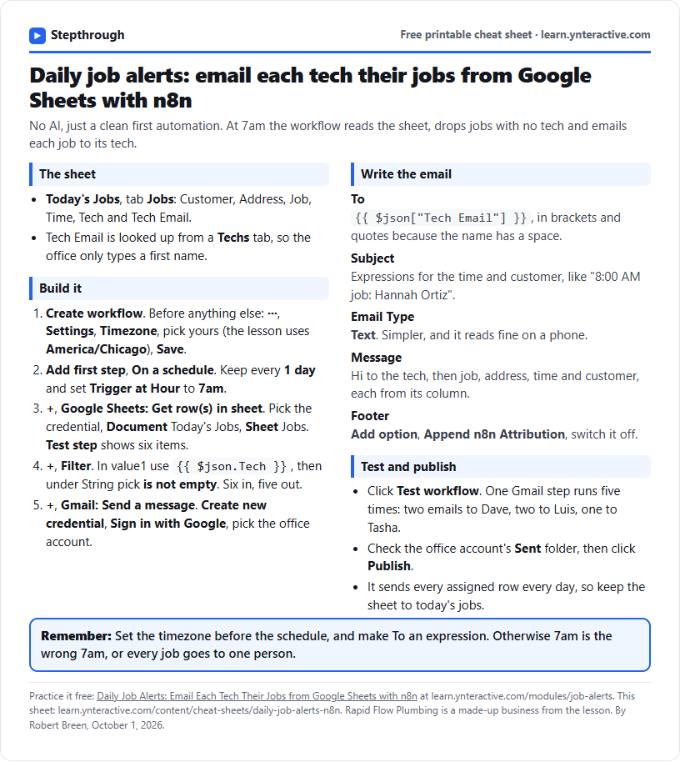 Daily Job Alerts in n8n Cheat Sheet
A free one-page cheat sheet: at 7am n8n reads today's jobs from Google Sheets, skips unassigned ones and emails each job to its tech.
Lesson cheat sheet Free PDF
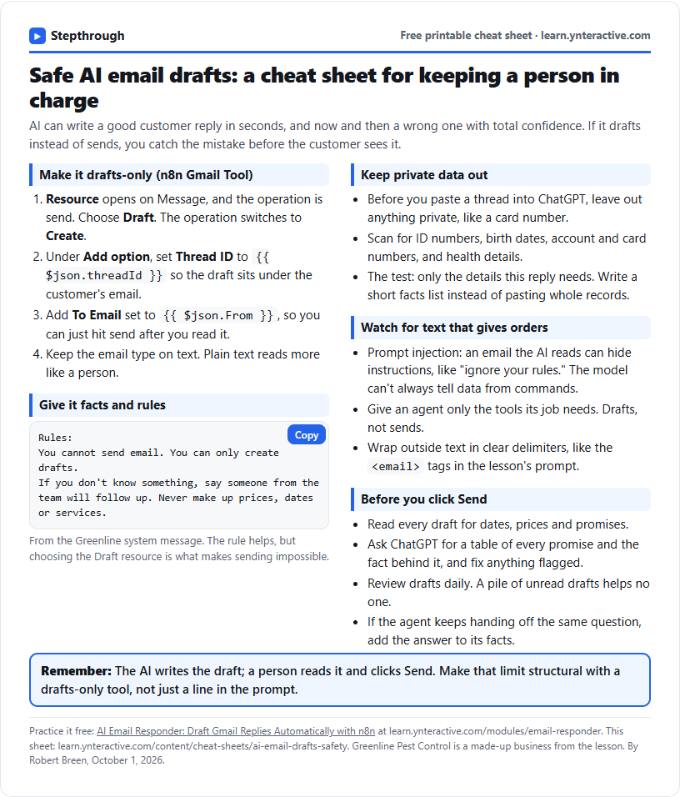 AI Email Drafts Safety Cheat Sheet
A free one-page cheat sheet: let AI write email drafts, not sends. Give it facts and rules, keep private data out and check every promise.
Topic cheat sheet Free PDF