What is a request body?
Updated · By Robert Breen
A request body, often called the payload, is the actual data carried inside a web request: the name, email and message someone typed into a form, packed up and sent to another system. The rest of the request (address, method, headers) says where it goes and how; the body is what is being sent.
Why it matters for a small business
When you connect a form to an automation, the body is the part you care about. Everything the customer typed travels in it, usually as JSON: a set of named keys with values. If the keys the form sends don't match the keys the workflow reads, nothing errors loudly; the workflow just gets blanks. So knowing the exact key names is the whole job.
It also explains a detail that confuses people in n8n. A webhook receives the whole request, not just the form fields, so the fields sit inside a part called body. That is why the expressions read $json.body.name rather than $json.name.
In a real lesson: Lovable + n8n: Build a Web App with an AI Backend
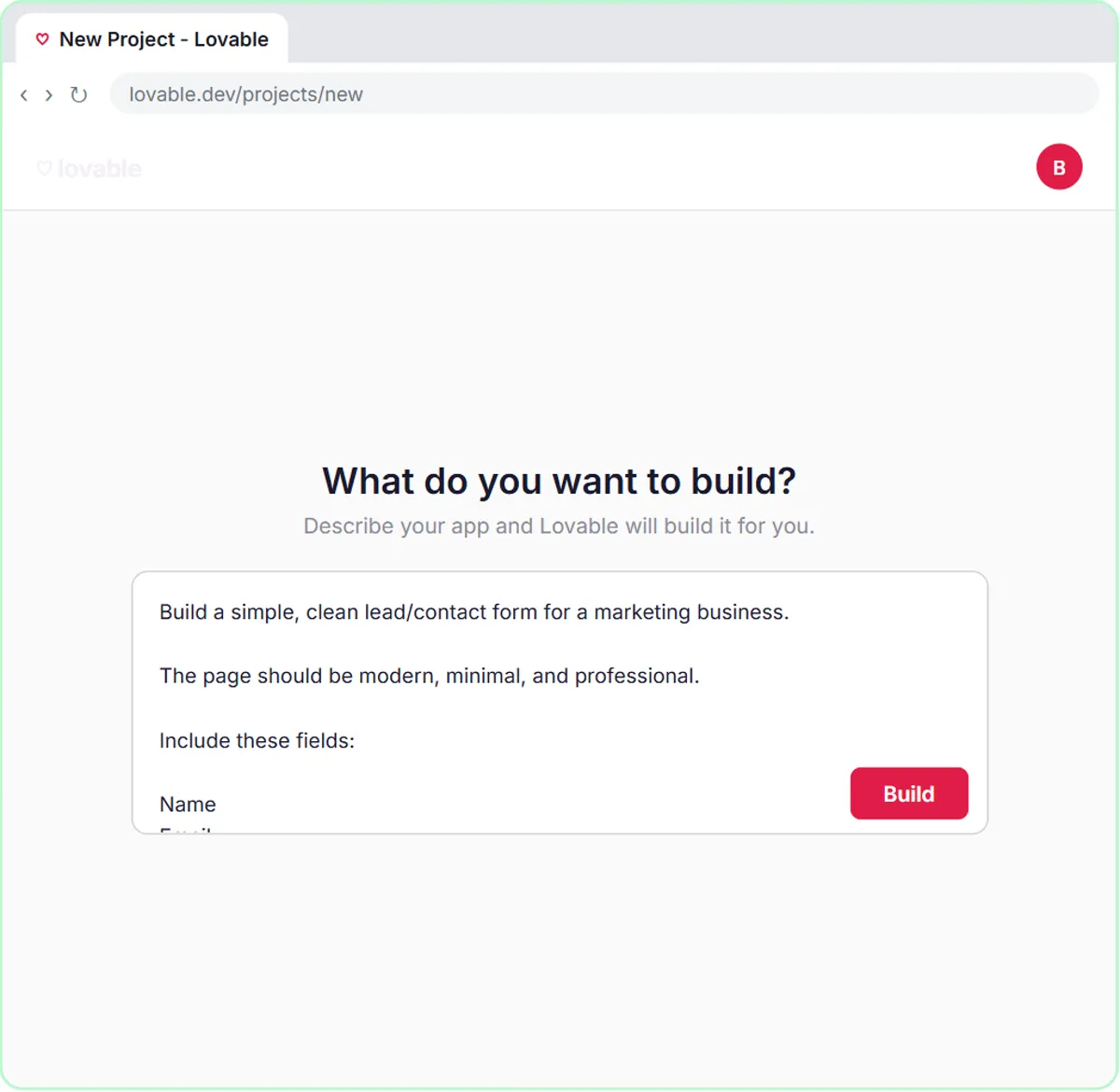
In the Build a Web App with an AI Backend lesson, you describe a contact form to Lovable for a made-up marketing business. The prompt you paste spells out the body: "The data should be sent as JSON with keys: name, email, question, feedback." Those four keys are the contract between the form and the workflow.
In n8n, the form's data arrives at the On webhook call trigger. In the AI Agent, you choose Define below as the prompt source and paste a template that reads each key from the body: Name: {{ $json.body.name }}, then the email, question and feedback the same way. The agent gets a tidy, labeled message no matter what the visitor typed.
When you test from Lovable's Preview with Fill with test data and Send Message, the body travels to n8n, the agent saves the lead to the Leads sheet and replies by Gmail, and the Respond to Webhook node tells the form it worked.
Try this lesson free or read the step-by-step guide.
Common confusions
Request body vs URL
The webhook URL says where the data goes. The body is the data itself. Never put private details in the URL; it can end up in logs and browser history.
Request body vs response
The body goes from the form to n8n. The response is what n8n sends back, like the success message the form shows.
Tips
- List the exact JSON keys in your app-builder prompt, in lowercase, with no spaces.
- Run one test and look at the webhook's output to see the body's real keys.
- If a field shows up blank in n8n, compare the key spelling on both sides first.
Related terms
Where you use it: free lessons
- Lovable + n8n: Build a Web App with an AI Backend (Lovable and n8n, 15 min)
- Build an AI Emergency Request Form for Your Plumbing Company (Lovable and n8n, 15 min)
- Build an Expense Reimbursement Form With AI Policy Checks (Lovable and n8n, 15 min)
More free tutorials
Frequently asked questions
- Why is my form data under body in n8n?
- The webhook trigger outputs the whole request, with headers, query and body as separate parts. The form fields are in body, so you read them as
$json.body.fieldname. - What is the difference between a payload and a request body?
- In everyday use they mean the same thing: the data a request carries. "Payload" is just the more casual word.