What is test data?
Updated · By Robert Breen
Test data is made-up input you feed an automation or app to see how it behaves before real customers touch it: a fake form entry, a practice email, a sample receipt. Good test data looks like the real thing but can't hurt anyone if something goes wrong.
Why it matters for a small business
Every workflow needs a first run, and that first run should not be on a real customer. If the email step is mapped wrong, you want the odd message to land in your own inbox, not a client's. Test data gives you that safety, and it lets you run the same case again and again while you fix things.
The best test data is realistic and a little awkward. A tidy, average entry proves very little. Try the cases your business actually sees: an emergency, a missing field, a long rambling message, the job with no one assigned. Those are the inputs that reveal whether the AI's rules and your filters do what you meant.
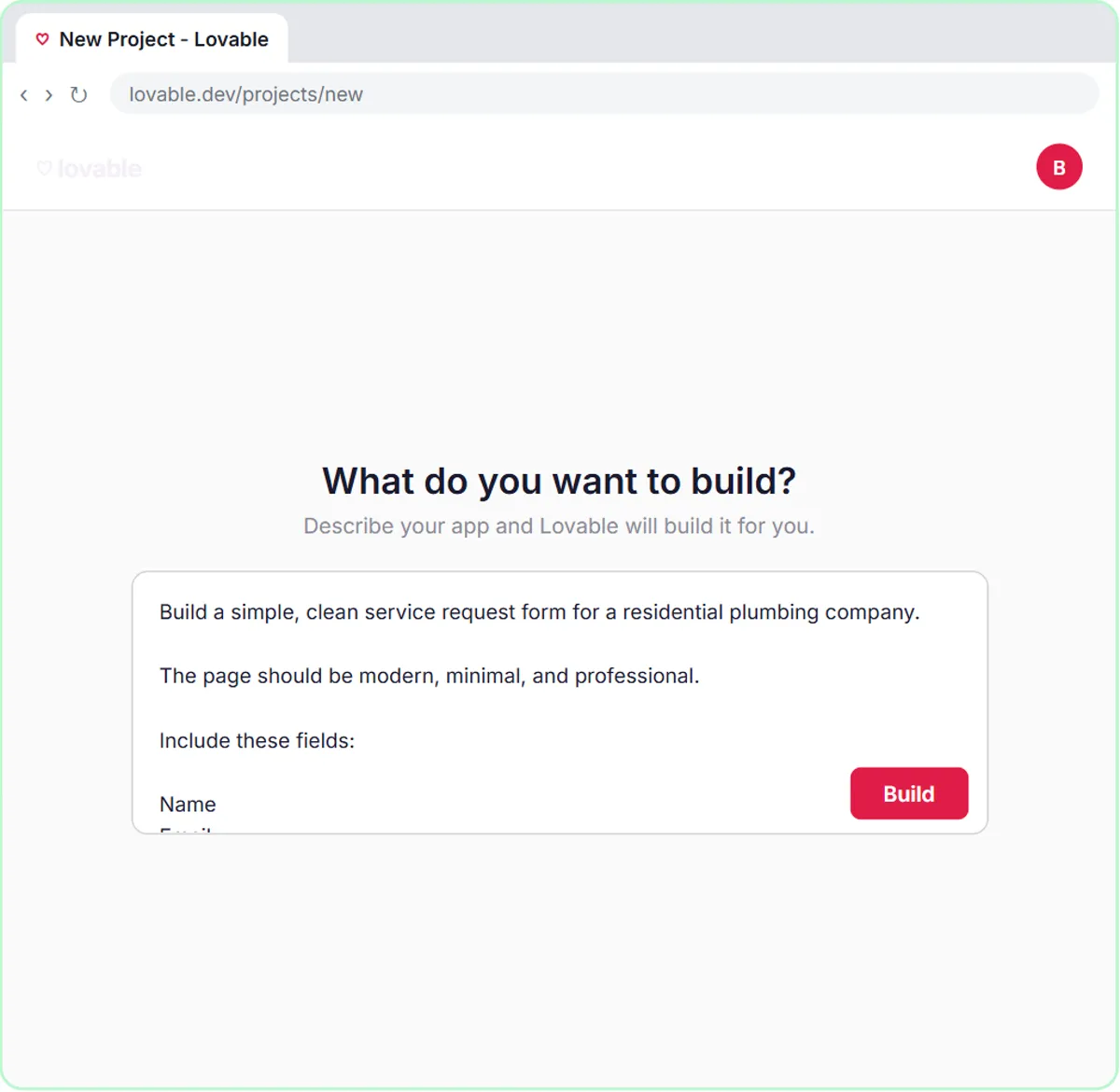
In a real lesson: Build an AI Emergency Request Form for Your Plumbing Company
In the AI Emergency Request Form lesson, you build a request form for Blue Maple Plumbing, a made-up plumbing company, and wire it to n8n. To test it, you click Preview in Lovable, then Fill with test data to populate every field at once, then Request Service.
The sample request is a burst pipe, which is a deliberately demanding case. The voice-over walks through what should happen: the agent marks it as an emergency, saves a row to Google Sheets with the name, email, problem and address, and emails the customer a confirmation with shutoff steps. Then you click the Google Sheets tab to see the row the agent wrote.
Other lessons use test data too. In Find and Use n8n Templates you submit a booking for Jordan Lee at [email protected] with a pet named Biscuit, and the AI Email Responder uses Fetch Test Event to pull in one email to build against.
Try this lesson free or read the step-by-step guide.
Common confusions
Test data vs real data in a test run
A test run can still use real data, like Fetch Test Event grabbing your newest real email. Test data means the content itself is made up. Use made-up content whenever a mistake could reach a customer.
Test data vs training data
Training data is what an AI model learned from before you ever used it. Test data is what you feed your own workflow to check it.
Tips
- Keep a short list of test cases: a normal one, an urgent one, one with a blank optional field, and one that should be refused.
- Use example.com addresses or your own inbox so no real customer gets a test email.
- Delete or mark test rows in your sheet so nobody follows them up later.
Related terms
Where you use it: free lessons
- Build an AI Emergency Request Form for Your Plumbing Company (Lovable and n8n, 15 min)
- Find and Use n8n Templates (n8n, 9 min)
- AI Email Responder: Draft Gmail Replies Automatically with n8n (n8n, 12 min)
Frequently asked questions
- Should I test an AI automation with real customer emails?
- Start with made-up ones. Once it behaves, try a few real messages with names and account details removed, and keep the output as drafts until you trust it.
- How much test data do I need?
- A handful of well-chosen cases beats a big pile of similar ones. Cover the normal case, the urgent case, missing information and anything the AI should not promise.