Lovable vs no-code form builders for a lead form
If you just need to collect names and questions into a spreadsheet, a no-code form builder such as Google Forms is the quickest and cheapest choice. Pick Lovable when the form is part of your brand's web presence, needs a custom design or its own web address, or should send each entry to an AI workflow that rates the lead and emails the right next step.
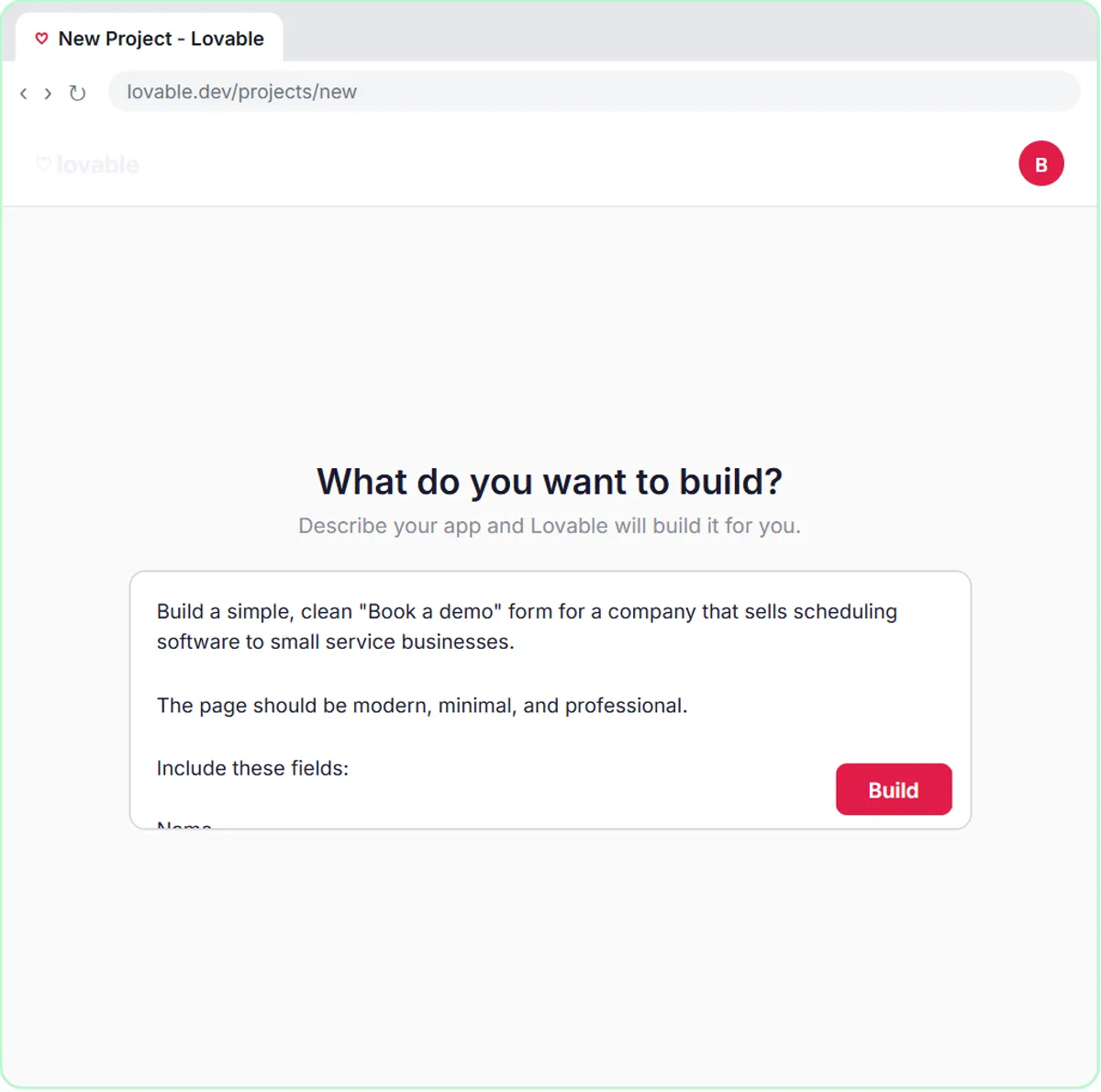
This guide is for sales, marketing and operations teams, and the office managers who end up owning the website's contact form. In the free AI Demo Request Form lesson, you build a "Book a demo" form in Lovable for a made-up software company and connect it to n8n. Prices are as listed on the vendors' pages as of October 2026.
How do they compare at a glance?
| Lovable | No-code form builder (for example Google Forms) | |
|---|---|---|
| What you get | A small web app built from a plain-English description, with a design you control | A form made from ready-made question types |
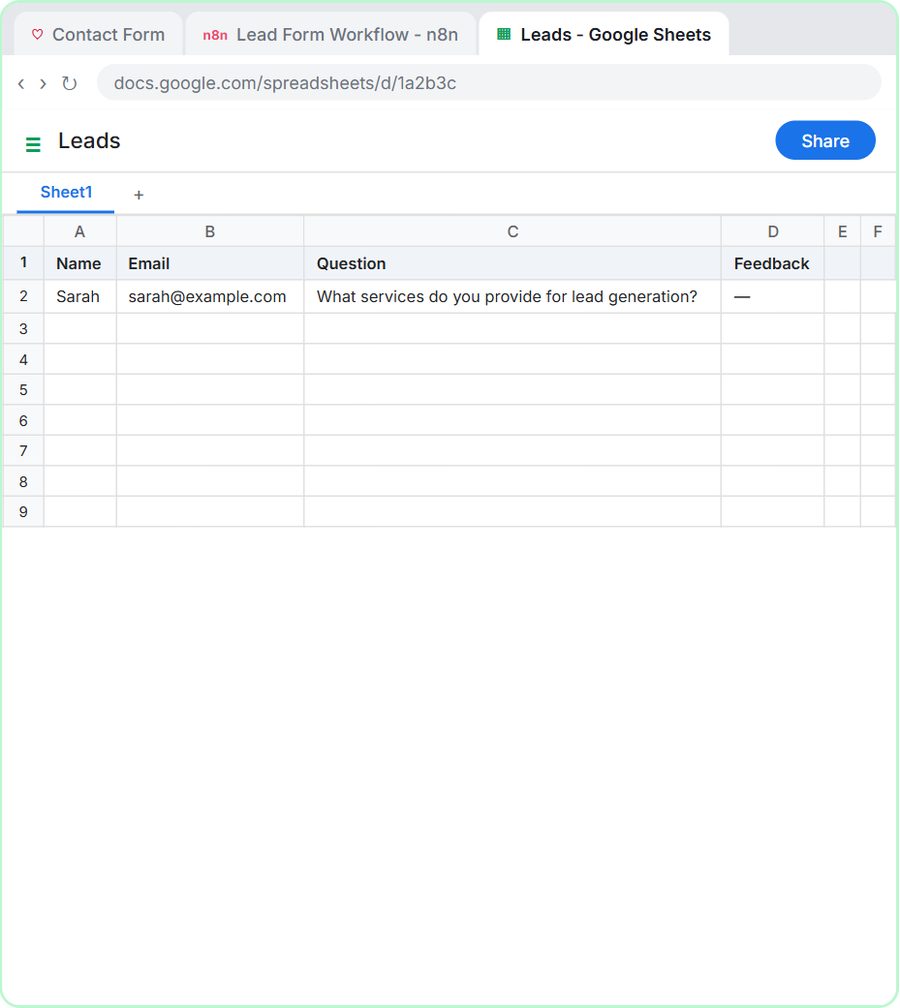
| Where entries go | Wherever you connect it; in the lessons, an n8n webhook that saves rows to Google Sheets | Google Forms can save responses to a Google Sheet |
| AI follow-up | Yes, by connecting it to an n8n AI agent, as in the lessons | Possible by connecting the form or its sheet to an automation tool |
| Custom web address | Custom domains on the Pro plan and up | Varies by form builder; check its pricing page |
| Cost | Free plan: 5 build credits a day, up to 30 a month; Pro from $25 a month for 100 credits ($21 a month billed annually) | Google Forms comes with a Google account; dedicated form builders have their own free and paid plans |
| Edit or download the code | Pro and Business plans | No code to edit |
| Free Stepthrough lesson | Yes, three versions | Coming |
Should I build my lead form in Lovable or a form builder?
Use a form builder when the form is internal, temporary or simple, like an event RSVP or a quick survey. Use Lovable when the form is a front door for new business: a "Book a demo" or "Get the free guide" page that should look like your brand and do something smart with each entry. In Lovable you describe the form in plain English and it builds the page; you then refine it by asking for changes.
How does a Lovable form connect to AI?
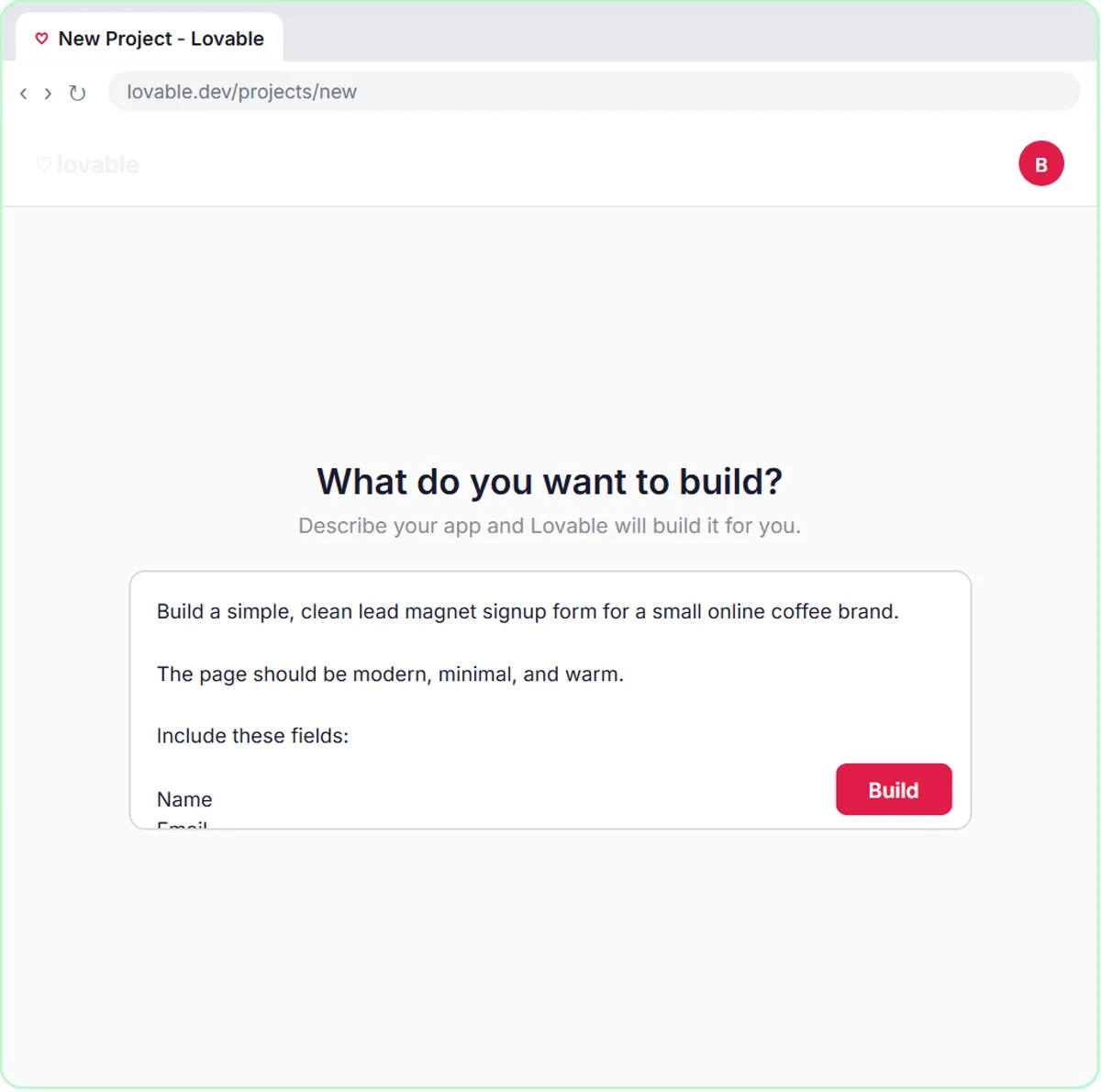
The form sends each entry to an n8n workflow, and the AI happens in n8n. In the free AI Demo Request Form lesson, a webhook trigger receives the request, an AI Agent rates the lead hot, warm or nurture, saves it to Google Sheets, emails the right next step through Gmail, and a Respond node confirms the submission to the form. The AI Lead Magnet Signup Form lesson does the same for a made-up coffee roaster's free guide, tagging each lead by interest.
This setup has three bills: Lovable, n8n and the AI model. The lessons use an OpenAI API key, which is billed per use and separately from ChatGPT plans.
Can a no-code form builder do lead scoring too?
Yes, with an automation tool in the middle. A form builder that saves responses to a sheet, or offers a webhook, can start an n8n, Zapier or Make workflow that sends each response to an AI model for a rating. The scoring logic is the same as in the Lovable lessons; only the front end changes. Check your form builder's documentation for which integrations its plan includes.
What does each option cost?
Lovable lists a free plan with a daily grant of 5 build credits, up to 30 a month, and a Pro plan from $25 a month for 100 credits, or $21 a month billed annually. Custom domains, removing the "Edit with Lovable" badge, and editing or downloading the code start on Pro. Google Forms comes with a Google account. Other dedicated form builders publish their own free and paid tiers, so compare their pricing pages for response limits and integrations.
Who is each one for?
Lovable
For sales and marketing teams who want a branded lead form or landing page that feeds an AI follow-up. Practice in the free lessons for sales, marketing and operations, or the original contact form build.
Google Forms and other form builders
For quick internal forms, surveys and sign-ups where the look matters less than speed, and for teams that only need entries in a spreadsheet. A free Stepthrough lesson on connecting a form builder to an automation is coming.
Which of these tools have a free Stepthrough lesson?
- Lovable: free lesson: Build an AI Demo Request Form That Qualifies Leads
- Google Forms and other form builders: a free Stepthrough lesson is coming.
Practice it free, step by step
Build an AI Demo Request Form That Qualifies Leads. Build a "Book a demo" form in Lovable for Northwind Scheduling Software and connect it to n8n — the AI agent rates each lead hot, warm or nurture, saves it to Google Sheets and emails the right next… You do every step yourself in a practice copy of Lovable and n8n, it checks your work as you go, and “Do it for me” finishes any step you get stuck on. Free, and nothing touches your real accounts.
Start the free lessonKey takeaways
- A no-code form builder such as Google Forms is the fastest way to collect entries into a spreadsheet.
- Lovable builds a branded form from a plain-English description, and it can send each entry to an n8n AI agent for lead scoring.
- As of October 2026, Lovable's free plan gives 5 build credits a day, up to 30 a month, and Pro starts at $25 a month for 100 credits.
- An AI-scored lead form has three costs: the form tool, the automation tool and the AI model.
Frequently asked questions
Do I need to code to build a form in Lovable?
No. You describe the form in plain English and Lovable builds it. The free Stepthrough lessons show the whole process, then connect the form to n8n.
Can Google Forms send responses to Google Sheets?
Yes. Google's help page says that when you create a form from Google Sheets, responses are saved in a new sheet, and you can choose where responses are stored in the form's settings.
Can I put a Lovable form on my own domain?
Yes, on a paid plan. Lovable's docs list custom domains on the Pro and Business plans, not on the free plan, as of October 2026.
Where do these prices and features come from?
Every price and feature on this page was checked against the vendor's own page, as of October 2026. No numbers here are estimates or third-party figures. The example businesses in the Stepthrough lessons are made up.