Lovable vs Bolt vs v0 for a simple internal app or lead form
Quick answer
For a non-developer building a simple internal request form or a lead form, Lovable is the gentlest start: you describe the app in plain English, it builds and hosts it, and it has a built-in backend for data and logins. Bolt is a close match with its own hosting and database, and suits people who want to open the code view or start from a Figma design. v0 by Vercel is the strongest pick if your company already uses Vercel or has a developer who will take the code further, since it builds React and Next.js apps and deploys them to Vercel.
Last updated
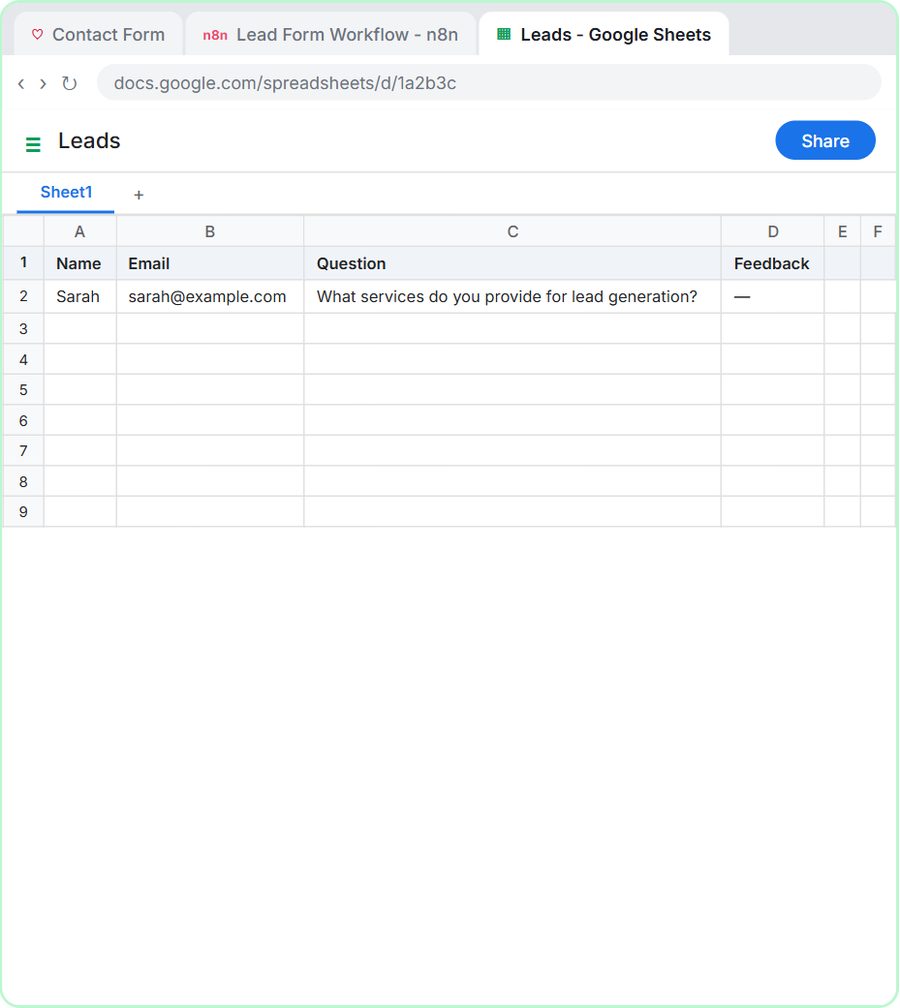
This guide is for office managers, operations staff, and sales and marketing teams who need a small web app without hiring a developer. Features are as listed on each vendor's docs as of October 2026. In the free Lovable + n8n lesson, you build a contact form in Lovable and connect it to an n8n AI workflow that saves each entry and sends a reply.
How do they compare at a glance?
| Lovable | Bolt (bolt.new) | v0 by Vercel | |
|---|---|---|---|
| Who makes it | Lovable | StackBlitz | Vercel |
| How you build | Describe it in chat; Plan mode and Chat mode let you discuss before code changes | Describe it in chat; Plan Mode, visual edits and a Code view | Describe it in chat; Design mode for visual edits and a code viewer |
| Built-in backend | Lovable Cloud: database, sign-in, file storage, edge functions and AI | Bolt Cloud: database, sign-in, file storage and server functions | One-click databases through the Vercel Marketplace, such as Neon, Supabase and Upstash |
| Hosting and web address | Publishes to a lovable.app address; custom domains on paid plans | Free bolt.host address; custom domains and private sites on paid plans | Deploys to Vercel with a vercel.app address; custom domains supported |
| Code access | Code editor, download, and Git sync with GitHub, GitLab or Bitbucket | Code view and GitHub sync | Code viewer and GitHub branches and pull requests |
| Compliance they publish | SOC 2 Type II, ISO 27001:2022 and GDPR with a DPA; not HIPAA | Check Bolt's help center | Enterprise plan adds SAML SSO and audit logs; Business and Enterprise can opt out of data training |
| Pricing | Credit based; see Lovable pricing | Token based; see Bolt pricing | Credit based; see v0 pricing |
| Free Stepthrough lesson | Yes, several | Coming | Coming |
What is the difference between Lovable, Bolt and v0?
All three are AI app builders: you type what you want, the AI writes the code, and you see a live preview you can keep changing by asking. This style of building is often called vibe coding. The differences are in what comes bundled. Lovable and Bolt both host your app and include their own backend (Lovable Cloud and Bolt Cloud), so a form can save entries and users can sign in without you setting up another service. v0 builds React and Next.js apps and deploys them to Vercel, and connects databases through the Vercel Marketplace.
If frontend vs backend is new to you: the frontend is the page people see and click, and the backend is where entries are stored and logic runs. For a lead form, you need both, or a frontend that sends each entry to a tool like n8n, which is what the Stepthrough lessons do.
Which one is easiest if I have never built an app?
Lovable is the most beginner-friendly of the three for a first form, because publishing, the backend and secrets all live in one place. Bolt is close behind: its quickstart says no code is required, it publishes to a free bolt.host address, and its Plan Mode lets you talk through an idea before Bolt changes anything. v0 is just as easy to start a page in, but its docs and settings assume more comfort with things like Vercel projects, GitHub branches and environment variables.
Whichever you choose, the prompt matters more than the tool. A good first prompt names the fields, which are required, the heading, what the button says while sending, the success and error messages, and that it should work on a phone. The web form builder prompt walks you through those parts.
How would I build an internal request form with each one?
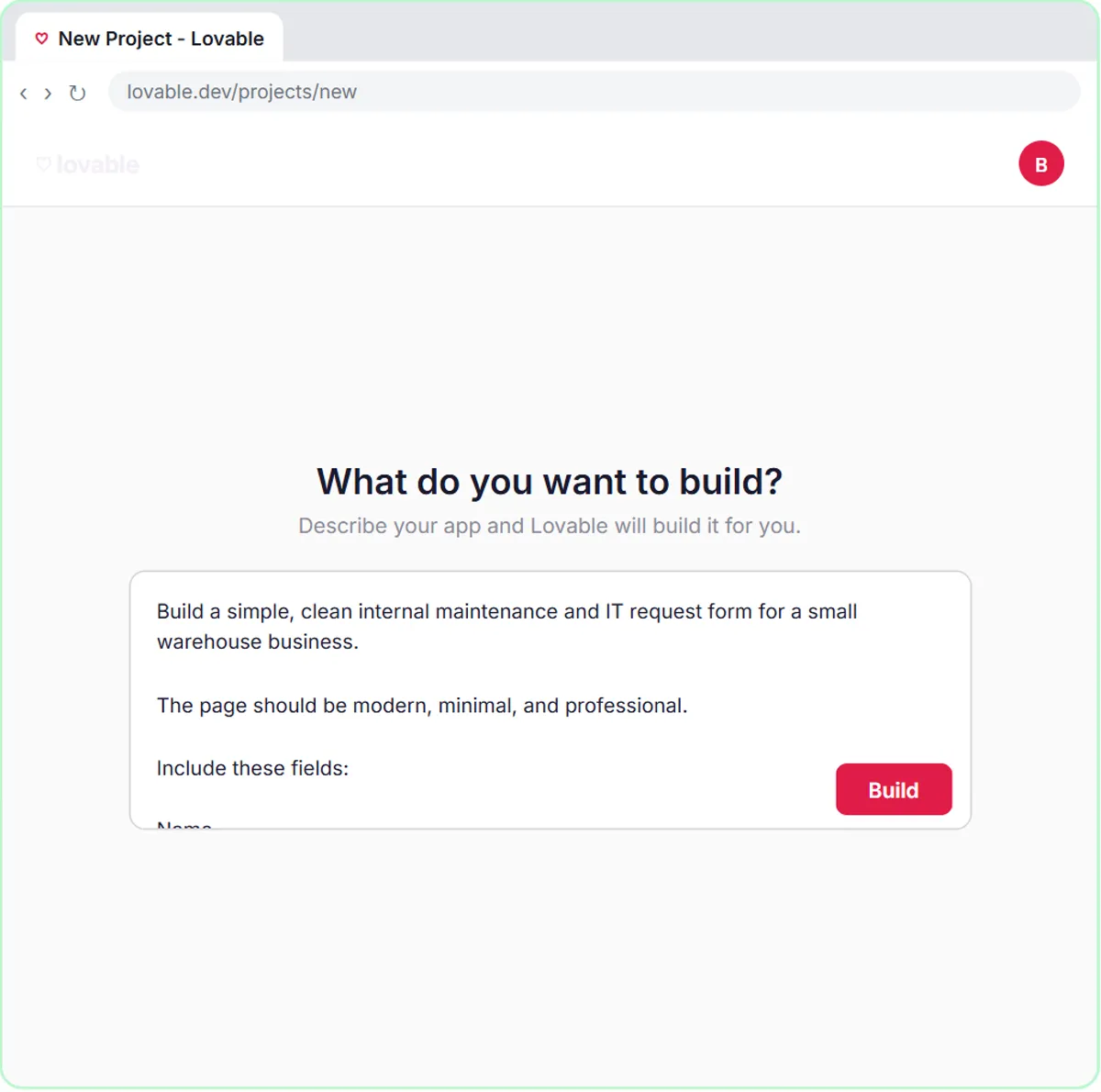
In the free AI Maintenance & IT Request Form lesson, you build a "Report a Problem" form in Lovable for Ridgeline Supply Co., a made-up warehouse business, with fields for name, email, what needs fixing and location. The form sends each request to an n8n webhook whose address is stored as a secret called N8N_WEBHOOK_URL rather than pasted into the code. In n8n, an AI agent sets the priority, assigns a team, saves the request to Google Sheets and emails a confirmation.
The same pattern works in Bolt or v0: ask for the form, tell it to send the entries as JSON to a webhook address kept in a secret or environment variable, and build the AI step in n8n. You could also skip n8n and save entries in the tool's own database, but then any AI follow-up has to be built inside the app.
Which one is best for a lead form that feeds sales?
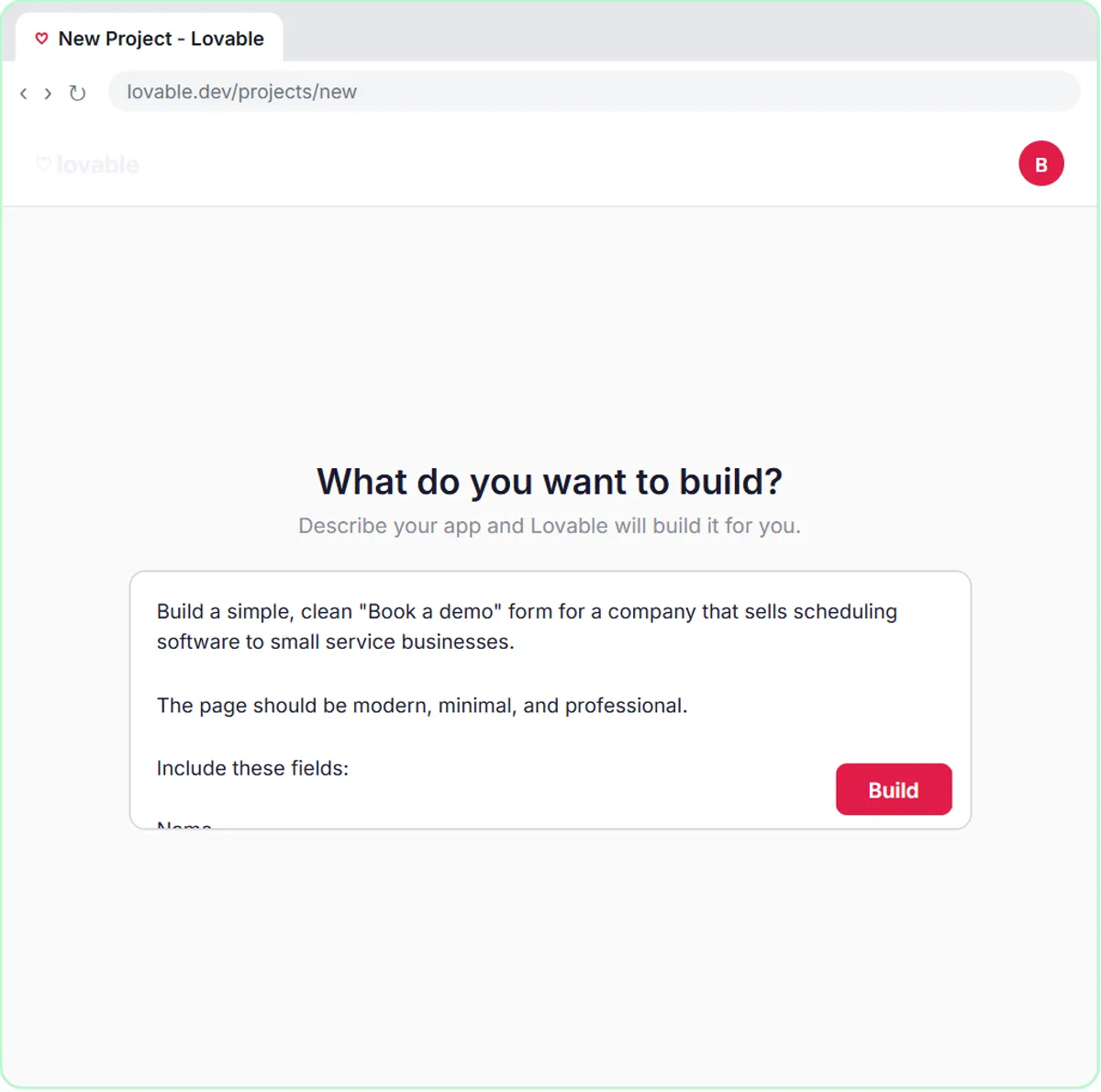
Any of the three can build a branded lead form; the useful part is what happens after someone submits it. In the free AI Demo Request Form lesson, a Lovable "Book a demo" form for Northwind Scheduling Software, a made-up software company, sends each request to n8n, where an AI agent rates the lead hot, warm or nurture, saves it to Google Sheets and emails the right next step. If your marketing site already runs on Vercel, building the form in v0 keeps it next to the rest of the site. Put any public form on a custom web address your visitors recognize.
What should I check before putting a work app online?
First, who can see it. An internal tool should not be a public page anyone can find. Bolt lets paid plans publish private sites, Lovable and v0 have their own visibility and sharing settings, and Lovable Cloud and Bolt Cloud both include user sign-in. Second, secrets: API keys and webhook addresses belong in the tool's secrets or environment variables, never in the page code. Third, run the built-in checks. Lovable runs security scans on your project, Bolt has a security check before you publish, and v0's docs say it analyzes generated code and warns about environment variables exposed to the browser.
For client data, read the vendor's security page and your company's AI policy. As of October 2026, Lovable's enterprise docs list SOC 2 Type II, ISO 27001:2022 and GDPR with a data processing agreement, and say Lovable is not HIPAA compliant. v0 lists SAML single sign-on and audit logs on Enterprise, and a data-training opt-out on Business and Enterprise.
What does each one cost?
All three have a free way to try them and paid plans that add usage and features, and they count usage differently: Lovable and v0 use credits, and Bolt uses tokens. Pricing varies by plan and changes often, so check each official page before you pick: Lovable pricing, Bolt pricing and v0 pricing. Remember the other bills too: if your form feeds n8n and an AI model, those are billed separately.
Who is each one for?
Lovable
For non-developers in operations, sales and marketing who want a form or small internal app built, hosted and connected in one place. Start with the free Lovable + n8n lesson, then try the operations and sales versions.
Bolt (bolt.new)
For people who want built-in hosting and a database plus easy access to the code view, or who start from a Figma design or want a mobile app through Expo. It works best in Chrome and other Chromium browsers. A free Stepthrough lesson is coming.
v0 by Vercel
For teams that already use Vercel or GitHub, or have a developer who will keep working on the code, and want a React and Next.js app from the start. A free Stepthrough lesson is coming.
Which of these tools have a free Stepthrough lesson?
- Lovable: free lesson: Lovable + n8n: Build a Web App with an AI Backend
- Bolt (bolt.new): a free Stepthrough lesson is coming.
- v0 by Vercel: a free Stepthrough lesson is coming.
Practice it free, step by step
Lovable + n8n: Build a Web App with an AI Backend. Build a contact form in Lovable and connect it to an n8n workflow — webhook trigger, AI Agent, Google Sheets, Gmail, and a Respond node that ties it all together. You do every step yourself in a practice copy of Lovable and n8n, it checks your work as you go, and “Do it for me” finishes any step you get stuck on. Free, and nothing touches your real accounts.
Start the free lessonKey takeaways
- Lovable, Bolt and v0 all build a working web app from a plain-English description, with a live preview you refine by asking.
- Lovable and Bolt bundle hosting and a backend; v0 deploys to Vercel and adds databases through the Vercel Marketplace.
- For a first internal form or lead form, Lovable is the gentlest start, and it is the one with free Stepthrough lessons as of October 2026.
- Keep webhook addresses and API keys in secrets or environment variables, and keep internal tools private or behind a sign-in.
- Pricing varies by plan and usage, so check each vendor's pricing page and remember the separate n8n and AI model bills.
Frequently asked questions
Do I need to know how to code to use Lovable, Bolt or v0?
No. All three build from a written description. Knowing a few ideas, like the difference between the page and the backend, and where secrets go, helps you write better prompts and fix problems faster.
Can I move a project from one tool to another?
Sometimes. Lovable and v0 sync with GitHub, Bolt can connect a GitHub repository, and Bolt's help center has a guide for importing a project from Lovable. Expect some cleanup after any move.
Can these tools send form entries to n8n?
Yes. Ask the tool to send each entry as a POST request to your n8n webhook address, stored as a secret. The free Lovable + n8n lessons show the whole setup with Lovable.
Which one is safest for client data?
It depends on your plan and settings more than the brand. Read each vendor's security docs, keep apps private or behind a sign-in, and do not put health or other restricted data into Lovable, which says it is not HIPAA compliant.
Where do these prices and features come from?
Every price and feature on this page was checked against the vendor's own page, as of October 2026. No numbers here are estimates or third-party figures. The example businesses in the Stepthrough lessons are made up.
- Lovable docs: Welcome
- Lovable docs: Lovable Cloud
- Lovable docs: Custom domains
- Lovable docs: Lovable for Enterprise
- Lovable docs: Security overview
- Lovable pricing
- Bolt help center
- Bolt help: Publish your project
- Bolt help: What is Bolt Cloud?
- Bolt help: Supported technologies
- Bolt pricing
- v0 docs: What is v0?
- v0 docs: Deployments
- v0 docs: Databases
- v0 docs: Security
- v0 docs: Pricing
- v0 pricing