Lovable is a tool that builds web apps from a written description: you describe the page you want, click Build, and Lovable writes the code and gives you a working app to preview. This guide is for business owners and office staff who need a simple web form or page without hiring a developer, and you can try it free in a practice copy in the Build a Web App with an AI Backend lesson.
Lovable handles what visitors see. In the Stepthrough lessons, n8n handles what happens after someone clicks Submit. Knowing which half does what makes both tools easier to understand.
What is Lovable?
Lovable is an AI app builder: you type what you want in plain English, and it generates a web app from that prompt. You don't write code. You describe the page, its fields, its heading and how it should behave, and Lovable builds it.
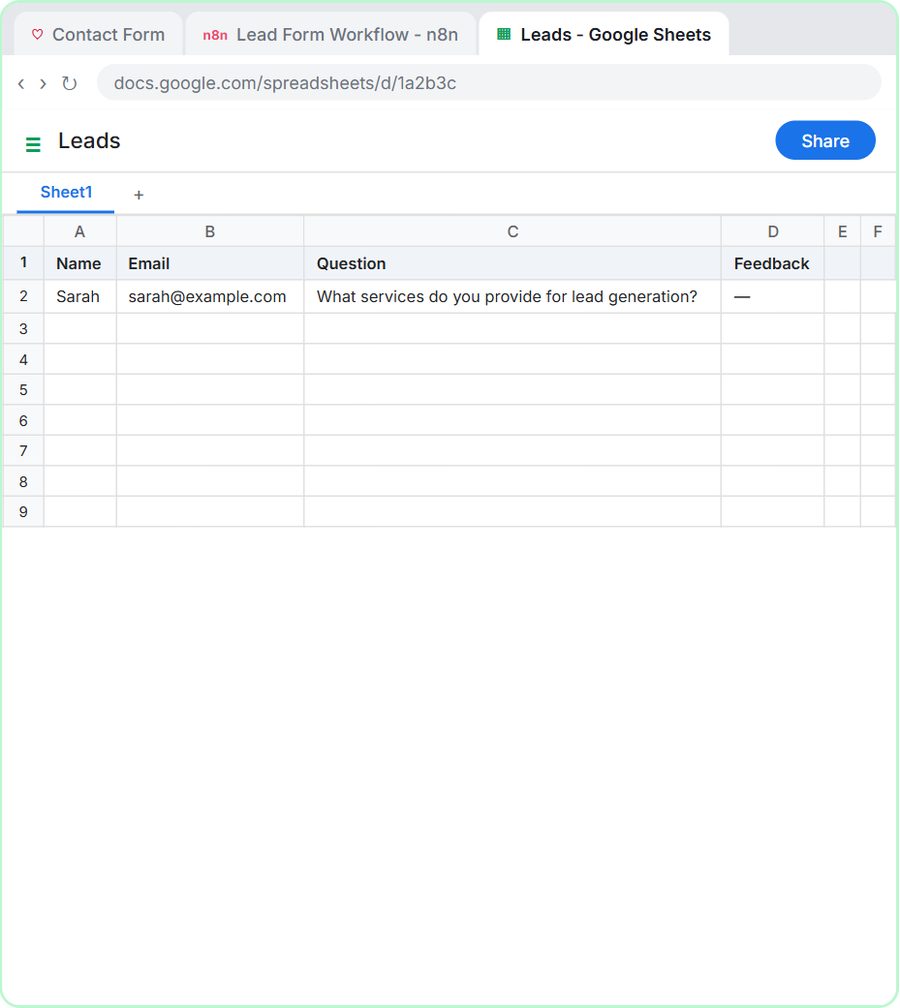
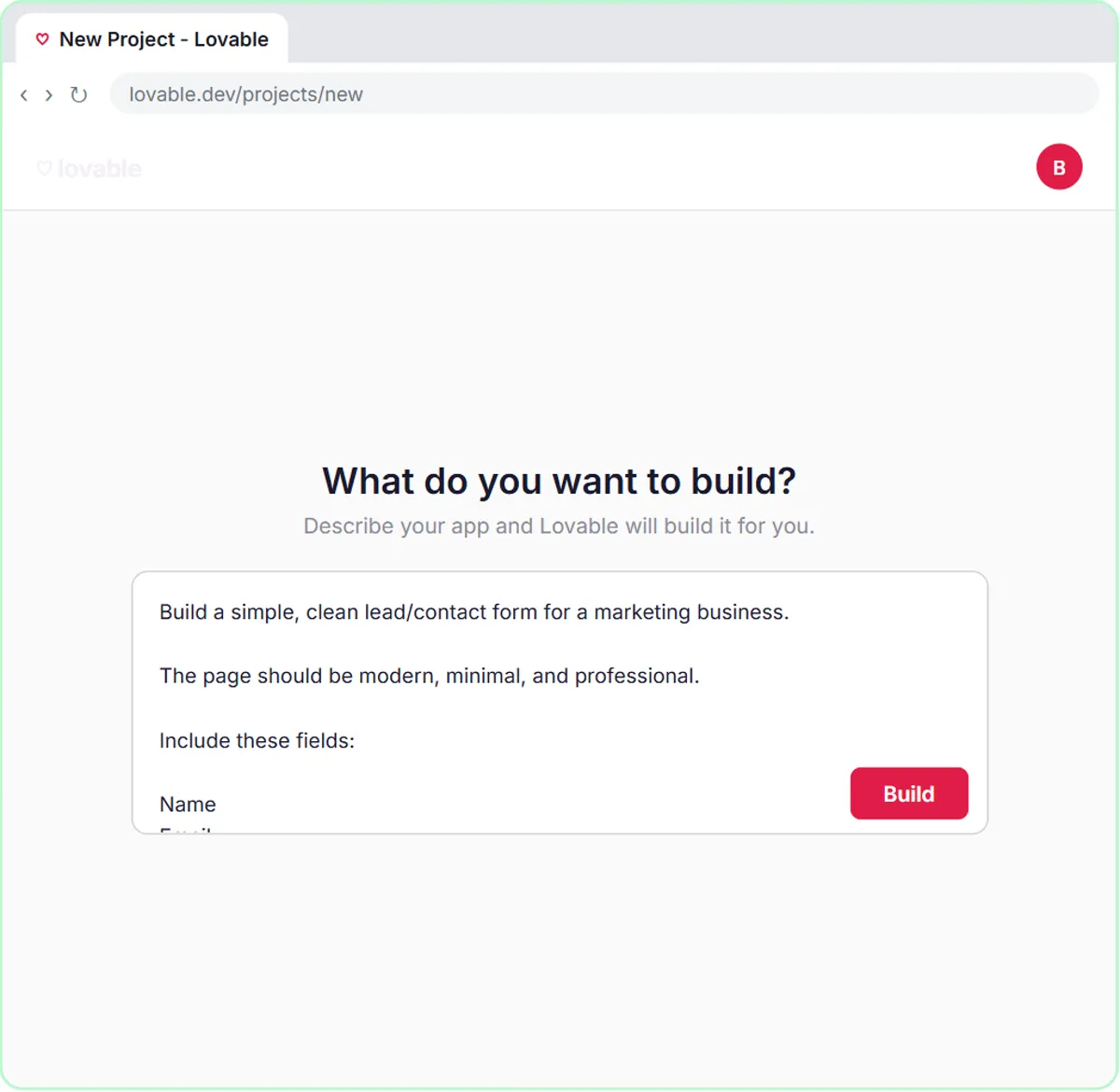
In the lesson, the prompt opens with "Build a simple, clean lead/contact form for a marketing business" and goes on to list the fields (Name, Email, Question, Feedback), a heading ("Have a Question?"), a supporting line, and what the button and messages should do. A few seconds after you click Build, you have a working contact form.
How do you build something in Lovable?
You start a project from a prompt, build it, preview it and then publish it so visitors can reach it. The steps in the lesson:
- Click Get started for free to create an account.
- On the dashboard, click Start with a prompt.
- Paste or type your description of the app.
- Click Build. Lovable generates the app.
- Click Preview in the toolbar to try it.
- Publish it when it's ready. Until then, it's only a preview.
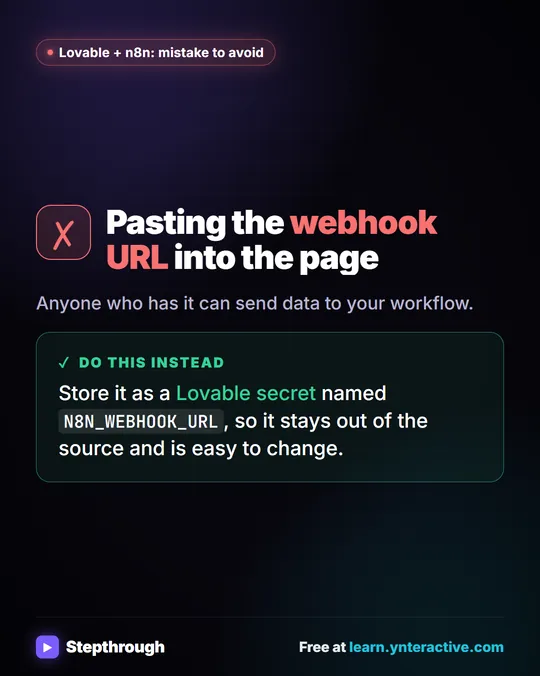
Settings such as secrets live under More in the toolbar. A secret is a value the app needs but that shouldn't sit in the page code, like the address of the n8n workflow the form sends to.
What goes into a good Lovable prompt?
A good Lovable prompt says what the page is for, lists the exact fields, gives the heading and messages word for word, and says what to leave out. The lessons' prompts all follow the same outline:
- Purpose and look: "a simple, clean service request form for a residential heating and air conditioning company", "modern, minimal, and professional".
- Fields: listed one per line.
- Heading and supporting line: the exact words.
- Submission states: "Sending..." while it works, a success message, and a friendly error.
- Validation: which fields are required, and "Validate the email format."
- Limits: "Do not add unnecessary sections, navigation, pricing, testimonials, or other marketing content."
That last line matters. Without it, an AI app builder may add sections you didn't ask for. Spelling out the messages also means you're not surprised by the wording customers see.
What is Lovable good for?
Lovable is a good fit for simple, single-purpose pages: request forms, signup forms and small internal tools. Every Lovable lesson on Stepthrough builds a form, each for a made-up business:
| Form | Heading | Business (made up) |
|---|---|---|
| Contact form | Have a Question? | A marketing business |
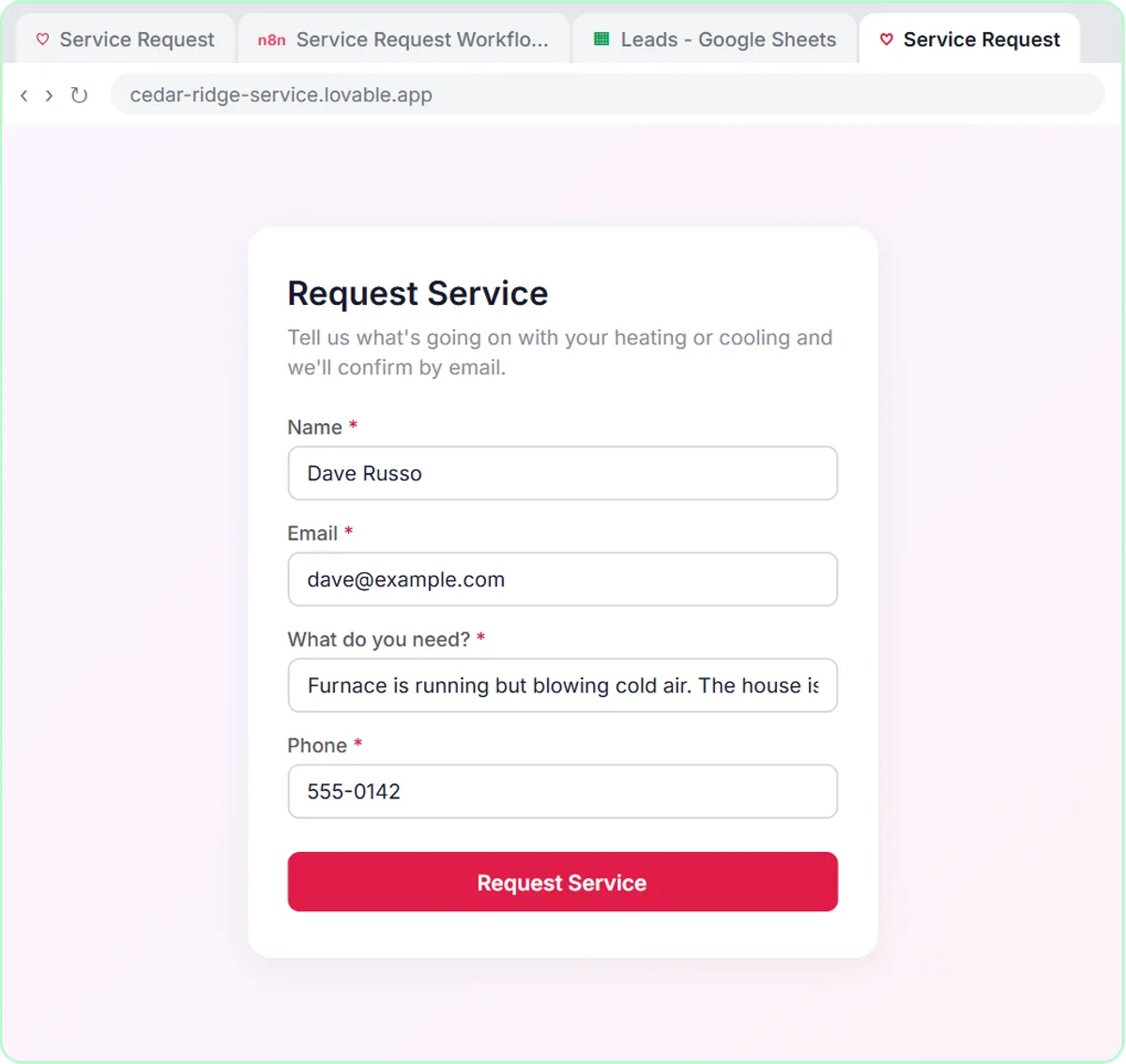
| Service request | Request Service | Cedar Ridge Heating & Air |
| Emergency request | Need a Plumber? | Blue Maple Plumbing |
| Quote request | Request a Free Quote | Oak & Wire Electric |
| Demo request | Book a Demo | Northwind Scheduling Software |
| Guide signup | Get the Free Guide | Harbor & Pine Coffee Roasters |
| Expense reimbursement | Expense Reimbursement Request | Maple Street Bookkeeping |
| Internal maintenance and IT request | Report a Problem | Ridgeline Supply Co. |
Each one has four fields and one job. That's the sweet spot for a beginner: a page you can describe completely in one prompt and check in a few minutes.
Try it free, step by step
Lovable + n8n: Build a Web App with an AI Backend. Build a contact form in Lovable and connect it to an n8n workflow — webhook trigger, AI Agent, Google Sheets, Gmail, and a Respond node that ties it all together. You do every step yourself in a practice copy of Lovable and n8n, it checks your work as you go, and “Do it for me” finishes any step you get stuck on. Free, and nothing touches your real accounts.
Start the free lessonWhat does n8n do in a Lovable and n8n build?
Lovable builds the form people fill in, and n8n does the work after they submit it: saving the request, sorting it with AI and emailing the person back. The form sends its data to an n8n webhook, which is a URL that waits for incoming data.
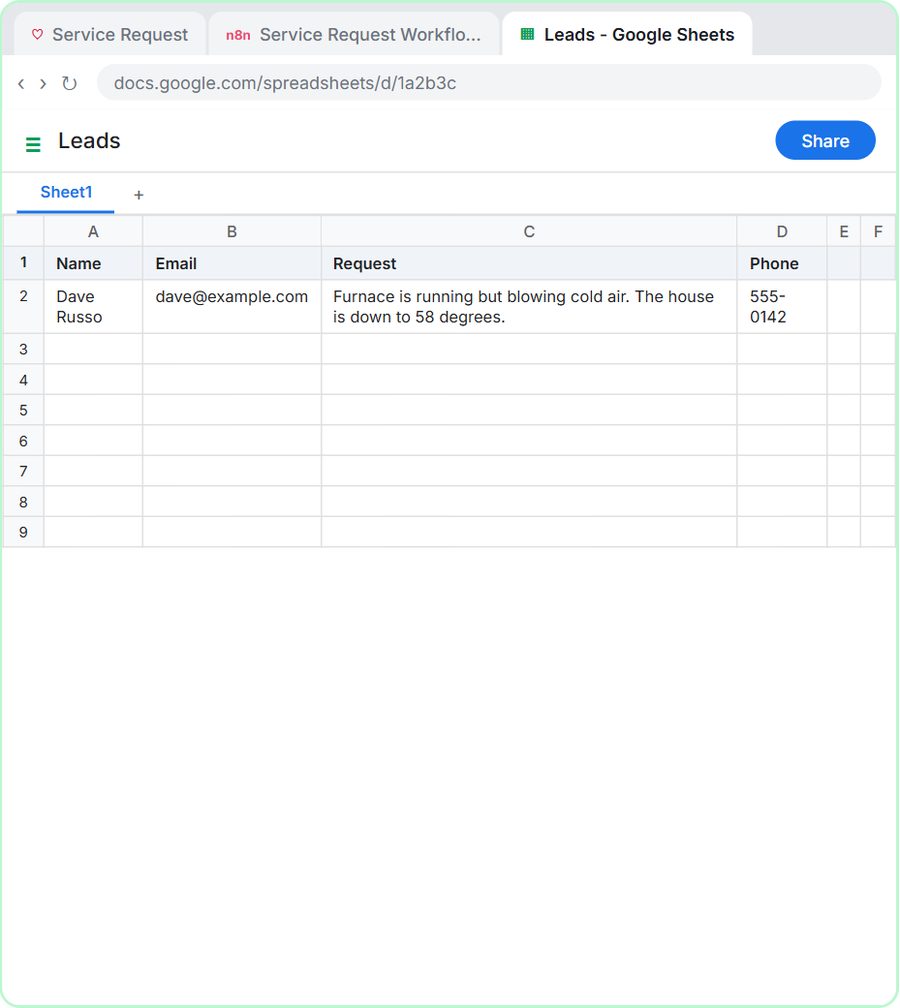
In the AI Service Request Form lesson for Cedar Ridge Heating & Air, the n8n side has an On webhook call trigger, an AI Agent with the OpenAI Chat Model, a Google Sheets Tool, a Gmail Tool and a Respond to Webhook node. The agent sorts each request into Repair, Maintenance, Install or Emergency, saves it to a sheet and emails the homeowner a confirmation that names the job type.
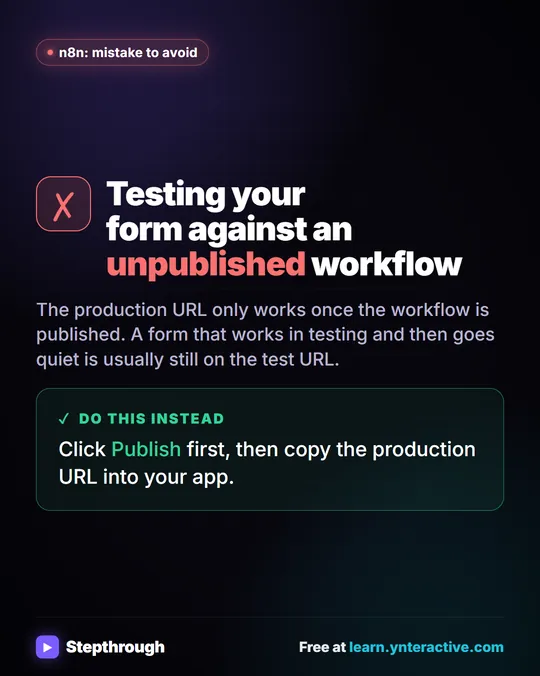
The connection between the two is one value: the n8n webhook's Production URL, saved in Lovable as a secret named N8N_WEBHOOK_URL. Connect a Lovable Form to n8n with a Webhook walks through the wiring step by step.
Do you need n8n to use Lovable?
No. Lovable builds apps on its own, and many pages don't need anything behind them. You need something like n8n when a submission should trigger work: logging it, sorting it, emailing a reply or alerting your team.
If you only want a booking form that adds a row to a sheet and sends a confirmation, an n8n template with its own built-in form can do that without Lovable. How to Use n8n Templates shows one. Lovable is the better choice when the form is customer-facing and its look and wording matter.
How much does Lovable cost?
Lovable has free and paid plans; check its pricing page for current limits and prices. The Stepthrough lessons are free and run in a practice copy, so nothing is built, published or billed while you learn.
A full Lovable and n8n build has other costs too: n8n Cloud is paid after a free trial (or you can self-host n8n), and the AI agent runs on an OpenAI API key, which is pay-as-you-go and billed separately from ChatGPT plans. The lessons suggest $10 of credit to start. The Lovable tool page lists the Lovable lessons.
Key takeaways
- Lovable is an AI app builder that creates a working web app from a written prompt, with no coding.
- A Lovable project starts with Start with a prompt and Build; Preview shows the app, and it needs publishing before visitors can reach it.
- Good Lovable prompts list the exact fields, heading, messages and validation, and say what not to add.
- In a Lovable and n8n build, Lovable makes the form and n8n handles each submission with a webhook, an AI agent, Google Sheets and Gmail.
- Lovable has free and paid plans; the full build adds n8n and pay-as-you-go OpenAI API costs.
Frequently asked questions
- Is Lovable free?
Lovable has a free plan and paid plans. The Stepthrough Lovable lessons are free and use a practice copy, so you can learn before signing up.
- Do I need to code to use Lovable?
No. You describe the app in plain English and Lovable writes the code. The lessons paste a ready-made prompt, so you can see what a complete description looks like.
- What is the difference between Lovable and n8n?
Lovable builds the web page people use. n8n runs the automation behind it, such as saving each submission to Google Sheets and emailing a reply.
- Where do I put the n8n webhook URL in Lovable?
Add it as a secret named N8N_WEBHOOK_URL under More in the Lovable toolbar, not in the page code. The lessons' prompts tell Lovable to read that secret.