This guide is for marketers, office staff and owners who want to understand the words developers use, and how the pieces of a no-code build fit together.
What is the frontend?
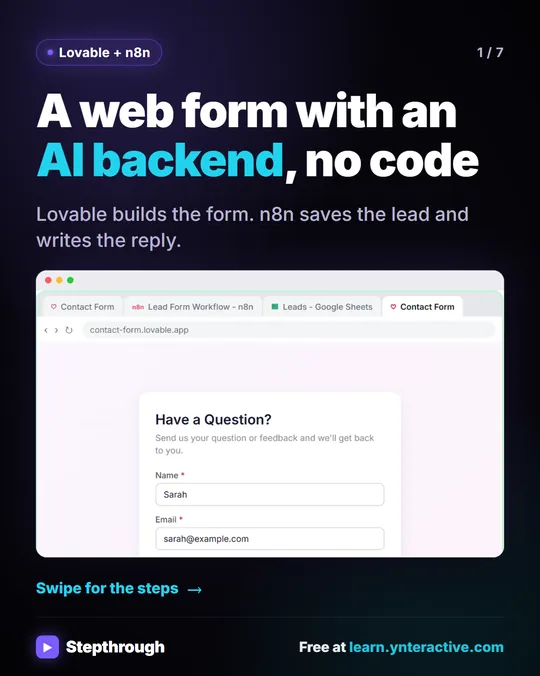
The frontend is everything a visitor interacts with: the page, the fields, the button, the messages that appear. The glossary entry on frontend vs backend uses a form in a browser as the example, which is exactly what the Lovable lessons build.
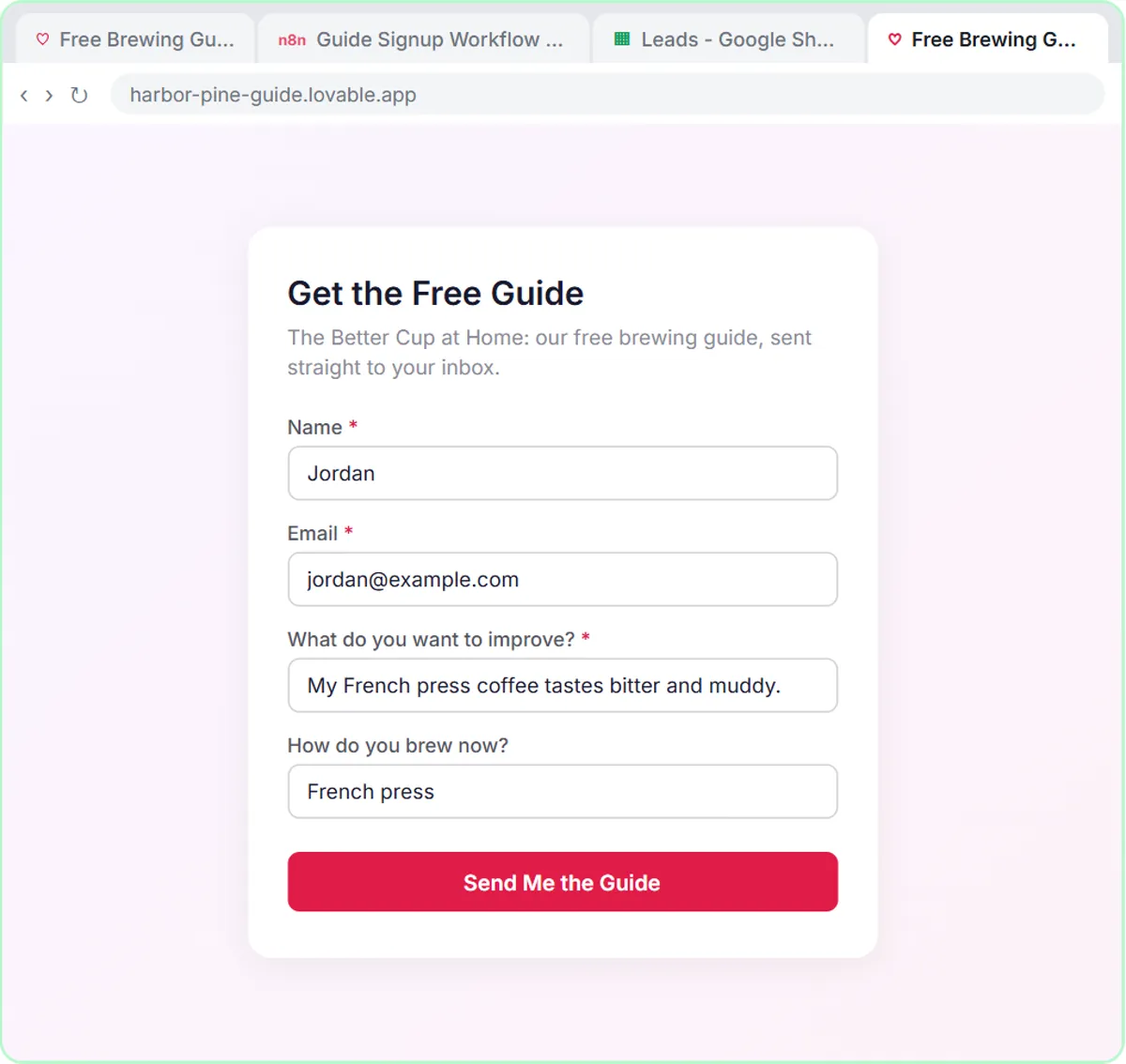
In AI Lead Magnet Signup Form, the frontend is a "Get the free guide" page for a made-up coffee brand, Harbor & Pine Coffee Roasters. It asks four questions: Name, Email, What do you want to improve? and How do you brew now? The frontend's jobs:
- Show the fields and labels.
- Check the input before sending, such as a valid email format.
- Show what's happening: a Sending... button, then a success or error message.
- Send the answers to the backend.
What is the backend?
The backend is the part that does the work after someone clicks submit. Visitors never see it. In the lessons, the backend is an n8n workflow:
- On webhook call receives the form data.
- An AI Agent reads it and follows its system message.
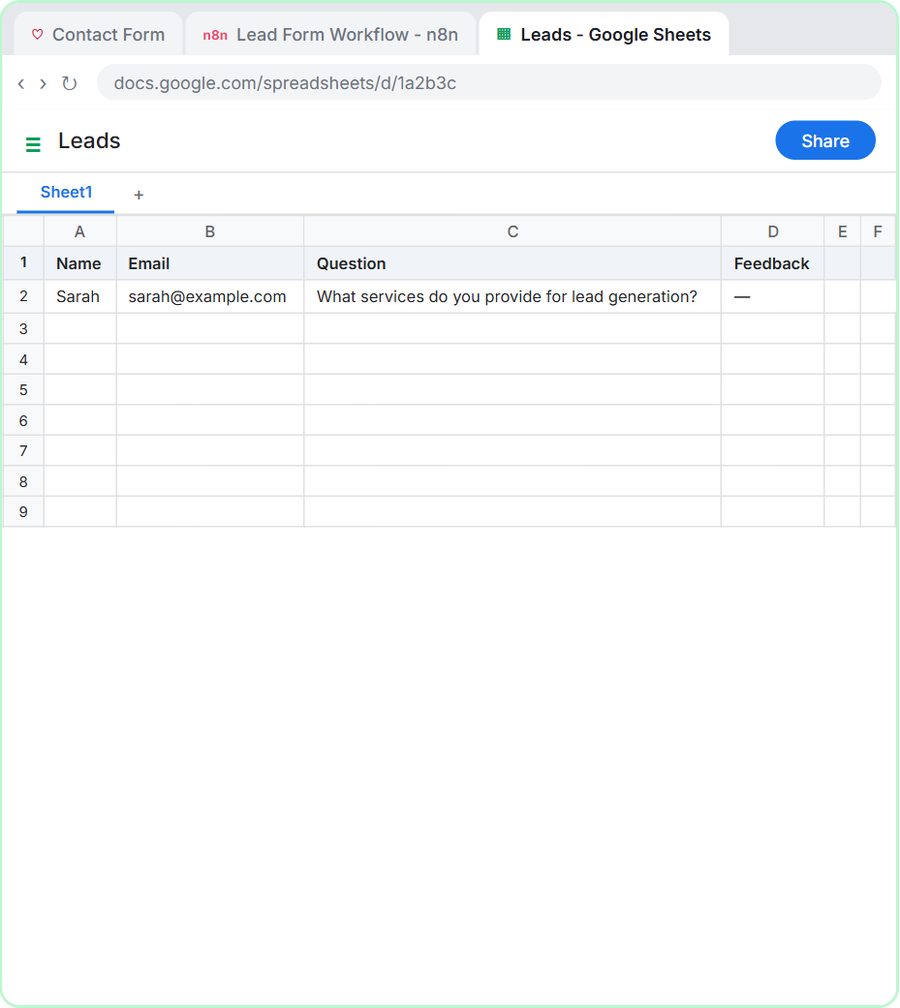
- A Google Sheets Tool saves the lead.
- A Gmail Tool sends the email.
- Respond to Webhook tells the frontend it worked.
In the marketing lesson, the agent's system message tags each lead with one segment, New to Brewing, French Press & Pour-Over, Espresso at Home or Gift Buyer, and emails "a short, warm welcome with a link to The Better Cup at Home guide, plus one tip that fits their segment. No discounts and no health claims." All of that happens in the backend.
Try it free, step by step
Lovable + n8n: Build a Web App with an AI Backend. Build a contact form in Lovable and connect it to an n8n workflow — webhook trigger, AI Agent, Google Sheets, Gmail, and a Respond node that ties it all together. You do every step yourself in a practice copy of Lovable and n8n, it checks your work as you go, and “Do it for me” finishes any step you get stuck on. Free, and nothing touches your real accounts.
Start the free lessonHow do the frontend and backend talk to each other?
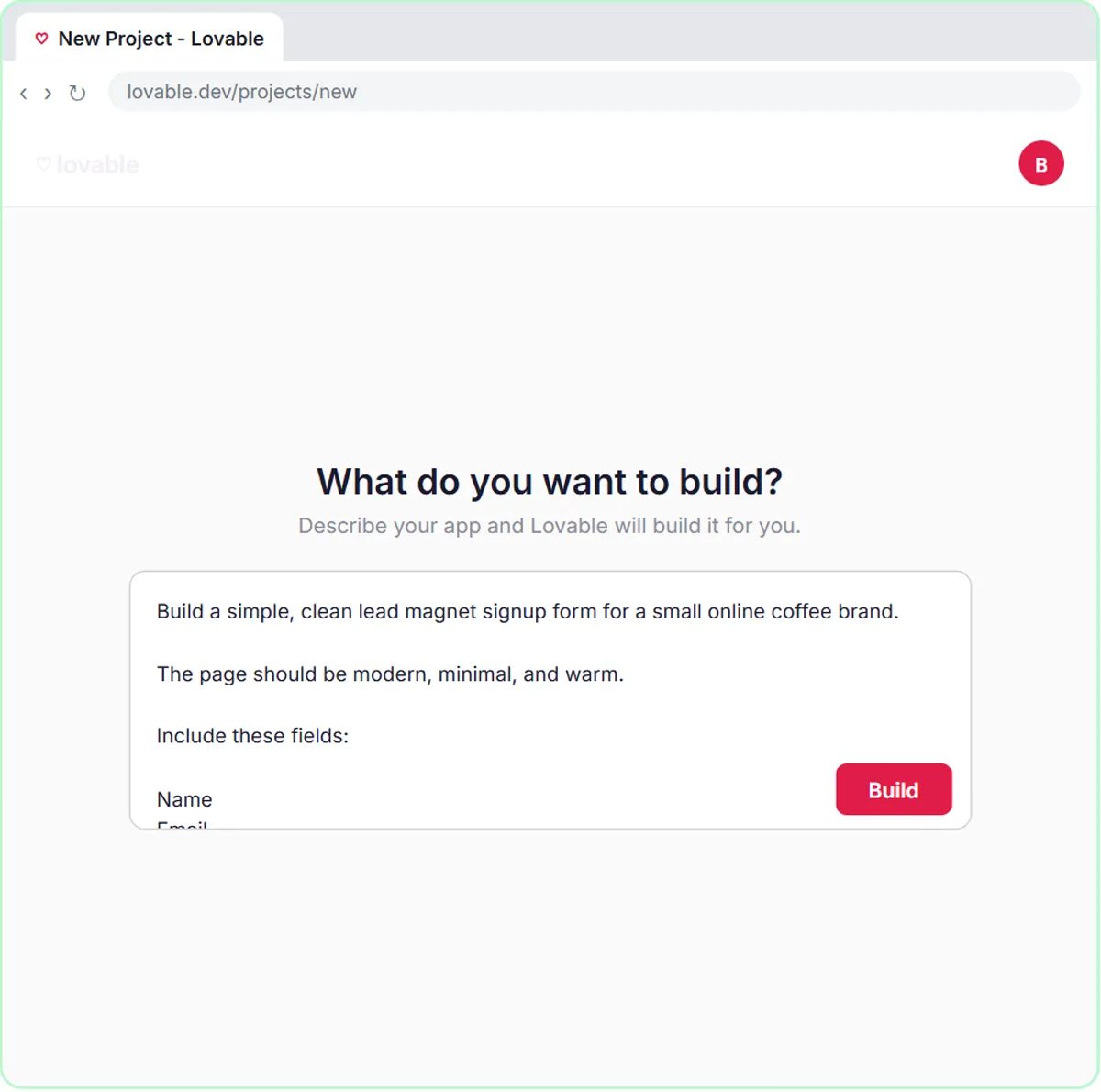
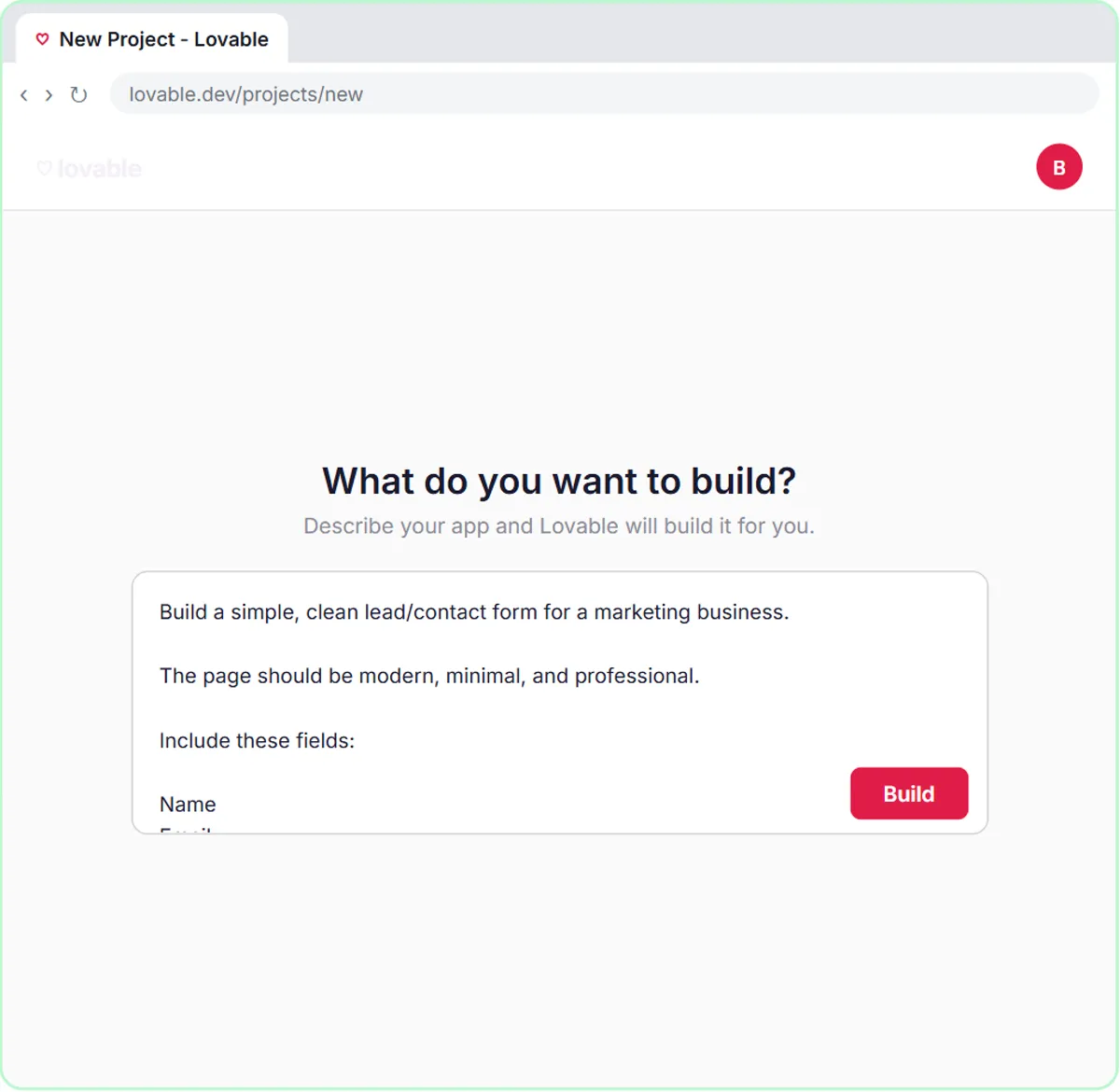
The frontend sends a request to an address the backend listens on. In the lessons, that address is an n8n webhook URL, and the data travels as JSON, a simple text format of named values. The Lovable prompt spells out the names: "The data should be sent as JSON with keys: name, email, interest, brewMethod."
On the n8n side, the AI Agent's prompt template pulls those same names back out:
Name: {{ $json.body.name }}
Email: {{ $json.body.email }}
Interest: {{ $json.body.interest }}
Brew Method: {{ $json.body.brewMethod }}
The keys must match on both sides. If the frontend sends brewMethod and the backend looks for brew_method, that field arrives empty. What Is JSON in n8n? explains the format, and Connect a Lovable Form to n8n with a Webhook walks through the connection.
Why does the backend answer the frontend?
So the visitor sees an honest message. The webhook is set to respond Using 'Respond to Webhook' Node, which makes the form wait until the workflow finishes. Then the frontend shows the success message from the prompt, or, if the request fails, the friendly error: "Something went wrong. Please try again."
Without that reply, a form can say "Thanks!" even when nothing was saved. The frontend only knows what the backend tells it.
Where do secrets live, frontend or backend?
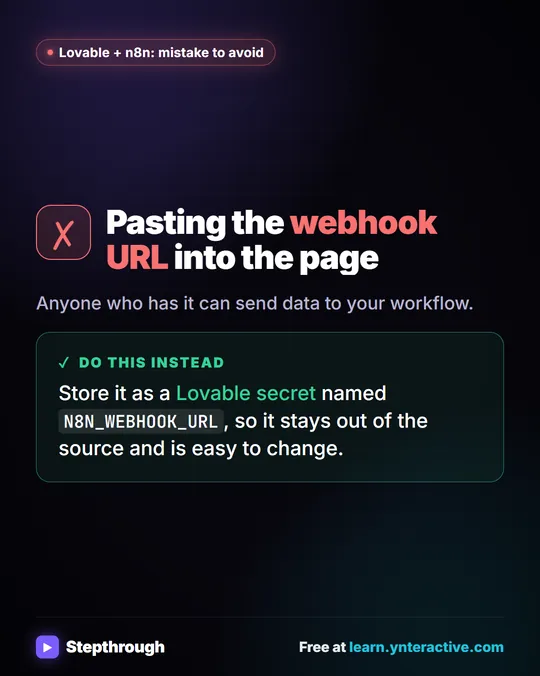
Out of the frontend's code. Anything in the frontend can, in principle, be seen by visitors, so private values belong in settings, not in the page. The lesson's Lovable prompt says "Do not hard-code any webhook URL" and points to a secret named N8N_WEBHOOK_URL, added in Lovable under More in project settings. The glossary entry on environment variables explains the idea: named settings stored outside the code and read when the app runs.
API keys, like the OpenAI key the agent uses, live in the backend as n8n credentials. The form never sees them.
Which part should handle the rules?
The backend, almost always. The frontend can check simple things, like a required field or an email format. Business rules, such as which segment a lead belongs to, which team gets a request or what the reply should say, belong in the backend, where you can change them without rebuilding the page and where visitors can't skip them.
That's why the lessons keep the Lovable prompt focused on fields, wording and validation, and put the thinking in the AI Agent's system message. To change how leads are tagged, you edit one system message in n8n.
Do I need to know code to build both?
No. In the lessons, the frontend comes from a prompt and the backend from clicking nodes. What you do need is the vocabulary, so you know which part to change when something's wrong:
| Problem | Usually the |
|---|---|
| A field is missing or worded badly | Frontend (edit the Lovable prompt) |
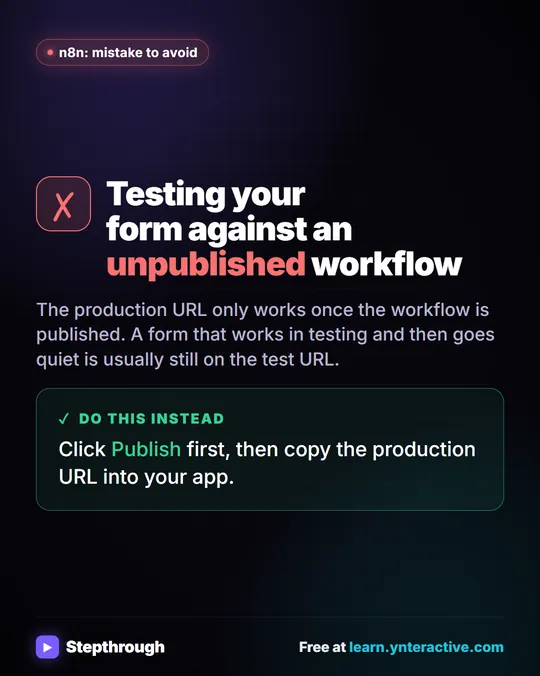
| The form says it failed | Connection (check the webhook URL secret and that the workflow is published) |
| The email says the wrong thing | Backend (edit the system message) |
| A field arrives empty | Both (check the JSON key names match) |
What Is Vibe Coding? covers building the frontend by prompt, and the Lovable tool page lists every Lovable lesson. Lovable and n8n Cloud both have paid plans, and the AI step uses OpenAI API credit, which is pay-as-you-go.
Key takeaways
- The frontend is what visitors see and click, such as a form; the backend receives the data and does the work out of sight.
- In the lessons, Lovable builds the frontend from a prompt and an n8n workflow is the backend.
- The frontend sends data to the backend's webhook URL as JSON, and the key names must match on both sides.
- A Respond to Webhook node lets the backend tell the frontend whether it worked, so the success message is honest.
- Keep secrets like the webhook URL in Lovable's project settings and API keys in n8n credentials, never in the page's code.
Frequently asked questions
- Is a Lovable app frontend or backend?
In the lessons, the Lovable form is the frontend and n8n is the backend. Lovable can do more, but the lessons use it for the page people see.
- What is the backend of a form?
Whatever receives the submission and acts on it. In the lessons, an n8n workflow saves the entry to Google Sheets and sends an email through Gmail.
- Why is my form field empty in n8n?
The key name sent by the form probably doesn't match the one the workflow reads. Check the JSON keys in the Lovable prompt against the n8n expressions.
- Should validation happen in the frontend or backend?
Simple checks, like a required field or email format, can happen in the frontend for a better experience. Business rules belong in the backend.