What is JSON, in plain words?
JSON is a list of keys and values: the key is the label, the value is the data. A contact form submission written as JSON looks like this (the values are made up):
{
  "name": "Sarah",
  "email": "sarah@example.com",
  "question": "Do you help with lead generation?",
  "feedback": ""
}
Curly braces hold one record. Each line is a key in quotes, a colon and a value. Commas separate the pairs. That's most of what you'll see in n8n.
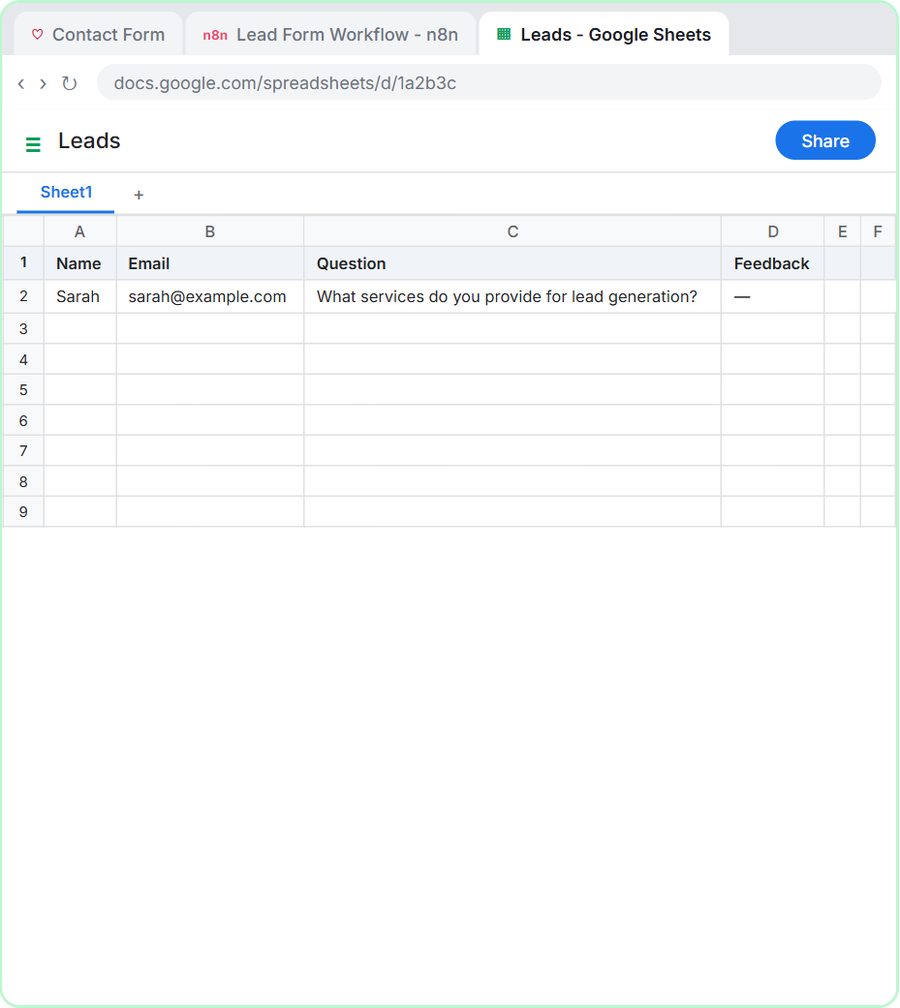
A useful way to think about it: one JSON record is like one row in a spreadsheet, where the keys are the column headers and the values are the cells. The AI Email Responder lesson describes an incoming email exactly that way.
How does a form send JSON to n8n?
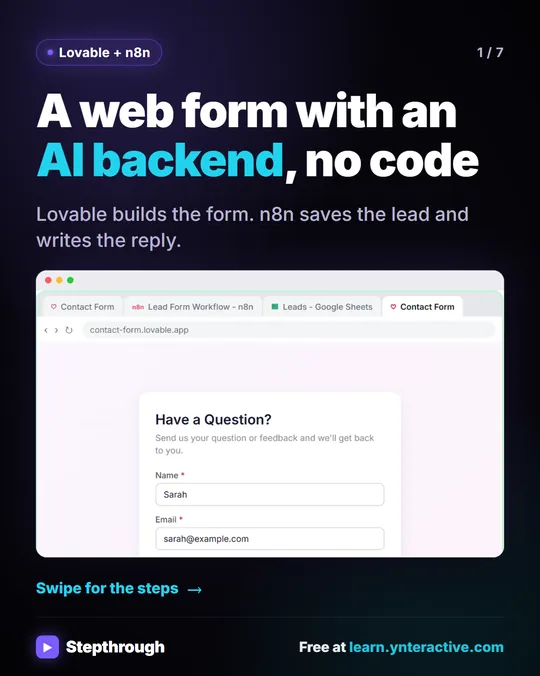
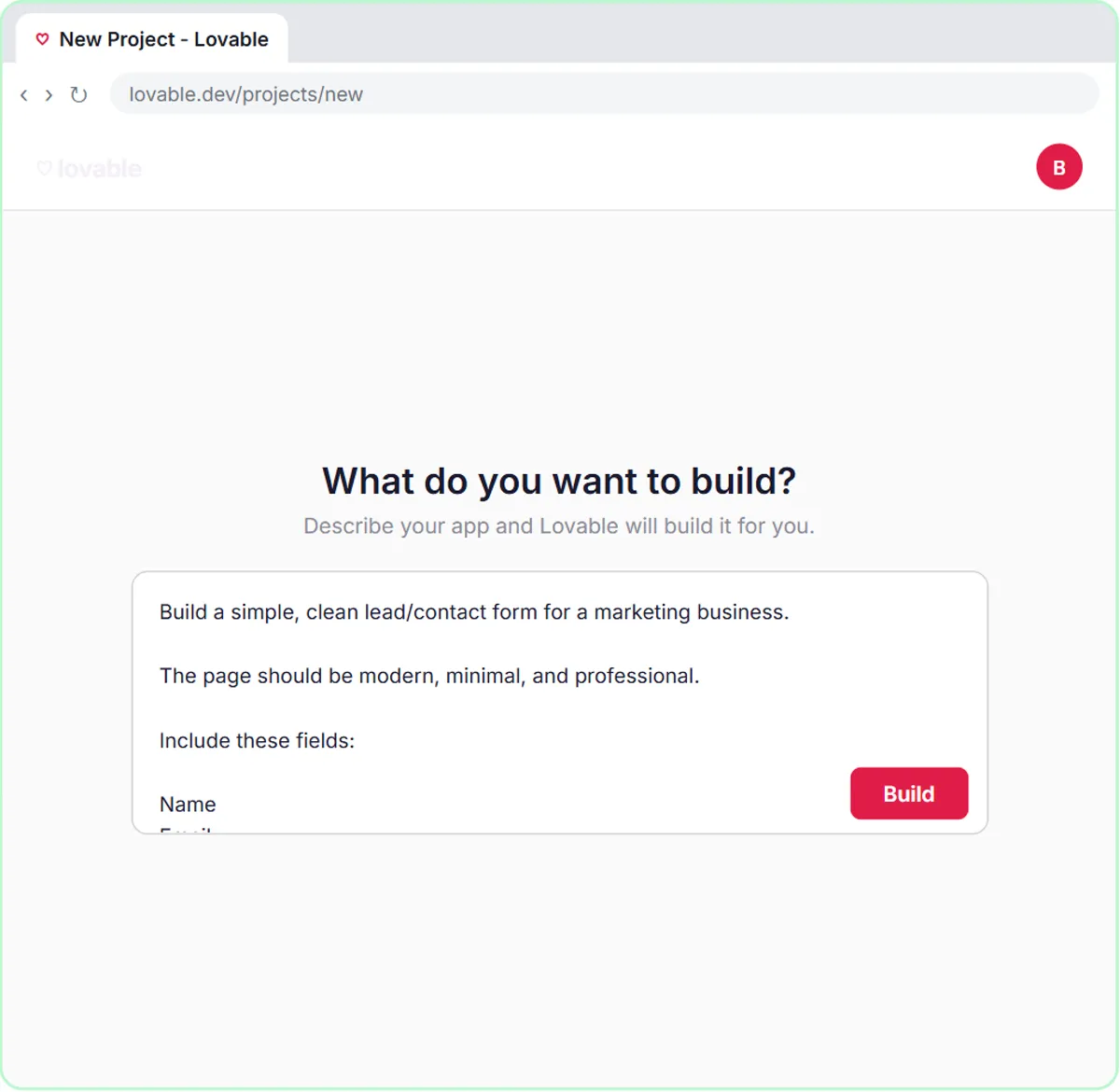
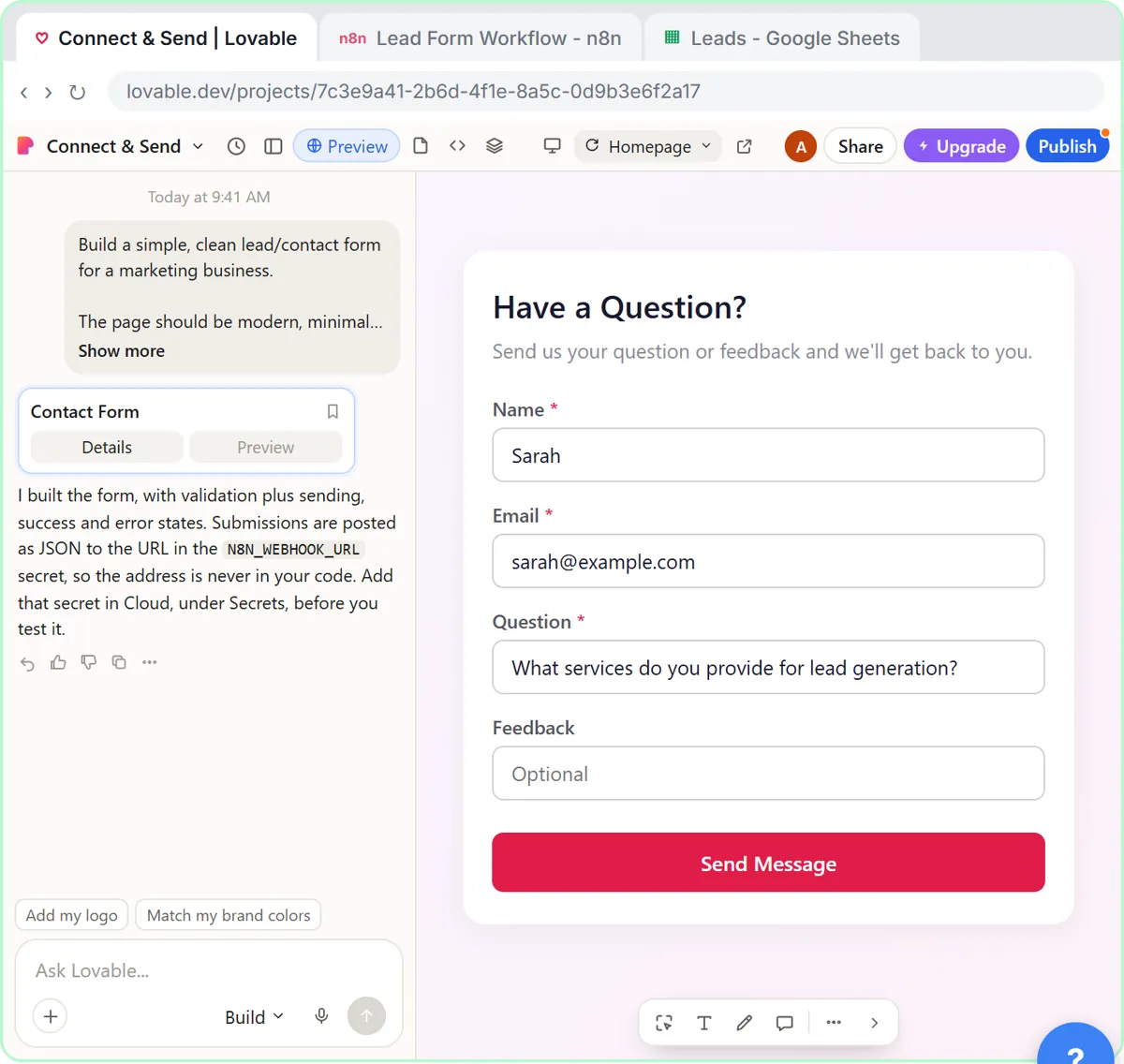
The form packages its fields as JSON and sends them to an n8n webhook URL in a POST request. In the Lovable lesson, the prompt that builds the contact form spells it out:
When the form is submitted, send the data as a POST request to the n8n webhook URL.
The data should be sent as JSON with keys: name, email, question, feedback.
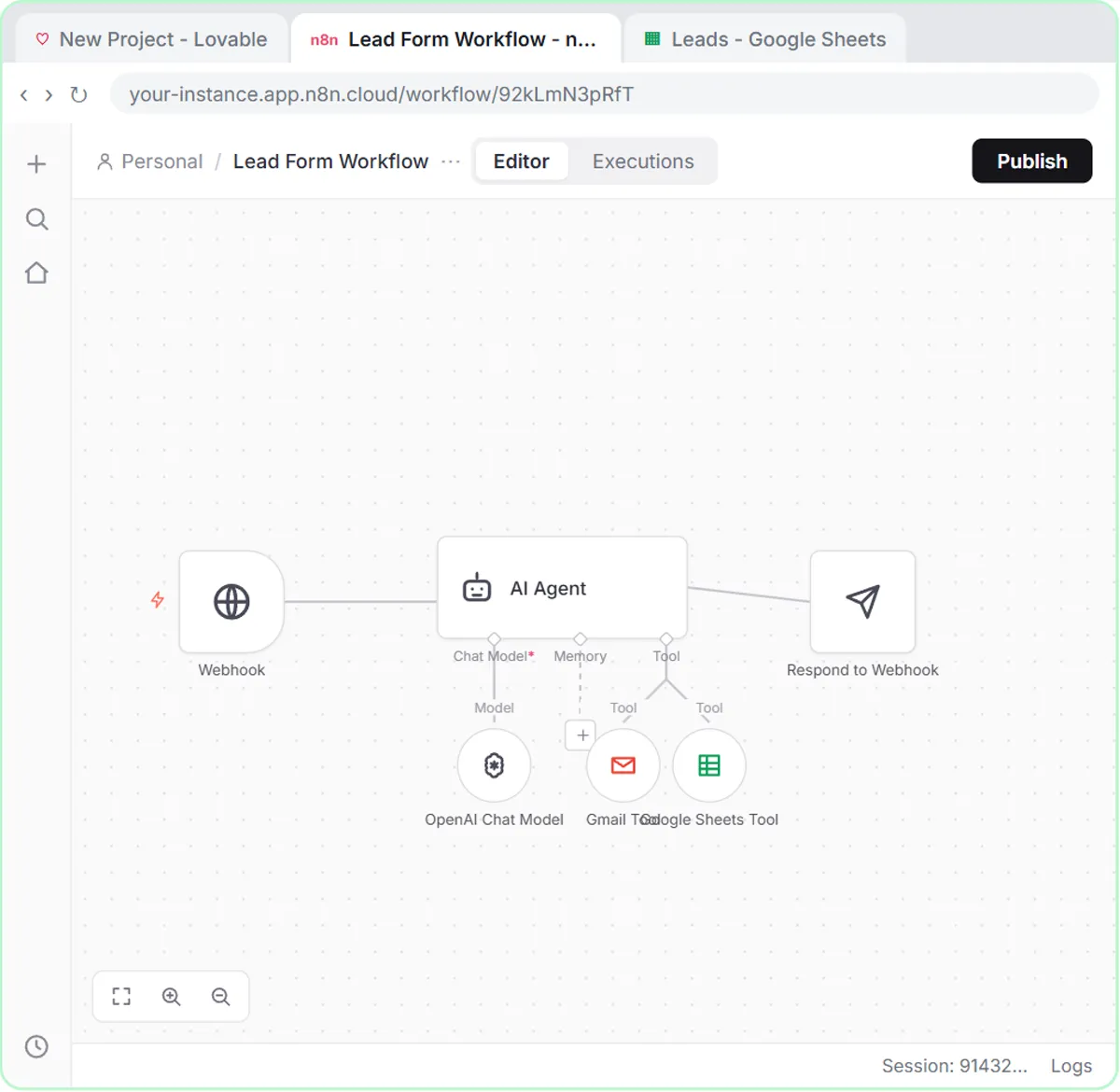
On the n8n side, an On webhook call trigger receives it. The keys you choose in the Lovable prompt are the names you'll use in n8n, so pick them on purpose and keep them simple.
How does n8n use JSON between steps?
Every n8n step receives data as items, and each item is a JSON record. An expression such as {{ $json.name }} reads a value from the current item: $json means "this item's data," and the part after the dot is the key.
Different triggers produce different keys, which is why the expressions in the lessons look different:
| Where the data comes from | Example keys | Expression in the lessons |
|---|---|---|
| Lovable form, via webhook | name, email, question, feedback (inside body) | {{ $json.body.name }} |
| Gmail trigger | From, Subject, snippet, threadId | {{ $json.Subject }} |
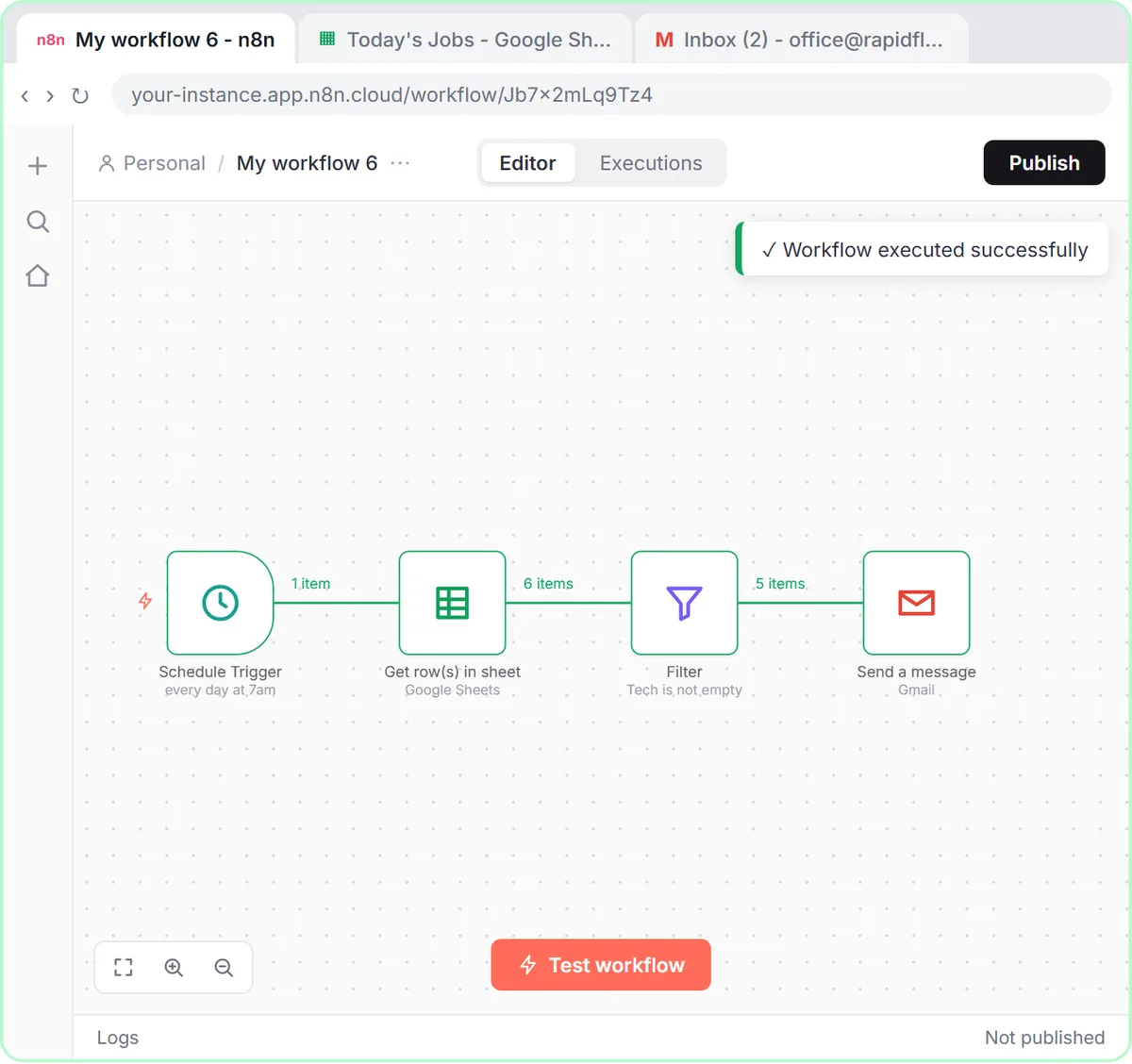
| Google Sheets row | Column headers such as Tech, Tech Email | {{ $json["Tech Email"] }} |
n8n Expressions for Beginners covers expressions in more depth, including when to use brackets.
Why do webhook expressions use $json.body.name?
Because a webhook item holds the form's data inside a key called body, next to other details about the request. The value you want is one level down, so the path is $json.body.name, not $json.name.
In the Lovable lesson, the AI Agent's Source dropdown is set to Define below, and the prompt template reads each field from the body:
Name: {{ $json.body.name }}
Email: {{ $json.body.email }}
Question: {{ $json.body.question }}
Feedback: {{ $json.body.feedback }}
{{ $json.name }} looks one level too high and finds nothing. n8n Webhook Test URL vs Production URL lists this among the reasons a form "works" but the fields arrive blank.
Try it free, step by step
Lovable + n8n: Build a Web App with an AI Backend. Build a contact form in Lovable and connect it to an n8n workflow — webhook trigger, AI Agent, Google Sheets, Gmail, and a Respond node that ties it all together. You do every step yourself in a practice copy of Lovable and n8n, it checks your work as you go, and “Do it for me” finishes any step you get stuck on. Free, and nothing touches your real accounts.
Start the free lessonWhat does an email look like as JSON in n8n?
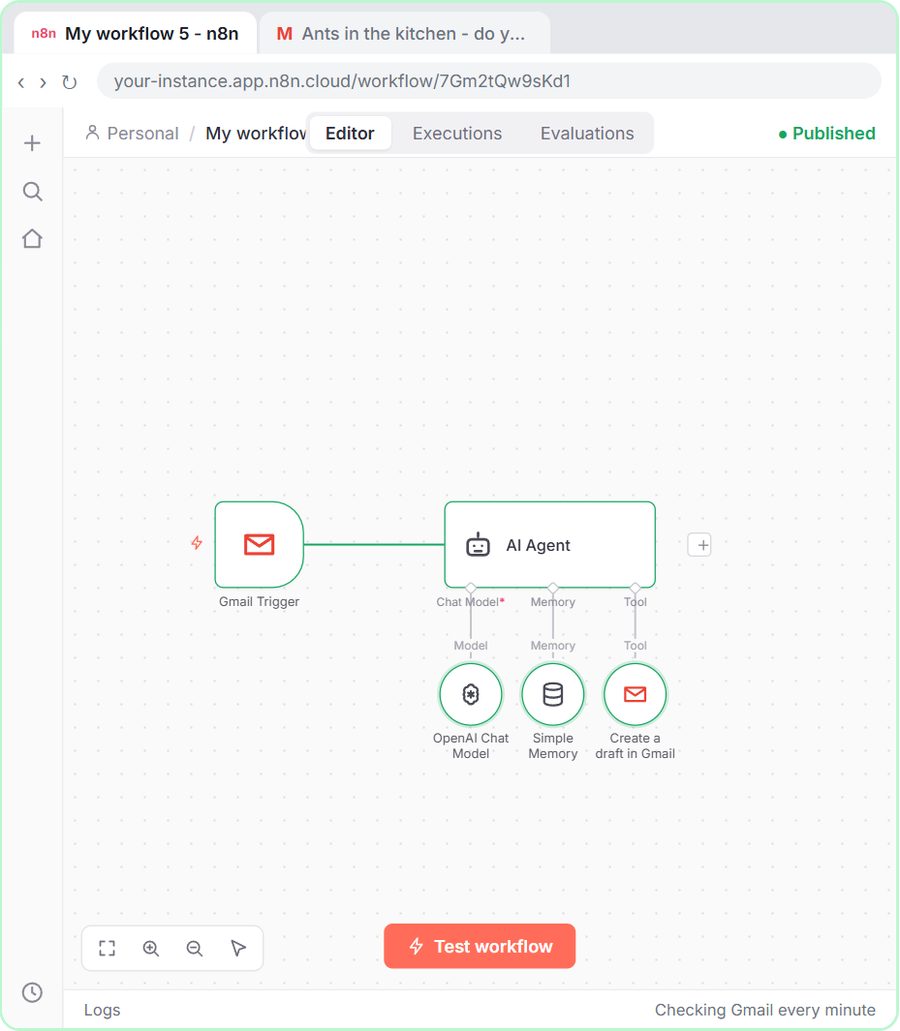
A Gmail trigger turns each email into one item with fields like From, Subject, snippet and threadId. In the AI Email Responder lesson, you click Fetch Test Event and n8n shows the newest email "broken into fields."
Those keys sit at the top level, so the agent's prompt reads them directly:
From: {{ $json.From }}
Subject: {{ $json.Subject }}
Message: {{ $json.snippet }}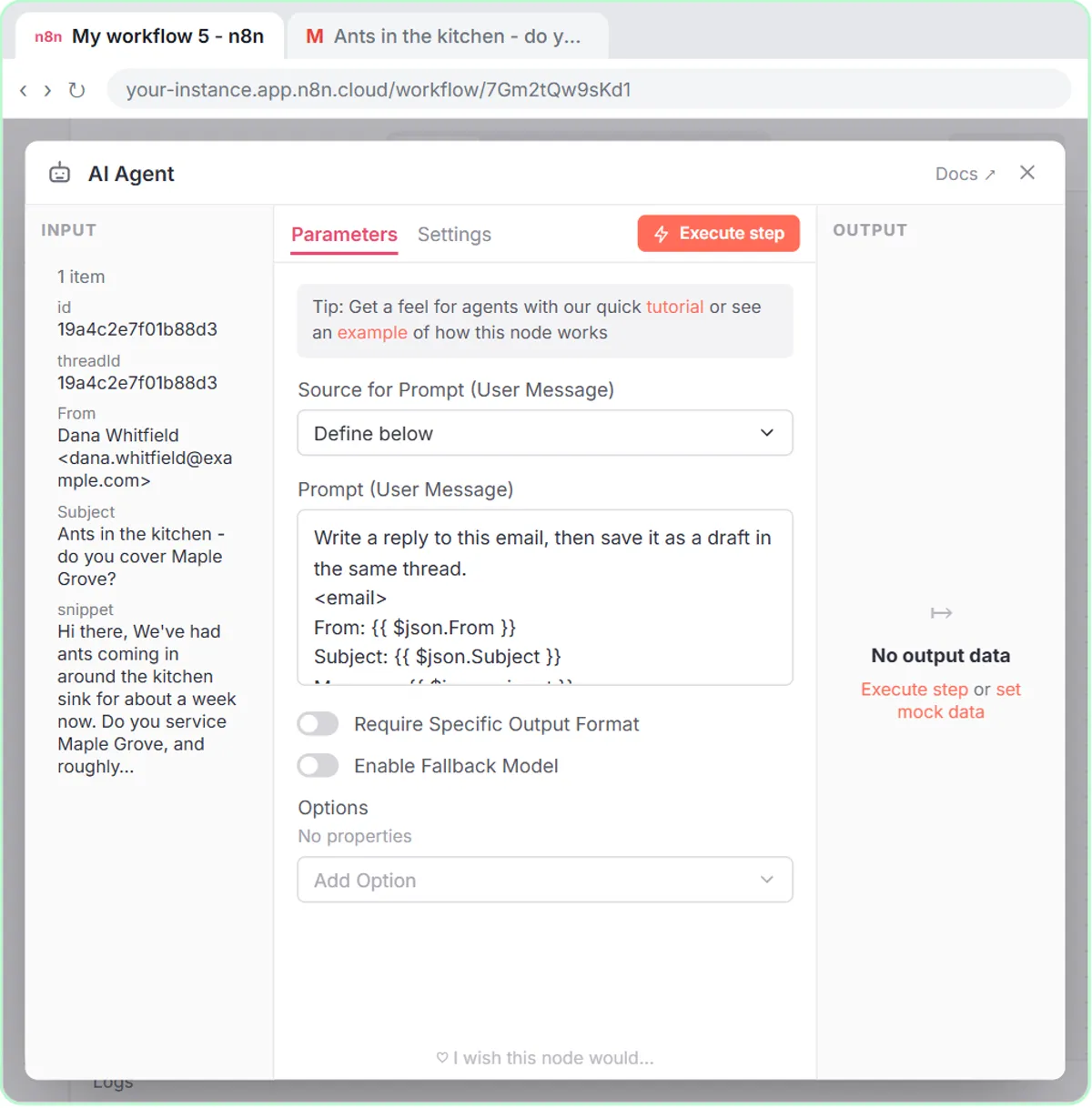
The same lesson reuses two of those keys in the Gmail Tool: {{ $json.threadId }} puts the draft in the right conversation, and {{ $json.From }} fills in To Email.
Why must JSON keys match exactly?
Because n8n looks a key up by its exact spelling, including capital letters. {{ $json.body.Email }} and {{ $json.body.email }} are different keys, and the wrong one comes back empty.
The lessons use a few keys made of two words joined together, which are easy to mistype:
- The coffee signup form sends brewMethod, so the template reads
{{ $json.body.brewMethod }}. - The sales demo form sends teamSize.
- The Gmail trigger's thread key is threadId, with a capital I.
Copy keys from the data n8n shows you instead of typing them from memory. And when you change a form field, change its key in the Lovable prompt and the n8n prompt template together.
Do the Google Sheet headers have to match the JSON keys?
Not when the AI agent fills the columns. In the lessons, each Sheets Tool column is set to be filled by the model with the ✦ button, so the agent matches the coffee form's brewMethod key to a column called Brew Method on its own.
Where you map a value yourself with an expression, the name has to match exactly. In the Daily Job Alerts lesson, {{ $json["Tech Email"] }} only works because the sheet's header is spelled Tech Email.
How do you see the JSON in n8n?
Open a node after a test run and look at its input and output. n8n can show the same data in different views, such as a table or the raw JSON, and switching between them is a quick way to see the exact keys. Testing first matters: a trigger has no data to show until you send a test form, fetch a test event or run the workflow.
On cost: the lessons are free and run in practice copies. A real build needs n8n (n8n Cloud is a paid service after a free trial, or self-host it), Lovable for the form (free and paid plans), and an OpenAI API key for the agent, which is pay-as-you-go and billed separately from ChatGPT plans. More lessons are on the n8n tool page.
Key takeaways
- JSON is plain text that stores data as keys and values, and n8n passes every item between steps as JSON.
- The Lovable form in the lesson sends JSON with the keys name, email, question and feedback to an n8n webhook.
- Webhook form fields sit inside body, so n8n expressions read them as
{{ $json.body.name }}. - Gmail trigger fields such as From, Subject, snippet and threadId sit at the top level, as in
{{ $json.Subject }}. - JSON keys are case-sensitive, so keys like brewMethod, teamSize and threadId must be spelled exactly.
Frequently asked questions
- Do I need to learn JSON to use n8n?
No. You need to read it well enough to find the key you want. The lessons have you paste expressions, and the data view shows you the keys.
- What does $json mean in n8n?
$json is the data of the current item. The part after the dot or in brackets is the key to read, such as $json.Subject.
- Why is my webhook field empty in n8n?
The form data is inside body, so use
{{ $json.body.name }}. Also check that the key matches what the form sends, letter for letter.- Is JSON the same as a spreadsheet?
Not exactly, but one JSON record works like one spreadsheet row: the keys are the headers and the values are the cells.