This guide explains the term, what it's good and bad at, and what a real vibe-coding prompt looks like.
What does vibe coding mean?
Vibe coding is writing software by prompt: you describe the app, the AI tool generates it, you look at the result and ask for changes in plain language. The term was popularized in early 2025 by AI researcher Andrej Karpathy, and it has since become a common name for tools like Lovable. The glossary entry on vibe coding has a short definition.
You still make every decision: what the page asks for, what it says, what happens on submit. You just don't type the code.
What is Lovable?
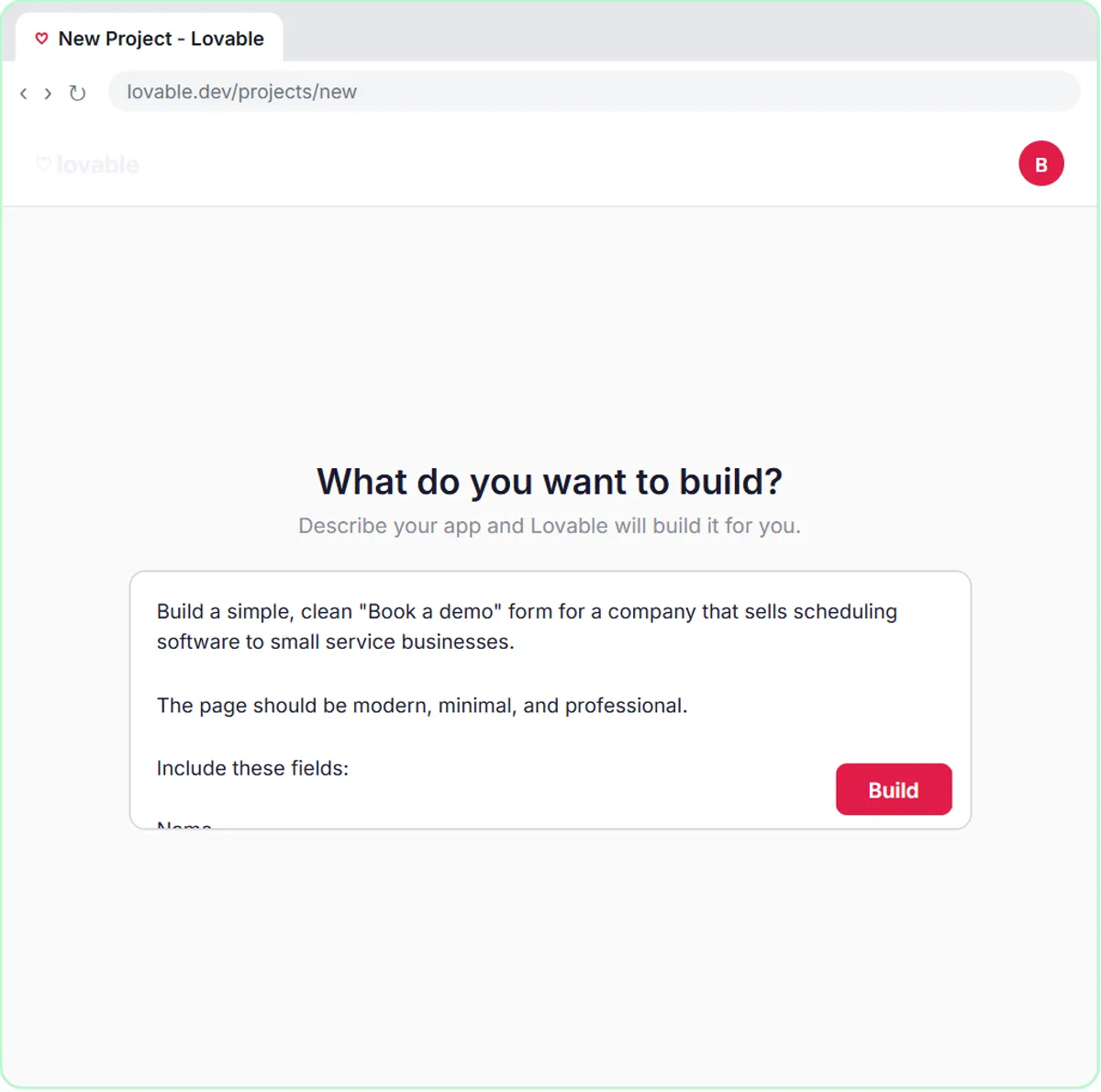
Lovable is a tool that builds web apps from a written description. In the lesson, you click Get started for free, then Start with a prompt, paste a description and click Build. Lovable generates the app and shows a preview you can test.
Lovable has paid plans as well as a free start, so check its pricing page before you build something your business depends on. What Is Lovable? covers the tool itself in more depth.
What does a good vibe-coding prompt look like?
A good prompt reads like a short spec: what the page is for, the fields, the wording, what happens on submit, and what to leave out. The lesson's prompt for a contact form, shortened:
Build a simple, clean lead/contact form for a marketing business.
Include these fields: Name, Email, Question, Feedback
Use a clear heading such as: Have a Question?

SUBMISSION STATES
While submitting, change the button text to something like: Sending...
After a successful submission, show: Thanks! Your message has been received.
If the webhook request fails, show a simple friendly error: Something went wrong. Please try again.

VALIDATION
Require Name, Email, and Question. Feedback is optional. Validate the email format.

Make it responsive for desktop and mobile.
Do not add unnecessary sections, navigation, pricing, testimonials, or other marketing content.
Notice what the prompt does. It names every field. It writes the exact messages the visitor sees. It says what's required. And it lists what not to add, because AI tools tend to fill empty space with extra sections you didn't ask for. The full prompt also tells Lovable where to send the data, which comes up below.
Try it free, step by step
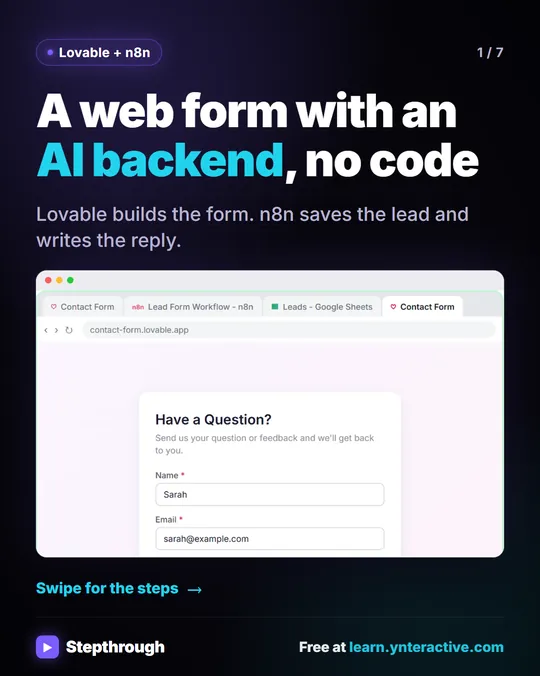
Lovable + n8n: Build a Web App with an AI Backend. Build a contact form in Lovable and connect it to an n8n workflow — webhook trigger, AI Agent, Google Sheets, Gmail, and a Respond node that ties it all together. You do every step yourself in a practice copy of Lovable and n8n, it checks your work as you go, and “Do it for me” finishes any step you get stuck on. Free, and nothing touches your real accounts.
Start the free lessonWhat is vibe coding good for at work?
It's good for small, clear tools with a single job, the kind you'd otherwise build in a form builder or never build at all. From the live lessons:
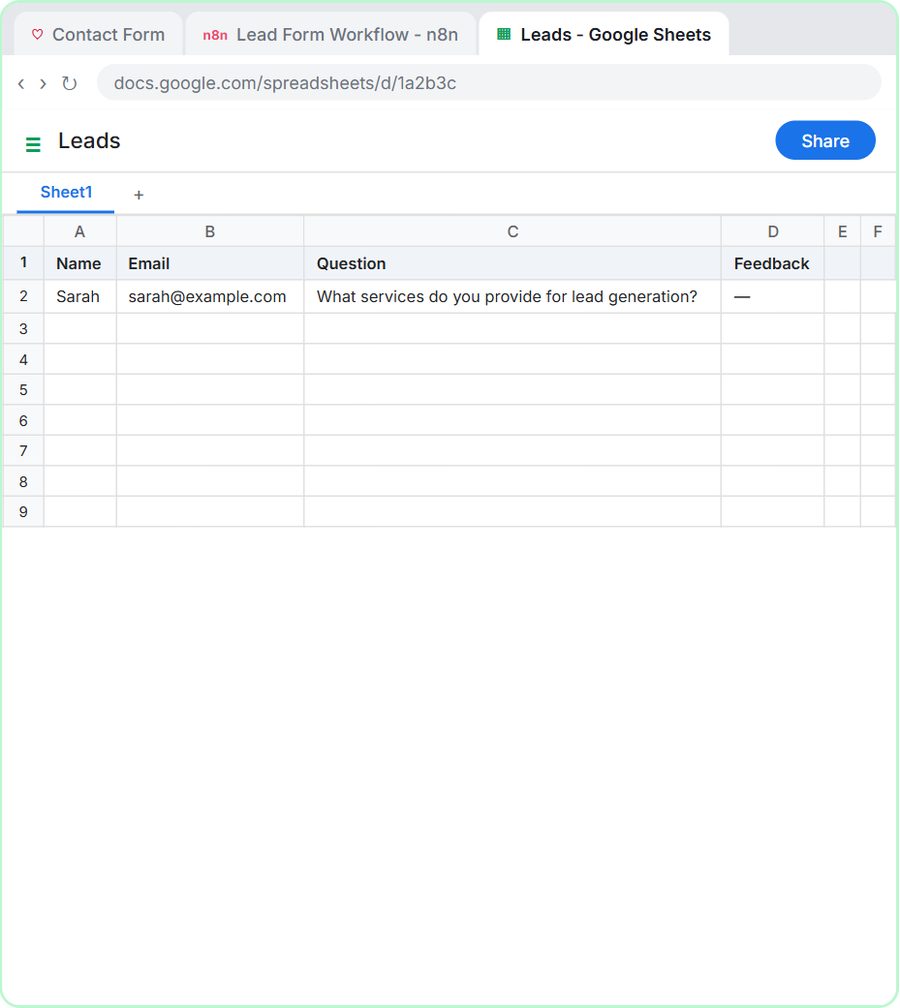
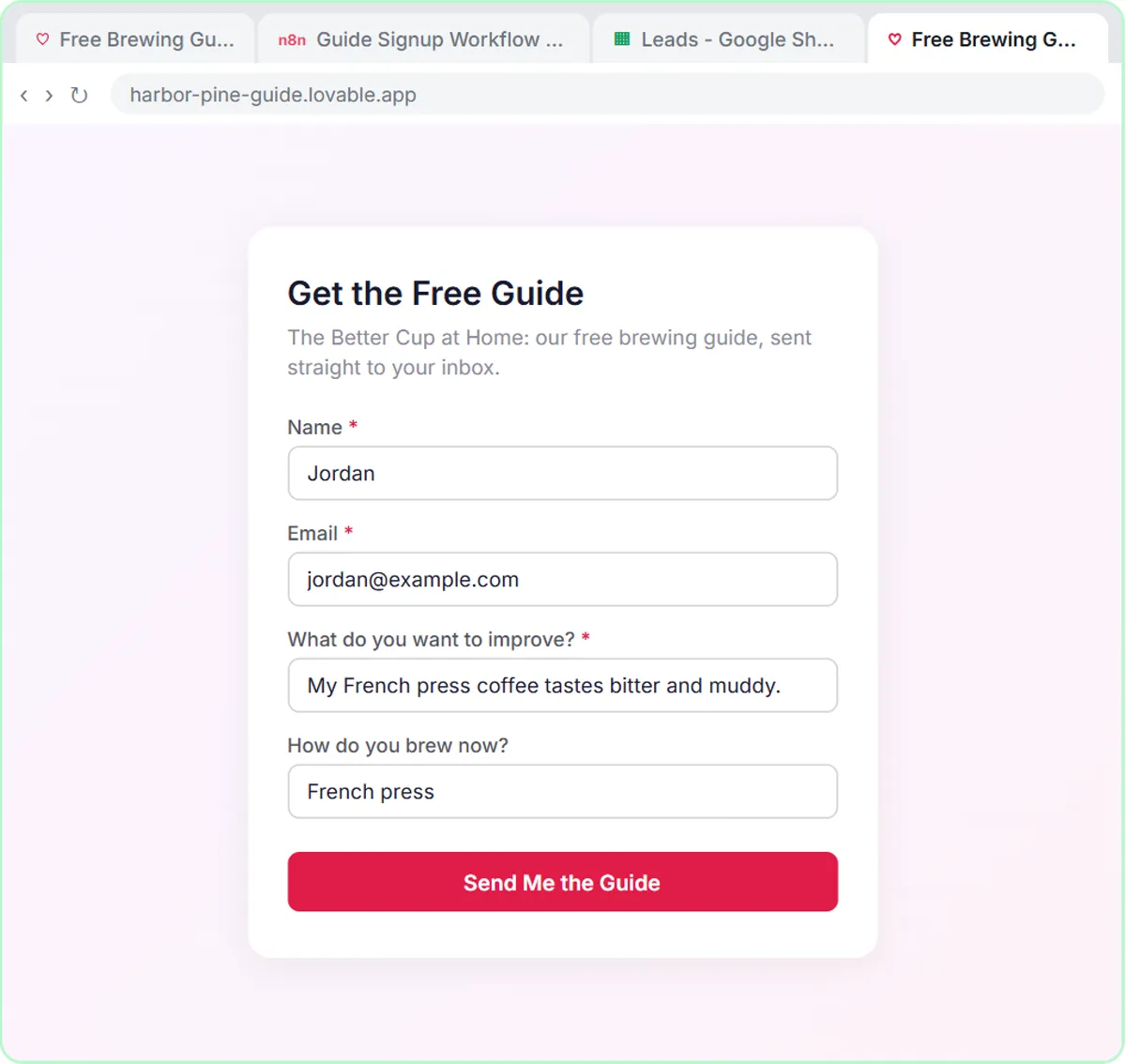
- A contact form that saves leads to a sheet and sends a reply (Build a Web App with an AI Backend).
- A "Book a demo" form whose answers an AI agent rates Hot, Warm or Nurture (AI Demo Request Form).
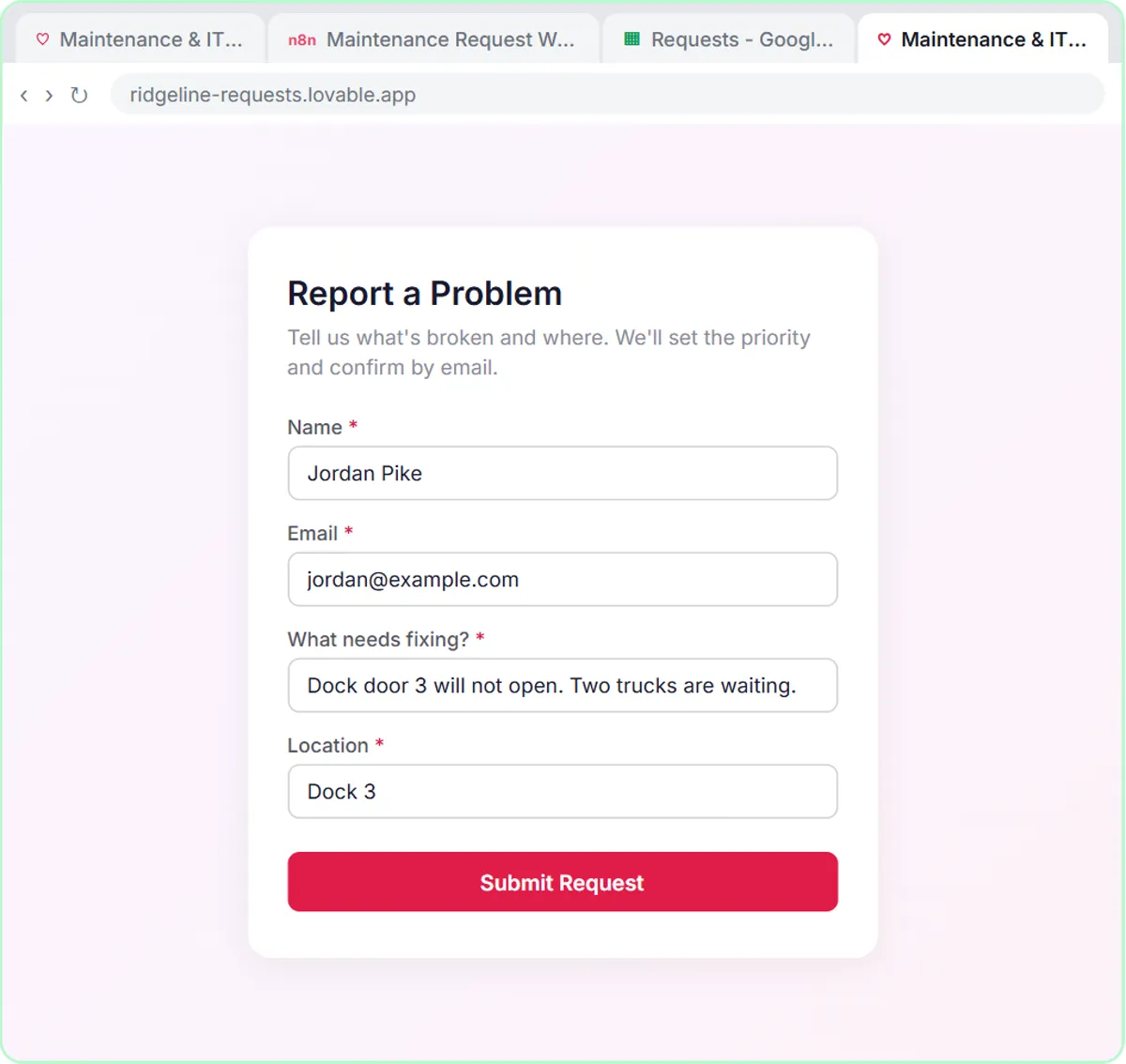
- An internal maintenance and IT request form that gets a priority and a team.
- An expense reimbursement form for staff.
Each is one page with a handful of fields and a clear next step. The form is the front end; the work behind it happens in n8n.
What is vibe coding bad at?
It's weaker at large apps with many screens, user accounts, payments or sensitive data, where a mistake is expensive and someone needs to understand the code. An AI tool can produce something that looks right and still handles an edge case badly.
Three habits keep vibe-coded tools safe and useful:
- Keep the job small. One form, one purpose.
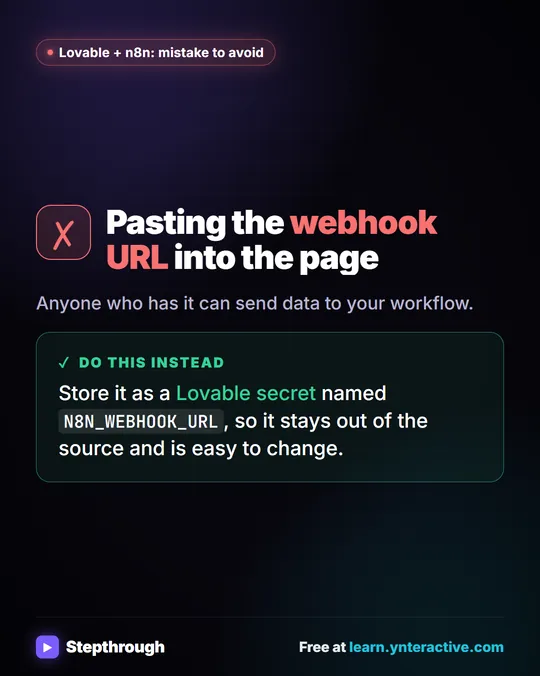
- Keep secrets out of the page. The lesson's prompt says "Do not hard-code any webhook URL" and points to a secret named N8N_WEBHOOK_URL, added later in Lovable's project settings under More.
- Test it like a visitor. The lesson clicks Preview, then Fill with test data, then submits, and checks the data actually arrived in Google Sheets.
How does a vibe-coded form connect to automation?
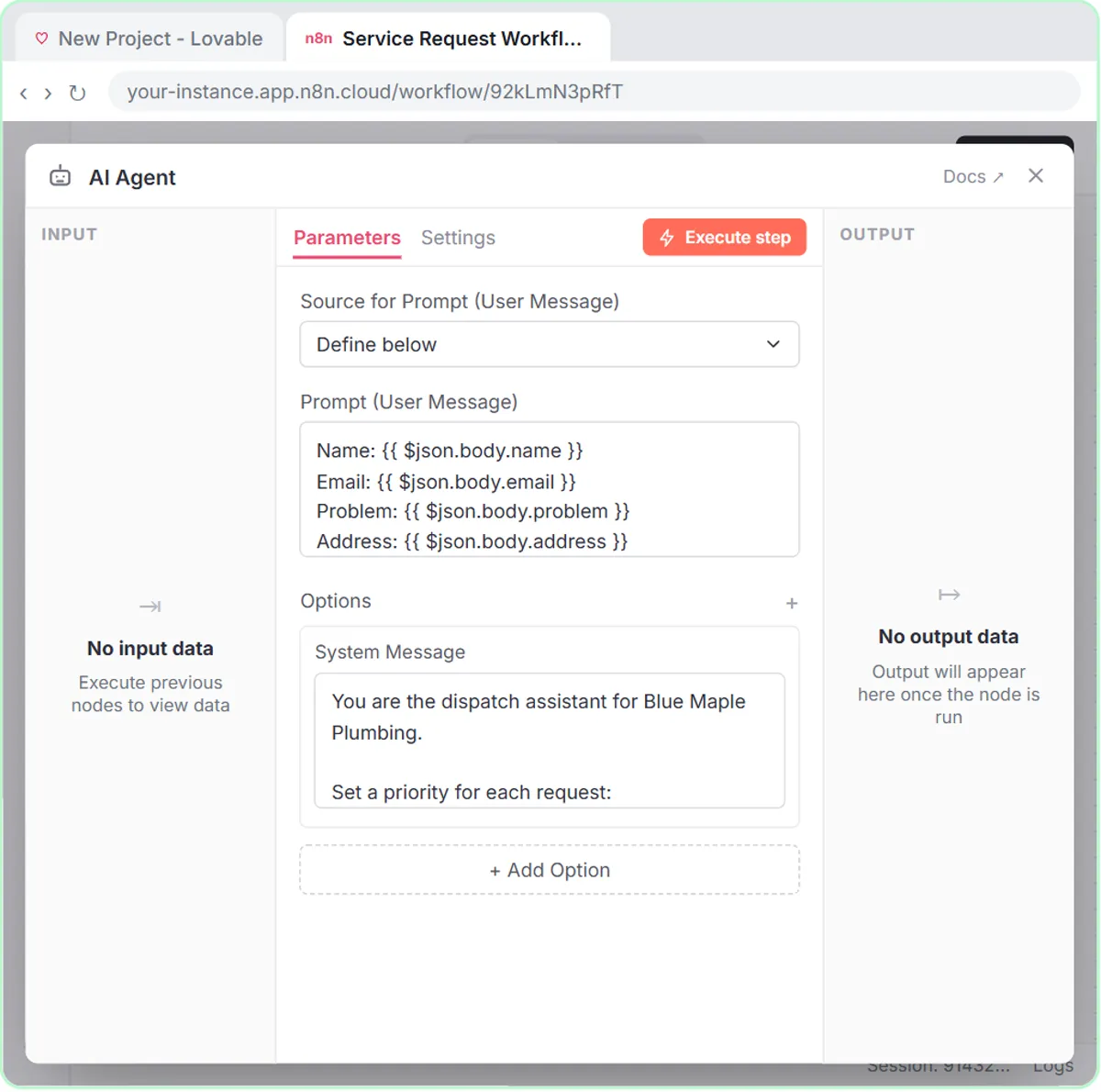
Through a webhook. The Lovable prompt tells the form to send its data as a POST request, in JSON with keys like name, email, question and feedback, to an n8n webhook URL. In n8n, the workflow starts On webhook call, an AI Agent reads the fields, and Google Sheets and Gmail tools save the lead and send the reply.
You build the form by prompt and the backend by clicking nodes. Neither needs code. Connect a Lovable Form to n8n with a Webhook shows the connection step by step, and the Lovable tool page lists every Lovable lesson.
Do I need to learn to code to vibe code?
No, but you do need to describe things precisely, which is the same skill as writing a good ChatGPT prompt. If you can write "Require Name, Email, and Question. Feedback is optional," you can direct a vibe-coding tool. Reading the result carefully and testing it matters more than knowing the code underneath.
Key takeaways
- Vibe coding means building software by describing it to an AI tool and refining it by chatting, without writing the code yourself.
- Lovable builds a web app from a written prompt; in the free lesson you click Start with a prompt, paste a description and click Build.
- A strong prompt names every field, writes the exact on-screen messages, sets validation rules and lists what not to add.
- Keep secrets like a webhook URL out of the page; the lesson stores it as the N8N_WEBHOOK_URL secret in Lovable.
- Vibe coding suits small single-purpose tools like forms; test them with real submissions before relying on them.
Frequently asked questions
- Is vibe coding the same as no-code?
Not quite. Classic no-code tools have you drag blocks around. Vibe coding has an AI write real code from your description. Both let you build without typing code yourself.
- Is Lovable free?
Lovable has a free start and paid plans. Check its current pricing before you rely on it for a business tool. The Stepthrough lesson runs in a free practice copy.
- Can a vibe-coded form be used by real customers?
Yes, for simple jobs, once you've tested it. Keep the form small, keep secrets in project settings rather than the page, and check every submission lands where it should.
- What should I do if Lovable adds things I didn't ask for?
Say so in the prompt up front, as the lesson does: "Do not add unnecessary sections, navigation, pricing, testimonials, or other marketing content." If it still adds something, ask it to remove that one section by name.