What is a browser agent?
Quick answer
A browser agent is an AI agent that operates a web browser on your behalf. It looks at pages, clicks buttons, types into fields and moves between sites to finish a task, such as filling a form or collecting details. Related "computer use" agents can also control desktop apps.
Last updated
Updated · By Robert Breen
Why it matters for a small business
Many business systems have no easy connection for automation: an old vendor portal, a supplier's order form, a government site. A browser agent can work through the same screens a person would, which opens up tasks that used to need someone clicking for an hour. Several AI assistants now include a mode like this.
It is also slower, costlier and less predictable than a direct connection. Pages change, pop-ups appear, and the agent may click the wrong thing. It can also read text on a page that tries to give it instructions, a form of prompt injection. Treat it like a new temp worker: watch the first runs, keep it away from payments and passwords, and require approval before anything is submitted.
In a real lesson: Build an AI Demo Request Form That Qualifies Leads
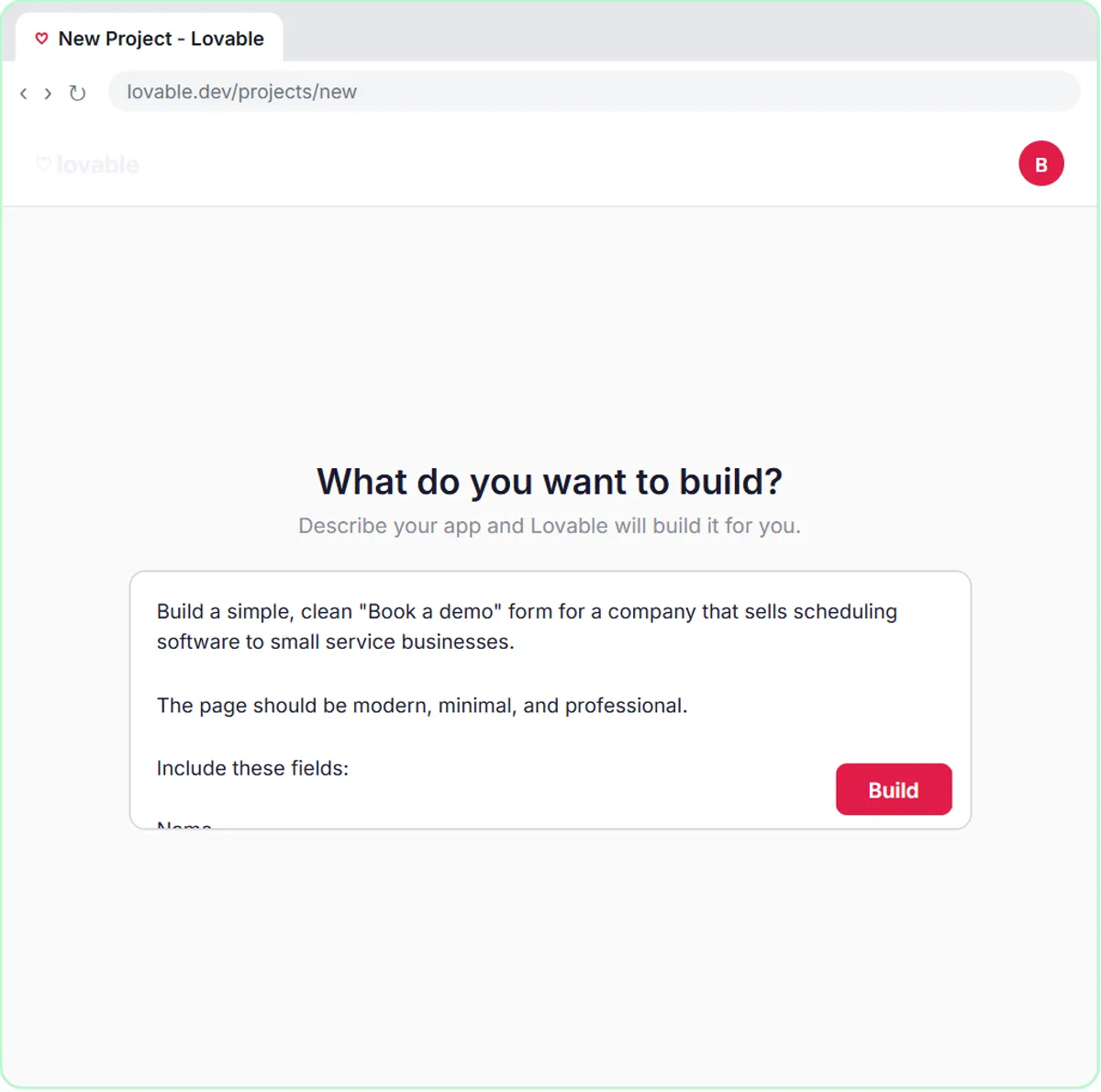
No live Stepthrough lesson uses a browser agent, but the AI Demo Request Form lesson shows the alternative that is usually better when you own both ends. You build a "Book a demo" page in Lovable for Northwind Scheduling Software, a made-up software company, with fields for Name, Email, What do you need help with? and Team size.
When someone submits it, the page does not wait for anyone to read the screen. The prompt tells Lovable to "send the data as a POST request to the n8n webhook URL" as JSON with the keys name, email, need and teamSize. n8n receives clean fields, the agent rates the lead hot, warm or nurture, saves a row to the Leads sheet and emails the next step.
A browser agent would be the right tool for the other direction: if Northwind had to enter each lead into a partner's website that offers no API, an agent could open that site and type the fields in. Where you can use a webhook or an API, do, and save browser agents for the screens you cannot connect any other way.
Try this lesson free or read the step-by-step guide.
Common confusions
Browser agent vs a regular automation
An n8n workflow talks to services through APIs and webhooks, which is fast and predictable. A browser agent works through the visible web page, which is flexible but more fragile.
Browser agent vs AI search
AI search reads pages to answer a question. A browser agent also acts: it clicks, types and submits. That is why it needs tighter limits.
Tips
- Use it only on sites you would let a new employee use with the same access.
- Never let it enter passwords or payment details; sign in yourself if a task requires it.
- Ask it to stop and show you the filled form before it clicks submit.
Related terms
More AI agents terms
Where you use it: free lessons
- Build an AI Demo Request Form That Qualifies Leads (Lovable and n8n, 15 min)
- Lovable + n8n: Build a Web App with an AI Backend (Lovable and n8n, 15 min)
Frequently asked questions
- Which AI tools have browser agents?
- Several major AI assistants now offer an agent mode that can operate a browser, and the options change quickly. Check each vendor's current documentation and your company's AI policy before using one.
- Is a browser agent the same as a scraper?
- No. A scraper follows fixed rules to copy data from pages. A browser agent decides what to click and type based on what it sees, so it can handle tasks a scraper cannot, with less predictability.