To sort requests with AI, give an AI agent a short, fixed list of labels, a concrete example of what belongs under each one, a default for everything else, and an action tied to each label, then have a person check the results. This guide is for owners and managers who want incoming requests, leads or signups sorted automatically, and it compares the sorting rules from four free lessons, starting with the AI Emergency Request Form for a made-up plumbing company.
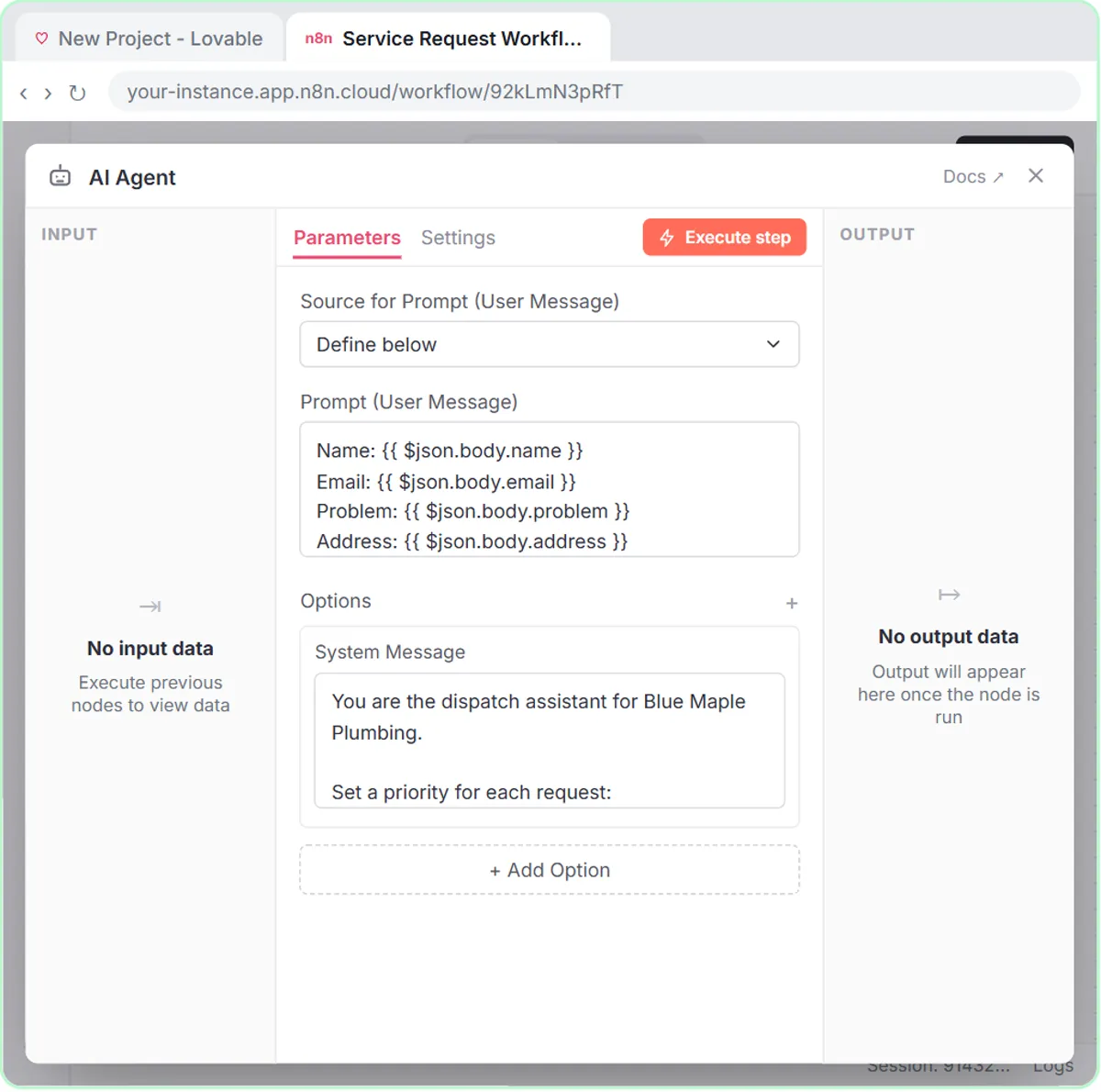
All four lessons use the same build: a Lovable form sends each submission to an n8n workflow, where an AI Agent reads it, applies the rules in its System Message, saves it with a Google Sheets Tool and emails the person with a Gmail Tool. The rules are the part that changes, and they're the part most people get wrong.
What does AI triage mean?
AI triage means an AI agent reads each incoming request and assigns it one label from a list you wrote, like Emergency, Same-day or Scheduled. The label then decides what happens next: what the email says and what your team looks at first.
The agent doesn't invent the categories. You do. Its job is to apply your rules to messy, real-world wording, like "water everywhere under the sink", that a simple keyword filter would miss.
How do the four lessons sort requests?
Each lesson sorts a different kind of request with three or four labels. Every business here is made up:
| Lesson | Business | Labels | Rule written into the system message |
|---|---|---|---|
| Plumbing | Blue Maple Plumbing | Emergency, Same-day, Scheduled | Emergency: active leak, burst pipe, sewage backup, or no water. Same-day: no hot water, a clogged main drain, or a sump pump that won't run. Scheduled: everything else. |
| Operations | Ridgeline Supply Co. | Urgent, This week, Backlog, plus a team: Facilities, IT or Equipment | Urgent: safety risk, or it stops shipping or receiving. |
| Sales | Northwind Scheduling Software | Hot, Warm, Nurture | Hot: 5 or more staff and wants to switch within a month. Warm: a clear need but no timeline. Nurture: just looking. |
| Marketing | Harbor & Pine Coffee Roasters | New to Brewing, French Press & Pour-Over, Espresso at Home, Gift Buyer | Tag each new lead with one segment. |
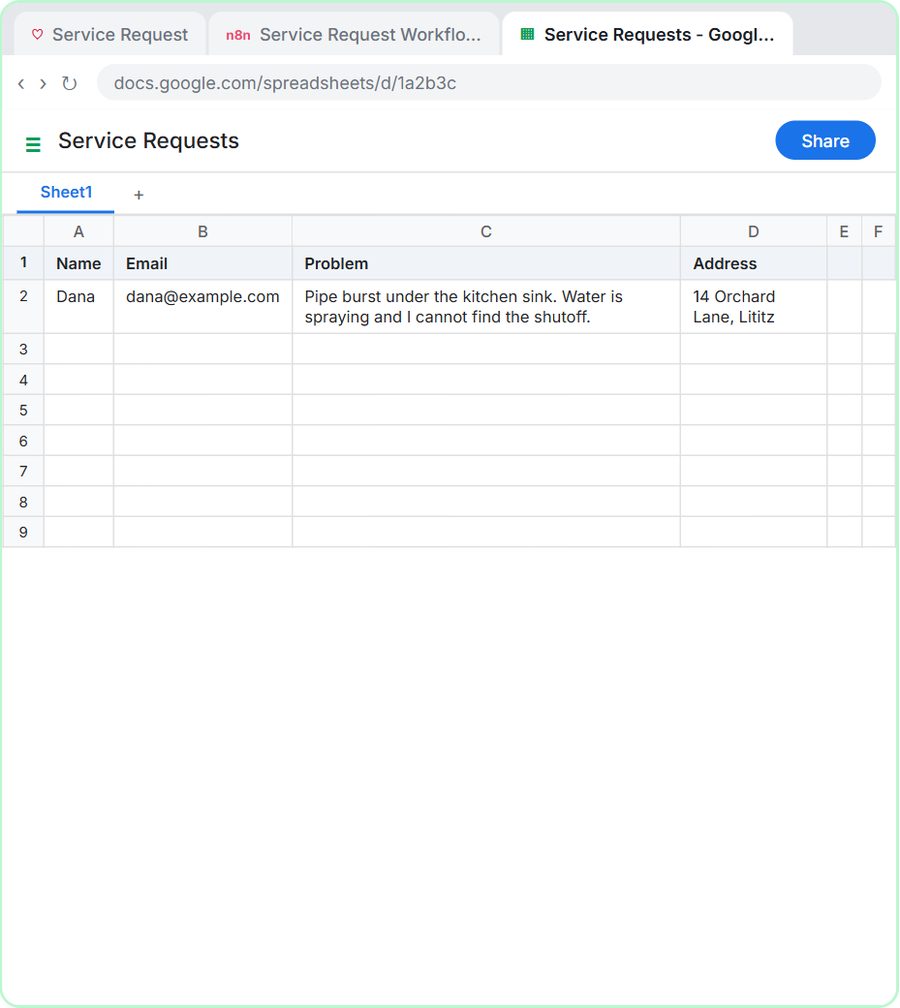
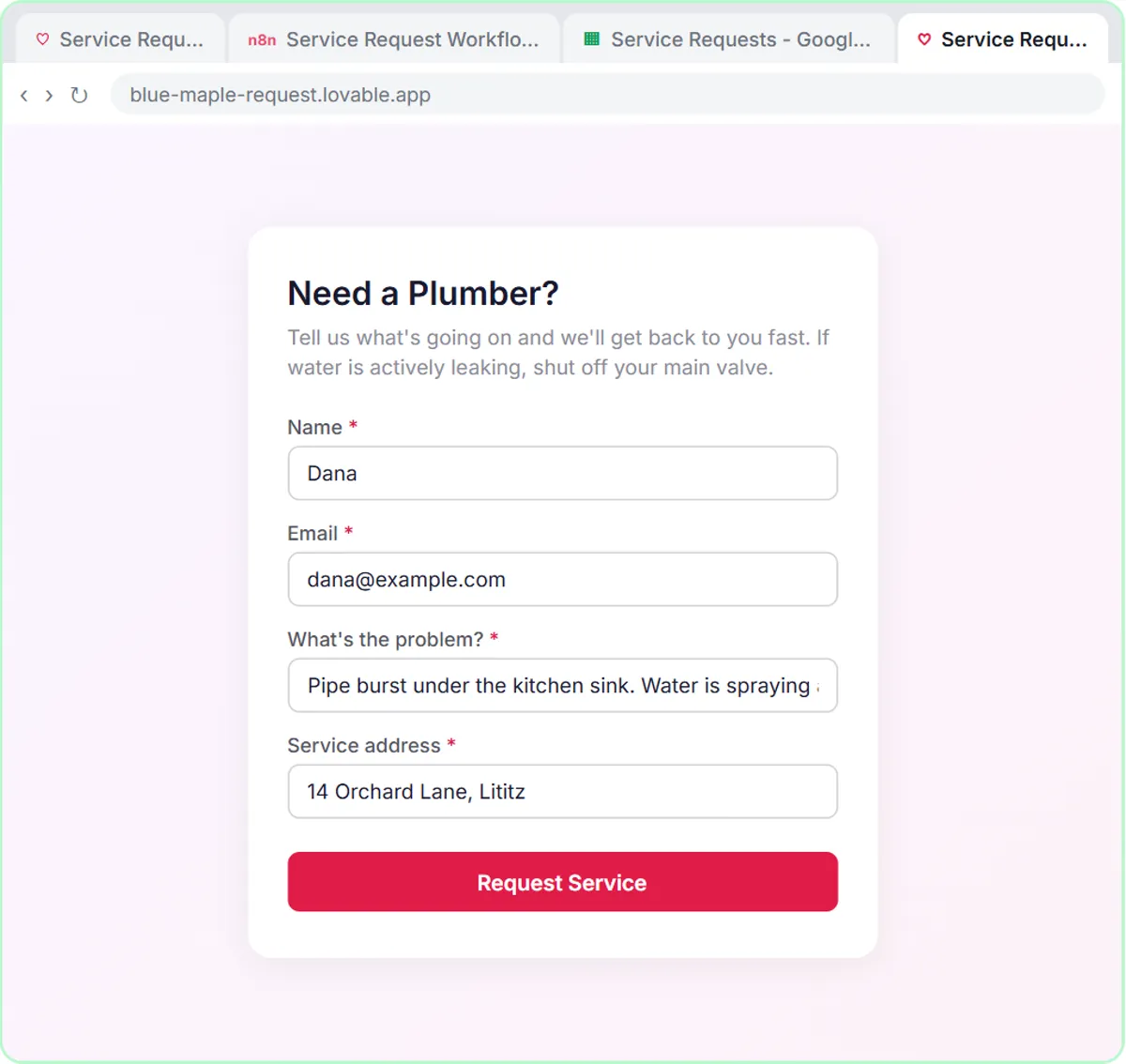
The tests show the rules working: a burst pipe under the kitchen sink becomes Emergency, a stuck dock door with trucks waiting becomes Urgent for Facilities, a 12-person team that wants to switch this month becomes Hot, and a complaint about bitter French press coffee is tagged French Press & Pour-Over.
How many labels should an AI sorting rule have?
Use three or four labels. Every lesson stays in that range, because a short list is easy for the agent to apply consistently and easy for your team to act on.
More labels mean more borderline cases, where two labels both seem to fit. If you need two kinds of sorting, split them, as the operations lesson does: one priority (Urgent, This week or Backlog) and one team (Facilities, IT or Equipment). Each list stays short, and together they route the request.
Why give examples for each label?
Concrete examples tell the agent where the lines are. "Emergency" alone means different things to different people; "active leak, burst pipe, sewage backup, or no water" doesn't.
The plumbing rule names real problems for both Emergency and Same-day. The operations rule defines Urgent by consequence, "safety risk, or it stops shipping or receiving", which covers problems you didn't think to list. Use whichever fits: a list of examples when the cases are predictable, a test like "stops shipping" when they aren't.
Why does a triage rule need a default bucket?
A default bucket gives every request somewhere to land, so the agent never has to force an odd one into a label that doesn't fit. In the plumbing rule, it's "Scheduled - everything else."
The sales rule does the same with "Nurture: just looking." Without a default, a vague request still gets a label, and the agent may pick the most dramatic-sounding one. A default also makes your rules shorter: define the urgent cases carefully, and let everything else fall through.
Should AI sorting rules use numbers?
Use numbers wherever the decision depends on size or timing. The sales rule says Hot means "5 or more staff and wants to switch within a month", which is far easier to apply the same way every time than "a big, serious lead".
Numbers also make the rules easy to change. If you decide a 4-person team is worth a call, you edit one number in the system message, and every future lead is rated the new way. AI Lead Qualification from a Demo Request Form covers the sales version in detail.
Try it free, step by step
Build an AI Emergency Request Form for Your Plumbing Company. Build an emergency service-request form in Lovable and connect it to an n8n workflow — webhook trigger, AI Agent that prioritizes the job, Google Sheets, Gmail, and a Respond node that ties it all… You do every step yourself in a practice copy of Lovable and n8n, it checks your work as you go, and “Do it for me” finishes any step you get stuck on. Free, and nothing touches your real accounts.
Start the free lessonHow do you tie each label to an action?
Write what happens for each label right next to the rule, so the label changes what the agent does. The lessons tie labels to the email the person receives:
- Plumbing: every confirmation includes the priority and next steps, and for emergencies, "tell them how to shut off their main water valve."
- Sales: "Hot: offer two demo times this week. Warm: send a link to book a demo. Nurture: send a helpful guide, no pressure."
- Marketing: the welcome email includes "one tip that fits their segment," with "No discounts and no health claims."
- Operations: the requester gets "a short confirmation with the priority and team."
Safety wording, like the shutoff instruction, should be text you approve, not something the agent improvises. This post isn't safety or code advice.
Where should the label be saved?
Save the label where your team works, so they can sort and filter by it. In the lessons, the label appears in the confirmation email, and the request goes into a Google Sheet whose four columns match the form fields.
If you want to filter the sheet by priority or segment, add a column for it, such as Priority or Segment. In the lessons, each sheet column in the Google Sheets Tool is set with the ✦ button so it's defined automatically by the model, which reads your column headers to decide what goes where. Test a few requests after adding the column and check that the label lands in it.
Does a person still need to check AI sorting?
Yes. An AI agent applying your rules will still misread some requests, so someone should look over the sorted list, especially the top label, every day.
Test with edge cases before going live: a request that sits between two labels, one with almost no detail, and one that mentions two problems. Read how the agent sorts each one, and tighten the rule where it guesses. The plumbing and operations guides show the full builds, and the operations hub lists more lessons.
Key takeaways
- To sort requests with AI, give an n8n AI agent a short list of labels in its system message, with a concrete example or test for each one.
- The lessons use three or four labels, such as Emergency, Same-day and Scheduled, and split priority and team into two short lists.
- A default bucket like "Scheduled - everything else" or "Nurture: just looking" keeps odd requests from being forced into the wrong label.
- Numbers, like "5 or more staff and wants to switch within a month," make an AI sorting rule easier to apply and to change.
- Each label should trigger a specific action, and a person should still review the sorted requests.
Frequently asked questions
- Can AI sort customer requests by urgency?
Yes. In the plumbing lesson, an n8n AI agent marks each request Emergency, Same-day or Scheduled using rules in its system message, then emails the customer the priority and next steps.
- How many categories should I give an AI agent?
Three or four per list works well. If you need more detail, use two short lists, like a priority and a team, instead of one long one.
- What happens if a request doesn't fit any category?
Give the agent a default, like "Scheduled - everything else." Requests that don't match a specific rule then land there instead of in the wrong label.
- Do I need to code to write triage rules?
No. The rules are plain sentences in the AI Agent's System Message in n8n. You change them by editing the text.