Five Stepthrough lessons send a confirmation after a form, and each one adds a different useful detail. Together they make a good checklist for your own.
What should an automatic confirmation email say?
A good confirmation answers three questions the person has right after they click Submit:
- Did it work? Thank them by name.
- Did you get it right? Repeat the key detail of their request.
- What happens now? Say the next step and when it happens.
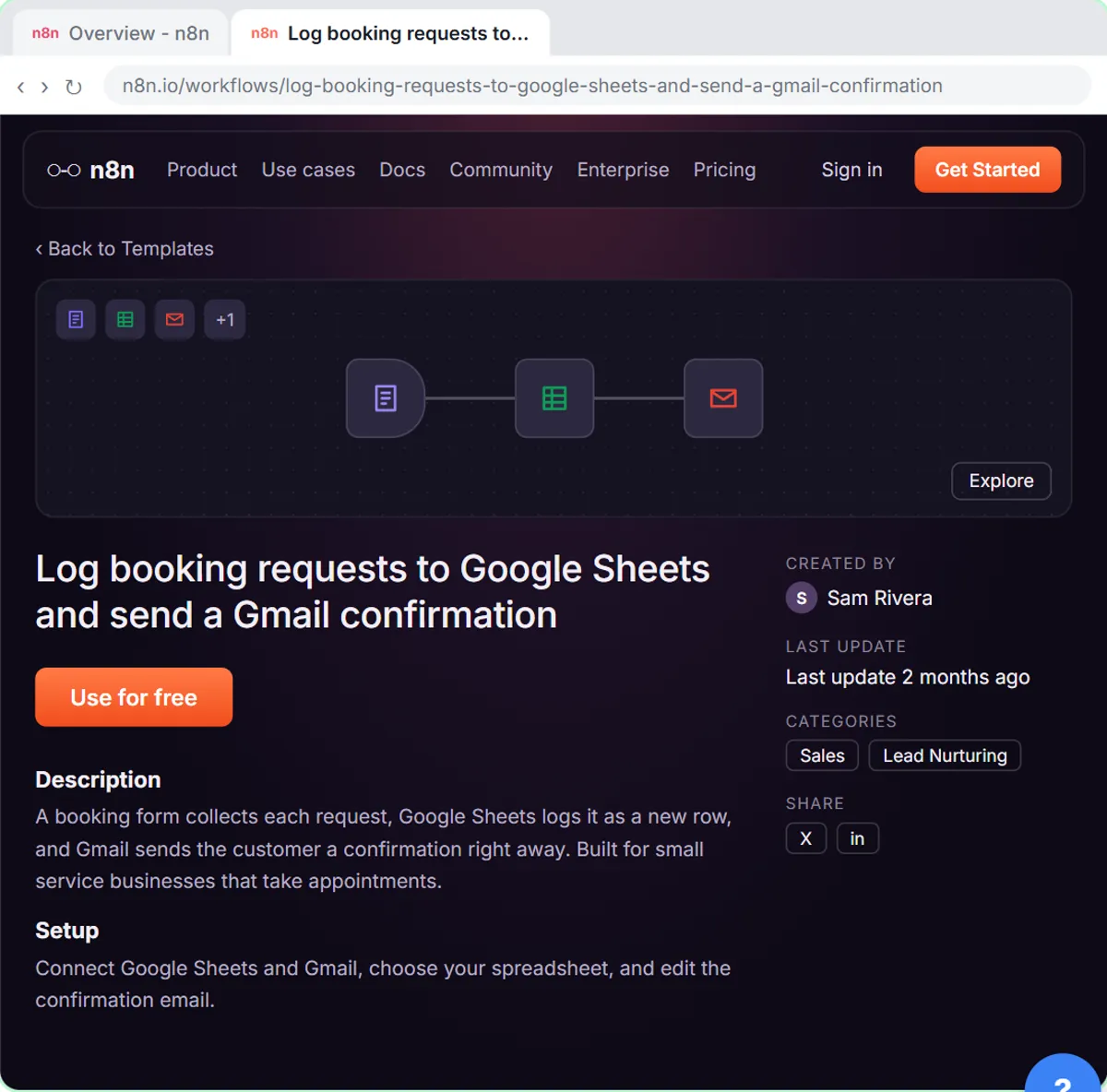
The n8n template lesson's message for Hillside Pet Grooming, a made-up groomer, does all three in two sentences:
Hi {{ $json.Name }},

Thanks for reaching out to Hillside Pet Grooming! We got your request for {{ $json["Pet name"] }} and will call you within one business day to pick a time.

See you soon,
The Hillside team
Their name, their pet's name and a clear promise: a call within one business day. Only make a timing promise your office keeps every time, even on your busiest week.
What do the lesson confirmations add for different businesses?
Each Lovable and n8n lesson tells its AI agent what the confirmation must include, and each choice fits the business:
| Lesson | Confirmation must include |
|---|---|
| Pet grooming template | Thanks, the pet's name, a call within one business day |
| HVAC service request | A short confirmation that names the job type |
| Maintenance and IT request | The priority and the team |
| Plumbing emergency request | The priority and next steps |
| Expense reimbursement | The status and what to do next |
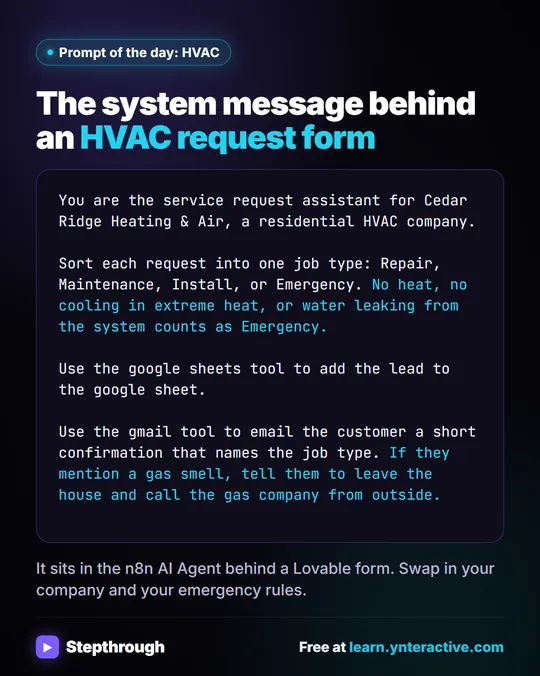
The HVAC system message for Cedar Ridge Heating & Air says: "Use the gmail tool to email the customer a short confirmation that names the job type." The job type is Repair, Maintenance, Install or Emergency, so the customer knows how their request was understood.
The operations version for Ridgeline Supply Co. says: "Use the gmail tool to email the requester a short confirmation with the priority and team." Someone reporting a stuck dock door learns right away that it's Urgent and that Facilities has it. All of these companies are made up.
Should a confirmation email be fixed text or written by AI?
Use fixed text when every confirmation says the same thing with a few details filled in. Use an AI-written confirmation when the email depends on what the person wrote, like a priority, a job type or a status.
Fixed confirmation (the template):
- The same wording every time, with expressions filling in the name and pet name.
- No AI, so no API cost and no surprises.
- Can't react to what the person asked.
AI-written confirmation (the Lovable lessons):
- An AI Agent reads the request, decides the job type or priority and writes the email with a Gmail Tool.
- Fits each request, and can include rules like safety steps for emergencies.
- Needs an OpenAI API key, clear rules in the system message and a careful read of the first emails, because the Gmail Tool sends them directly.
A middle path: keep the promise wording fixed in your rules ("we will call within one business day") and let the AI fill in only the request-specific part.
Try it free, step by step
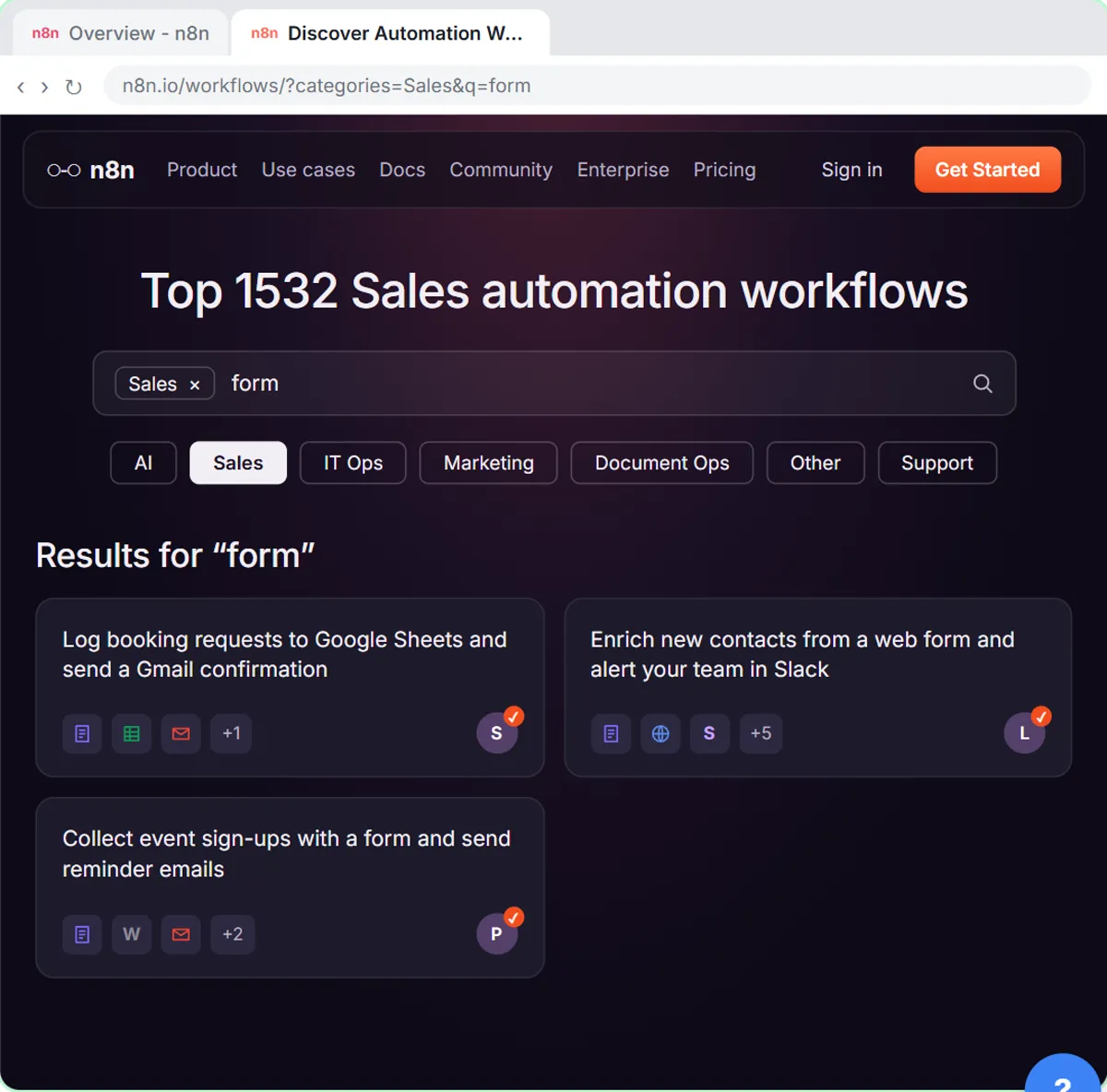
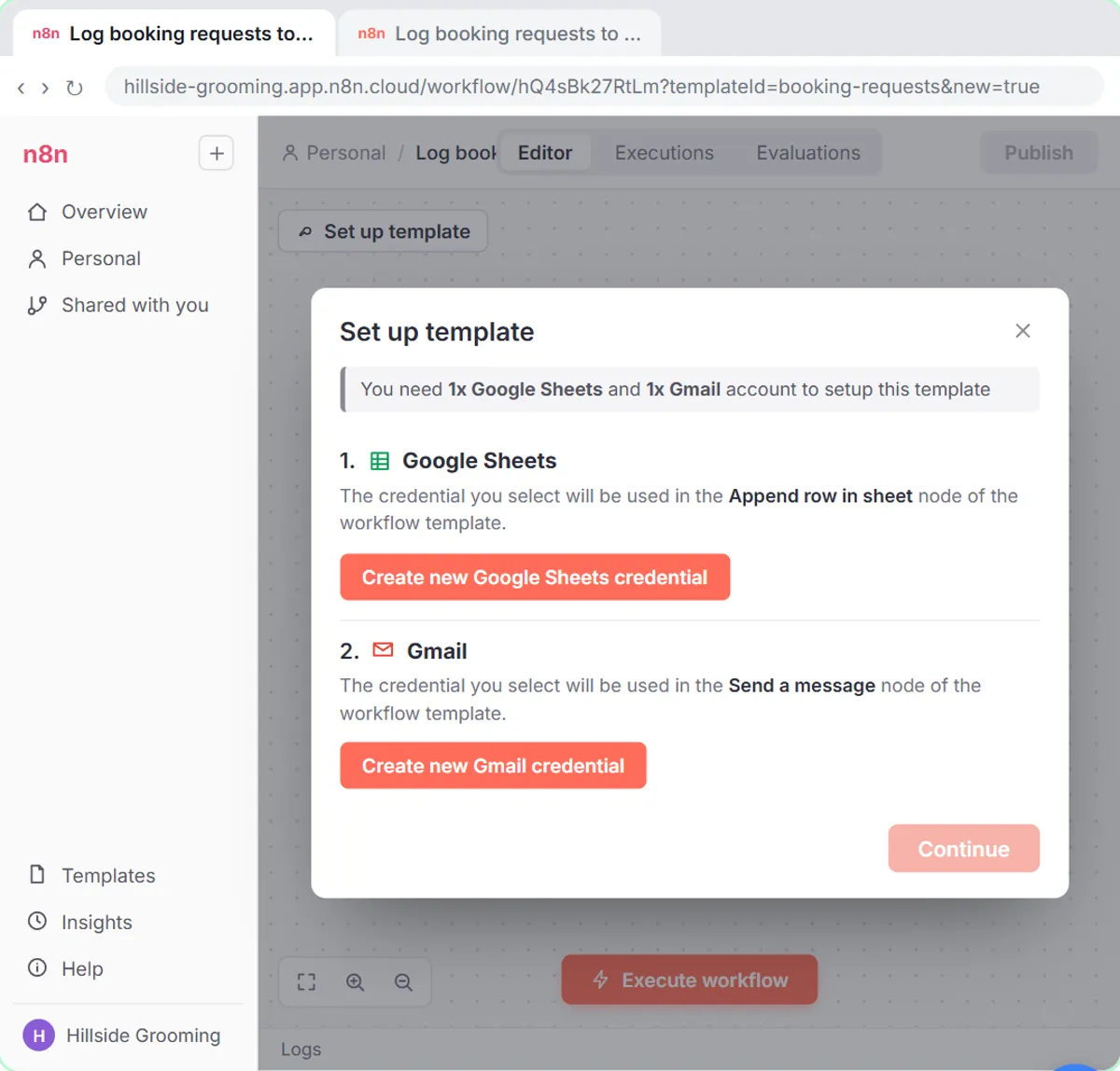
Find and Use n8n Templates. Skip the blank canvas. Find a ready-made workflow in the n8n template gallery, import it into your workspace, connect Google Sheets and Gmail, test it with a real form entry and publish it. You do every step yourself in a practice copy of n8n, it checks your work as you go, and “Do it for me” finishes any step you get stuck on. Free, and nothing touches your real accounts.
Start the free lessonHow does the confirmation get sent to the right address?
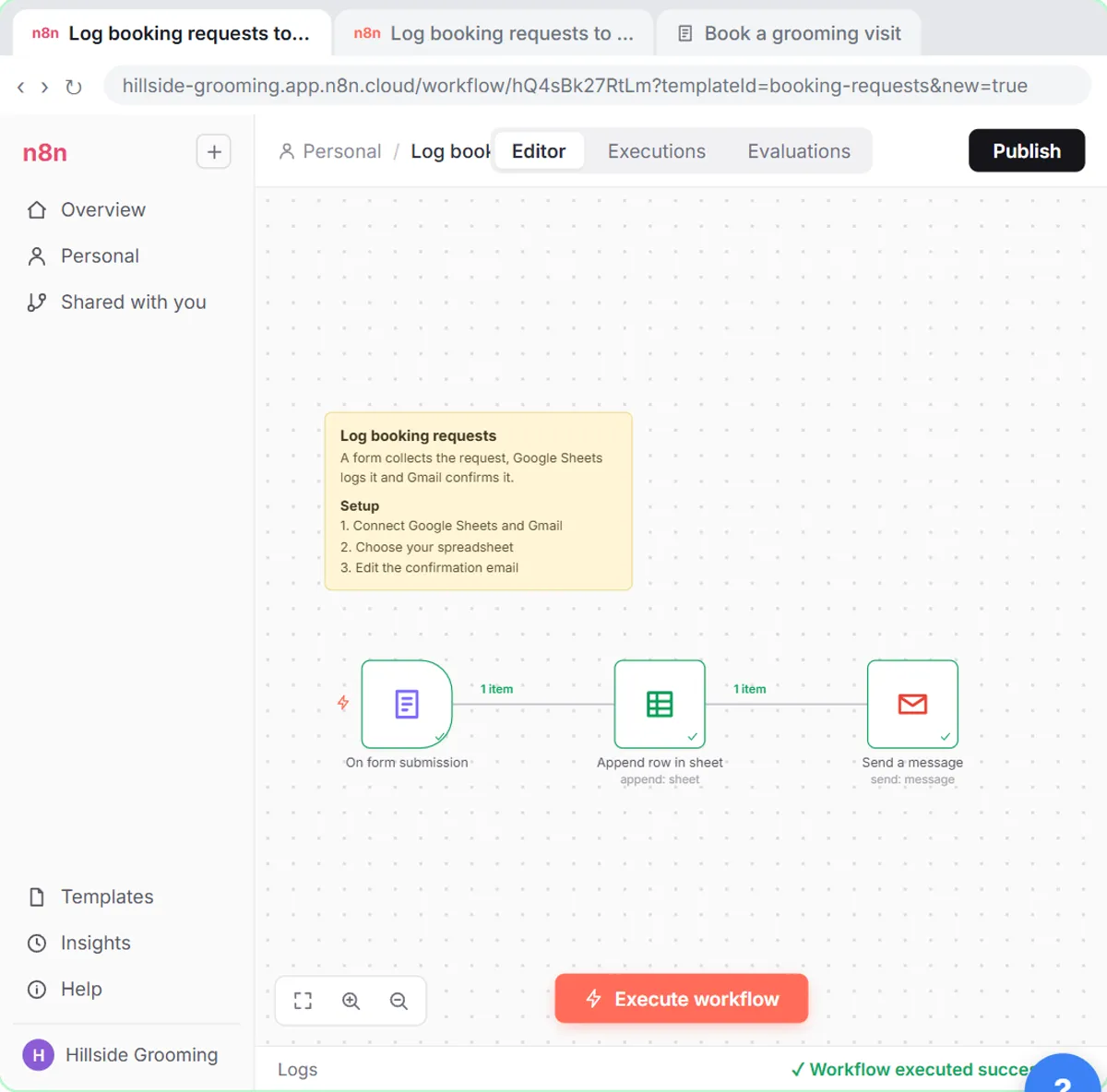
The email goes to the address the person typed into the form. In the template lesson, the Send a message step already sends to the email address from the form, so you only rewrite the message.
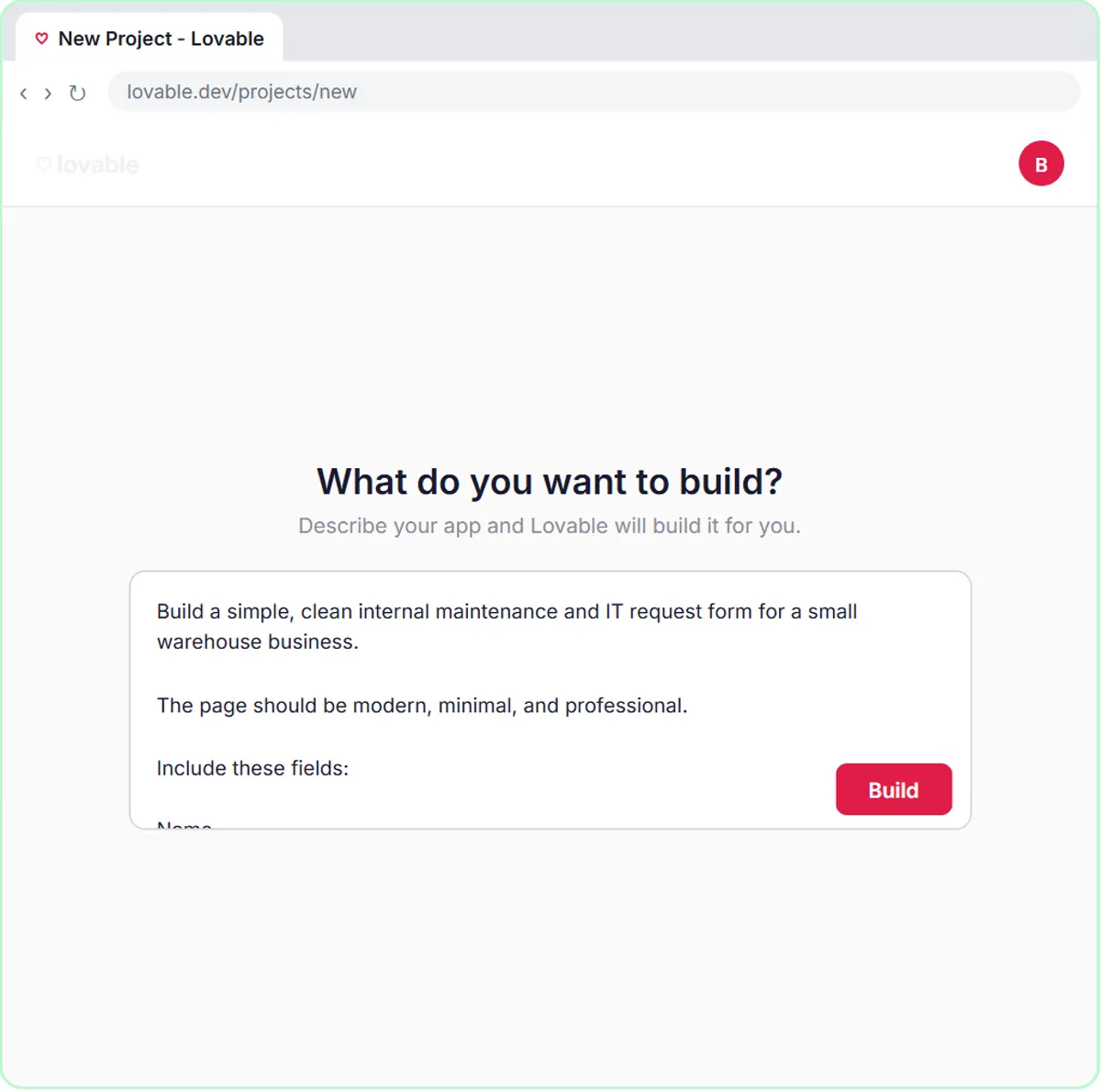
In the Lovable lessons, the form sends its fields to n8n as JSON with an email key, and the AI Agent's prompt includes Email: {{ $json.body.email }}, so the agent knows who to write to. That's why every Lovable form prompt in the lessons says "Validate the email format": a typo in that field means the confirmation goes nowhere.
How do the form and the email work together?
The form's on-screen message and the email should say the same thing, so the person isn't confused. The Lovable lessons write the on-screen message into the form prompt:
- HVAC: "Request received! Check your email for a confirmation."
- Operations: "Request received! Check your email for the priority."
- Plumbing: "Request received! Check your email for next steps."
Those messages only appear after the n8n workflow finishes, because the Webhook's Respond setting is Using 'Respond to Webhook' Node and a Respond to Webhook node comes after the agent. If something fails, the person sees a friendly error instead, like "Something went wrong. Please call the office." n8n Webhook Test URL vs Production URL explains that setting.
How do you test an automatic confirmation email?
Submit the form yourself with your own email address and read the email that arrives. The template lesson says it directly: in the real thing, use your own address so you get the confirmation.
Test these before you publish:
- A normal request. Check the name, the detail and the next step.
- A request that should change the email, like an emergency for the HVAC form or a safety issue for the operations form. Check the job type or priority is right.
- Odd input, like a very short request or a name in all lowercase.
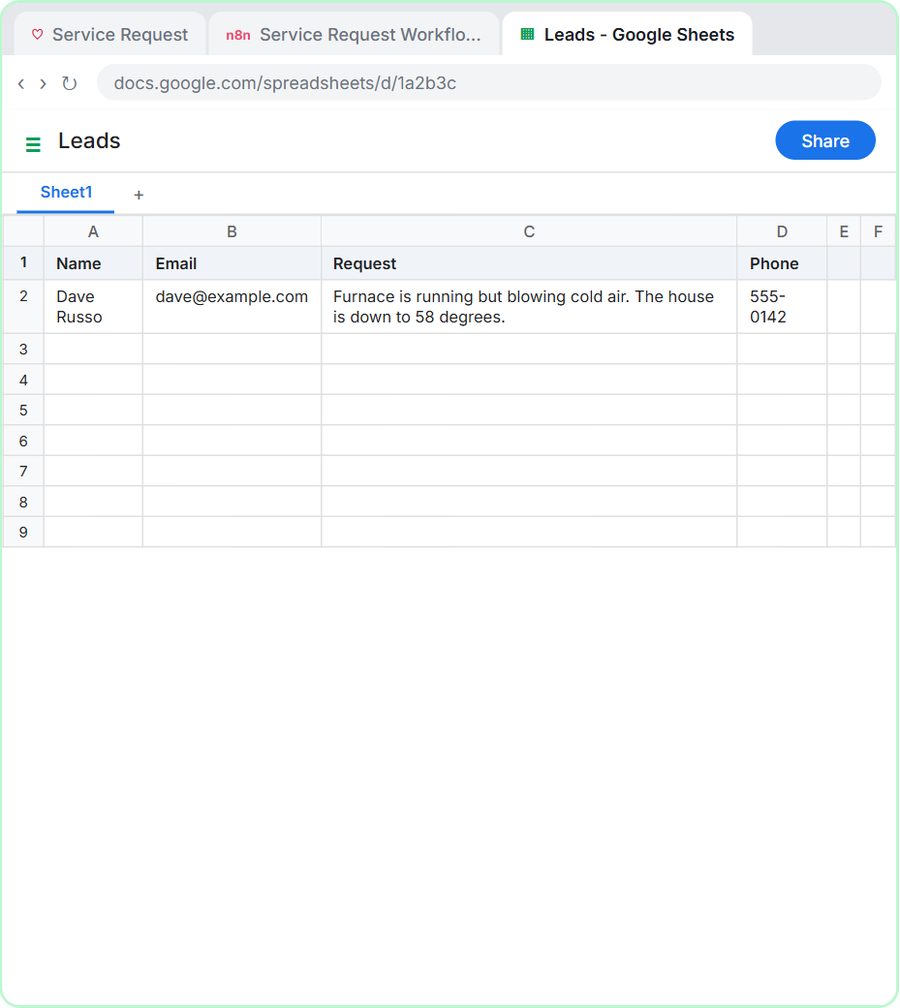
- The sheet row, to confirm the request was logged as well as confirmed.
Then click Publish in n8n. For the template, every step should show a green check after the test run.
What should a confirmation email never promise?
A confirmation should never promise a price, an exact arrival time or an approval the business hasn't made. Keep to what's true the moment the form arrives.
- No prices unless your system message gives exact ones.
- No arrival times. "We'll call to schedule" is safer than "a tech will be there by 3."
- No decisions a person hasn't made. The reimbursement lesson's agent tags amounts of $100 or more as "Needs manager OK" rather than approving them.
For emergency wording in HVAC and plumbing confirmations, see Emergency Instructions in AI Customer Emails. To compare the template and Lovable routes side by side, see Website Form to Google Sheets: Two Ways with n8n.
All the lessons are free and run in practice copies. A real build needs n8n (n8n Cloud is paid after a free trial, or self-host it) and a Google account; the Lovable versions also need Lovable (free and paid plans) and an OpenAI API key, which is pay-as-you-go and billed separately from ChatGPT plans. More lessons are under operations and HVAC.
Key takeaways
- An automatic confirmation email should thank the person by name, repeat their request and say what happens next and when.
- The n8n template's confirmation is fixed text with the name and pet name filled in, plus a call within one business day.
- AI-written confirmations can include request-specific details, like the HVAC job type or the operations priority and team.
- The confirmation goes to the email address from the form, so the form should validate the email format.
- Test with your own email address before publishing, and never let a confirmation promise prices, arrival times or approvals.
Frequently asked questions
- How do I send an automatic confirmation email after a form submission?
Connect the form to an n8n workflow with a Gmail step. The n8n template in the lesson logs each request to Google Sheets and sends a confirmation to the address from the form.
- Should I use AI to write confirmation emails?
Only if the email depends on the request, like a priority or job type. For a simple "we got it," fixed text with a few details filled in is cheaper and more predictable.
- What should the confirmation email subject line be?
Something plain that names the request, like your business name and "We got your request." Avoid anything that looks like marketing.
- Are Hillside, Cedar Ridge and Ridgeline real businesses?
No. Hillside Pet Grooming, Cedar Ridge Heating & Air and Ridgeline Supply Co. are made-up examples used in the lessons.