What is an autoresponder?
Updated · By Robert Breen
An autoresponder is an email that goes out automatically the moment someone does something, such as submitting a form, booking a time or signing up for a guide. It confirms you got their request and tells them what happens next, without anyone in the office lifting a finger.
Why it matters for a small business
When someone fills in your form, the silence that follows is where doubt creeps in. Did it go through? Will anyone call? An instant confirmation answers both and sets an expectation you can meet. It also gives the customer something to reply to and proves their email address works.
A good autoresponder is short and specific: it uses their name, restates what they asked for, and says when and how you'll be in touch. The promise in it has to be one your team can keep every time, because it goes out every time. "We'll call you within one business day" is a commitment, not decoration.
In a real lesson: Find and Use n8n Templates
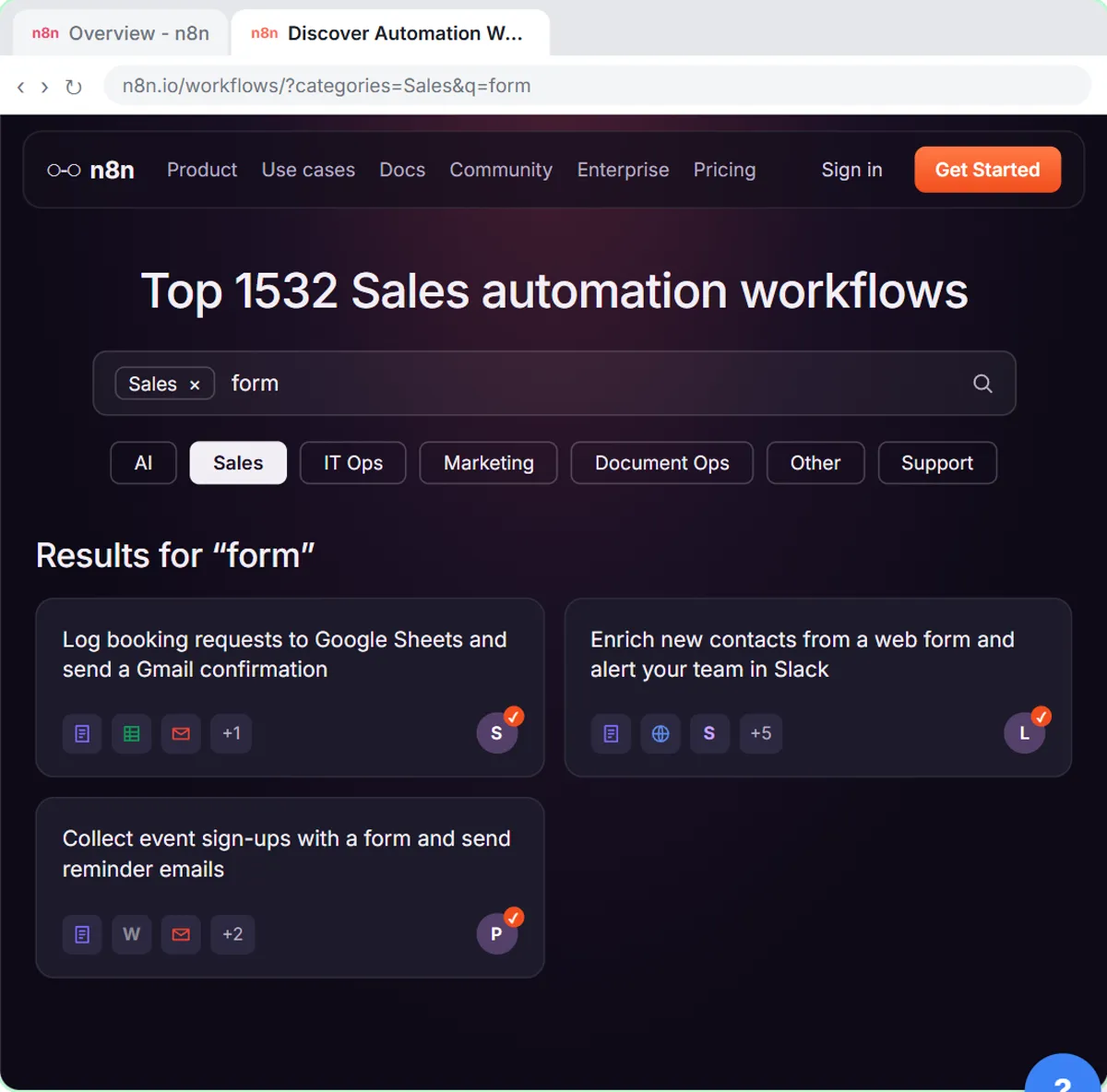
The Find and Use n8n Templates lesson sets one up for Hillside Pet Grooming, a made-up grooming shop. You import the template Log booking requests to Google Sheets and send a Gmail confirmation, connect Google Sheets and Gmail, and point it at the Hillside Booking Requests sheet.
Then you rewrite the confirmation in Hillside's own words. It greets the customer by name, thanks them for reaching out about their pet (named from the form), and says the team will call within one business day to pick a time, signed "The Hillside team". The template already sends it to the email address from the form.
You test with a booking for Jordan Lee and a pet named Biscuit; every step gets a green check, the request lands in the sheet and the confirmation goes out. After you click Publish, it runs for every real booking. The Lovable lessons go one step further: there, an AI agent writes each confirmation, such as Blue Maple Plumbing's, which includes the priority and next steps.
Try this lesson free or read the step-by-step guide.
Common confusions
Autoresponder vs out-of-office reply
An out-of-office reply answers every incoming email while you're away. An autoresponder fires on a specific action, like a form submission, and is part of how you serve customers every day.
Autoresponder vs follow-up email
An autoresponder goes out instantly to confirm. A follow-up email comes later, after a call, a visit or no reply, and moves things forward.
Tips
- Promise only response times your team can meet on its busiest week.
- Include one way to reach a person for urgent issues.
- Send yourself a test and read it on your phone before publishing.
Related terms
Where you use it: free lessons
- Find and Use n8n Templates (n8n, 9 min)
- Build an AI Emergency Request Form for Your Plumbing Company (Lovable and n8n, 15 min)
- Build a Lead Magnet Signup Form with an AI Welcome Email (Lovable and n8n, 15 min)
Frequently asked questions
- What should an autoresponder email say?
- Use the person's name, confirm what they asked for, say when and how you'll respond, and give a way to reach someone if it's urgent. Keep it under a hundred words.
- Should an AI write my autoresponder?
- A fixed template is safest for simple confirmations. An AI-written reply makes sense when the content depends on the request, like the priority of a repair, as long as its instructions limit what it may promise.