A service request form that spots emergencies
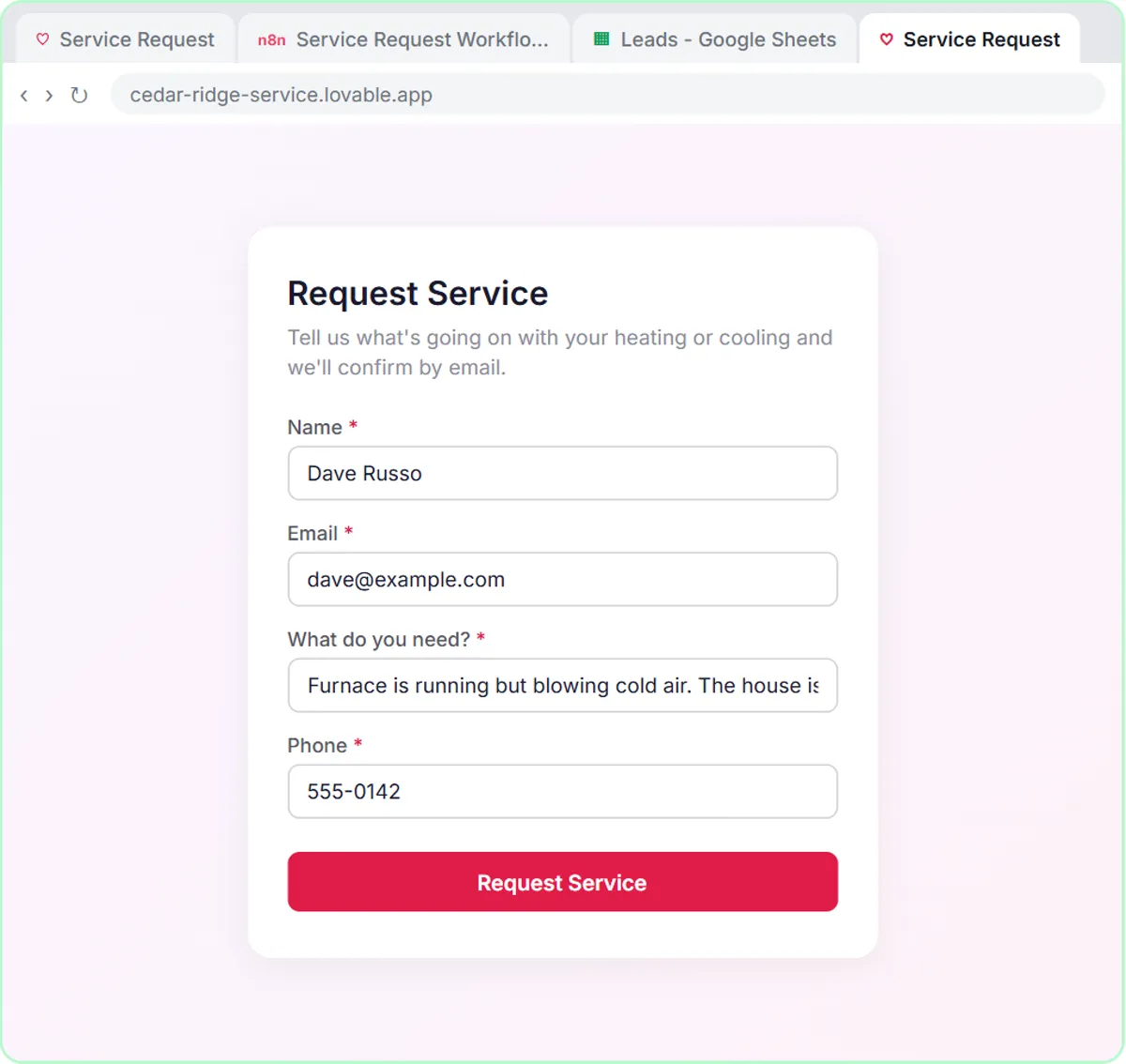
A homeowner's furnace is blowing cold air and the house is at 58 degrees. Your form should know that's an emergency.
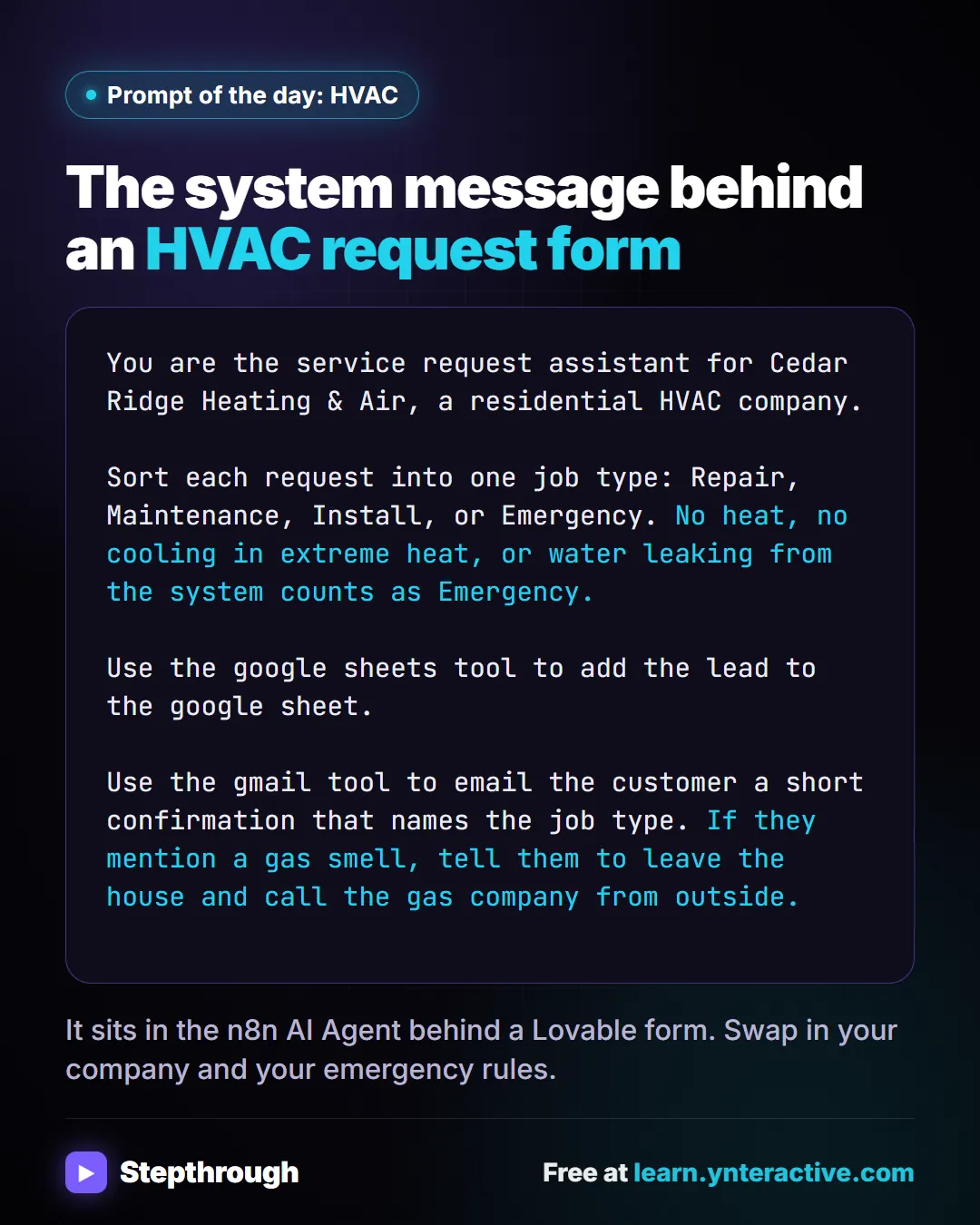
The guide in text
The system message behind an HVAC request form
Copy it into ChatGPT, Claude, Gemini or Copilot and replace every [BLANK] with your own details.
You are the service request assistant for Cedar Ridge Heating & Air, a residential HVAC company.

Sort each request into one job type: Repair, Maintenance, Install, or Emergency. **No heat, no cooling in extreme heat, or water leaking from the system counts as Emergency.**

Use the google sheets tool to add the lead to the google sheet.

Use the gmail tool to email the customer a short confirmation that names the job type. **If they mention a gas smell, tell them to leave the house and call the gas company from outside.**
It sits in the n8n AI Agent behind a Lovable form. Swap in your company and your emergency rules.
Businesses and people in the examples are made up. The steps, screens and wording come from the free lesson and the Stepthrough glossary and prompt library.
Do it yourself, free
Build an AI Service Request Form for Your HVAC Company. Build a service request form in Lovable for Cedar Ridge Heating & Air and connect it to n8n — the AI agent sorts each job into repair, maintenance, install or emergency, saves the lead to Google… You do every step yourself in a practice copy of Lovable and n8n, it checks your work as you go, and “Do it for me” finishes any step you get stuck on. Free, and nothing touches your real accounts.
Start the free lessonRelated terms
Plain-English definitions, each with an example from a free lesson.
Related prompts
- AI agent test messages prompt: Test an AI agent before launch with realistic messages: normal requests, borderline cases, missing details and tricky ones, each…
- "What do I do until you get here?" prompt: Answer an emergency caller with safety first: your approved wording for calling 911 or the utility, what to stay away from, and…
- Lovable web form prompt: Write a Lovable prompt for a web form that posts to n8n: fields, validation, button states, a thank-you message, and a webhook…
- Service appointment confirmation prompt: How to write an appointment confirmation email or text: a free ChatGPT prompt and examples with the day, arrival window, prep…
From the blog
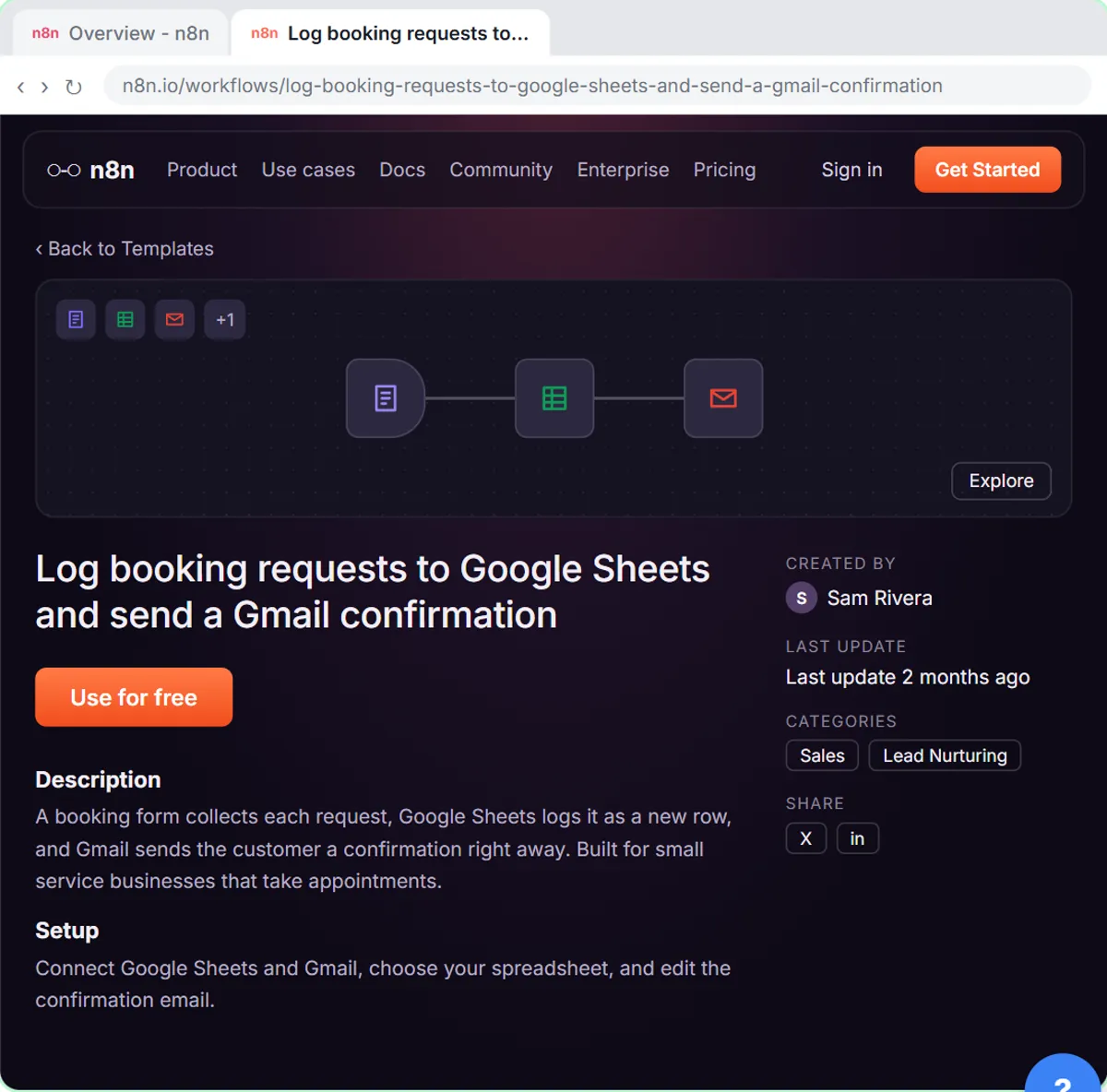 Automatic Confirmation Emails for Form Submissions
What an automatic confirmation email for a form submission should say, fixed vs AI-written confirmations, and how to set one up and test it with n8n.
Oct 28, 2026 6 min read
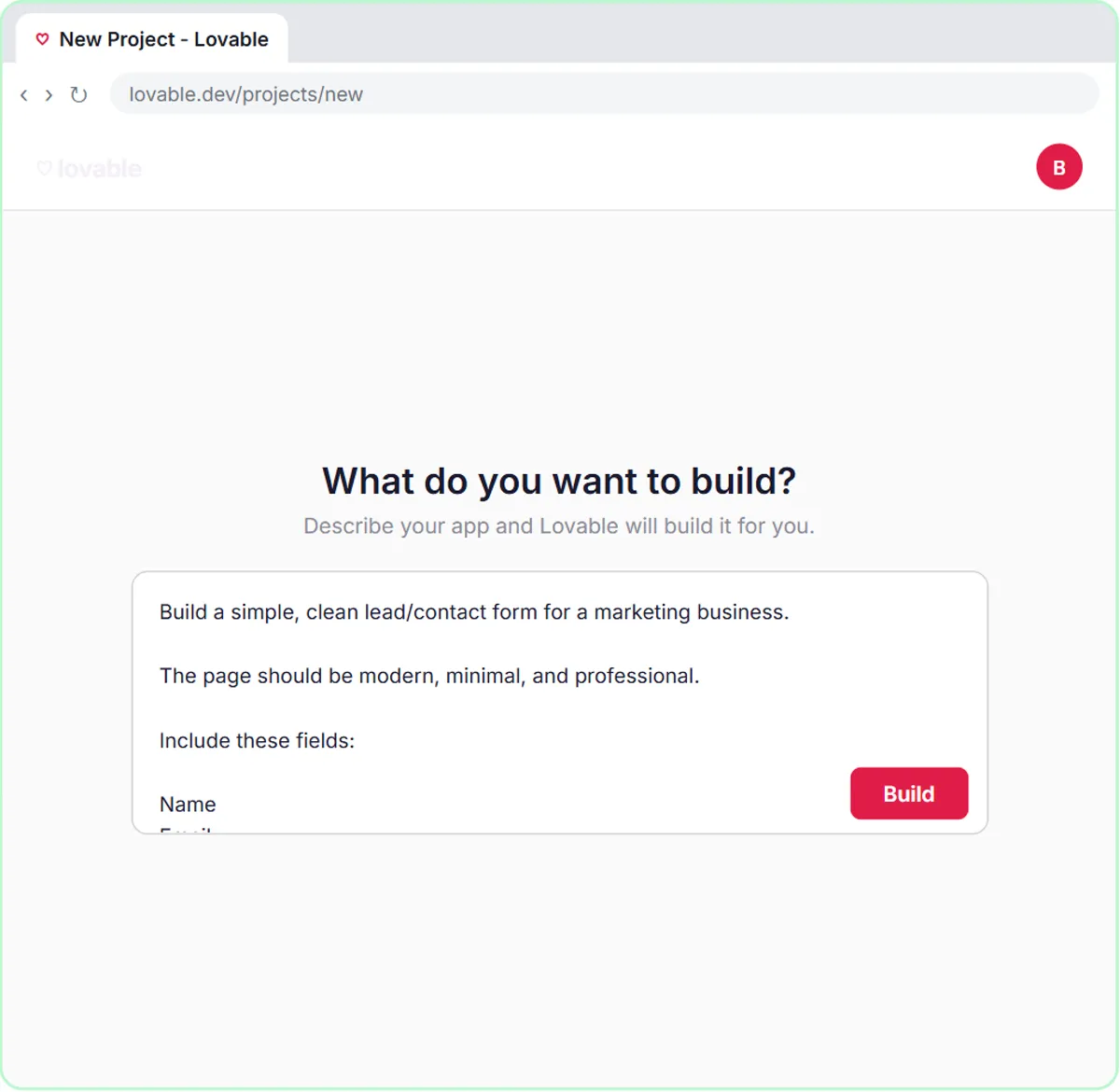 What Is Lovable? Build a Web Form from a Written Prompt
What is Lovable? A plain guide to the tool that builds web apps from a written prompt: how it works, what it's good for, what it costs and where n8n fits.
Oct 1, 2026 6 min read
 AI for Contractors: How to Book More Jobs With AI (Free)
How HVAC, plumbing and electrical contractors can use AI to book more jobs: triage, quotes and follow-ups, with free lessons for each trade.
Oct 1, 2026 6 min read
More visual guides
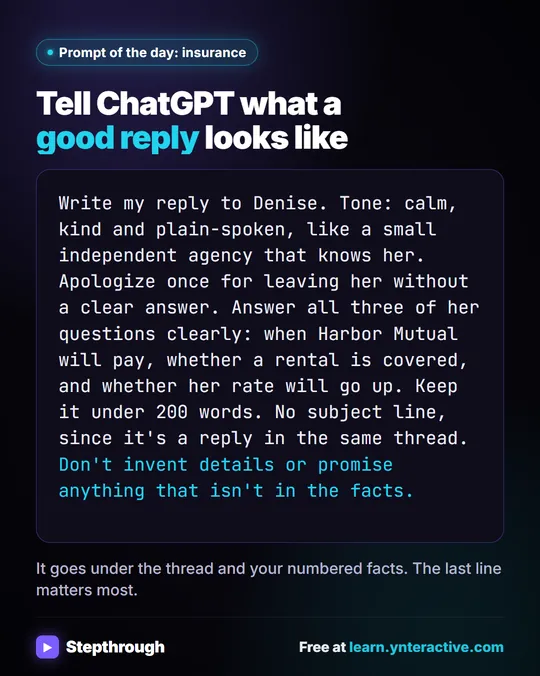 Answer claim-status emails without overpromising
"When will they pay? Is my rental covered? Will my rate go up?" Two of those questions belong to the carrier, not the agency.
Prompt to copy One graphic
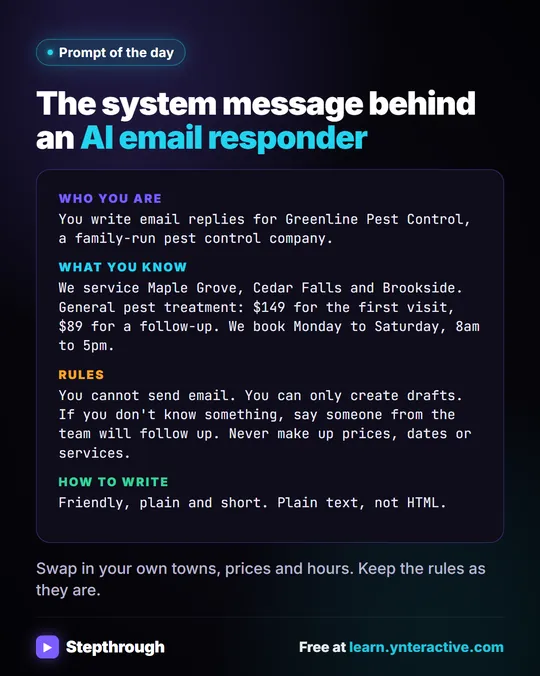 Automate Email Responses with AI: Drafts-Only System Message
Automate email responses with generative AI without auto-sending: the system message from the AI Email Responder lesson that answers FAQs as drafts.
Prompt to copy One graphic
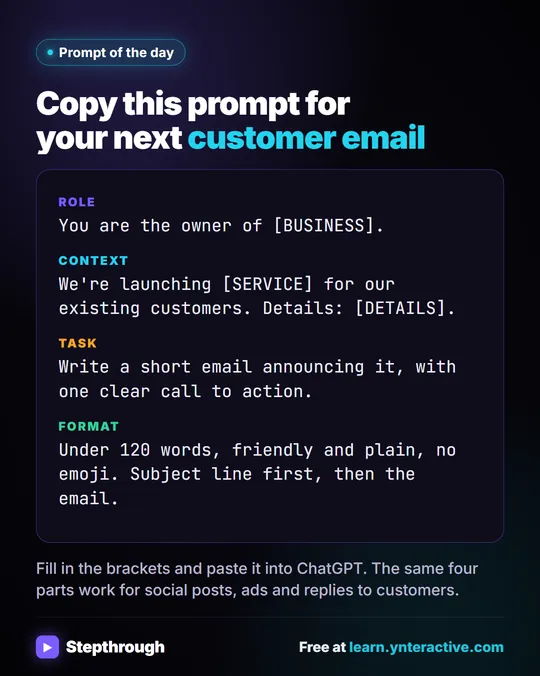 A copy-and-paste ChatGPT prompt for customer emails
Save this one. It's the customer email prompt from Prompt Writing 101. Role: You are the owner of [BUSINESS].
Prompt to copy One graphic